







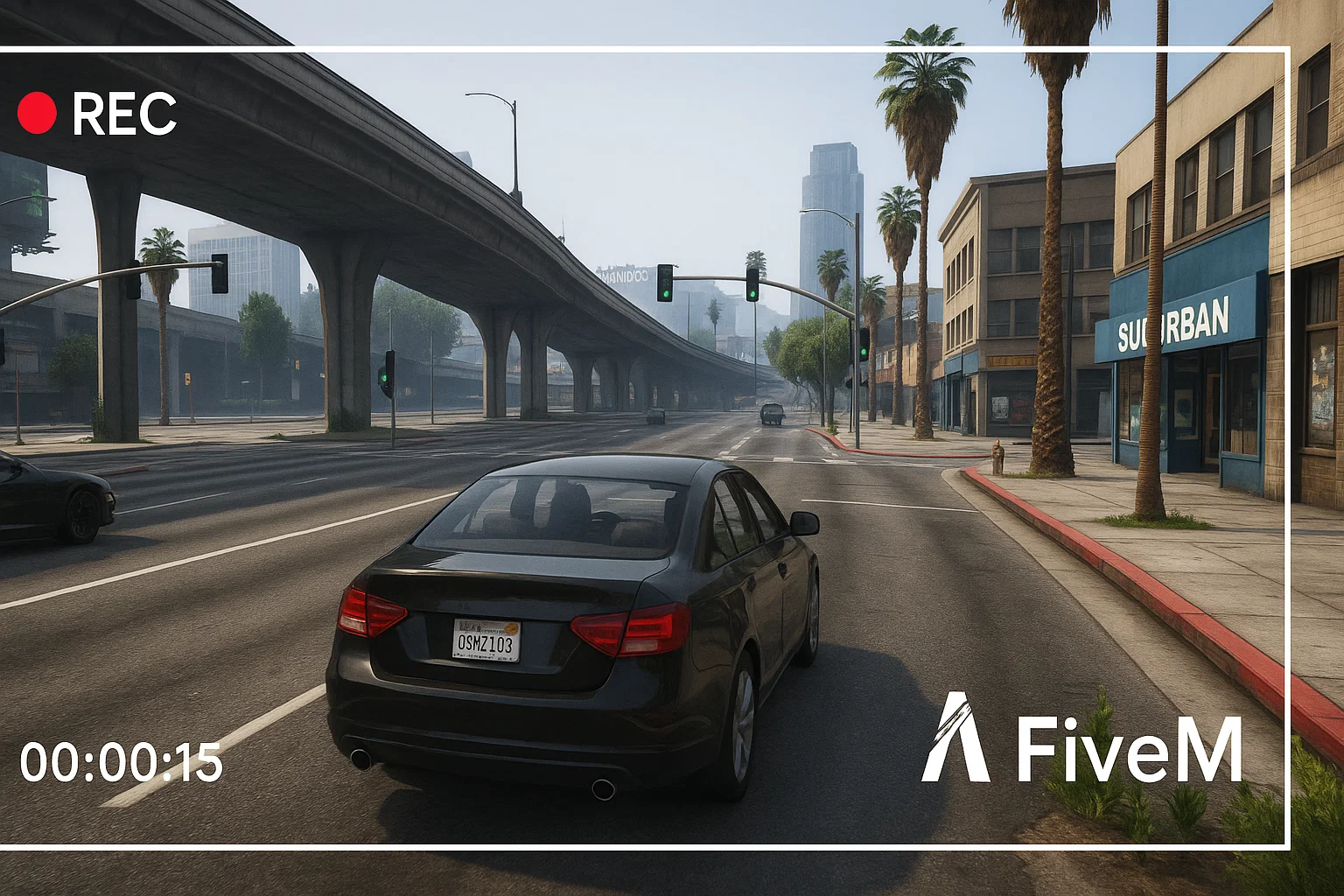
Nagrywanie rozgrywki w FiveM jest przydatne do zgłoszeń pomocy technicznej, raportów personelu, aplikacji na serwer, tworzenia treści i zapisywania najlepszych momentów z roleplay. Najlepsze ustawienia zależą od twojego komputera, ale przepływ pracy jest zazwyczaj taki sam: przechwyć okno FiveM, przetestuj dźwięk gry i mikrofonu, nagraj krótki fragment, a następnie utrzymuj pliki zorganizowane, abyś mógł później znaleźć dowody.
Opcje nagrywania
- OBS Studio: najlepsze, gdy chcesz kontrolować sceny, ścieżki mikrofonu, nakładki, bitrate i format wyjściowy.
- NVIDIA ShadowPlay: przydatne do szybkich fragmentów na obsługiwanych kartach NVIDIA.
- Windows Game Bar: proste do krótkich klipów, gdy nie chcesz konfigurować pełnego zestawu nagrywania.
- Klipy po stronie serwera: przydatne dla systemów personelu, ale nie zastępują lokalnego dźwięku i perspektywy gracza.
Najlepsze ustawienia OBS dla FiveM
Dla większości graczy i zespołów personelu OBS jest najbardziej niezawodną opcją. Użyj przechwytywania gry, jeśli działa poprawnie. Jeśli wyświetla czarny ekran, przetestuj przechwytywanie okna lub przechwytywanie ekranu. Zachowaj jedną scenę do normalnej rozgrywki i jedną scenę do nagrywania dowodów bez dekoracyjnych nakładek. Czyste nagranie jest łatwiejsze do przejrzenia przez personel niż klip z alertami, muzyką i zakrytą minimapą.
Sprawdzanie dźwięku przed długimi sesjami
- Nagraj 20 sekund w cichym miejscu.
- Mów do mikrofonu i aktywuj głos w grze.
- Odtwórz klip i potwierdź, że poziomy gry, głosu i mikrofonu są zrównoważone.
- Sprawdź, czy dźwięk przeglądarki, muzyka lub inne audio z Discord nie przedostają się do klipów z dowodami, jeśli zasady serwera tego zabraniają.
- Potwierdź, że folder nagrywania ma wystarczająco dużo miejsca na dysku.
Nagrywanie do raportów personelu
Jeśli klip jest przeznaczony do moderacji, utrzymuj go nudnym i kompletnym. Pokaż przygotowanie, zdarzenie i jego skutki. Nie usuwaj kontekstu, który zmienia znaczenie raportu. Zapisz czas, nazwę serwera, ID graczy, jeśli widoczne, oraz wszelkie powiązane odniesienia do czatu lub zgłoszenia.
Wskazówki dotyczące wydajności
Nagrywanie może powodować zacinanie się słabego komputera. Jeśli FiveM staje się niestabilny podczas nagrywania, najpierw obniż rozdzielczość lub liczbę klatek na sekundę, a następnie zmniejsz ustawienia graficzne. Jeśli serwer jest już obciążony, porównaj swoje FPS z włączonym i wyłączonym nagrywaniem. Aby debugować wydajność, połącz ten poradnik z poradnikiem FPS dla FiveM I poradnikiem Resmon.
Jeśli dopiero zaczynasz korzystać z klienta, zacznij od jak grać w FiveM przed skonfigurowaniem przepływu pracy nagrywania.
Nazewnictwo plików i przechowywanie
Używaj prostych nazw plików, które zawierają serwer, datę i powód nagrania. Folder pełen plików o nazwie “nagranie 1” jest trudny do późniejszego przejrzenia. W przypadku zespołów pracowniczych przechowuj nagrania raportów oddzielnie od nagrań marketingowych i usuwaj stare materiały, gdy nie są już potrzebne do zgłoszenia lub odwołania.
Prywatność i zasady serwera
Niektóre społeczności ograniczają miejsca, w których można publikować nagrania, zwłaszcza gdy zawierają czat głosowy, prywatne audio Discord lub informacje tylko dla personelu. Przed przesłaniem publicznego montażu lub wideo raportu sprawdź zasady serwera. W przypadku dowodów dla personelu udostępnij najmniejsze przydatne nagranie odpowiedniemu zespołowi, zamiast publikować surowe nagrania publicznie.
Rozwiązywanie problemów z czarnym ekranem
Jeśli OBS przechwytuje czarny ekran, przetestuj kolejno przechwytywanie gry, przechwytywanie okna i przechwytywanie ekranu. Uruchom OBS z normalnymi uprawnieniami, a następnie sprawdź nakładki, wybór GPU oraz tryby pełnoekranowe/okienne. Nie zmieniaj wszystkich ustawień naraz; wprowadź jedną zmianę, nagraj krótką próbkę i odtwórz ją.
Proste ustawienia podstawowe
Zacznij od stabilnej podstawy, zanim zaczniesz gonić za idealną jakością. Nagrywaj w rozdzielczości, w której faktycznie grasz, używaj liczby klatek na sekundę, którą twój komputer może utrzymać, i unikaj ciężkich nakładek podczas testowania. Jeśli twoje nagranie jest dowodem dla personelu, przejrzystość jest ważniejsza niż kinowe kolory. Jeśli twoje nagranie jest na YouTube lub TikTok, utwórz osobną scenę do tego celu.
Co uwzględnić w nagraniach dowodowych
Przydatny dowód zwykle pokazuje nazwę gracza lub ID, lokalizację, wydarzenie przed incydentem oraz wynik po nim. Pięciosekundowe nagranie może nie zawierać kontekstu. Dziesięciominutowe surowe nagranie może być zbyt wolne do przejrzenia. Przytnij tylko tyle, aby problem był zrozumiały, i zachowaj oryginalny plik do czasu rozpatrzenia zgłoszenia.
W przypadku treści twórców utwórz osobny profil nagrywania z muzyką, nakładkami i wyższą jakością wizualną. Do pracy personelu zachowaj profil prosty. Mieszanie obu celów w jednej scenie zwykle daje nagrania gorsze dla obu odbiorców.
Oznacz te profile wyraźnie.