FiveM emotes are easier to use when your most common animations are bound to keys. This guide shows the safe console commands for binding, changing, and removing emote shortcuts without breaking your normal movement or vehicle controls.
Step 1: Open the Emote Menu
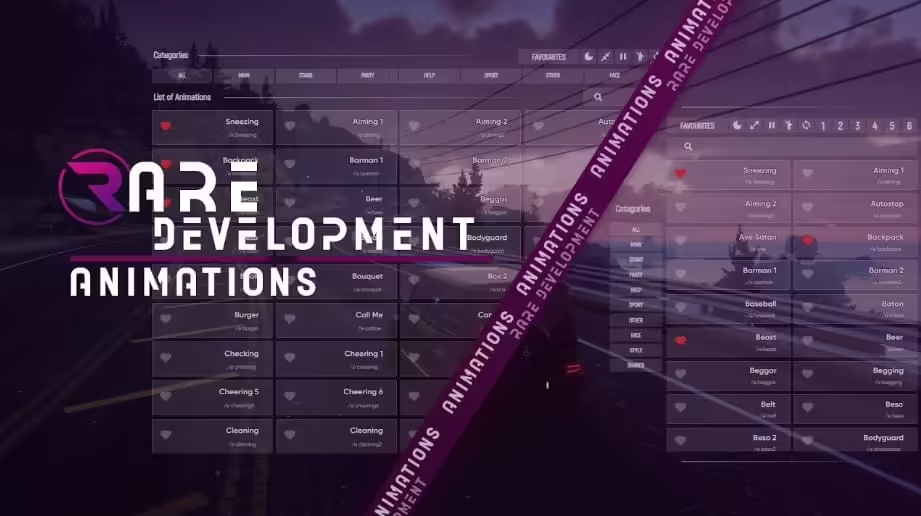
The key that opens the emote menu depends on the server. Common options are TAB, F3, F5, or a custom key set by the server owner.
Open the menu, find the emote you want, and note the exact command. Many servers use commands such as:
e whistle
If your server uses a different emote resource, the command may be different. Use the command shown in that server's emote menu.
Step 2: Bind Your First Emote
Press F8 to open the FiveM client console. Then run a bind command like this:
/bind keyboard numpad0 e whistle
That command has three parts:
keyboardtells FiveM that this is a keyboard bind.numpad0is the key you are assigning.e whistleis the emote command that will run when you press the key.
Press Enter, close the console with F8, and test the key in-game.
Step 3: Bind Multiple Emotes
You can bind another key the same way:
/bind keyboard numpad1 e scared
Some servers also allow chained commands with a semicolon:
/bind keyboard numpad1 e scared; e me
Use chained emotes carefully. They can be useful for quick roleplay reactions, but too many chained actions can look unnatural or conflict with server rules.
Step 4: Remove or Change an Emote Bind
To remove a bind, open the console with F8 and run:
/unbind keyboard numpad1
Replace numpad1 with the key you want to clear. To change a bind, unbind the old key first, then add the new command.
How to View Current Keybinds
Open the FiveM console and type:
bind
FiveM will list your current keybinds. Scroll through the list and look for the keyboard keys you assigned.
Additional Tips for a Seamless Experience
- Keep the number of emote binds small.
- Avoid keys that conflict with voice chat, inventory, radio, or vehicle controls.
- Check server rules before binding spammy or disruptive emotes.
- Ask staff or players which emote resource the server uses if commands do not work.
Conclusion
Binding FiveM emotes to your keyboard makes common roleplay actions faster and more natural. Start with one or two safe keys, test them on your server, and keep your setup clean so it does not interfere with core gameplay.



![Animation & Emote Whell [STANDALONE]](/_next/image?url=https%3A%2F%2Fcdn.fivemx.com%2Ffree-mods%2Fanimation-emote-whell-standalone%2Fimages%2F2026%2F05%2Fb00d56ed-cc72-451e-99c7-7cd488244685-animation-emote-whell-standalone-featured.webp&w=2048&q=75)