Ir para o conteúdo principal
  • Entrega digital instantânea
  • Atualizações vitalícias em produtos selecionados
  • Aprovado por donos de servidores
FiveMX
Loja
Servidores CompletosPacotesLançamentos
FiveMX

Comece a construir seu servidor hoje.

Recursos FiveM selecionados, entrega instantânea, mods grátis para começar e guias práticos em um marketplace tranquilo.

Navegar na lojasupport@fivemx.com

Loja

  • Loja
  • Mods FiveM
  • Todos os produtos
  • Mods grátis
  • Melhores scripts & mods
  • Scripts FiveM

Frameworks

  • Scripts QBCore
  • Scripts ESX
  • QBox
  • Standalone

Comunidade

  • Blog
  • Suporte
  • Criadores
  • Afiliados

Jurídico

  • Política de privacidade
  • Termos de serviço
  • Política de reembolso
  • Entrega digital
  • Política de cookies
  • Conformidade LGPD/GDPR
  • DMCA
  • Informações legais
  • Política editorial

Templates de Servidor

  • Template de Servidor QBCore
  • Template de Servidor ESX
  • Template de Servidor NoPixel
  • Packs de Servidor
  • Templates Grátis
  • Alternativa ao Tebex
© 2026 FiveMX. Todos os direitos reservados.·FiveMX não é afiliado à Rockstar Games, Take-Two Interactive ou CFX.re. Todas as marcas são propriedade de seus respectivos donos.
DiscordDocs
  1. Início
  2. Blog
  3. Tutorials & Guides
Table of Contents
Framework dependency checkStaff handoff checklistOverview of qbCoreqbcore installation: Step‑by‑Step Guide1\. Prerequisites2\. Download qbCore3\. Transfer qbCore into Resources4\. Configure qbCore5\. Enable qbCore in Server Config6\. Restart the Server7\. Verify the InstallationAdding More ScriptsExample: Adding a Simple JobFrequently Asked QuestionsFinal Thoughts – Your qbcore Installation JourneyPre-launch verificationLaunch acceptance notesOperations notes for server staff

How To Install qbCore on a FiveM Server

Publicado em 5 de fevereiro de 2024·por Lars Miller(Founder & Lead Editor)·Credenciais·8 min de leitura·Atualizado em 18 de maio de 2026
Tutorials & Guides

Easily boost your FiveM server with qbCore, the open‑source framework that simplifies setup, updates, and customization. Follow our friendly step‑by‑step guide and bring immersive role‑play to your co

Share
How To Install qbCore on a FiveM Server

Framework dependency check

Document results.

Also confirm your database resource is online before qb-core starts. A working framework with a missing database connection can still load partially, then fail later when players create characters or receive jobs.

QBCore should start before dependent jobs, inventory bridges, garages, phones, HUDs, banking resources, and admin tools. Keep the dependency order visible in server.cfg and test one dependent script after the core starts. If a resource expects qb-core exports before they exist, move it lower in the file and restart again.

Staff handoff checklist

Before another admin touches this setup, leave a short handoff note with the resource folder name, the exact server.cfg line, the dependency order, and the account used for testing. Also include one expected in-game result, such as a menu opening, a command returning data, or a player spawning with the correct defaults. That makes future support faster because the next person can compare the current behavior with a known-good result instead of guessing from memory.

New to QBCore installation? Check out our for step-by-step instructions covering hosting, database setup, and framework installation.

How To Install qbCore () on a FiveM Server When you’re ready to bring your FiveM roleplay server to life, choosing the right framework is essential. qbCore has become a favorite in the community because it simplifies setup, is continuously updated, and offers a rich library of free scripts to boost immersion. In this guide you’ll find a clear, step‑by‑step path for a smooth qbcore installation.

After the framework is running, use the to choose your first phone, inventory, HUD, banking, garage, jobs, and admin resources without duplicating core systems.

Overview of qbCore

qbCore is a streamlined, open‑source framework built specifically for FiveM. It extends the basic server capabilities with easy‑to‑deploy RP scripts, a modular architecture, and robust admin tools. Whether you’re brand‑new or a seasoned operator, qbCore cuts down on configuration headaches and lets you focus on fun gameplay.

Table of Contents

Framework dependency checkStaff handoff checklistOverview of qbCoreqbcore installation: Step‑by‑Step Guide1\. Prerequisites2\. Download qbCore3\. Transfer qbCore into Resources4\. Configure qbCore5\. Enable qbCore in Server Config6\. Restart the Server7\. Verify the InstallationAdding More ScriptsExample: Adding a Simple JobFrequently Asked QuestionsFinal Thoughts – Your qbcore Installation JourneyPre-launch verificationLaunch acceptance notesOperations notes for server staff

More on This Topic

Turn framework research into a launch-ready script stack

Use this guide to narrow the framework decision, then move into the core commercial hubs for verified scripts, curated bundles, and a faster server launch path.

Framework hub

Move into the QBCore landing page to compare verified scripts, framework fit, and install-ready products built for modern FiveM servers.

Open QBCore hub

QBCore starter

Use a complete QBCore base when the guide points to a new server launch and you want jobs, economy, UI, and admin tooling already connected.

View QBCore template

ESX starter

Compare a full ESX server pack when you need a faster path from setup research to a working roleplay stack.

View ESX server pack

Divulgação: Alguns links abaixo são links de afiliados para produtos FiveMX. Podemos ganhar uma comissão sem custo adicional para você.

Scripts Premium que Você Pode Gostar

Free Scripts You Might Like

Artigos Relacionados

Instale um template de servidor FiveM em 1 a 2 horas: extraia o arquivo, importe o SQL, configure o server.cfg, inicie o txAdmin, valide o loop de jogabilidade. Guia completo em 7 etapas com solução de problemas e checklist de personalização.

June 6, 2026

Se você opera um servidor FiveM, expandir seu catálogo de veículos é uma das maneiras mais rápidas de manter os jogadores engajados.

February 5, 2024

Não sabe se deve escolher um template de servidor QBCore, ESX ou standalone? Use este guia de decisão para escolher o pacote certo do servidor FiveM para sua comunidade RP.

June 9, 2026

qbcore installation: Step‑by‑Step Guide

1. Prerequisites

Before you begin, make sure you have: - A functional FiveM server – use our Quick Start tutorial if you’re missing one. - Basic server administration knowledge – ability to edit config files and restart services. - Access to your server’s `resources/` folder – usually located in the main server directory. - A plain‑text editor such as Notepad++ for editing Lua files. These are the only conditions you need; qbCore itself does not require any special software.

2. Download qbCore

Head over to the official repository on GitHub: `https://github.com/qbcore-framework\`. Click Code → Download ZIP to grab the latest release. Once the download finishes, unzip the folder to a temporary location on your computer. No GitHub account is needed, but signing in can help you stay updated on new releases.

3. Transfer qbCore into Resources

Open your FiveM resources folder. Drag the extracted `qb-core` folder into this directory and leave it untouched – you’ll never open the compressed ZIP again.

4. Configure qbCore

Navigate to `qb-core/qb-core/config.lua`. Right‑click and open it with your favorite editor. Here you’ll: - Set the database: paste your connection string under `Config.Database`. - Adjust server identity: change the `Config.ServerName` and `Config.Webhook` values to match your branding. - Choose modules: toggle sections to enable or disable features like job systems or vehicle shops. Take note of the comments in the file for guidance. After finishing, save and close the file.

5. Enable qbCore in Server Config

Open `server.cfg` located next to `resources/`. Append the following line at the bottom: ``` ensure qb-core ``` This tells FiveM to load the qb-core resource during startup. Save and close the file.

6. Restart the Server

Gracefully restart your FiveM service – either from your hosting control panel or by running `exit` in the command prompt. A clean restart closes open connections, clears memory, and ensures the newly added qb-core resource is fully initialized.

7. Verify the Installation

Connect to your server with the FiveM client. Open the console (F8) and type `qb_` commands; the command list that appears proves qbCore is active. You should also see a “qbCore boot” message in the server log. If everything loads without errors, you’ve successfully completed the qbcore installation.

Adding More Scripts

qbCore’s modular nature means you can drop additional script folders into `resources/` and simply `ensure` them in `server.cfg`. Popular choices include: - jobs – pre‑built job scripts for police, EMS, or criminal careers. - shops – inside‑city stores for weapons, cars, and cosmetics. - vehicles – custom vehicle lists and garage systems. Compare production-ready options on the QBCore scripts hub and test lower-risk ideas with free FiveM mods.

Example: Adding a Simple Job

Download a job script zip, unzip it, move the folder to `resources/`. Add `ensure myjob` to `server.cfg`. Restart, then use `setplayerjob myjob` to test.

Frequently Asked Questions

Q: Is qbcore better than ESX? A: Both frameworks have strong communities. qbCore shines with modern Lua coding style and lighter resource usage, while ESX offers a decades‑old stable base. The decision usually comes down to personal preference and required features. Q: Where can I find free qbcore scripts? A: Visit popular portals like Cfx.re, FiveMX, and Tebex. Search for “qbcore” to find compatible add‑ons. Q: Is qbCore free to use? A: Absolutely. The entire framework is open source under the MIT license, so you can modify and host it without cost.

Final Thoughts – Your qbcore Installation Journey

Completing a qbcore installation opens the door to endless roleplay possibilities. The framework’s straightforward setup, coupled with active community support, lets you focus on building unique experiences rather than wrestling with low‑level server code. By following these steps, you’ve set up a solid foundation that will evolve with your server. As new scripts and updates emerge, you’ll find it easy to augment your environment, keep players engaged, and manage your community effectively. Now it’s time to dive in, explore qbCore’s features, and shape a FiveM server that brings your vision to life. Good luck, and enjoy every moment of the creation process.

Pre-launch verification

Before you consider How To Install qbCore on a FiveM Server complete, run it through a small staging checklist. Start the server with only the required dependencies, confirm the console stays clean, then add the surrounding resources one by one. This catches dependency mistakes earlier than a full production restart where dozens of resources start at the same time.

Use a clean player profile for the final check. A fresh profile reveals missing database defaults, missing inventory items, broken spawn logic, and permission mistakes that older admin accounts often hide. If the feature changes map streaming, vehicles, framework data, or server identity, also test one reconnect and one full server restart. Persistent state is where many FiveM setups fail after appearing correct in the first minute.

Keep the release note short and practical. Include the changed file, the affected resource, the test account used, the expected player-visible result, and the rollback command or file restore path. This is enough for another staff member to understand the change without reading the whole guide again.

Launch acceptance notes

Treat How To Install qbCore on a FiveM Server as a production server change, not as a one-off edit. Before it goes live, one staff member should test the flow with a normal player account while another watches the server console. Record which resource was started, which config file changed, and which dependencies must run before it. If an item, job, command, menu, or marker is not visible to the correct role, the change is not ready for release.

Check the player experience as well as the admin experience. A setup is stable only when joining, spawning, inventory usage, interaction, and disconnects work without new warnings. For performance-related topics, a short test on an empty server is not enough. Run at least one realistic scenario with multiple players, vehicles, or active scripts so you can see whether the behavior changes under load.

Finally, document the decision in your staff Discord or server wiki: what changed, why it changed, which file is affected, and how to roll back. This small note saves time later because support staff do not have to guess which version is live or which dependency should be checked first.

Operations notes for server staff

After implementation, write down which decision you made and which alternative you deliberately skipped. That matters on a FiveM server because several admins often touch the same resources over time. If a problem appears later, the team needs to know whether the likely cause is a config change, a framework update, a new script, or an external dependency. Record the framework version, the resource name, the file that changed, and the date of the change.

Plan a short follow-up test after the first real play session. Many problems only appear when several players spawn vehicles, open menus, change jobs, trigger inventory metadata, or synchronize Discord roles at the same time. Collect feedback in a structured way: what action the player took, which error appeared, which role or job they had, and whether the problem survived a reconnect. That turns scattered complaints into a useful pattern that developers can actually reproduce.

If the topic touches gameplay balance, do not treat technical success as the only success condition. A feature can be technically correct while still causing support load, unfair payouts, confusing menus, or avoidable staff interventions. Review the first logs, compare the behavior against your rules, and adjust the configuration before players build habits around a broken value.

Complete server path

Compare full server packs

If the article is part of a launch plan, start with full server packs that reduce setup time and connect multiple systems faster.

Open full server packs
complete FiveM server setup guide
QBCore Server Pack
Best QBCore Scripts 2026 stack guide
Top 5 Modelos de Servidor FiveM 2026 — Pacotes Prontos para Servidor
Como criar um servidor FiveM gratuitamente em 2026 — Guia honesto
Como Criar um Servidor FiveM em 2026 — Caminhos Gratuito, por Template e Manual
Estratégias de Backup para Servidores FiveM: MySQL e Recursos Automatizados
Melhores pacotes de servidor FiveM pré-configurados
Browse QBCore-ready scripts
Start from a QBCore full server
Review the Super ESX Server pack
qbCore VIP-Phone

qbCore VIP-Phone

$33.00
QBCore Super Server Base for FiveM

QBCore Super Server Base for FiveM

$250.00
QBCore Framework Server (QB v4)

QBCore Framework Server (QB v4)

$241.65
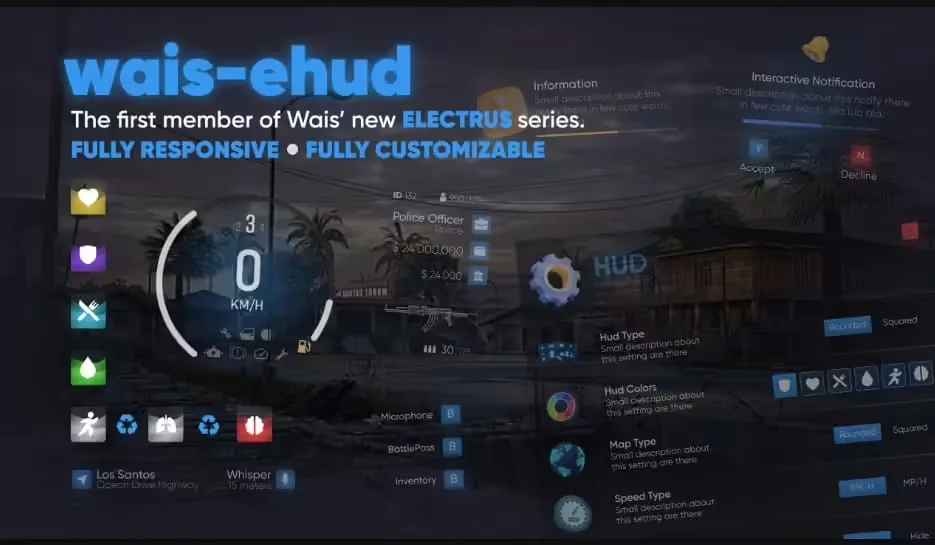
wais eHUD (qbCore)

wais eHUD (qbCore)

$30.99
Unconscious System

Unconscious System

0 downloads
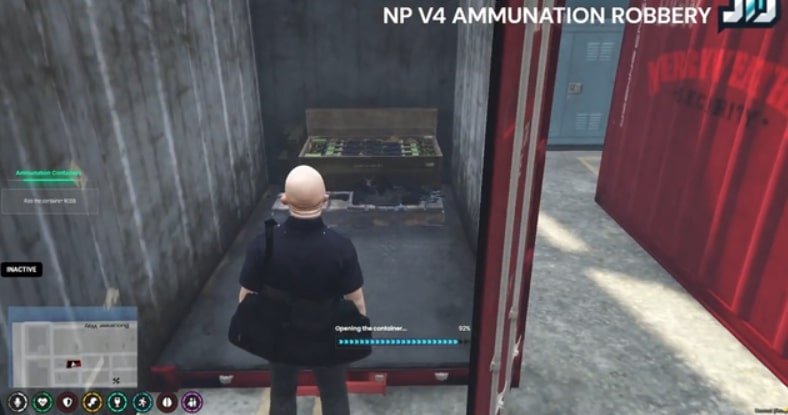
Ammunation Robbery Heist (NP4 Inspired)

Ammunation Robbery Heist (NP4 Inspired)

0 downloads
QBCore Advanced Job Center System

QBCore Advanced Job Center System

2 downloads
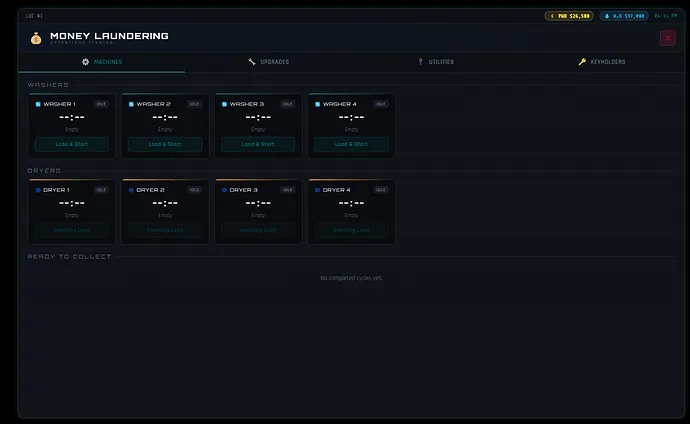
Andre Development - Moneywash

Andre Development - Moneywash

5 downloads
Como Instalar um Template de Servidor FiveM (2026) — Guia Passo a Passo
Instalar carros addon em um servidor FiveM: passo a passo
Qual Pacote de Servidor FiveM se Adequa à Sua Comunidade de RP?

Sem tempo para configurar tudo você mesmo?

Comece com um pacote de servidor FiveM pré-construído e testado. Otimizado para frameworks, todos os scripts pré-instalados.

Super ESX Server
esxstandalone

Super ESX Server

The Super ESX Server is one of the best FiveM server templates - over 1.000 purchases! Want to know why we call it our Super Server? Check out our video to find out some of the basics details of the world. Update 10 is included, make sure to install v7 first and then use content of v10 yo

$228.32
ESX Server Base (by RibSosay)
esxstandalone

ESX Server Base (by RibSosay)

Prebuilt FiveM server with ESX framework GUARANTEE : We offer a guarantee ensuring compatibility with your setup.

$53.99
Ver todos os pacotes de servidor