



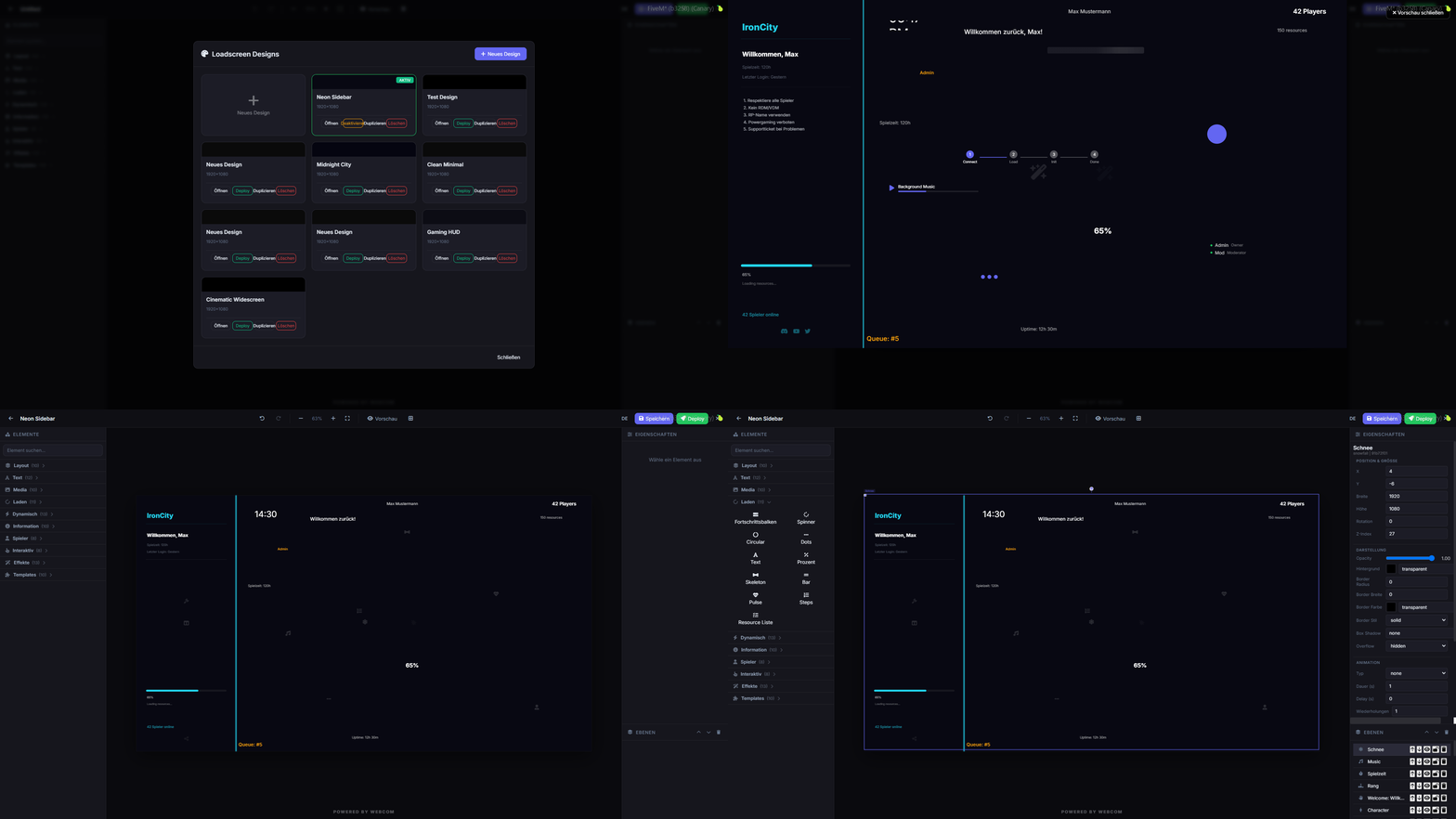
Customize your FiveM loading screens with an in-game editor and media manager.
Pré-visualização
Visão geral
webcom Loadscreen offers a robust in-game solution for designing and managing your FiveM loading screens. Eliminate the need for external tools and streamline your customization process.
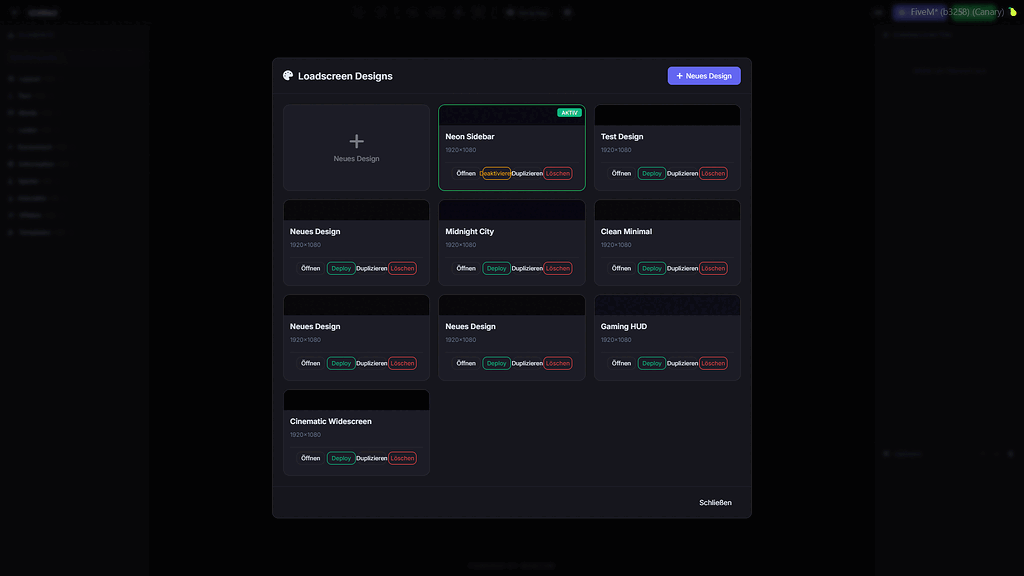
This script allows for real-time deployment and deactivation of custom loading screen designs directly from within the game. It also features a built-in media manager for easy audio and video uploads.
Principais características
- In-game loadscreen editor accessible via command.
- Store loadscreen designs in a database.
- Deploy and deactivate designs instantly.
- Integrated media manager for audio and video.
- Supports collaborative editing for multiple users.
- Automatic SQL table creation, no manual setup needed.
Requisitos e Compatibilidade
- Flexible permission system, usable standalone or with dashboard integration.
- Configurable for simple standalone permissions.
- Fully functional in standalone mode.
Instalação
- Baixe o recurso através do botão de download revisado.
- Revise os arquivos incluídos e as notas de configuração.
- Extraia o recurso e coloque-o na pasta de recursos do servidor FiveM correta.
- Adicione o recurso ao arquivo server.cfg quando a versão incluir uma pasta de recursos.
- Reinicie e teste em um servidor de teste antes de usá-lo ao vivo.