2 product images available.
izzy HUD v4
Secure Checkout
Cards, Apple Pay, Google Pay, iDEAL/Wero, Bancontact, EPS, Przelewy24, and optional Crypto where available via Stripe.
Requires a FiveM server, ESX or QBCore, access to server resources, and permission to restart the resource after configuration.
Description
izzy HUD v4 - Advanced Notification & Status System
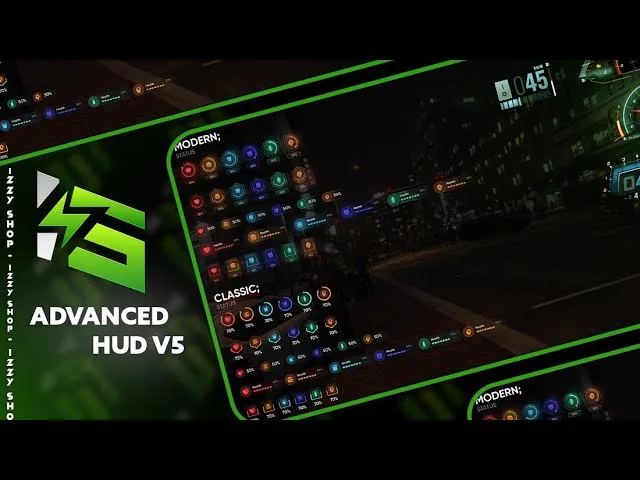
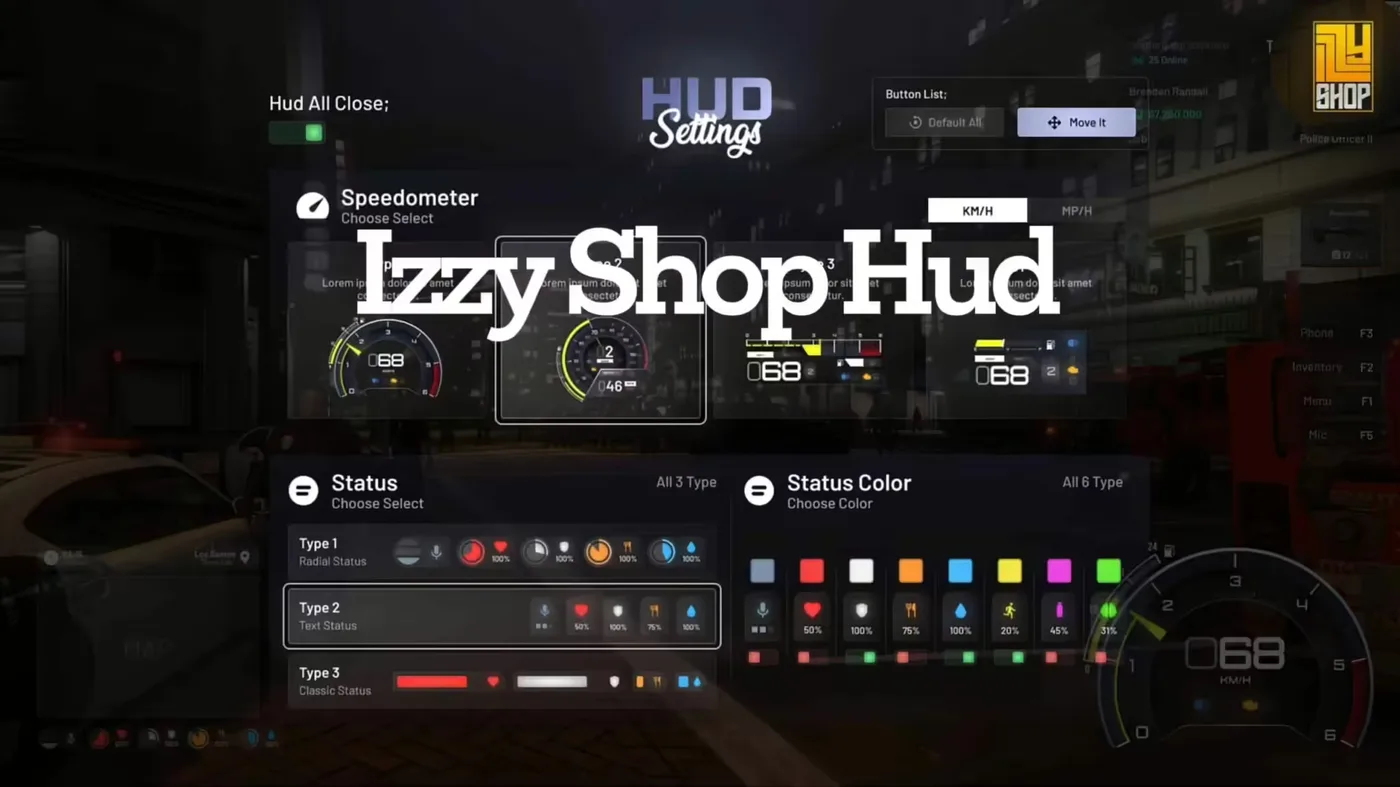
Enhance your FiveM server with izzy HUD v4, a feature-rich heads-up display featuring advanced notifications, stress system integration, and comprehensive player status monitoring. This updated version includes modern notification styling, stress gain/relief mechanics, and customizable status displays designed specifically for QBCore framework, creating an immersive and polished player experience.
Video Preview
Video Preview
https://www.youtube.com/watch?v=PKK7o3iwm68What Makes It Stand Out
- Advanced Notifications - Beautiful, customizable notification system with multiple types
- Stress Mechanics - Built-in stress gain and relief system for enhanced roleplay
- QBCore Integration - Designed specifically for QBCore framework compatibility
- Custom Events - Easy-to-use client events for stress management
- Modern UI Design - Clean, professional interface with smooth animations
- Notification Types - Success, error, and inform notification categories
- Configurable Duration - Adjustable notification display times
Notification System
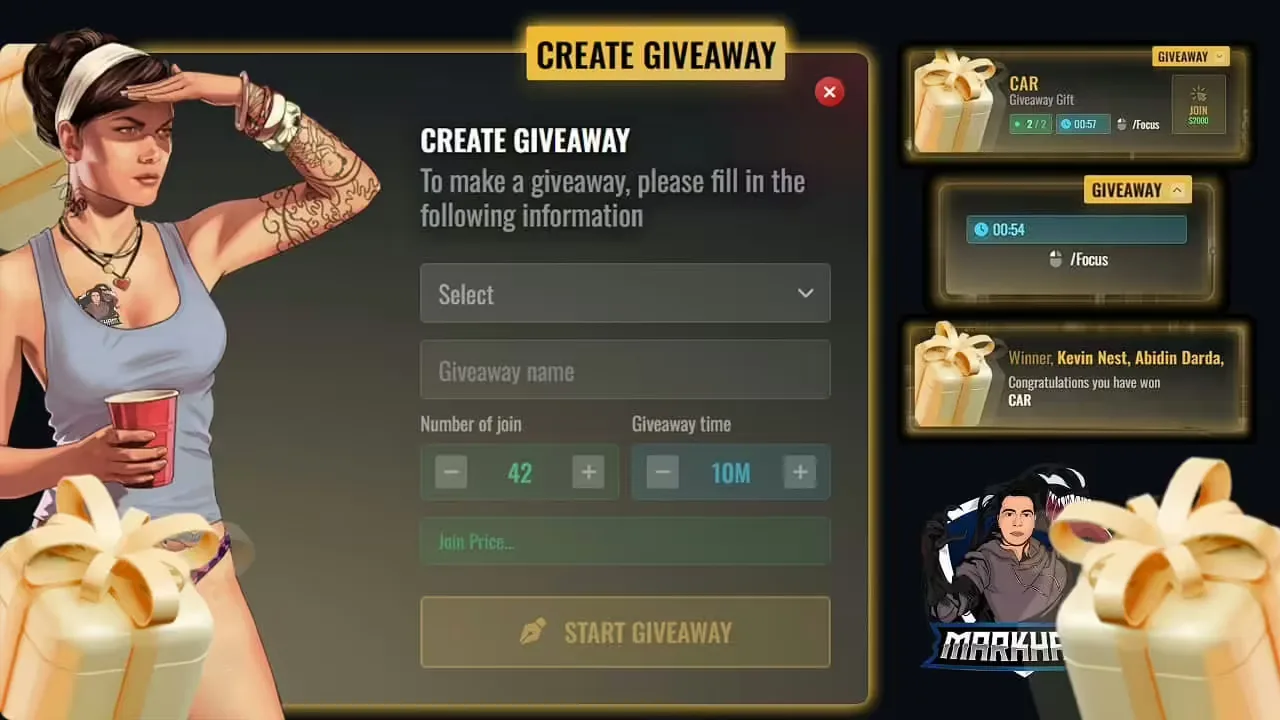
izzy HUD v4 replaces default QBCore notifications with a sophisticated system supporting three notification types: success (green), error (red), and inform (blue). Each notification can include a title/caption and detailed message text, creating clear communication with players. The system automatically manages notification queuing, stacking, and fading for optimal visual presentation.
Implementation Guide
Readme
# Notification

function QBCore.Functions.Notify(text, texttype, length)
    texttype = texttype == success and success or texttype == error and error or inform
    length = length or 5000
    if type(text) == 'table' then
        local ttext = text.text or 'Placeholder'
        local caption = text.caption or 'Placeholder'
        exports['izzy-hudv4']:addNotification(type, caption, length)
    else
        exports['izzy-hudv4']:addNotification(type, caption, length)
    end
end

# Stress Events (client side)

TriggerEvent(izzy-hudv4:client:gainStress, math.random(1, 3))
TriggerEvent(izzy-hudv4:client:relieveStress, math.random(1, 3))
Notification Features
- Success Notifications - Green-themed alerts for positive outcomes and completed actions
- Error Notifications - Red-themed warnings for failures and prohibited actions
- Inform Notifications - Blue-themed general information messages
- Caption System - Optional title text for categorizing notifications
- Message Text - Detailed description of the notification
- Duration Control - Customizable display time per notification (default 5000ms)
- Smart Queuing - Automatic management of multiple notifications
- Smooth Animations - Fade in/out effects for professional appearance
Stress System
The built-in stress mechanics add psychological realism to roleplay scenarios. Players gain stress during intense situations like gunfights, car chases, or criminal activities. Stress can be relieved through rest, medication, or calming activities. High stress levels can affect gameplay, creating consequences for intense actions.
Stress Mechanics
- Gain Stress Event - `TriggerEvent(izzy-hudv4:client:gainStress, amount)`
- Relieve Stress Event - `TriggerEvent(izzy-hudv4:client:relieveStress, amount)`
- Dynamic Values - Stress changes based on situation intensity
- Visual Feedback - Screen effects and indicators at high stress levels
- Gradual Recovery - Stress naturally decreases over time when calm
- Activity Integration - Connect stress to various in-game activities
Perfect For
- QBCore servers wanting advanced notification systems
- Roleplay communities emphasizing psychological realism
- Servers with combat and high-stress scenarios
- Communities replacing default QBCore notifications
- Servers wanting professional UI polish
Usage Examples
Basic Notification:
QBCore.Functions.Notify(Action completed successfully, success, 5000)
Notification with Caption:
QBCore.Functions.Notify({
    text = You received $5000 from the bank,
    caption = Banking System
}, success, 7000)
Gain Stress (Client-Side):
TriggerEvent(izzy-hudv4:client:gainStress, math.random(1, 3))
Relieve Stress (Client-Side):
TriggerEvent(izzy-hudv4:client:relieveStress, math.random(1, 3))
Stress Implementation
Stress events can be triggered in various scenarios:
- Gunfights - Gain stress when shooting or being shot at
- Car Chases - Stress increases during high-speed pursuits
- Criminal Activities - Robberies and illegal actions cause stress
- Near-Death - Low health situations trigger stress gain
- Medical Treatment - Receiving medical care relieves stress
- Smoking/Drinking - Consumables can reduce stress levels
- Safe Zones - Resting in homes or safe areas gradually reduces stress
Customization Options
- Notification Position - Adjust screen placement of notifications
- Color Schemes - Customize notification type colors
- Duration Settings - Set default and maximum notification times
- Stress Thresholds - Configure stress level effects and warnings
- Visual Effects - Adjust stress-related screen effects
- Sound Effects - Optional notification sounds
Technical Specifications
- Performance - Optimized for minimal resource usage
- Framework - Built specifically for QBCore
- Client-Side - Stress events run client-side for performance
- Server Integration - Notifications can be triggered server-side
- Compatibility - Works with QBCore notification-dependent scripts
Installation
- Ensure QBCore framework is installed and updated
- Extract izzy-hudv4 to your resources folder
- Replace QBCore notification function with provided code
- Configure notification and stress settings in config
- Add resource to server.cfg
- Restart server and test notification system
- Implement stress events in relevant scripts (combat, activities, etc.)
Framework Compatibility
- ✅ QBCore Framework - Specifically designed for QBCore servers
- ✅ QB-Core Latest - Compatible with current QBCore versions
Integration with Other Scripts
- Combat Scripts - Add stress to gunfight mechanics
- Police Scripts - Stress during pursuits and arrests
- Medical Scripts - Stress relief through medical treatment
- Drug Scripts - Consumables affecting stress levels
- Housing Scripts - Safe zones for stress recovery
- Job Scripts - Stressful job activities (EMS, police work)
Configuration File
The config allows extensive customization:
- Notification colors for each type
- Default notification duration
- Maximum stress level
- Stress gain/loss rates
- Visual effect intensity at high stress
- Stress recovery rate while calm
- Screen position for notifications
Notification Queue Management
The system intelligently handles multiple simultaneous notifications:
- Automatic stacking of notifications
- FIFO (First In First Out) queue system
- Prevents screen clutter with smart spacing
- Fades old notifications as new ones appear
- Configurable maximum visible notifications
Stress Visual Effects
- Low Stress (0-30%) - No visual effects, normal gameplay
- Medium Stress (31-60%) - Slight screen shake during intense moments
- High Stress (61-90%) - Increased shake, subtle vision distortion
- Critical Stress (91-100%) - Significant effects, possible health impacts
Recommended Usage
- Replace default QBCore notifications with izzy HUD function
- Implement stress events in combat and crime scripts
- Add stress relief to medical and relaxation activities
- Use notification captions for better organization
- Configure duration based on message importance
- Test stress thresholds to balance gameplay challenge
Upgrade your QBCore server's player communication and roleplay depth with izzy HUD v4. The advanced notification system provides clear, beautiful alerts while the integrated stress mechanics add psychological realism to intense situations. This combination creates a more immersive experience where actions have mental consequences and players receive professional-quality feedback. Perfect for serious roleplay communities wanting polish and depth in their player experience.