




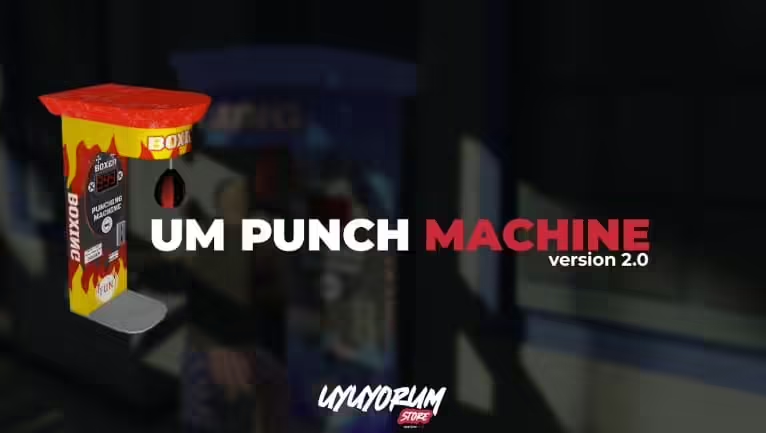

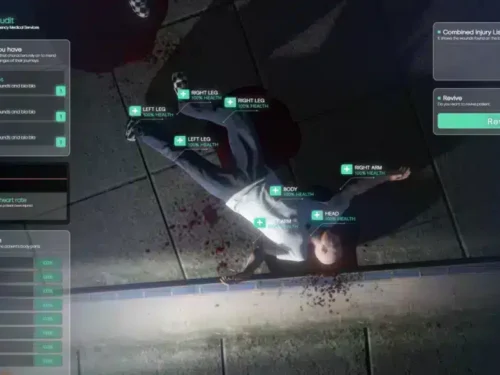
![[QB] [ESX] UM Punch Machine V2](https://fivemx.com/wp-content/cache/flying-press/56f3b7484cc7bf6b09b0818b0f270812.jpg)
um-punchmachine
Install
- First, import the
umpunchmachine_leaderboard.sqlfile - Paste the sounds inside the
import-interact-soundfolder intointeract-sound > client > html > sounds - Delete
import-interact-soundfolder - Then, go to the
config.luafile and configure it according to your preferences. - If you’re using a custom framework, you can modify the client and server scripts in the
bridgefolder according to your needs. - You don’t need to make any framework settings for QB and ESX frameworks, as the bridge automatically handles this.
Server.cfg
ensure interact-soundensure generic_texture_renderer_gfxensure um-propensure um-punchmachineor create a [um] folder and put them
ensure [um]Requirements
- PolyZone(opens in a new tab)
- generic_texture_renderer_gfx(opens in a new tab)
- interact-sound
Westley (verified owner) –
Easy to install and easy to customize.
Magdalen (verified owner) –
Just love the design and the customer support is the nicest.
Bernice (verified owner) –
The user interface looks modern, clean, and professional. Our players understood it without needing any explanation.
LunarFox680 (verified owner) –
I like this item and also the customer service of them.
MightyJana379 (verified owner) –
Great resource for GTA RP servers.
Hollie (verified owner) –
Five stars from me.
FuryMika (verified owner) –
Exactly what our server needed. Simple to install, easy to use, and reliable.
Johnson (verified owner) –
I think this is amazing. Lots of features and customizable from every point of view. The few times I asked for help in support they were competent, fast and above all very patient. Really recommend