





![[ESX] Advanced Ambulance Job FiveM resource preview](https://cdn.fivemx.com/wp-content/uploads/2023/10/chrome_r89t4g1UUb-jpg-500x375.avif)
FiveM PD Animations – Custom Police Emotes for Law Enforcement Roleplay
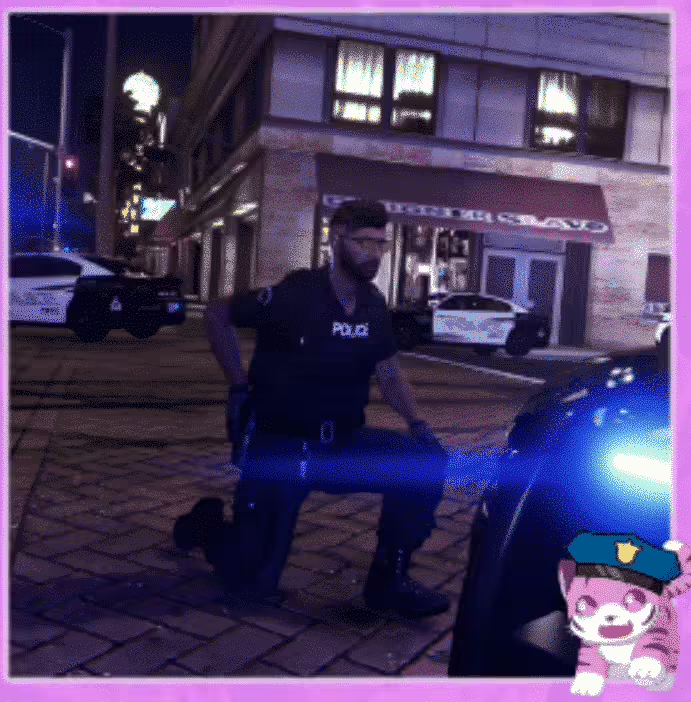
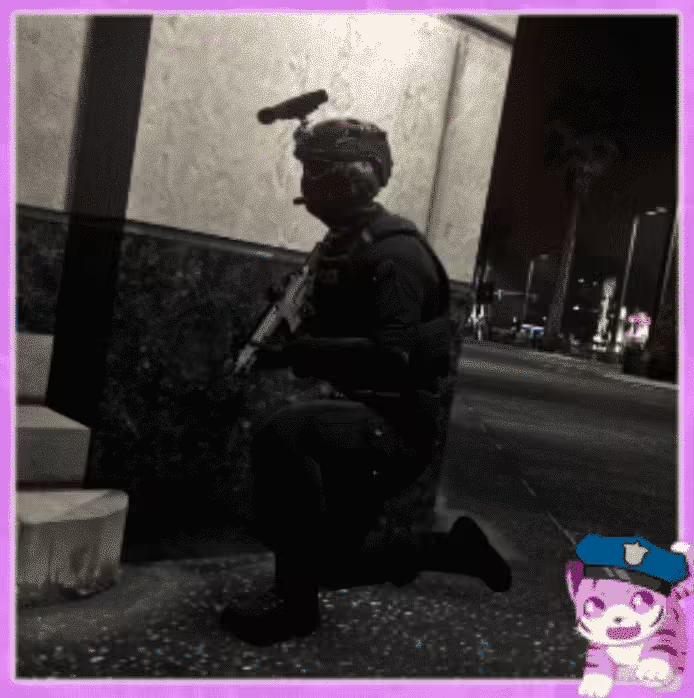
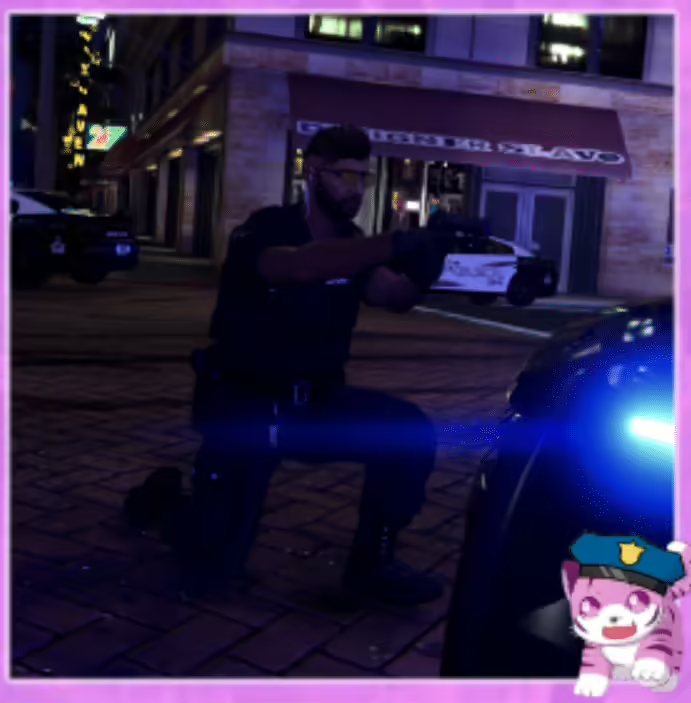
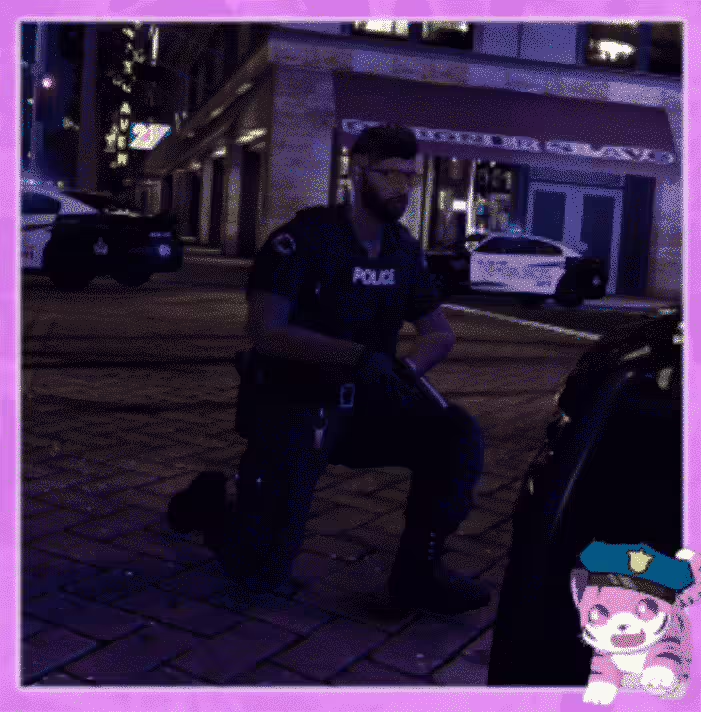
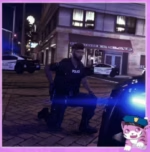
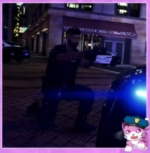
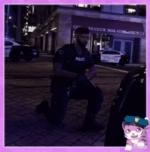
This animation pack was made because standard emotes don’t match police equipment. If you wear a chest-mounted PTT radio, the default talk animation looks wrong. If you do a traffic stop, there’s no proper suspect positioning. These 15 custom animations fix those problems with police-specific poses for officers and suspects.
What’s Included
You get 15 YCD animation files (7 police poses with 8 suspect variations) ready to stream into any emote menu. These are custom-made animations, not edits of existing ones. They’re designed for DPEmotes/RPEmotes integration with simple drag-and-drop installation.
Key Features
- Chest Radio Animations – Talk radio, talk radio 2-4 variations match PTT placement on tactical vests
- Traffic Stop Poses – Suspects can put hands on hood/car in 3 different positions (front, side, tall vehicles)
- Frisk Position – Safety position for pat-downs with arms out (officer and suspect animations)
- Body Camera Idle – Axon cam animation matches chest-mounted camera activation
- Reaching Animation – Realistic reaching motion for grabbing equipment
- Officer Idle Poses – Two variations of standing idle that look natural for patrol
- Passenger Compatibility – Handsout variation works for right-side vehicle passengers
Perfect For
- Police departments with realistic equipment (chest radios, body cams)
- Traffic enforcement roleplay (felony stops, DUI checks)
- Gang servers where police frisk suspects regularly
- Any server wanting better cop/criminal interaction animations
Animation List
Police Animations:
- copidle – Standing idle pose
- copidle2 – Alternative idle variation
- talkradio – Chest PTT radio talk
- talkradio2 – Same as talkradio with different idle
- talkradio3 – Third radio variation
- talkradio4 – Same as talkradio3 with different idle
- axoncam – Body camera activation pose
- mreaching – Equipment reaching motion
- frisk – Pat-down animation for officers
Suspect Animations:
- handsonhood – Hands on car hood (standard)
- handsonhood2 – Same but for tall vehicles (trucks/SUVs)
- handsonhood3 – Side of car position
- handsout – Arms extended for frisk (driver side)
- handsout2 – Alternative hands out variation
- handsoutpas – Passenger side hands out (right side vehicles)
Technical Details
- Format: YCD animation files for streaming
- File Count: 15 total animations (7 police + 8 suspect)
- Compatibility: DPEmotes, RPEmotes, or any stream-based emote menu
- Framework: Standalone (works with any framework)
- Performance: ~20 lines of code, lightweight streaming animations
Installation
- Move the YCD files into a stream folder inside your emote script (e.g., rpemotes/stream/[Custom Emotes])
- Add the stream folder to your emote script if it’s not auto-detected
- Open your emote menu’s AnimationList.lua (or AnimationListCustom.lua for DPEmotes)
- Add each animation with its dictionary name and settings (EmoteLoop = true/false, EmoteMoving = true/false)
- Restart your emote script and test with /e [yourcommand]
Example DPEmotes Code:
["radiochest"] = {"tigerle@custom@cop@kneel@aimpistol1", "tigerle_coppose_kneel_aimpistol1", "Chest Radio", AnimationOptions = {
    EmoteLoop = true,
    EmoteMoving = false,
}},
Framework Compatibility
- â ESX – Works with any ESX emote menu that supports custom YCD files
- â QBCore – Compatible with qb-emotes, scully_emotemenu, or dpemotes
- â Standalone – Framework-agnostic, only requires emote menu support
What Makes It Stand Out
These animations were made because the creator got tired of equipment not matching poses. It’s a practical solution, not a massive animation pack with filler. Every animation has a specific use case in police roleplay. The suspect positions work for different vehicle heights and sides, which matters during traffic stops. It’s the kind of detail that makes scenes look better without requiring extra scripting.
Note: Everything is documented in the included readme file for installation guidance.
Example implementation (everything is documented in readme file):
[ENG]
Installation
Move the YCD file into a stream folder.
Add this stream folder to a script.
For own scripts
local dictName = ‘tigerle@custom@cop@kneel@aimpistol1’
local animName = ‘tigerle_coppose_kneel_aimpistol1’
For DPEmotes
Add these code lines here dpemotes/Client/AnimationList.lua >>> DP.Emotes
[“yourcommand”] = {“tigerle@custom@cop@kneel@aimpistol1”, “tigerle_coppose_kneel_aimpistol1”, “your name for the animation”, AnimationOptions =
{
EmoteLoop = true,
EmoteMoving = false,
}},
Finally, restart your script/server.
The command would be “/e (The command you entered in the code for what you want the players to use for the anim to play).
In regards to support matters, feel free to contact me wherever suits best!
Related FiveM Police Scripts
Example implementation (everything is documented in readme file):
[ENG]
Installation
Move the YCD file into a stream folder.
Add this stream folder to a script.
For own scripts
local dictName = ‘tigerle@custom@cop@kneel@aimpistol1’
local animName = ‘tigerle_coppose_kneel_aimpistol1’
For DPEmotes
Add these code lines here dpemotes/Client/AnimationList.lua >>> DP.Emotes
[“yourcommand”] = {“tigerle@custom@cop@kneel@aimpistol1”, “tigerle_coppose_kneel_aimpistol1”, “your name for the animation”, AnimationOptions =
{
EmoteLoop = true,
EmoteMoving = false,
}},
Finally, restart your script/server.
The command would be “/e (The command you entered in the code for what you want the players to use for the anim to play).
In regards to support matters, feel free to contact me wherever suits best!

Tate (verified owner) –
I got excellent support for this item. They were patient with me, and helped me solve my issue. I recommend this company 100%
Elise (verified owner) –
By far the best item on the market, you will not be disappointed.
Kallie (verified owner) –
Great item! It provides too many things compared to its price charged.
Vivian (verified owner) –
I like this item and also the customer service of them.
Kelton (verified owner) –
Good response from the support.
Rodrick (verified owner) –
great
NovaLena441 (verified owner) –
Good performance, clean interface, and helpful support. Nothing to complain about.