



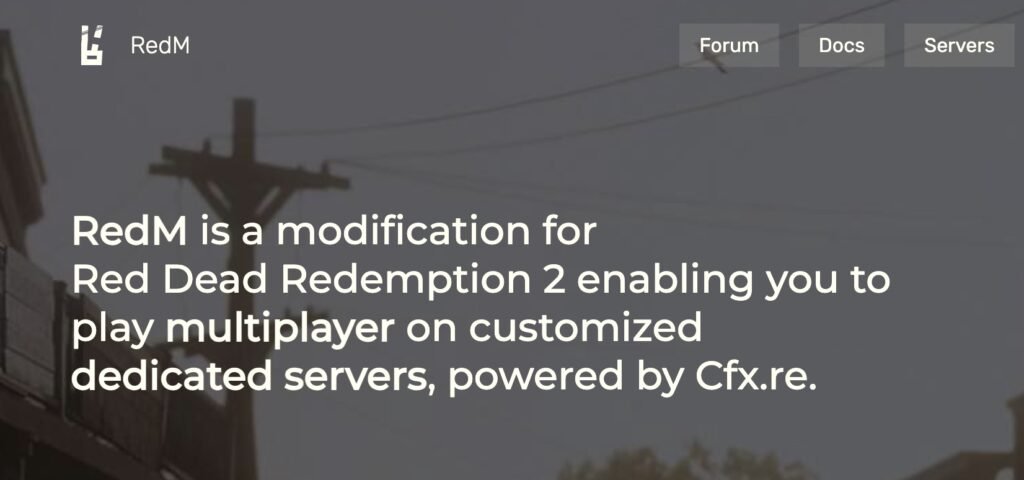
Launching a RedM server is easier than you think. This step‑by‑step guide walks you from zero to a running FXServer with txAdmin, plus tips for frameworks (VORP/RedEM:RP), performance, security, and growth.
What is RedM?
RedM is the Red Dead Redemption 2 multiplayer framework powered by Cfx.re that lets you run custom roleplay and minigame servers.
Tabla de contenido
Quick Start (TL;DR)
- Download FXServer artifacts for Windows or Linux.
- Correr
FXServer.exe(Ventanas) or start the Linux binary; the browser opens Administrador de transacciones. - Link your Cfx.re account y create a new server usando la Vanilla/Popular recipe.
- Generate a server license key (Keymaster) and paste it into your server config.
- Start the server, join via the RedM client, and iterate.
Prerrequisitos
- Hardware: modern 4+ centro CPU, 8–16 GB RAM minimum, SSD storage; dedicated/fast VPS recommended for >50 players.
- Sistema operativo: Windows Server 2019/2022 or a recent Linux distro (Ubuntu 22.04+).
- Puertos: Open/forward the game port (default
30120TCP/UDP) and any reverse proxy/txAdmin ports you plan to use. - Accounts: Cfx.re account for txAdmin + Keymaster license key.
Consejo: Hosting providers can get you online fast, but self‑hosting gives you full control. We cover both paths below.
Option A — One‑Click Hosting (fastest)
Authorized partners let you deploy RedM in minutes with txAdmin, then you upload resources and configs.
- Browse partners and pick a plan that fits your player goals.
- After deployment, open the console, copy the txAdmin link & PIN, link your Cfx.re account, and complete the recipe (Vanilla or framework‑ready).
Guías relacionadas de FiveMX:
Option B — Self‑Host on Windows (recommended for beginners)
- Create your folder layout (ejemplo:
C:RedMServercfxyC:RedMServerserver-data). - Download the latest recommended FXServer artifacts and extract to your
cfxcarpeta. - Comenzar
FXServer.exe. Your browser opens Administrador de transacciones → haga clic Link Account → Allow. - Choose a recipe → Vanilla (you can add frameworks later).
- Generate a server license key in Keymaster and paste it when txAdmin asks.
- Finish the wizard y Comenzar. Your RedM server is now live.
Ejemplo server.cfg (minimal)
# Core
endpoint_add_tcp "0.0.0.0:30120"
endpoint_add_udp "0.0.0.0:30120"
sv_maxclients 48
sv_licenseKey "YOUR_KEYMASTER_KEY"
sv_hostname "My RedM Server | Vanilla"
sv_enforceGameBuild 1491   # adjust as needed for RDR2 build

# Resources
ensure sessionmanager
ensure mapmanager
ensure spawnmanager
ensure rconlog

# Language/Tags
sets locale "en-US"
sets tags "roleplay, redm, vorp, vanilla"

# Admins (add your Cfx.re identifiers)
add_ace group.admin command allow
add_principal identifier.license:YOUR_LICENSE group.admin
Self‑Host on Linux (advanced)
- Create a non‑root user and prepare folders, e.g.
~/redm/cfxy~/redm/server-data. - Download and extract artifacts (
wget+tar xf). - Start the FXServer binary and visit the printed txAdmin URL.
- Complete the txAdmin wizard, add your license key, and start the instance.
- Configure a systemd service for autostart and set up a firewall (UFW) for port
30120.
Add a Framework (VORP or RedEM:RP)
Frameworks give you character systems, inventories, jobs, and crafting.
- VORP Core: Often available as a txAdmin recipe. After creating a fresh server, import the recipe or follow the README to install modules (inventory, crafting, jobs).
- RedEM:RP: Alternative framework with similar goals; install base resources, database schema (MySQL/MariaDB), then layer job/economy packs.
FiveMX picks to get started:
Database note: Many RedM frameworks rely on MySQL/MariaDB. Use a remote DB with backups and limit public exposure (firewall + SSL). See our ops tips below.
Install & Manage Resources
- Place resources into
server-data/resources/<category>/<resourceName>y añadirensure <resourceName>aserver.cfg. - Prefer well‑maintained, escrow‑free resources you trust.
- Boot once with a clean set, then add in small batches, testing each commit.
Popular content hubs on FiveMX:
Performance & Stability Checklist
- Artefactos: Track the latest recomendado server artifacts; only bump after testing.
- Tick & threads: Keep heavy loops efficient; use server‑side throttling and event gating.
- I/O & DB: Pool connections, index hot queries, and avoid blocking calls in hot paths.
- Resmon: Benchmark resource time, memory, and spikes; remove offenders.
- Crash hygiene: Log crashes to a file and keep backups of configs and DB snapshots.
Read next on FiveMX:
Security & Compliance
- License key: Keep it private; rotate if leaked.
- Admin roles: Usar
add_principalfor named admins, not wildcard ACEs. - Copias de seguridad: Schedule nightly backups for
/server-data,server.cfg, and your database. - Actualizaciones: Track framework updates; read changelogs before upgrading.
- Monetización: Follow Cfx.re/Rockstar monetization rules. Use transparent perks (cosmetics, queue priority) and avoid pay‑to‑win.
FiveMX monetization guides:
Publish & Grow Your Server
- Name & tags: Clear theme + region tags to improve discovery.
- List your server: Ensure it’s public and visible in the RedM server list.
- Discord funnel: Use a clean rules channel, onboarding form, and ticketing for staff support.
- Content cadence: Publish weekly updates, changelogs, and short trailers.
- Optimize onboarding: Add a welcome script, starter kit, and spawn guidance.
Helpful FiveMX articles:
Troubleshooting Quick Wins
- El servidor no se inicia: Check
server.cfgfor typos; confirm license key; try previous recomendado artifact. - No se puede alcanzar txAdmin: Check firewall, confirm port binding, or change the bind address.
- Los jugadores no pueden conectarse: Verify public IP/port, NAT/forwarding, host firewall, and if the server is listed.
- Resource crashes: Disable recent additions; re‑add one by one. Watch
resmonfor spikes. - DB errors: Confirm credentials, migrations, and engine versions; restore from last good backup.
FiveMX help:
Preguntas frecuentes
Is FiveM documentation relevant to RedM?
Much of the server tooling (FXServer, txAdmin) is shared; some scripting docs differ. Prefer RedM‑specific native references where possible.
Do I need a Patreon key?
Necesitas un archivo Keymaster license key to run a public server. Extra Patreon entitlements are optional for certain premium features.
Which framework should I choose—VORP or RedEM:RP?
Both are viable. VORP has a large module ecosystem; RedEM:RP is modular and lightweight. Choose based on your desired gameplay and resource availability.
What’s a safe player cap for new servers?
Start at 32–48, then scale after load testing and resmon profiling.
Próximos pasos
- Spin up a test instance locally and document your baseline resmon metrics.
- Install a framework (VORP/RedEM:RP) and one trusted inventory/economy pack.
- Write a simple launch checklist: artifacts version, DB backups, last‑change log.
- Draft a monetization plan that respects platform rules.
Helpful Links (External)
- Cfx.re Server Setup (txAdmin/Windows/Linux)
- Cfx.re Keymaster (create your license key)
- RedM Downloads & Docs
- Administrador de transacciones Homepage/Docs
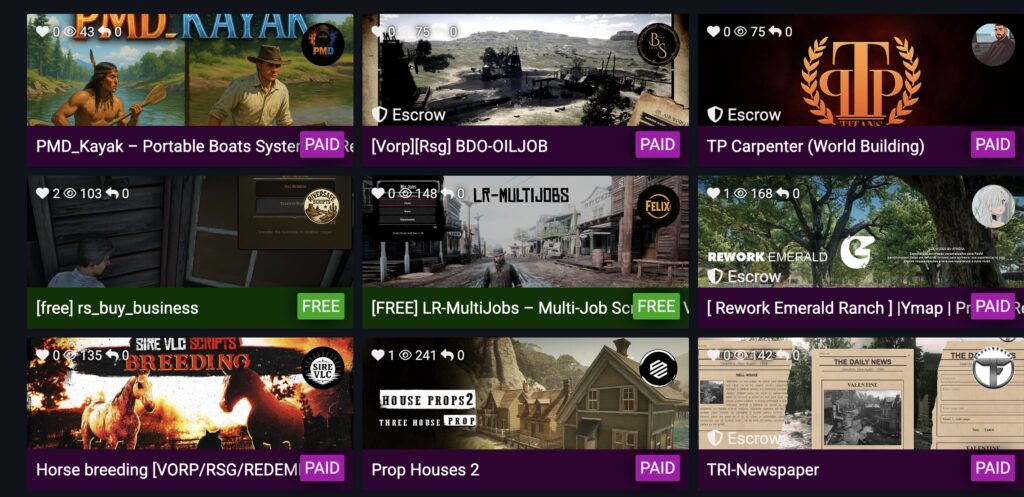
¿Quieres más? Check our full Tutoriales y guías library, then browse Scripts y MLOs to expand your world.