




CD Dispatch – Professional Policía Dispatch System for ESX & QBCore
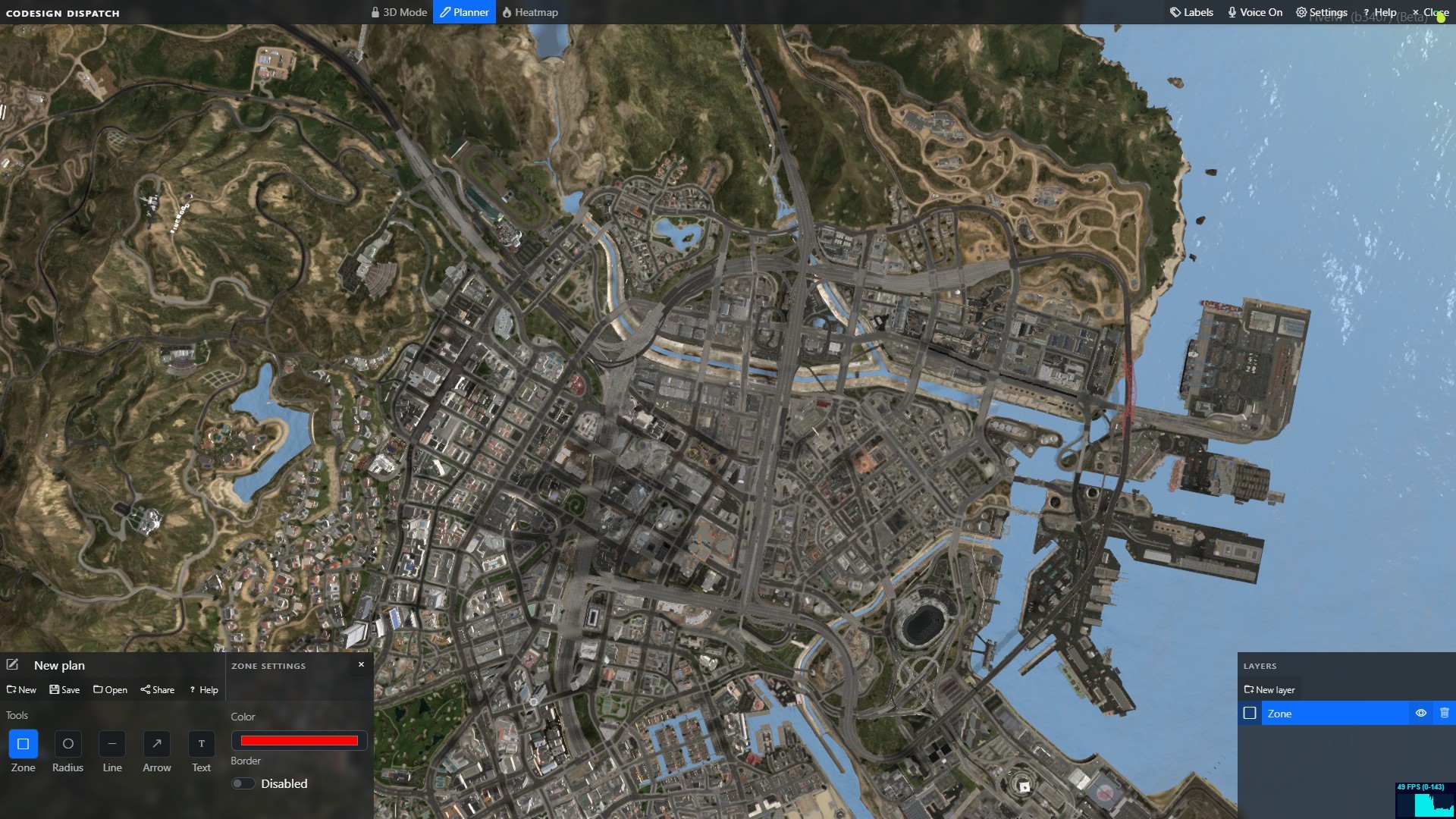
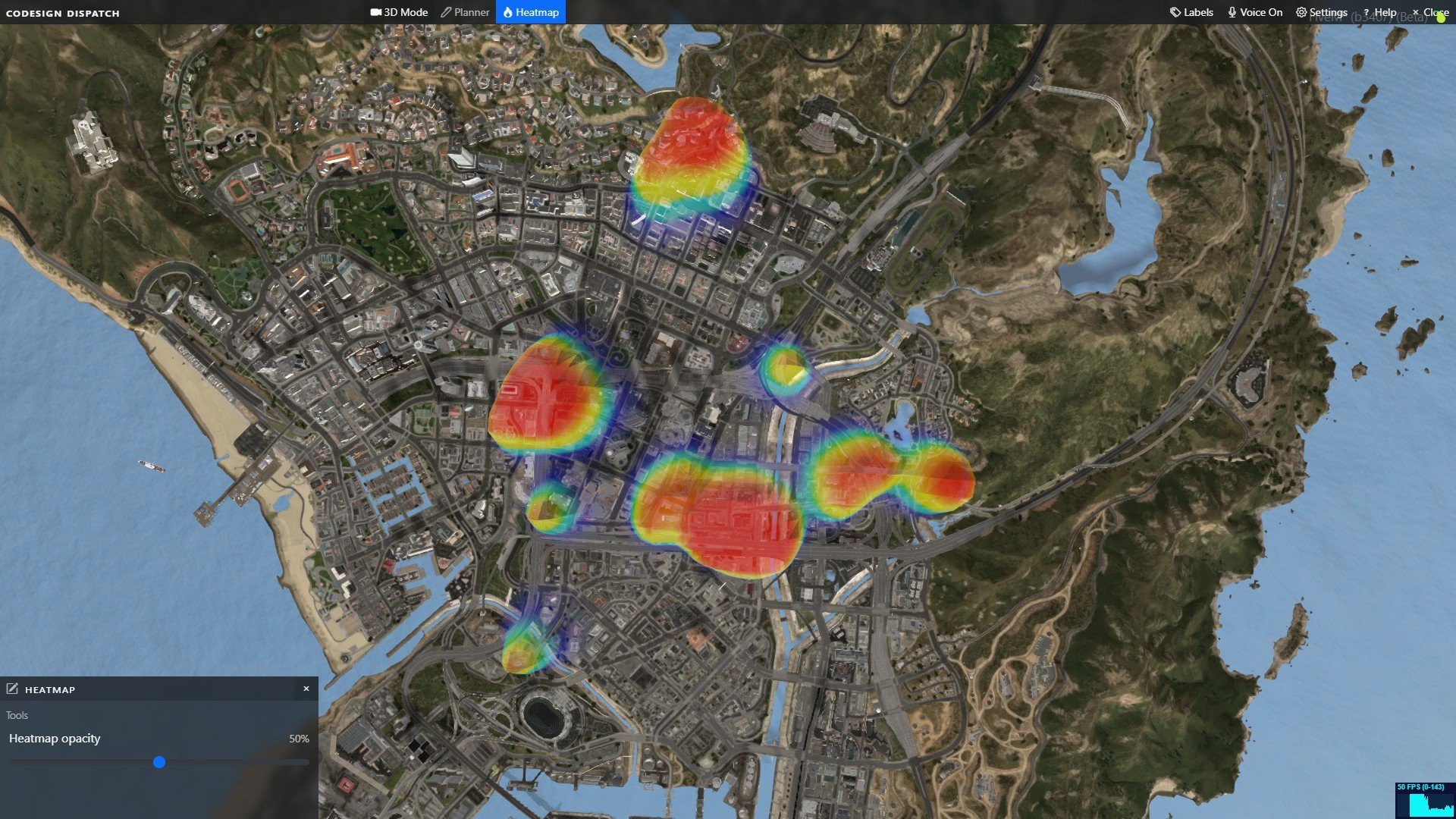
CD Dispatch (Codesign Dispatch) is a comprehensive police dispatch system that brings real-world emergency response coordination to your FiveM server. Built for both ESX and QBCore frameworks, this isn’t just another alert script – it’s a complete dispatch center that transforms how law enforcement operates on your server. Officers get real-time alerts with detailed information, interactive maps, and professional UI options that rival real dispatch software.
Qué está incluido
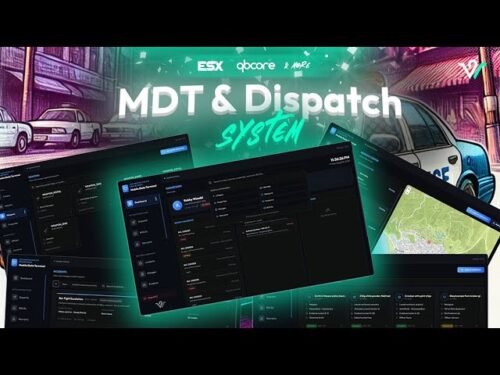
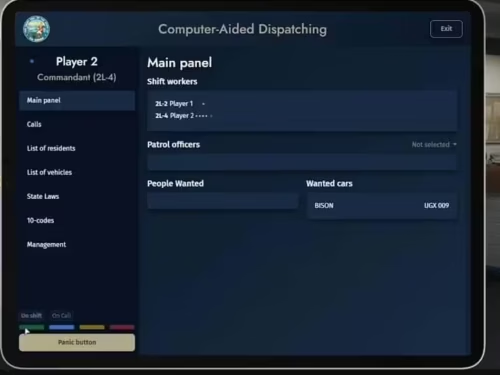
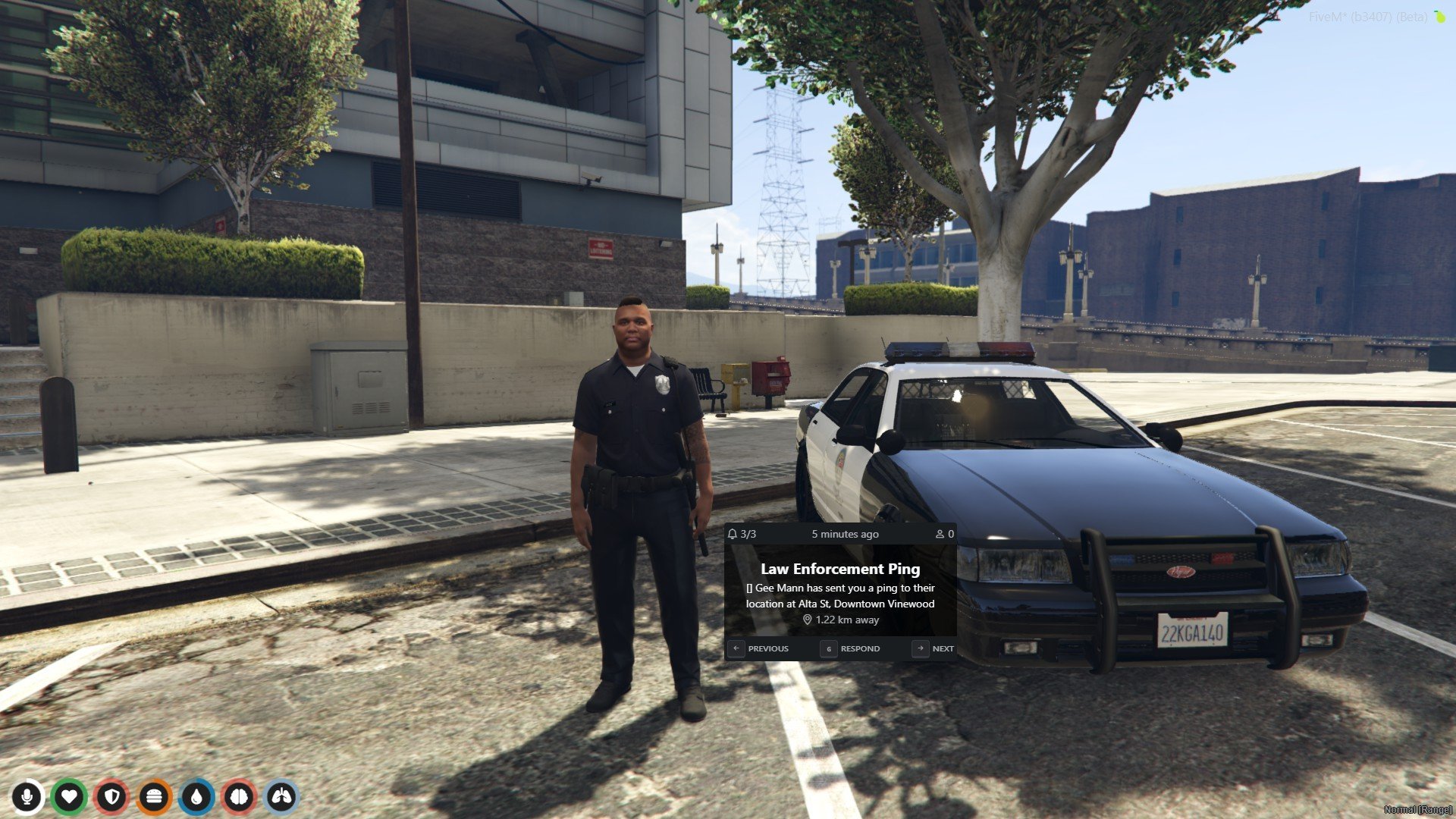
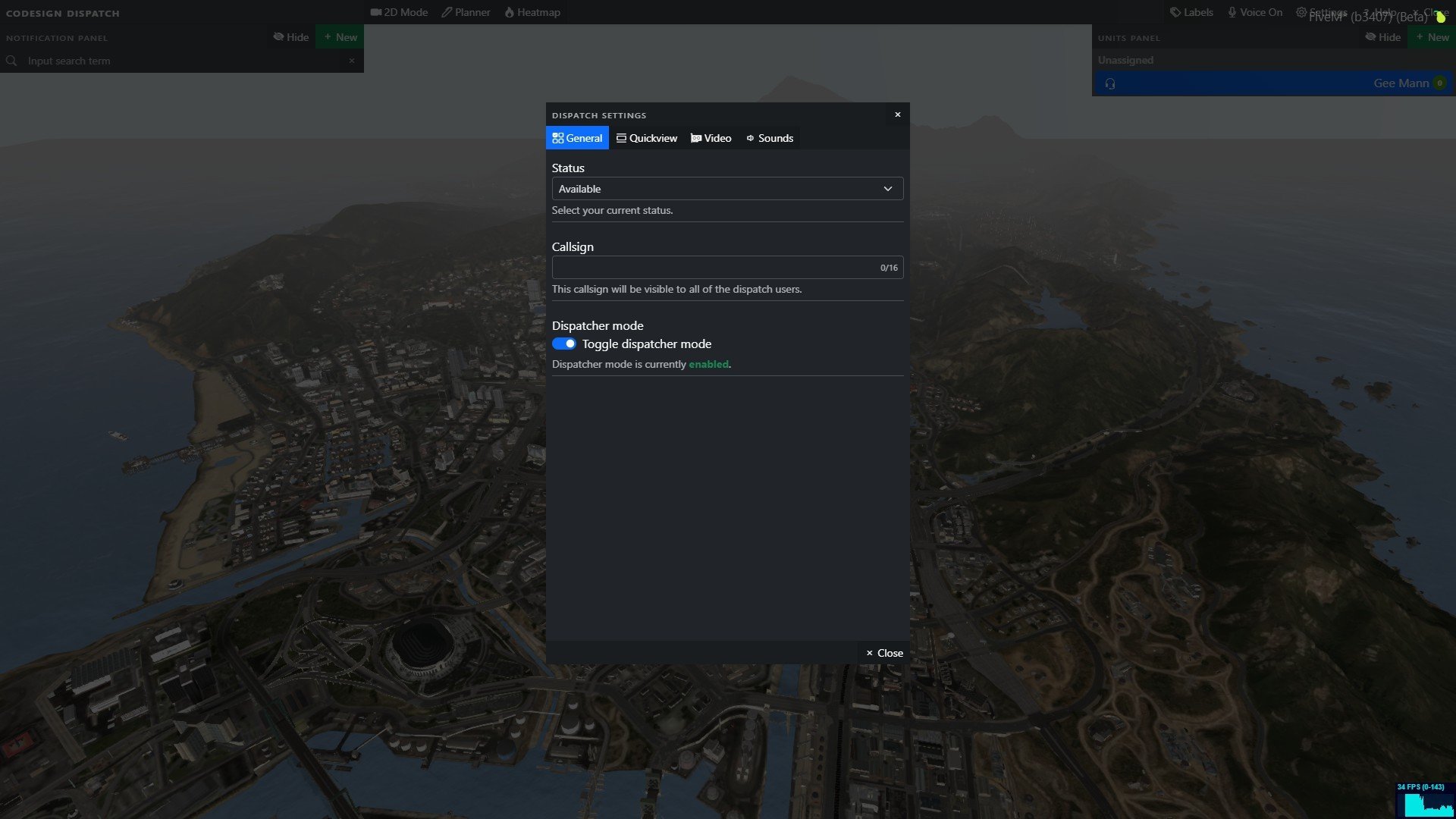
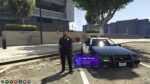
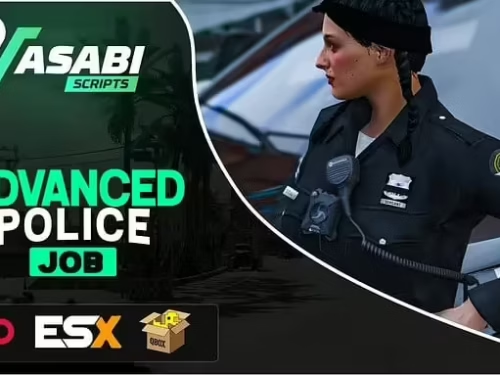
You get two complete UI options: a small HUD overlay for officers on patrol who need quick glanceable information, and a large dispatcher interface for dedicated dispatch operators managing multiple units. The system includes automatic alert generation for crimes like robberies, shootings, vehicle theft, and more. Each alert comes with location data, suspect descriptions, vehicle information, and priority levels.
The package includes blip management for officer locations, customizable keybinds for quick responses, radio channel integration, duty system support, callsign assignment, and trabajo-specific command systems. Everything is modular – activate only the features your server needs.
Características principales
- Dual UI System – Small heads-up display for patrol officers (toggle with U) and large dispatcher interface for dispatch operators (L key), both fully customizable in appearance and positioning
- Smart Auto-Detection – Automatically detects your framework (ESX/QBCore) and SQL setup, then configures itself through the simple config.lua file
- Alertas en Tiempo Real – Officers receive instant notifications with GPS coordinates, suspect information, vehicle plates, and priority levels – respond with G key or cycle through multiple calls
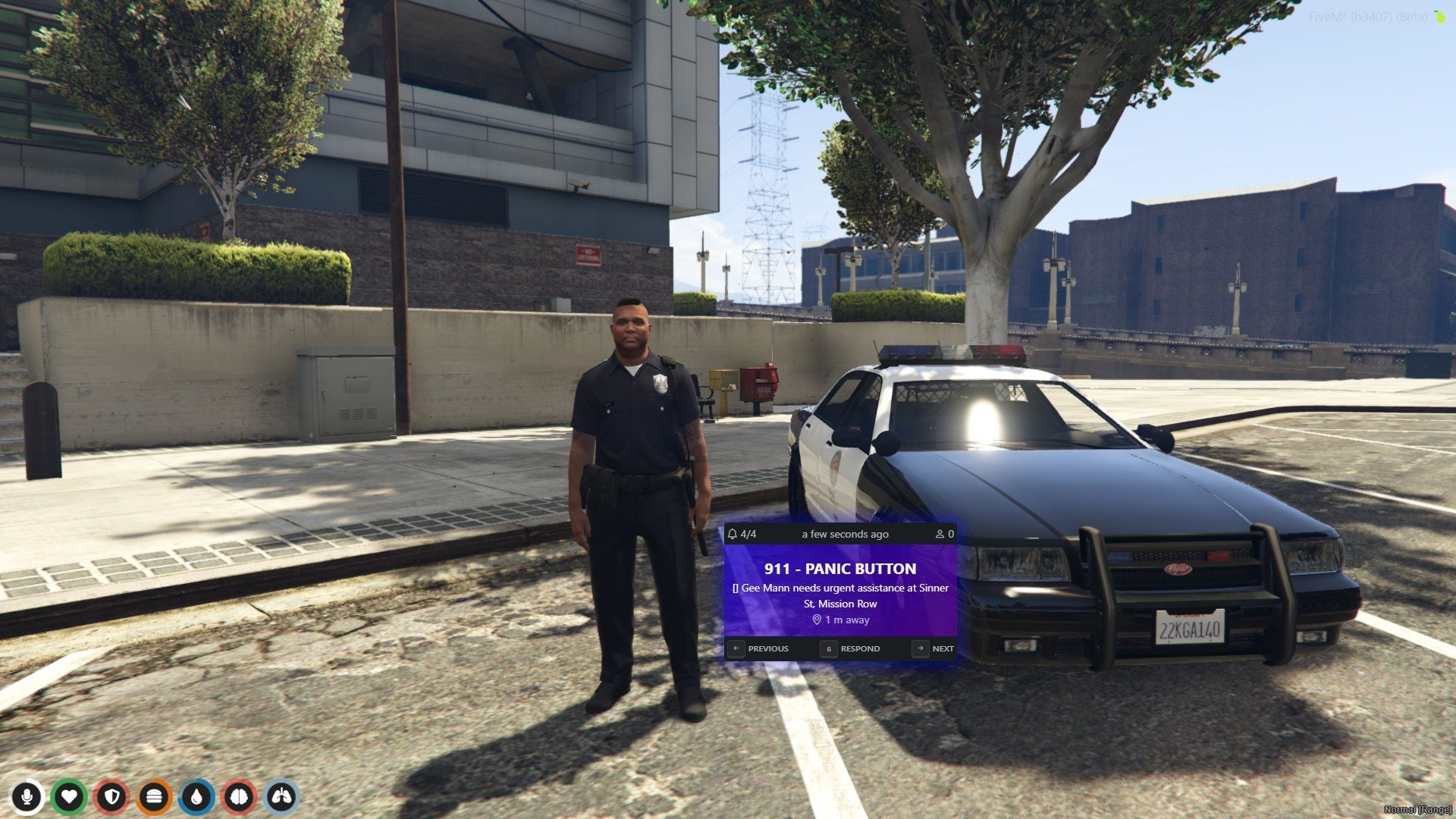
- Sistema de botón de pánico – One-touch panic alerts (Down arrow) broadcast officer location to all units with urgent priority and audio notification
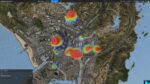
- Blip Management – Live officer location tracking on map, callsign display, and status indicators (available, responding, on scene, backup needed)
- Easy Alert Integration – Add dispatch alerts to ANY script using simple client-to-server exports – includes code snippets for common scenarios
- Dispatcher Role – Dedicated dispatcher job can manage all calls, assign units, ping locations (Up arrow), and coordinate multi-unit responses
- Radio Channel Integration – Syncs with popular radio scripts to automatically manage department channels and cross-department coordination
Perfecto para
- Serious RP servers needing professional law enforcement coordination and realistic dispatch operations
- Servers with dedicated dispatch operators who manage emergency response from a communications center
- Communities wanting better officer awareness during active situations and multi-unit responses
- Departments struggling with communication gaps between patrol units and command staff
- Servers looking to add dispatch alerts to custom scripts without coding from scratch
Detalles Técnicos
- Compatibilidad del marco – Full support for ESX (all versions) and QBCore (official builds) with detailed conversion guides included – vRP not supported
- SQL Integration – Auto-insert SQL option (Config.AutoInsertSQL) or manual SQL execution, handles player data, callsigns, and alert history
- Actuación – Optimized net events and server-side processing keep resmon low even with 20+ officers online simultaneously
- Combinaciones de teclas – Default keys (U/L/G/arrows) all remappable through FiveM settings, no conflicts with common scripts
- Exports Available – GetPlayerInfo(), GetPlayerNotifications(), GetPlayersDispatchData(), GetConfig() and more for custom integrations
Instalación
- Download from FiveM Keymaster and extract to your resources folder (must be named cd_dispatch)
- Add “ensure cd_dispatch” to server.cfg BELOW your framework resource
- Configure configs/config.lua – set Framework type in Important section, adjust modules as needed
- Choose auto SQL insertion (Config.AutoInsertSQL = true) or manually run provided SQL file
- If using ox_lib, uncomment the shared script line in fxmanifest.lua
- Restart server and test with /dispatchtest command to verify alerts are working
Default Keybinds (All Customizable)
- Tú – Toggle small dispatch UI on/off
- Yo – Open large dispatcher interface
- GRAMO – Respond to selected call
- Left/Right Arrows – Cycle through active calls
- Up Arrow – Ping call location on map
- Down Arrow – Send panic button alert
Core Commands
- /dispatchsmall – Toggle small UI
- /dispatchlarge – Open dispatcher interface
- /respond – Respond to call
- /movemode – Toggle move mode for UI positioning
- /panic – Trigger panic button
- /reply [message] – Reply to dispatch
- /dispatchtest – Test alert system
- /dispatchping – Ping selected call location
Lo que lo hace destacar
Most dispatch scripts are just glorified notification systems. CD Dispatch is different because it was built by someone who understands how real dispatch operations work. The dual UI approach means patrol officers aren’t overwhelmed with information while dedicated dispatchers get the full command center experience they need.
The real power is in the export system. You can add dispatch alerts to literally any script on your server with 2-3 lines of code. Robbery script triggers an alert? Done. Custom drug dealing system needs police notification? Simple export call. This means your entire server ecosystem feeds into one unified dispatch system instead of officers missing alerts because they came from different sources.
We’ve also seen servers use the dispatcher role as a training position for new police players. They learn the department structure, radio protocols, and response procedures before going on patrol. Plus, the panic button system has genuinely saved officers during situations – that instant “officer needs assistance” alert with automatic location sharing is clutch during active shootouts.
Common installation pitfalls are documented in detail. The folder MUST be named cd_dispatch (not cd_dispatch-main or anything else). Don’t edit encrypted files. If you get SQL column errors, use the exact SQL provided. NUI drawImage errors mean you’re using unsupported blip colors – stick to the documented ones. The ox_lib nil error is usually fixed by uncommenting that line in fxmanifest when the auto-detection picks it up.
Relacionados ESX Scripts
- Guión de parkour
- Script de Vivienda FiveM / Casa
- Paquete de armas VVS
- Pase de batalla de Debux (ESX/QB)
Despacho de Codesign
Qué es: Despacho policial para FiveM con interfaces de usuario (pequeñas y grandes), alertas, avisos, atajos de teclado y exportaciones. Incluye pasos de instalación, vistas previas de configuración y una guía de solución de problemas.
Reflejos
- Detecta automáticamente el marco y SQL; configuración a través de
configs/config.lua - Agregue o reemplace alertas con fragmentos de código proporcionados (se recomienda cliente→servidor).
- Módulos opcionales: Interfaz de usuario grande, Canales de radio, Sistema de servicio, Blips, Indicativo de llamada, Despachador, Comandos de llamada de trabajo, Alertas policiales.
Compatibilidad
- ESX ✅, QBCore ✅ (guías + líneas exactas para cambiar).
- Notas del hilo de lanzamiento: ESX & oficial QBCore soportado; sin vRP.
Instalar (resumido)
- Descargar desde FiveM Keymaster; descomprimir en
resources. ensure cd_dispatchenserver.cfg(debajo de su marco).- Ajustar
fxmanifest.luaSi es necesario. - Configurar
configs/config.lua(Marco/Secciones importantes). - Insertar SQL automáticamente (
Config.AutoInsertSQL) o ejecutar SQL manualmente.
Teclas predeterminadas (editables)
U = alternar interfaz de usuario pequeña · L = abrir interfaz de usuario grande · G = responder · ←/→ = ciclo · ↑ = ping · ↓ = pánico
Centro comandos
/dispatchsmall, /dispatchlarge, /respond, /movemode, /panic, /reply, /dispatchtest, /dispatchping
Exportaciones (ejemplos)
GetPlayerInfo() · GetPlayerNotifications() · GetPlayersDispatchData() · GetConfig()
Errores comunes
- La carpeta debe ser
cd_dispatch; no edite archivos cifrados. - Errores de columna desconocida/predeterminada de SQL → use el SQL proporcionado o ajuste los tipos.
- Error “drawImage” de NUI → utilice colores de blip admitidos.
- ox_lib nil → descomentar en
fxmanifestcuando la detección automática lo selecciona.
Si quieres que esto se reescriba para el tono/SEO de tu tienda (EN/DE), dímelo y lo adaptaré.