$ USD
Scripts GFX
Affichage de 1–12 sur 16 résultatsTrié du plus récent au plus ancien
-
-18% 
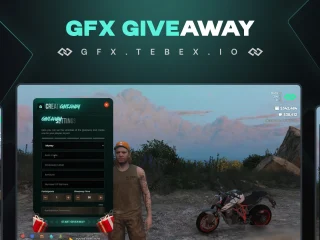
GFX Advanced Giveaway Script
Le prix initial était : $22.00.$18.00Le prix actuel est : $18.00. -
-49% 
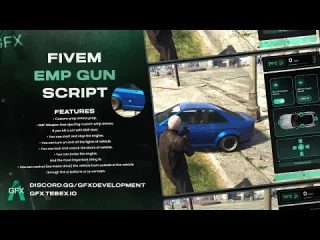
GFX EMP Gun
Le prix initial était : $35.00.$18.00Le prix actuel est : $18.00. -
-18% 
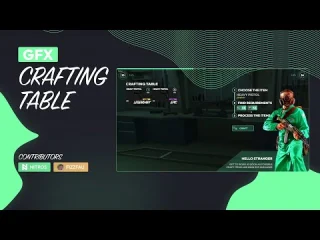
GFX Crafting
Le prix initial était : $33.00.$27.00Le prix actuel est : $27.00. -
-30% 
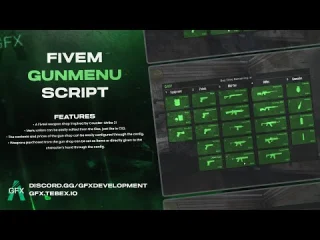
GFX FiveM Gun Menu
Le prix initial était : $20.00.$14.00Le prix actuel est : $14.00. -
-27% 
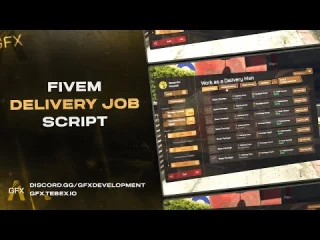
GFX Advanced Delivery Job Script
Le prix initial était : $33.00.$24.00Le prix actuel est : $24.00. -
-28% 
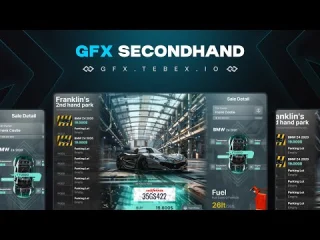
GFX Secondhand Vehicle Shop
Le prix initial était : $32.00.$23.00Le prix actuel est : $23.00. -
-28% 
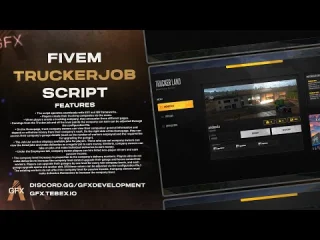
GFX Trucker Job
Le prix initial était : $32.00.$23.00Le prix actuel est : $23.00. -
-48% 
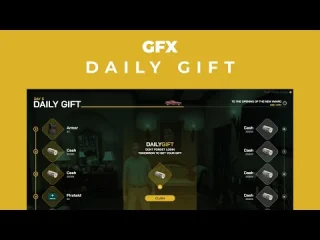
GFX Daily Gift
Le prix initial était : $23.00.$12.00Le prix actuel est : $12.00. -
-36% 
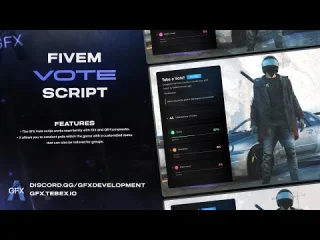
GFX Vote
Le prix initial était : $14.00.$9.00Le prix actuel est : $9.00. -
-65% 
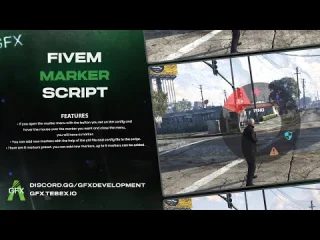
GFX Marker Script
Le prix initial était : $23.00.$8.00Le prix actuel est : $8.00. -
-40% ![um-punchmachine Install First, import the umpunchmachine_leaderboard.sql file Paste the sounds inside the import-interact-sound folder into interact-sound > client > html > sounds Delete import-interact-sound folder Then, go to the config.lua file and configure it according to your preferences. If you're using a custom framework, you can modify the client and server scripts in the bridge folder according to your needs. You don't need to make any framework settings for QB and ESX frameworks, as the bridge automatically handles this. Server.cfg ensure interact-sound ensure generic_texture_renderer_gfx ensure um-prop ensure um-punchmachine or create a [um] folder and put them ensure [um] Requirements PolyZone generic_texture_renderer_gfx interact-sound Punch Machine V2](https://fivemx.com/wp-content/uploads/2024/01/brave_h8ZhhdiwZX-jpg-400x300.jpg)
Punch Machine V2
Le prix initial était : $25.00.$15.00Le prix actuel est : $15.00.