

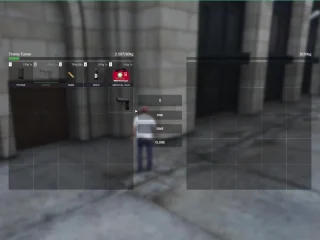
VIP HUD V4 – Premium QB-Core Interface avec personnalisation avancée
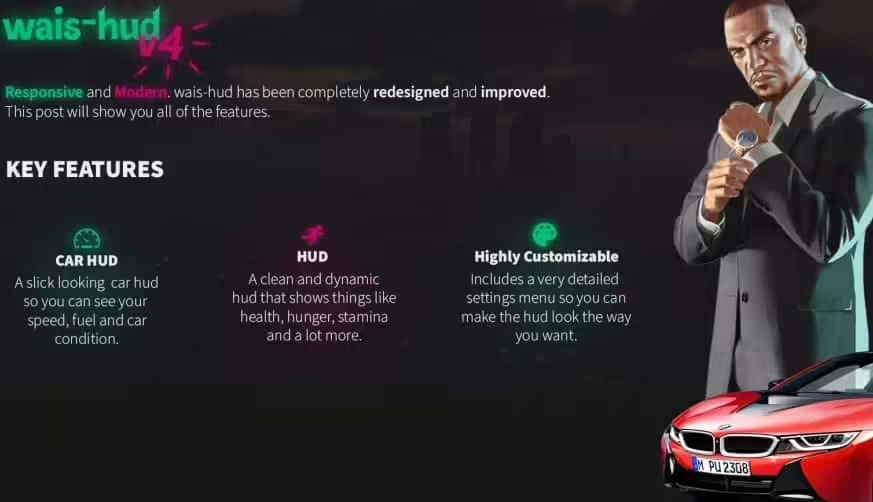
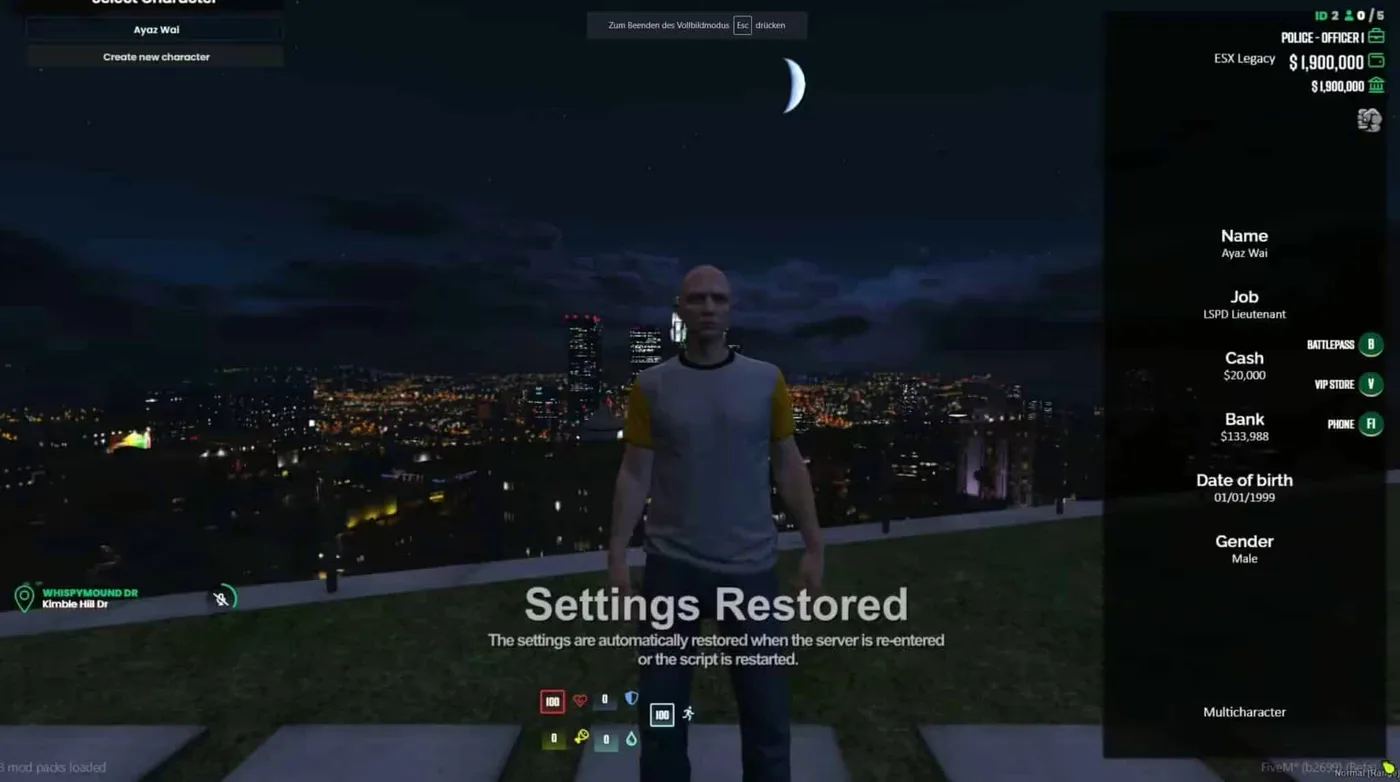
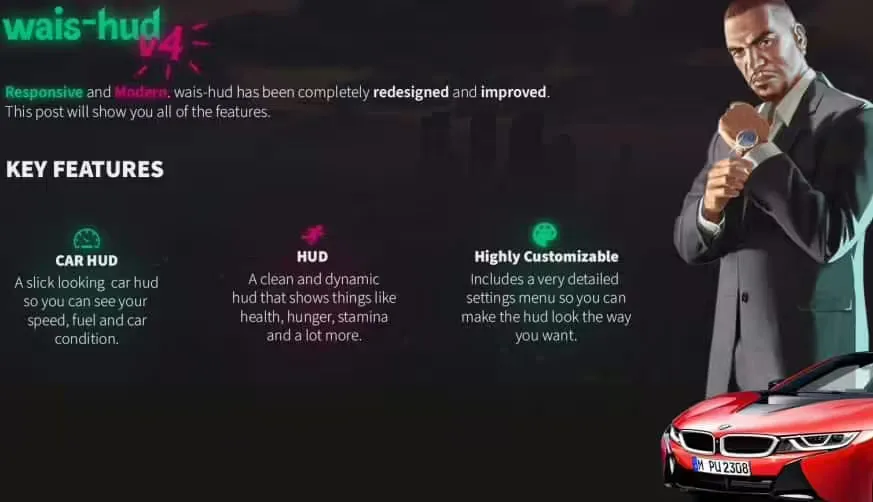
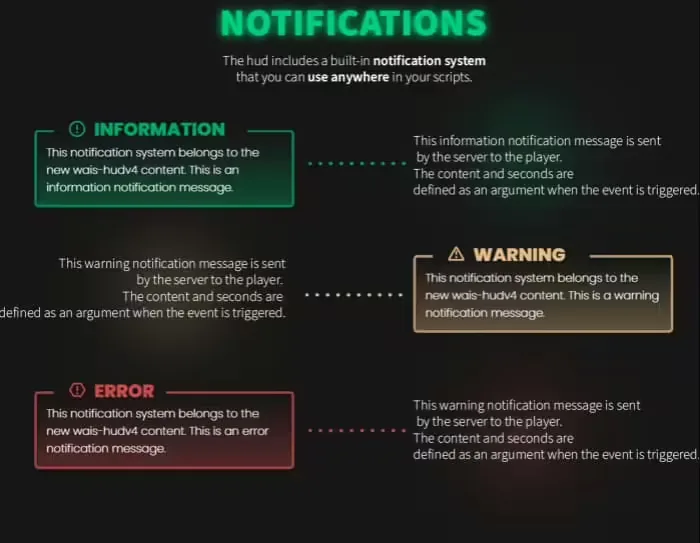
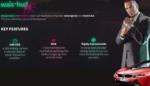
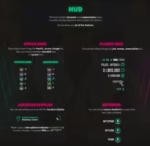
Améliorez l'expérience utilisateur de votre serveur QBCore avec VIP HUD V4, un affichage tête haute complet qui remplace les interfaces QB par défaut par des éléments d'interface élégants, modernes et entièrement personnalisables. Cet affichage tête haute de qualité professionnelle fournit des informations essentielles grâce à des affichages intuitifs, notamment les barres de santé, les indicateurs d'armure et les statistiques des véhicules., emploi Informations, indicateurs d'état et notifications d'inventaire : tout en conservant des performances optimales et une netteté d'affichage exceptionnelle. Conçue spécifiquement pour les serveurs QBCore, la version 4 introduit le positionnement par glisser-déposer, la personnalisation des thèmes, des animations fluides, une opacité configurable et une mise à l'échelle réactive qui s'adapte à toutes les résolutions d'écran.
Ce qui est inclus
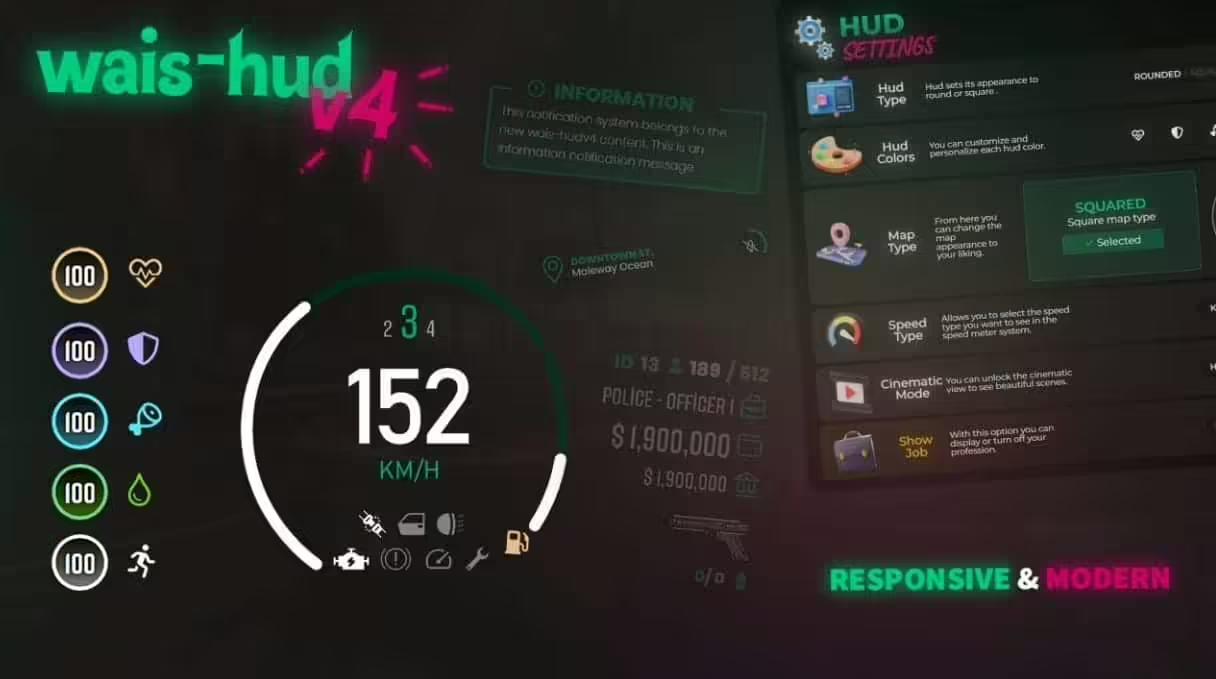
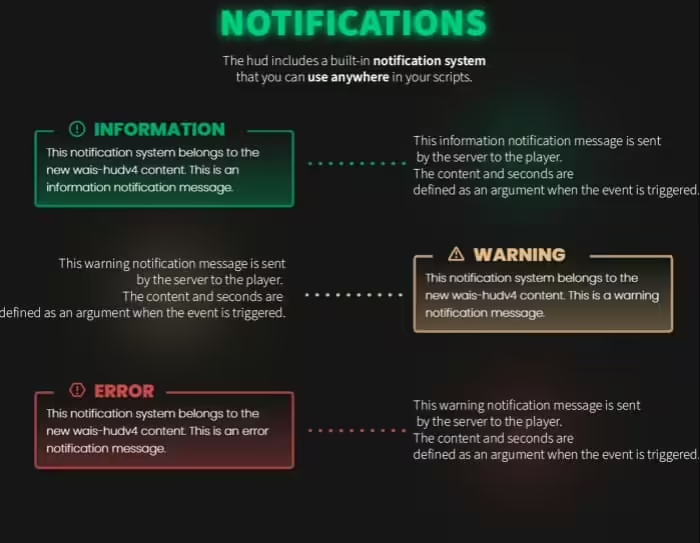
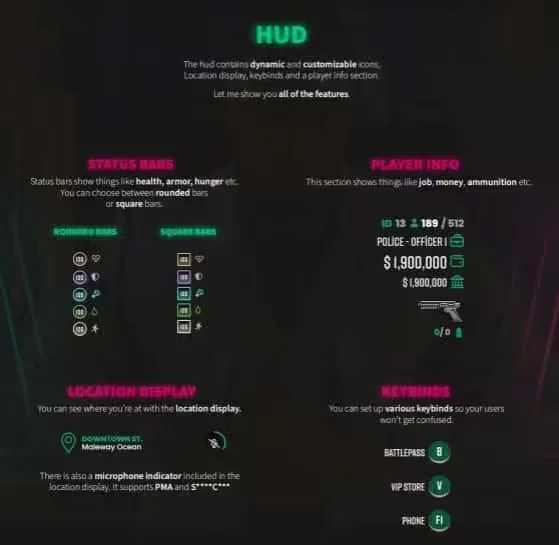
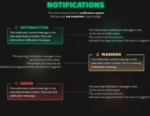
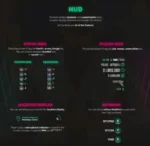
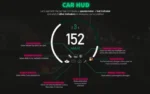
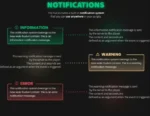
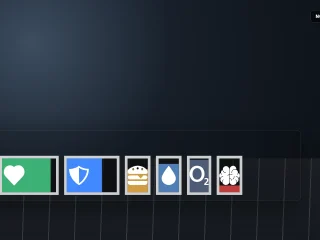
VIP HUD V4 remplace intégralement l'interface grâce à des composants modulaires activables, désactivables et repositionnables individuellement. Ce pack inclut des barres de santé et d'armure personnalisables avec animations de diminution fluides, des indicateurs de faim et de soif avec alertes colorées, un HUD véhicule affichant la vitesse, le carburant, l'état du moteur et le rapport engagé, l'affichage des missions avec grade et statut, des améliorations de la mini-carte avec noms de rues et boussole, des indicateurs d'effets pour les bonus et les malus, un système de notifications avec file d'attente prioritaire et un affichage de l'argent avec séparation entre banque et espèces. Chaque élément est personnalisable en termes de transparence, de taille et de position.
Caractéristiques principales
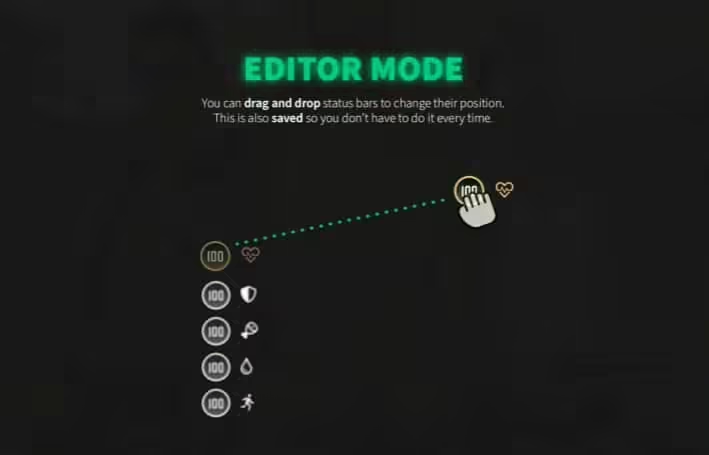
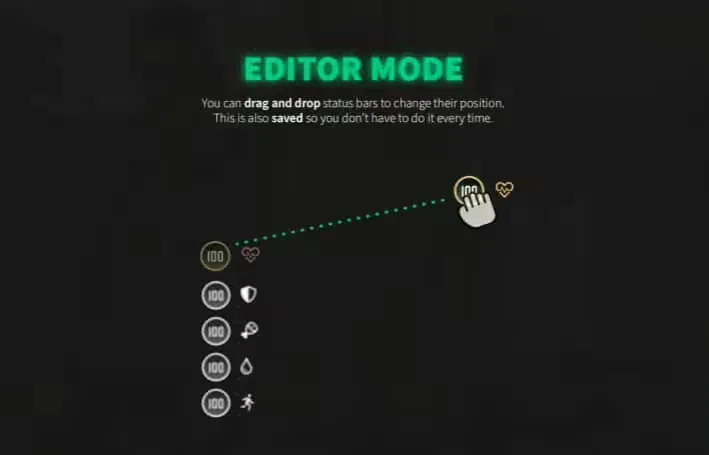
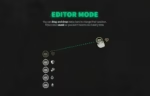
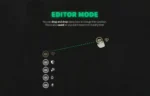
- Positionnement par glisser-déposer – Déplacez n’importe quel élément de l’interface utilisateur vers l’emplacement de votre choix à l’écran grâce au mode d’édition déverrouillé et à l’alignement sur la grille.
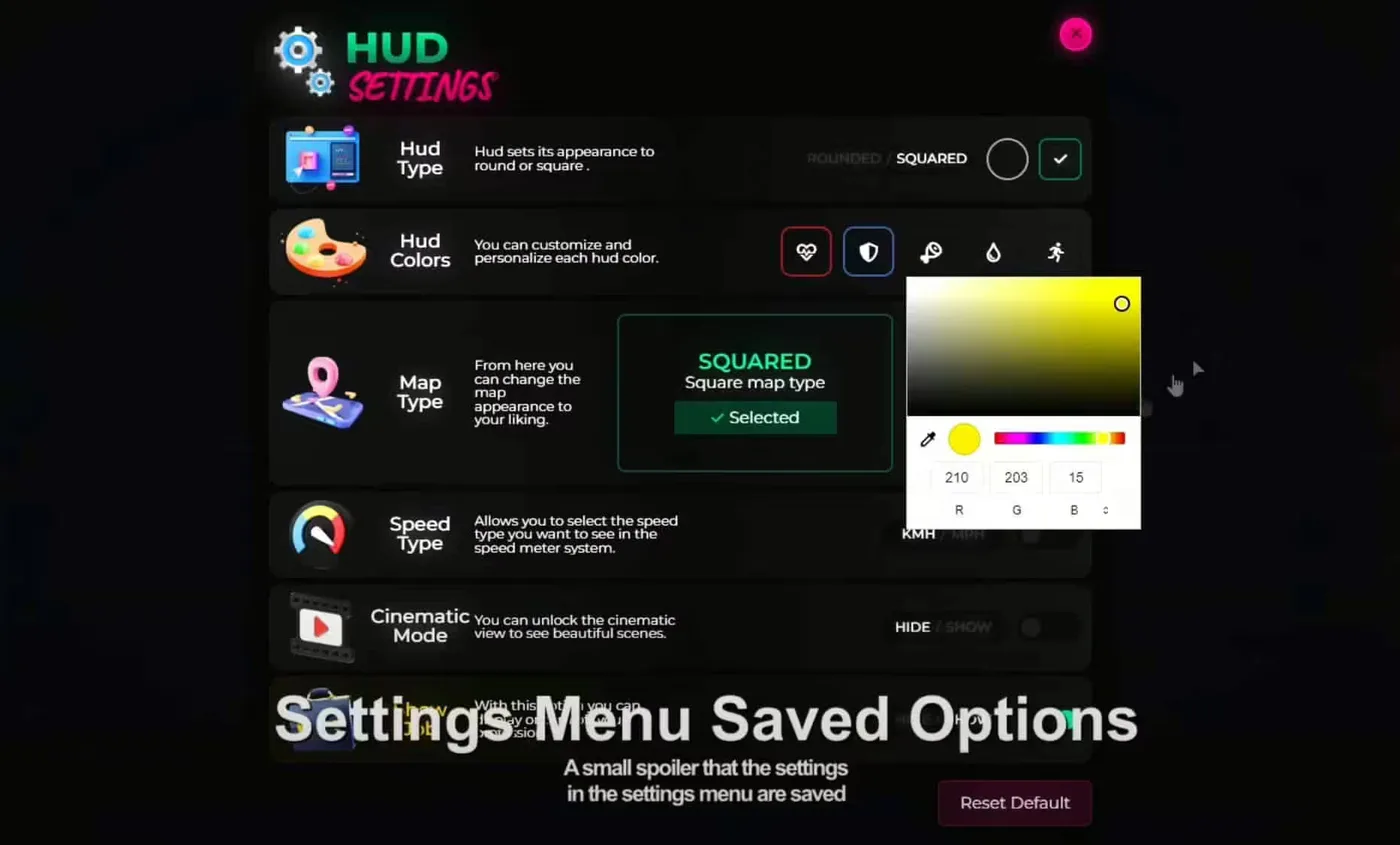
- Plusieurs options de thème – Des schémas de couleurs prédéfinis, notamment un gris sombre moderne, un bleu classique, un néon éclatant, un blanc minimaliste et des options RVB personnalisées
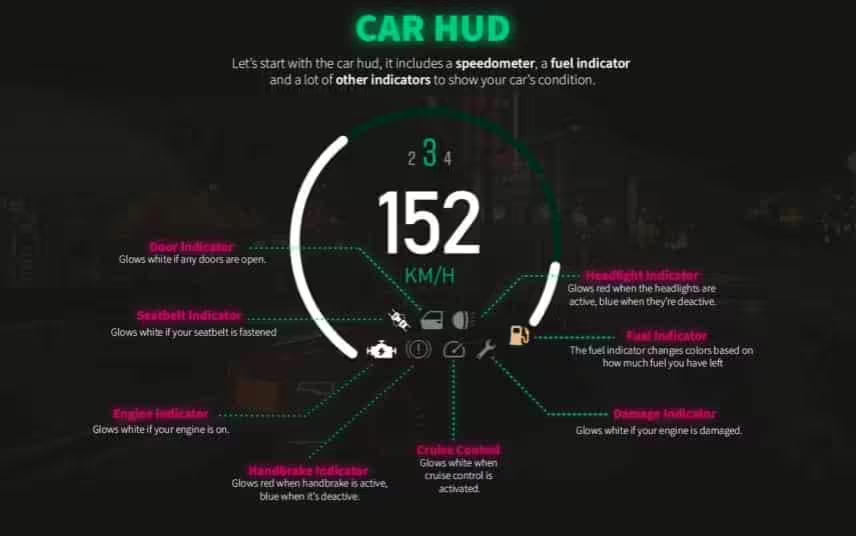
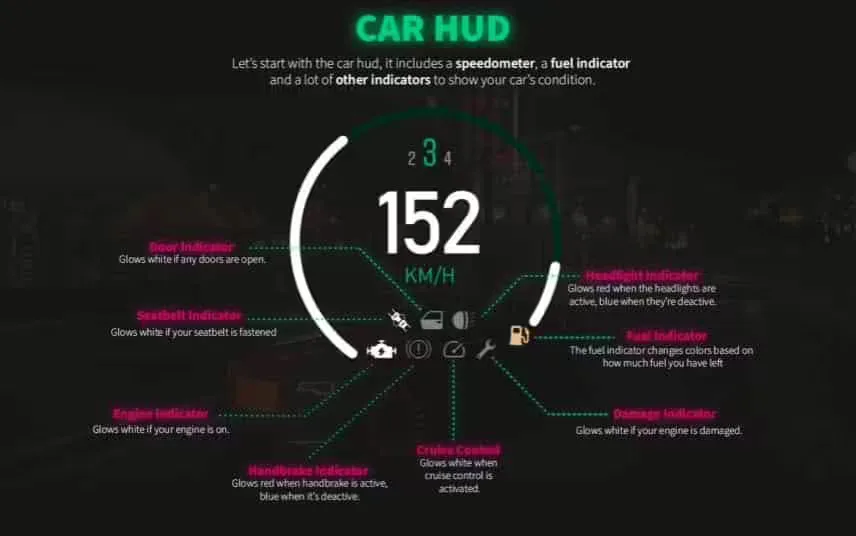
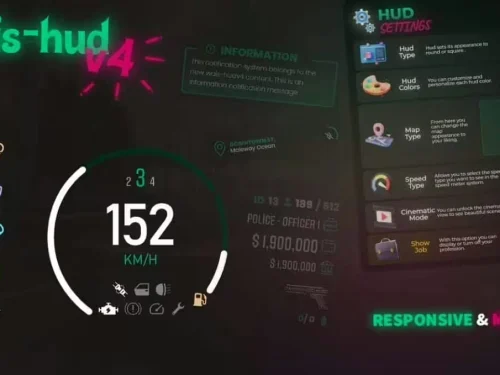
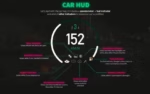
- Affichage tête haute (HUD) avancé pour véhicules – Vitesse en temps réel (MPH/KPH), pourcentage de carburant, état du moteur, indicateur de rapport engagé, compte-tours et alertes de ceinture de sécurité
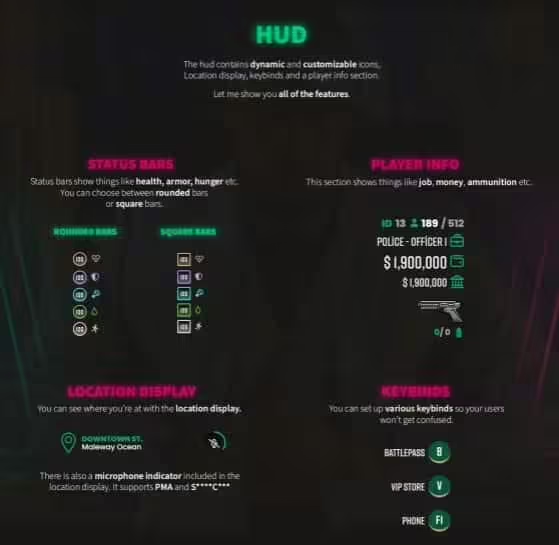
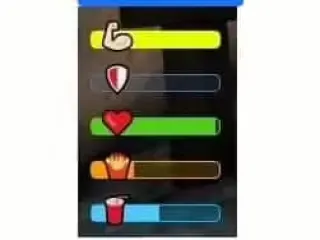
- Barres d'état complètes – Santé, armure, faim, soif, endurance et stress avec transitions de couleurs et seuils d'alerte
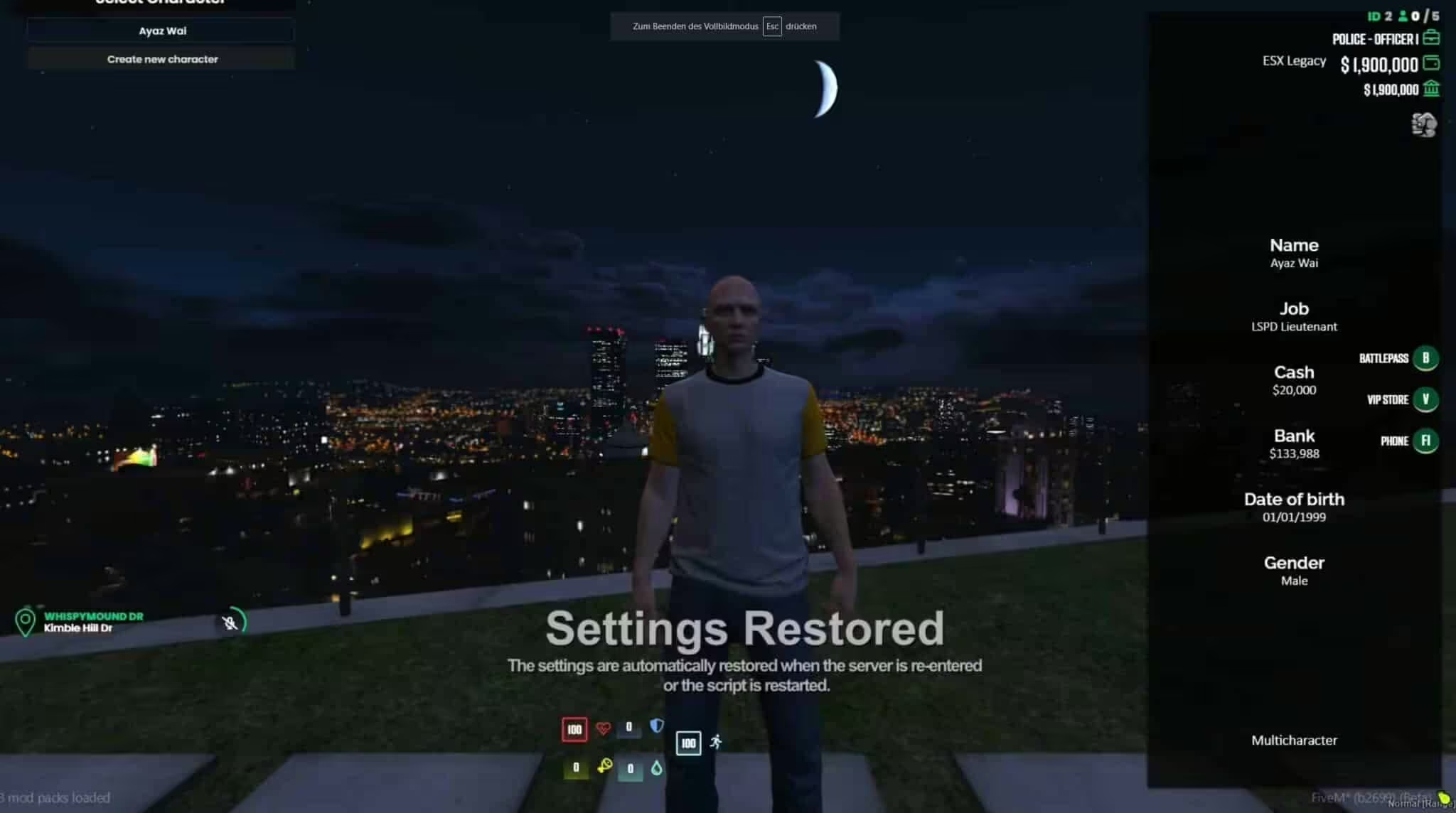
- Affichage des informations sur l'emploi – Poste actuel, grade, statut de service, compte à rebours de la paie et tâches en cours avec personnalisation des icônes
- Mini-carte améliorée – Mini-carte circulaire ou rectangulaire optimisée avec noms de rues, icônes de joueurs et intégration de la boussole
- Système d'effets de statut – Indicateurs visuels pour les bonus, les malus, les plaques d'armure, les drogues, les blessures et les états médicaux
- Opacité configurable – Ajustez la transparence de chaque élément de 0 à 100% pour une obstruction minimale de l'écran.
- Mise à l'échelle réactive – Adaptation automatique de la taille pour différentes résolutions d'affichage, de 1080p à 4K
- Performances optimisées – Utilisation des ressources ultra-faible (0,01 ms en veille), maintenant plus de 60 FPS même en pleine session de jeu intense
- Indicateur vocal – Affichage visuel de l'état du chat vocal indiquant les personnes qui parlent et les niveaux de volume
- Mode cinématique – Masquage de l'interface en un clic pour les captures d'écran, les vidéos et les moments immersifs
Parfait pour
- Serveurs QBCore recherchant une esthétique d'interface utilisateur professionnelle et moderne
- Communautés de jeu de rôle mettant l'accent sur les expériences immersives
- Serveurs avec une image de marque personnalisée nécessitant des interfaces assorties au thème
- Serveurs de course nécessitant des affichages détaillés des performances des véhicules
- Les streamers et créateurs de contenu qui ont besoin d'overlays épurés et personnalisables
- Les joueurs qui souhaitent des interfaces utilisateur personnalisées correspondant à leur style de jeu
Options de personnalisation
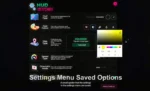
Le système de personnalisation complet permet aux joueurs de configurer chaque aspect de leur interface. Positionnez les éléments du HUD où vous le souhaitez à l'écran par simple glisser-déposer en mode édition. Choisissez parmi des thèmes prédéfinis ou créez vos propres palettes de couleurs grâce aux curseurs RVB. Ajustez la taille de chaque élément, de 50% à 200% (dimensions par défaut). Définissez l'opacité de chaque composant pour une interface plus claire. Activez ou désactivez des fonctionnalités spécifiques comme les jauges de stress, les barres d'endurance ou l'affichage des classes en fonction de la configuration du serveur. Les paramètres sont enregistrés pour chaque personnage, ce qui permet d'avoir des interfaces différentes selon les rôles : minimaliste pour les criminels, détaillée pour les justiciers… police, axé sur la course pour les pilotes de rue.
Détails de l'affichage tête haute du véhicule
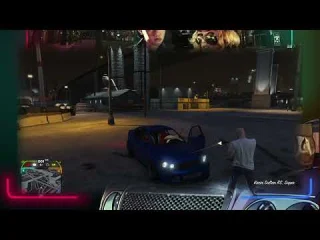
L'affichage tête haute (HUD) avancé du véhicule s'active automatiquement à l'entrée, affichant les informations essentielles de manière claire et lisible. La vitesse s'affiche en temps réel avec des transitions numériques fluides et une unité MPH/km/h configurable. La jauge à carburant affiche un pourcentage et une barre visuelle avec alerte de niveau bas à des seuils personnalisables. L'état du moteur passe du vert au rouge à mesure que les dommages s'accumulent. L'indicateur de vitesse affiche le rapport engagé pour les boîtes manuelles ou Marche/Arrêt pour les boîtes automatiques. Le compte-tours optionnel affiche le régime moteur pour les applications de course. Des alertes de ceinture de sécurité clignotent lorsque la ceinture n'est pas bouclée au-delà d'une certaine vitesse, et sont compatibles avec les scripts de ceinture de sécurité.
Installation et configuration
- Extrayez VIP HUD V4 dans le dossier des ressources de votre serveur QBCore.
- Ajoutez “ensure vip-hud-v4” à votre fichier server.cfg
- Configurez les paramètres par défaut, les thèmes et les fonctionnalités activées dans le fichier config.lua.
- Intégration avec qb-core, qb-hud (désactiver par défaut) et qb-inventory
- Personnalisez les couleurs, les positions et l'opacité par défaut du thème de votre serveur.
- Redémarrez le serveur et appuyez sur la touche de raccourci configurée (par défaut : F3) pour accéder au mode édition.
- Les joueurs peuvent personnaliser les configurations via le menu des paramètres du jeu.
Compatibilité du framework
- ✅ QB-Core – Conçu exclusivement pour le framework QB-Core avec une intégration complète
- ✅ QB-HUD – Remplacer l'interface QB par défaut (désactiver l'interface d'origine avant d'activer l'interface VIP)
- ⚠️ ESX – Non compatible ; conçu spécifiquement pour l’architecture QBCore
Détails techniques
- Performance: 0,01 ms en veille, 0,02 ms en fonctionnement (mode véhicule) – extrêmement optimisé
- Prise en charge de la résolution : 1920×1080, 2560×1440, 3840×2160 (4K) avec mise à l'échelle réactive
- Cadre d'interface utilisateur : Interface utilisateur moderne avec Vue.js pour des animations et des transitions fluides
- Version: V4 – Dernière version stable intégrant des fonctionnalités demandées par la communauté
- Dépendances: QBCore, qb-core, intégration pma-voice optionnelle
Ce qui le distingue
VIP HUD V4 offre un équilibre parfait entre l'affichage des informations et l'espace disponible à l'écran, fournissant les données essentielles sans surcharger l'interface. Contrairement aux HUD classiques qui imposent des configurations fixes, la personnalisation par glisser-déposer permet à chaque joueur d'optimiser son expérience : les pilotes se concentrent sur les statistiques de leur véhicule, les criminels privilégient la discrétion et la police met l'accent sur les informations relatives à leur mission. L'optimisation des performances garantit plus de 60 images par seconde, même lors de séquences intenses comme les poursuites policières ou les événements de grande envergure. Les options de thème permettent d'harmoniser le HUD avec l'identité visuelle du serveur, évitant ainsi les conflits avec les styles personnalisés. La version 4 bénéficie d'animations plus fluides, d'une meilleure intégration de la mini-carte et d'un affichage amélioré des effets de statut, absents des versions précédentes. Il en résulte une présentation professionnelle qui rehausse la qualité du serveur et améliore l'immersion des joueurs grâce à une conception soignée et discrète.




Delbert (client confirmé) –
Exactement ce dont notre serveur avait besoin. Simple à installer, facile à utiliser et fiable.
Merl (client confirmé) –
Nous avons utilisé cette ressource pendant plusieurs sessions chargées, et elle est restée stable.
MiaNova (client confirmé) –
Simple, efficace et bien fait. Il fait exactement ce qu'il est censé faire.
Myrl (client confirmé) –
Tout est bien organisé et facile à modifier. Même les petits détails peuvent être personnalisés sans changer les fichiers principaux.
Méda (client confirmé) –
Équilibre parfait entre simplicité et personnalisation. Vous pouvez l'utiliser immédiatement ou configurer chaque détail.
Ariane (client confirmé) –
J'aime cet article et aussi le service client de ceux-ci.
LucaSmart (client confirmé) –
Vraiment impressionné par cette ressource. L'installation était simple, les performances sont solides, et tout fonctionne comme décrit.
Sonya (client confirmé) –
Ressource incroyable, merci !
Tomasa (client confirmé) –
Très flexible et bien conçu.