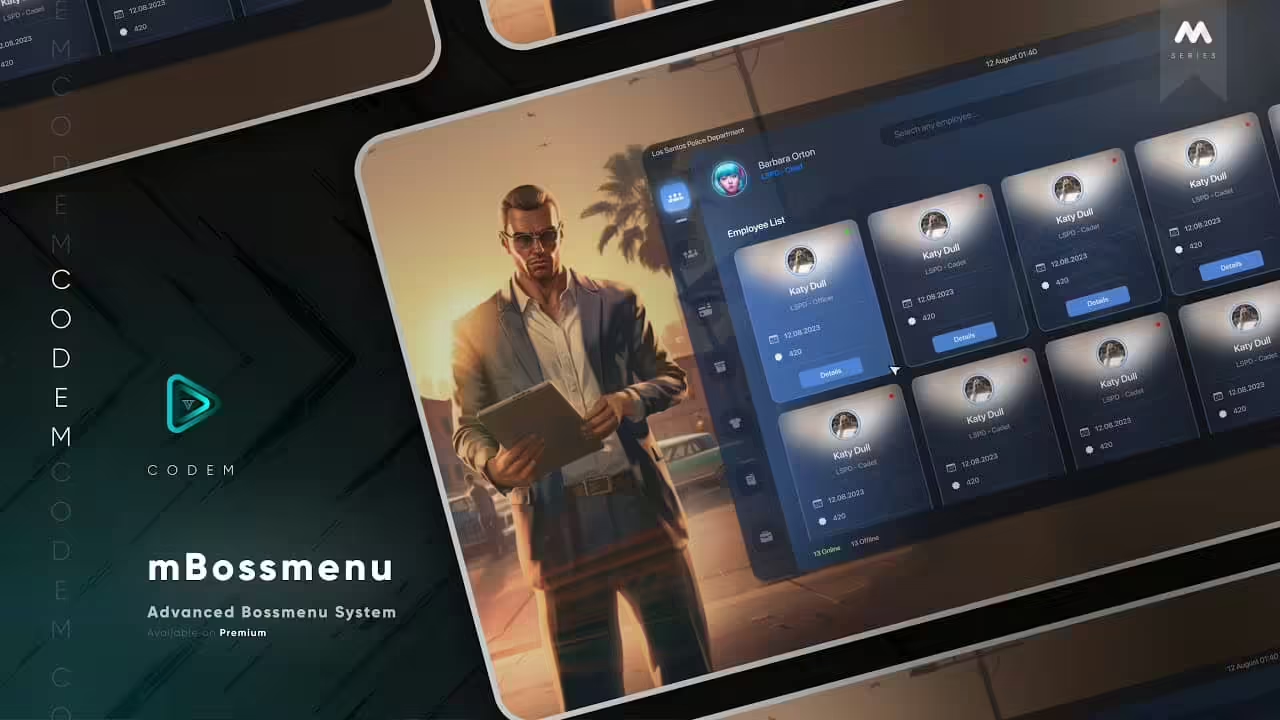
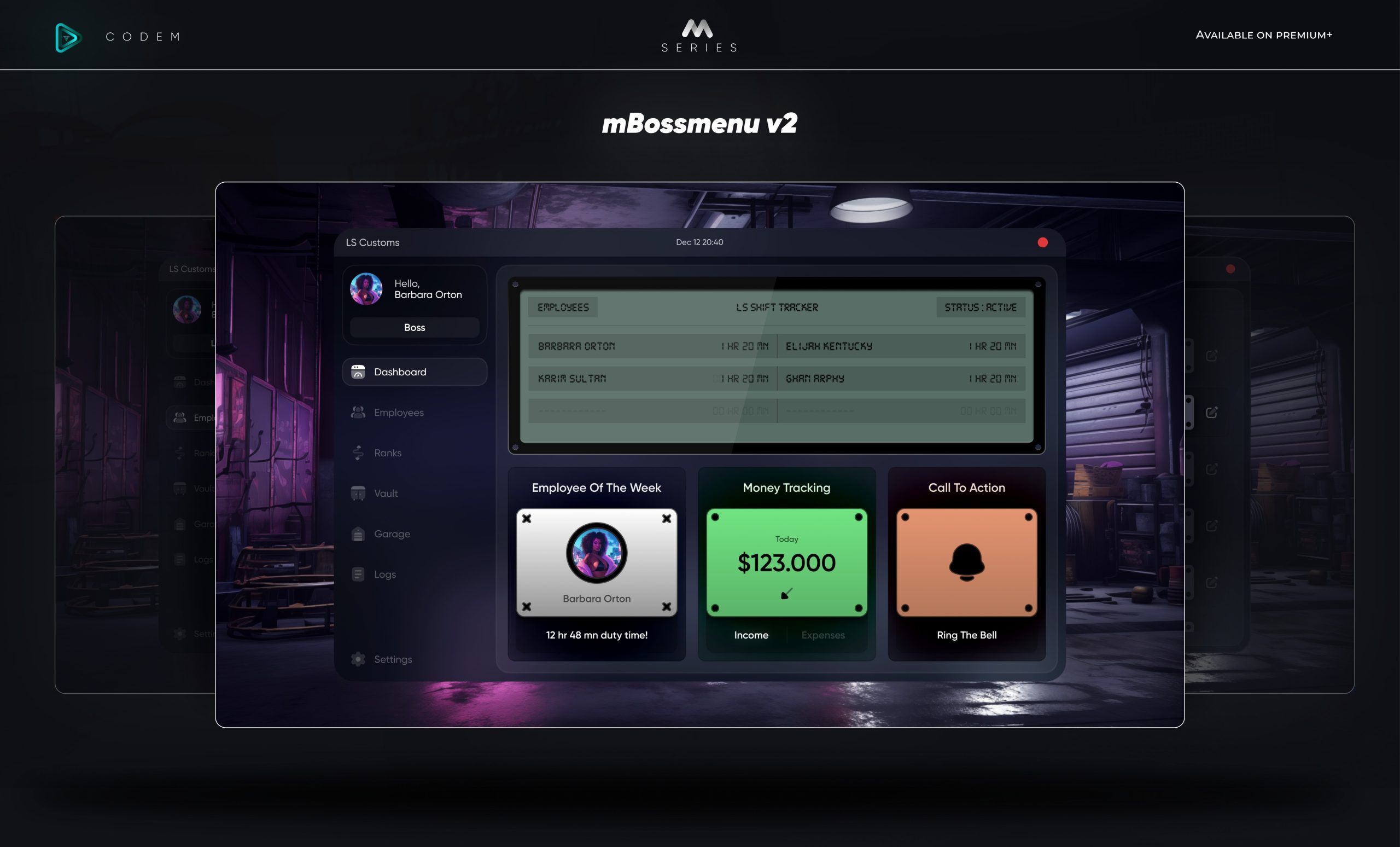
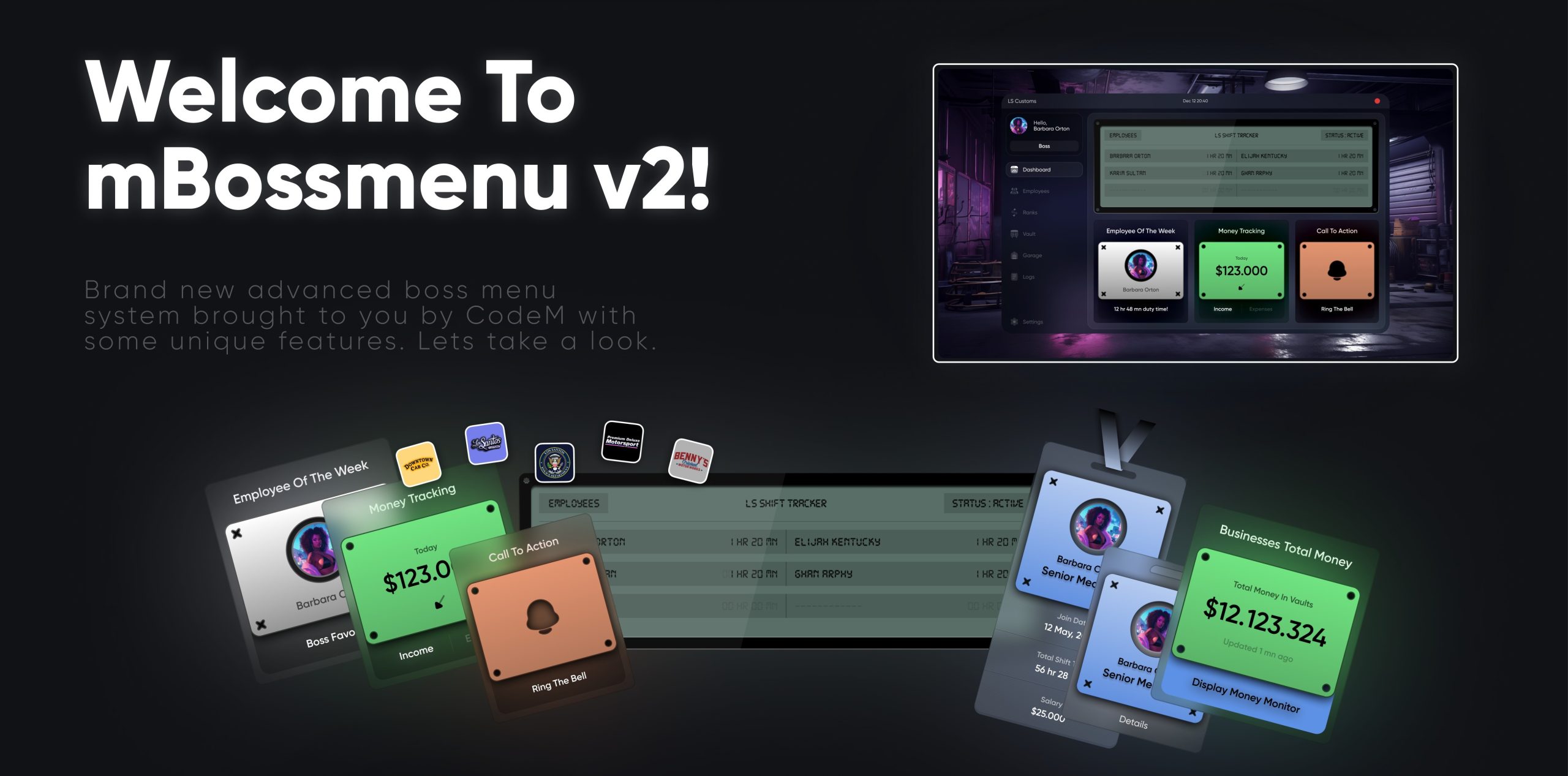
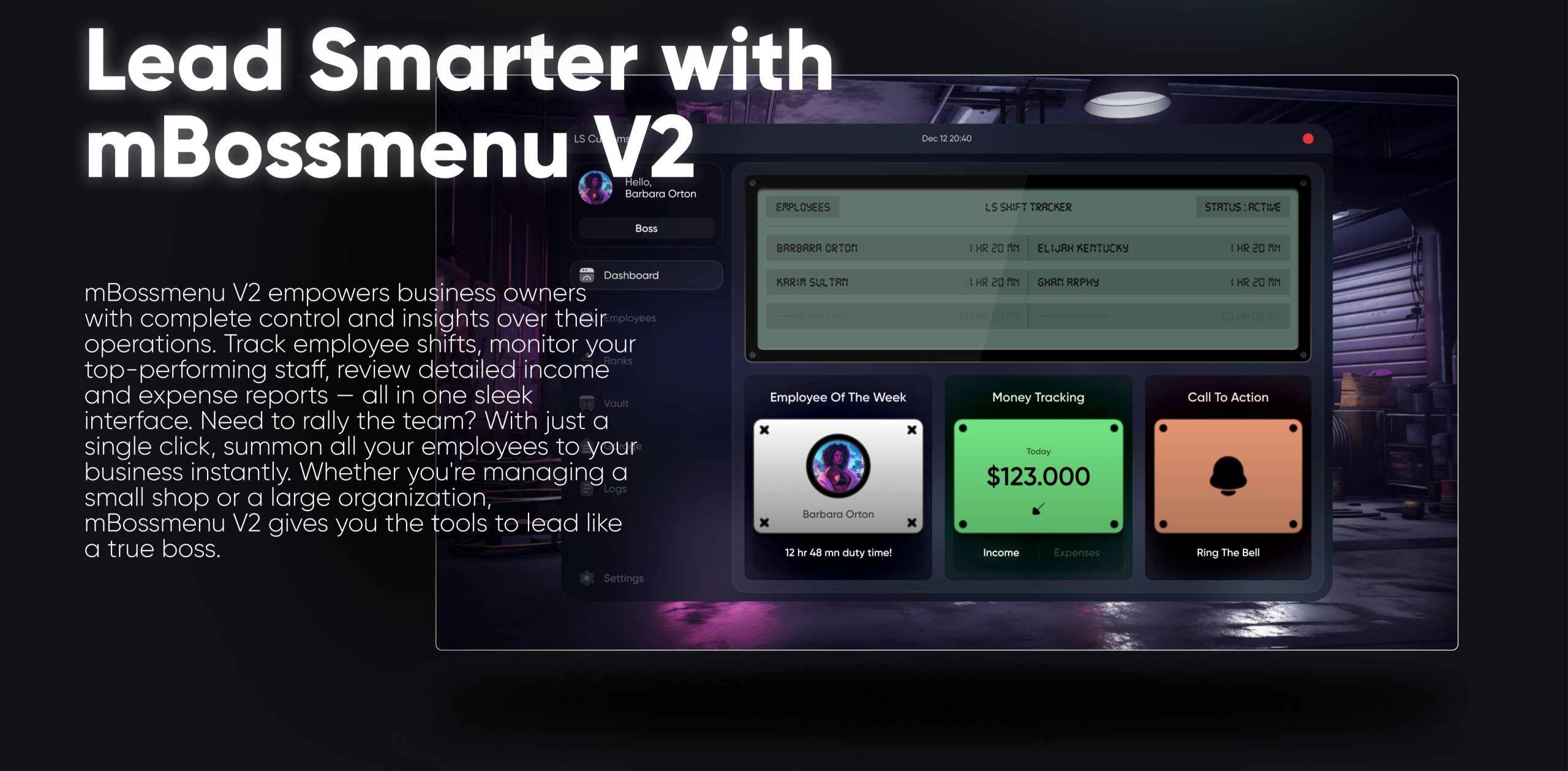
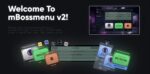
IL mBossmenu è un sistema di menu Boss sofisticato e ricco di funzionalità, progettato per l'utilizzo con i framework ESX e QBCore in FiveM. Questo strumento premium offre a titolari di aziende e amministratori di server un controllo completo sulle operazioni aziendali, sulla gestione dei dipendenti e sulle attività amministrative, il tutto attraverso un'interfaccia elegante e intuitiva.
Caratteristiche principali:
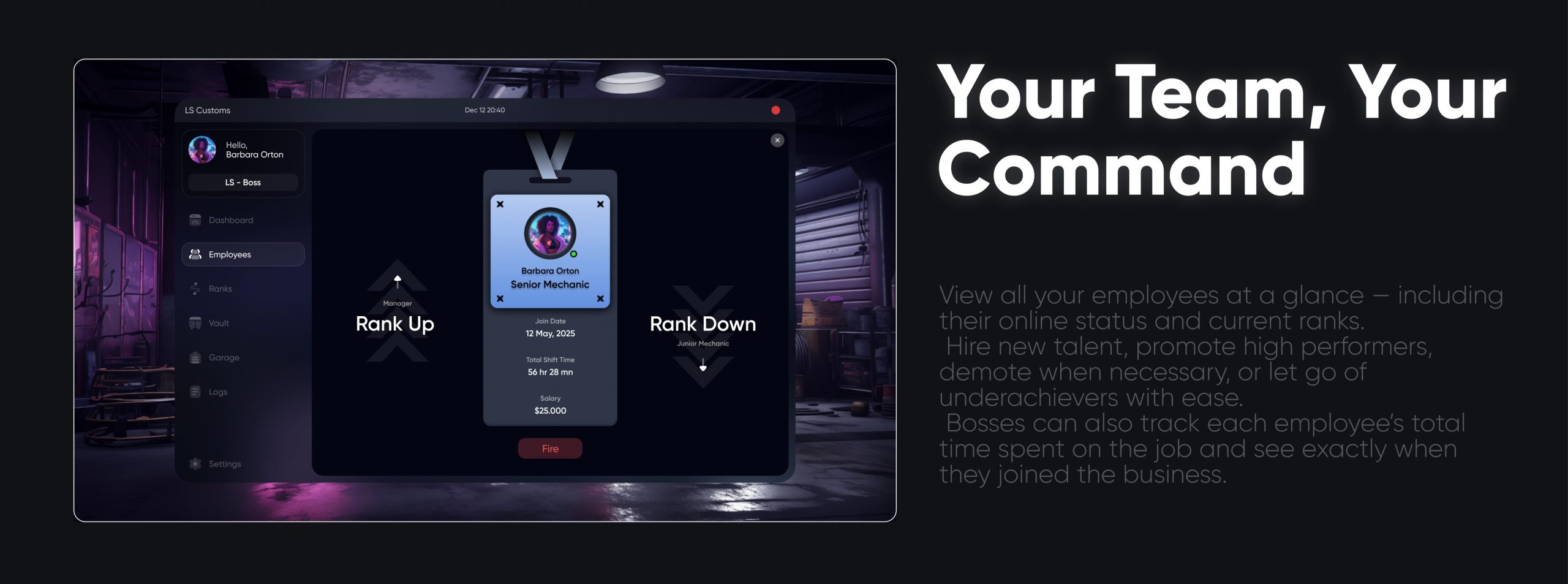
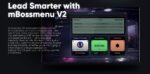
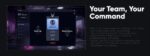
Gestione dei dipendenti: Visualizza e gestisci facilmente i dipendenti con profili dettagliati che mostrano stato online/offline, livello e date di inizio. I titolari di azienda possono reclutare nuovi membri direttamente dal menu.
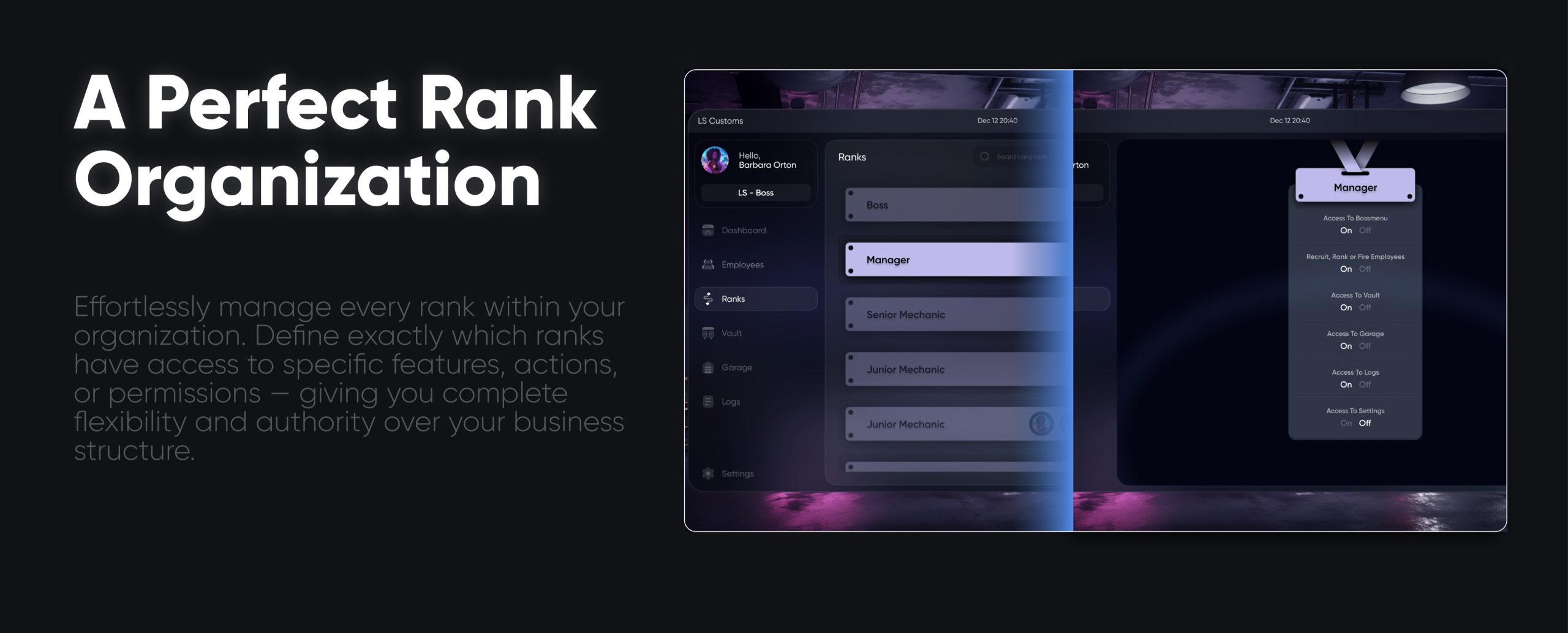
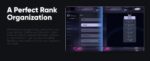
Dettagli del grado: Definisci e gestisci i livelli dei dipendenti, inclusa l'impostazione di stipendi, permessi e azioni specifiche per livello. Questa sezione offre un modo organizzato per tenere traccia dei ruoli e delle responsabilità dei dipendenti.
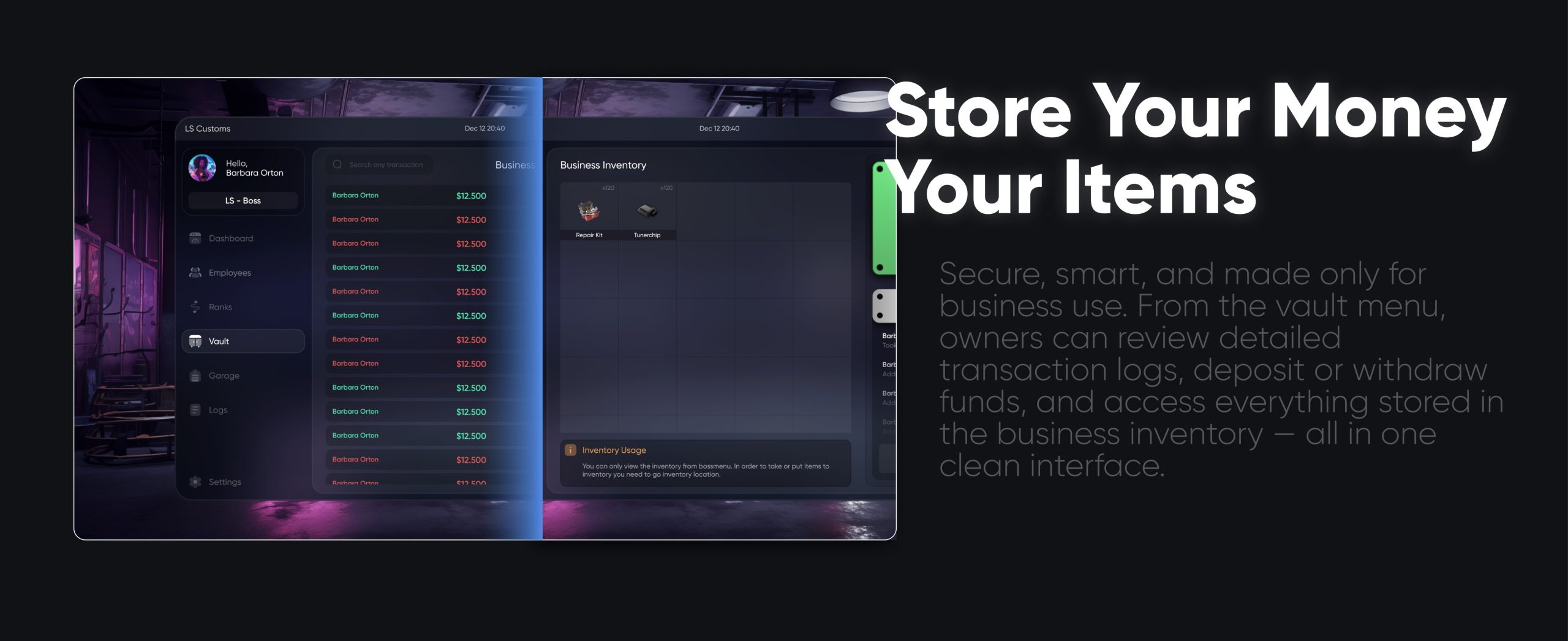
Inventario aziendale: consente sia ai responsabili sia ai dipendenti di accedere, aggiungere o rimuovere articoli dall'inventario aziendale condiviso, semplificando la gestione dell'inventario.
Menu di amministrazione per le aziende: Gli amministratori del server possono creare nuove attività e gestire le impostazioni aziendali tramite un pannello di amministrazione dedicato. Ciò include l'aggiunta di nuove attività, la configurazione dei ruoli e la supervisione delle operazioni aziendali generali.
Visualizzazione aziendale personalizzabile: Gli amministratori possono personalizzare l'aspetto del menu mBoss, inclusi temi colore e loghi aziendali. L'interfaccia fornisce anche informazioni finanziarie, tra cui entrate e uscite, facilitando il monitoraggio delle performance aziendali.
Sicuro ed efficiente: Progettato per prestazioni ottimali, mBossmenu garantisce un'esperienza fluida e reattiva anche con un gran numero di dipendenti e aziende.
Con mBossmenu, la gestione aziendale all'interno del tuo server FiveM non solo è semplificata, ma raggiunge anche un nuovo livello di professionalità ed efficienza. Perfetto per i server di gioco di ruolo che mirano a offrire un'esperienza di gestione aziendale realistica e coinvolgente. Disponibile esclusivamente per gli utenti premium.
Config = {}
Config.Framework = 'esx' -- autodetect, qb, oldqb, esx, oldesx
Config.SQL = "oxmysql"          -- oxmysql, ghmattimysql, mysql-async
Config.ItemImagesFolder = "nui://ox_inventory/web/images/"
Config.MenuKey = 38
Config.InteractionHandler = 'ox_target' -- drawtext, ox_target, qb_target, qb_textui, esx_textui
Config.AdminMenuCommand = "adminboss"
Config.DefaultImage = 'https://cdn.discordapp.com/attachments/983471660684423240/1147567519712940044/example-pp.png'
Config.Admins = {
    "admin",
    "superadmin",
    "god",
    "mod",
    "moderator",
}


Config.Certifications = {
    {
        name = "air_support",
        label = "Air Support Division",
        icon = 'air_support_icon.svg',
    },
    {
        name = "burglary_task",
        label = "Burglary Task Force",
        icon = 'burglary_task_icon.svg',
    },
    {
        name = "field_training_officer",
        label = "Field Officer",
        icon = 'field_training_icon.svg',
    },
    {
        name = "high_speed_pursuit_unit",
        label = "High Speed Pursuit Unit",
        icon = 'high_speed_pursuit_unit_icon.svg',
    },
    {
        name = "high_value_target_unit",
        label = "High Value Target Unit",
        icon = 'high_value_target_unit_icon.svg',
    },
    {
        name = "k9_unit",
        label = "K9 Unit",
        icon = 'k9_unit_icon.svg',
    },
    {
        name = "major_crimes_unit",
        label = "Major Crimes Unit",
        icon = 'major_crimes_unit_icon.svg',
    },
    {
        name = "motorcycle",
        label = "Motorcycle",
        icon = 'motorcycle_icon.svg',
    },
    {
        name = "shark_rangers_unit",
        label = "Shark Rangers Unit",
        icon = 'shark_rangers_icon.svg',
    },
}

Config.Inventory = "ox_inventory" -- codem-inventory, qb_inventory, esx_inventory, ox_inventory, qs_inventory

Config.BlacklistedItems = {          -- items you don't want to show up on the menu
    -- "water",
    -- "weapon_pistol"
}

Config.Notify = function(message)
    if Config.Framework == 'esx' or Config.Framework == 'oldesx' then
        TriggerEvent("esx:showNotification", message)
    else
        TriggerEvent('QBCore:Notify', message, "info", 1500)
    end
end
Config.Clothes = "fivem-appearance" -- fivem-appearance -- illenium-appearance -- codem-appearance -- esx_skin -- qb-clothing

function openClothingMenu()
    if Config.Clothes == 'fivem-appearance' then
        TriggerEvent("fivem-appearance:client:openClothingShopMenu", false)
    end
    if Config.Clothes == 'illenium-appearance' then
        TriggerEvent("illenium-appearance:client:openClothingShop", false)
    end
    if Config.Clothes == 'codem-appearance' then
        TriggerEvent("codem-appereance:OpenClothing")
         --[[
            // Add this code in codem-appereance client/clothing.lua

           RegisterNetEvent("codem-appereance:OpenClothing")
            AddEventHandler("codem-appereance:OpenClothing", function()
                OpenMenu("binco")
            end)
        --]]
    end
    if Config.Clothes == 'esx_skin' then
        TriggerEvent("esx_skin:openMenu")
    end
    if Config.Clothes == 'qb-clothes' then
        TriggerEvent("qb-clothing:client:openMenu")
    end
end

function RefreshSkin()
    if Config.Clothes == 'fivem-appearance' then
        TriggerEvent("fivem-appearance:client:reloadSkin")
    end
    if Config.Clothes == 'illenium-appearance' then
        TriggerEvent("illenium-appearance:client:reloadSkin")
    end
    if Config.Clothes == 'codem-appearance' then
        TriggerEvent("codem-appearance:reloadSkin")
    end
    if Config.Clothes == 'esx_skin' then
        TriggerEvent("esx_skin:getLastSkin", function(lastSkin)
            TriggerEvent('skinchanger:loadSkin', lastSkin)
        end)
    end
    if Config.Clothes == 'qb-clothes' then
        TriggerEvent("qb-clothing:reloadSkin")
        --[[
            // Add this code in qb-clothing client/main.lua

            RegisterNetEvent("qb-clothing:reloadSkin")
            AddEventHandler("qb-clothing:reloadSkin", function()
                local playerPed = PlayerPedId()
                local health = GetEntityHealth(playerPed)
                reloadSkin(health)
            end)
        --]]
    end
end

function onBossMenuOpen()
end

function onBossMenuClose()
end

function badgenumber(source)
    -- your function to get player badge number
    return 0
end
Setup guide
All selected settings below were verified against the delivered mBossMenu config; the archive contains no README.
Requirements and preparation
Select ESX, old ESX, QBCore or old QBCore.
Selezionare oxmysql, ghmattimysql O mysql-async and a supported interaction/menu stack.
Installazione
Estrarre mBossmenu.
Configure framework, SQL adapter, inventory image path, interaction handler and admin groups in shared/config.lua.
Import the included SQL and start after the selected framework/database resources.
Configuration checkpoints
Test employee, grade, fund, certification and inventory actions for each configured job.
Confirm the admin boss-menu command is restricted to the intended groups.
Safety: Back up the affected resource and database tables, use credentials owned by your server, and complete a staging test before replacing a live resource. The full configuration remains in the download package.
6 recensioni per CodeM mBossMenu
Valutato 5 su 5
WildNoah302 (proprietario verificato)–
Our community has responded positively since we added this resource.
Valutato 5 su 5
Ines (proprietario verificato)–
Great resource with a polished design. It fits our server well and required very little customization.
Valutato 5 su 5
Herman (proprietario verificato)–
Fantastic resource for roleplay servers. Our staff and players both enjoy using it.
Valutato 5 su 5
Eliza (proprietario verificato)–
The support alone makes this worth purchasing. Fast answers and practical solutions.
Valutato 5 su 5
Adelle (proprietario verificato)–
The script works perfectly on our server. Setup took only a few minutes, and the configuration file was easy to understand.
Valutato 5 su 5
Benton (proprietario verificato)–
The script feels professional and production-ready rather than unfinished or experimental.
Solamente clienti che hanno effettuato l'accesso ed hanno acquistato questo prodotto possono lasciare una recensione.










WildNoah302 (proprietario verificato) –
Our community has responded positively since we added this resource.
Ines (proprietario verificato) –
Great resource with a polished design. It fits our server well and required very little customization.
Herman (proprietario verificato) –
Fantastic resource for roleplay servers. Our staff and players both enjoy using it.
Eliza (proprietario verificato) –
The support alone makes this worth purchasing. Fast answers and practical solutions.
Adelle (proprietario verificato) –
The script works perfectly on our server. Setup took only a few minutes, and the configuration file was easy to understand.
Benton (proprietario verificato) –
The script feels professional and production-ready rather than unfinished or experimental.