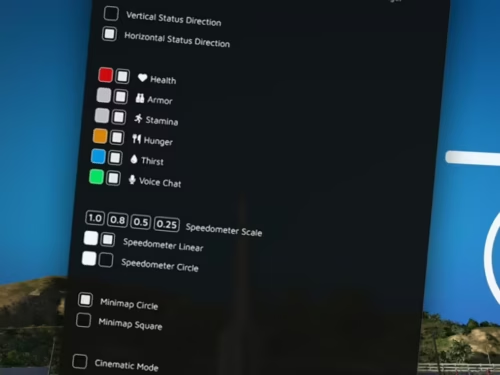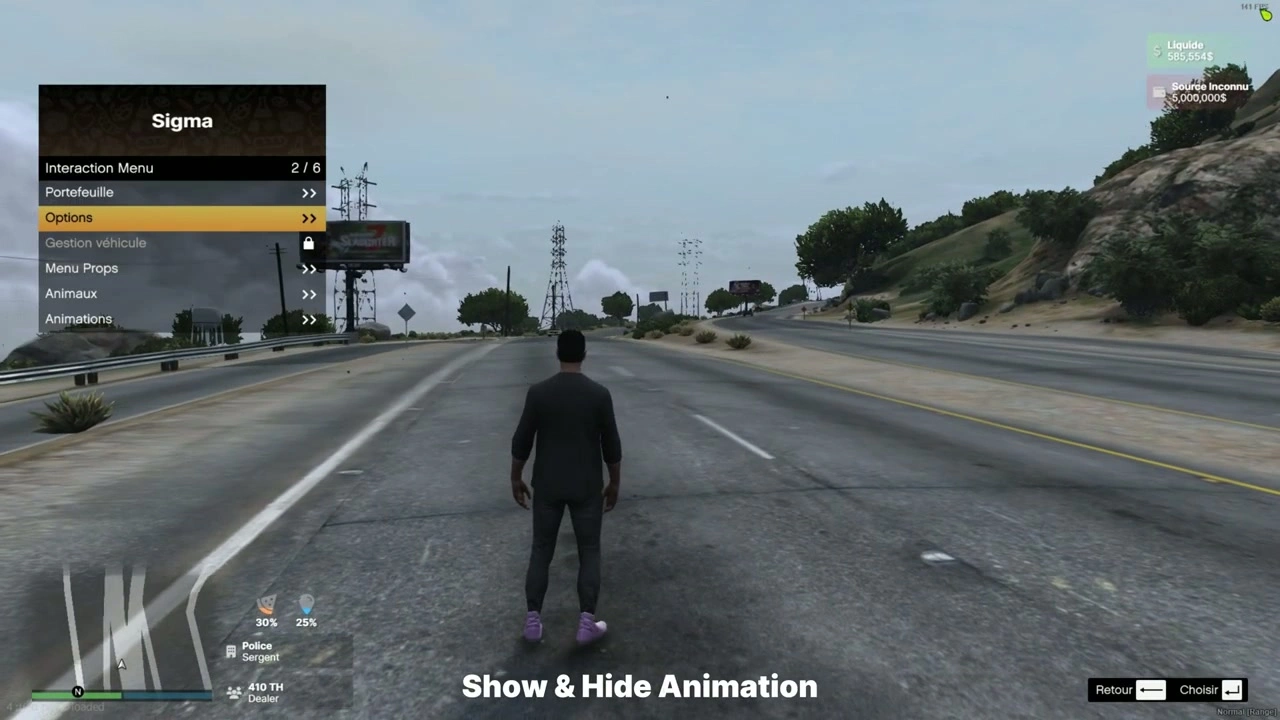

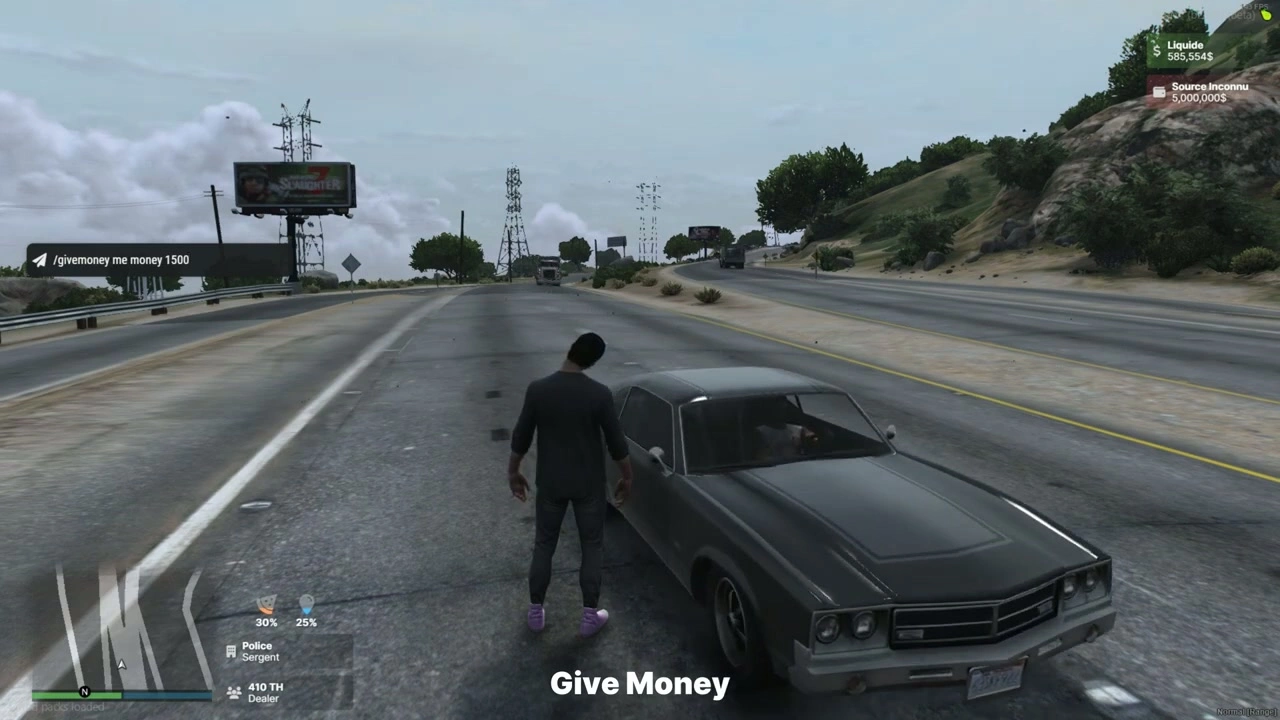

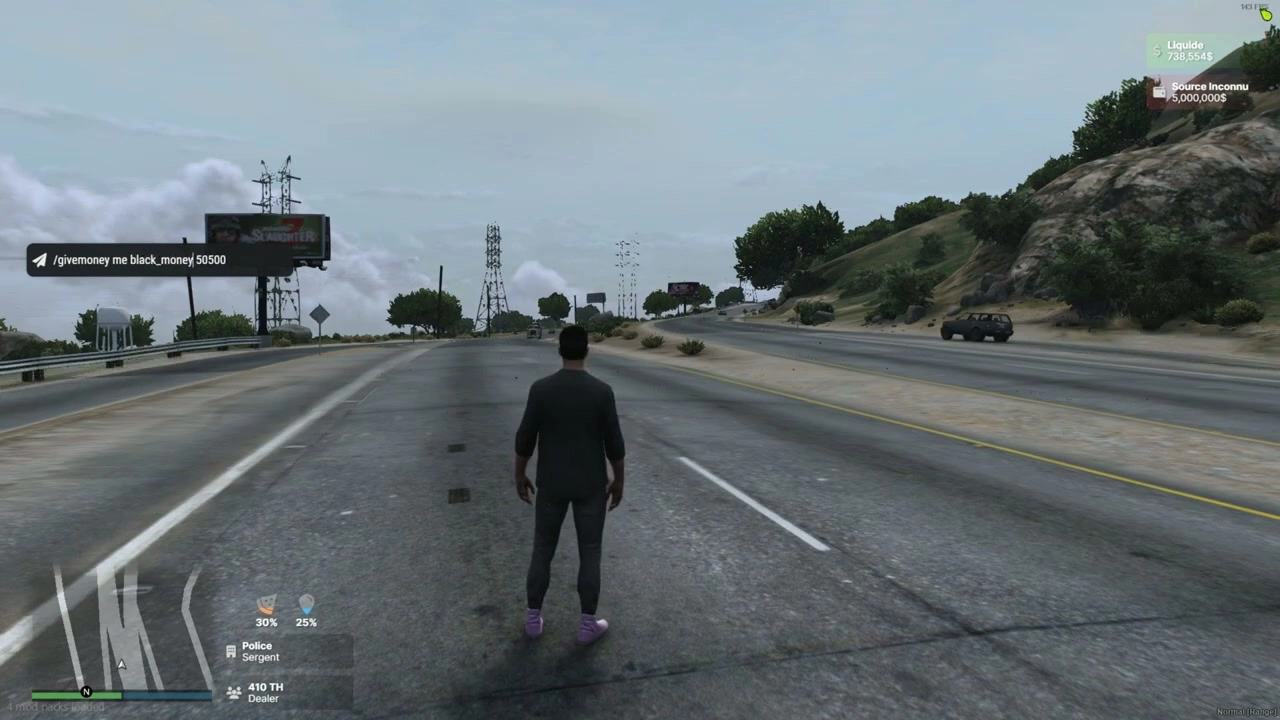
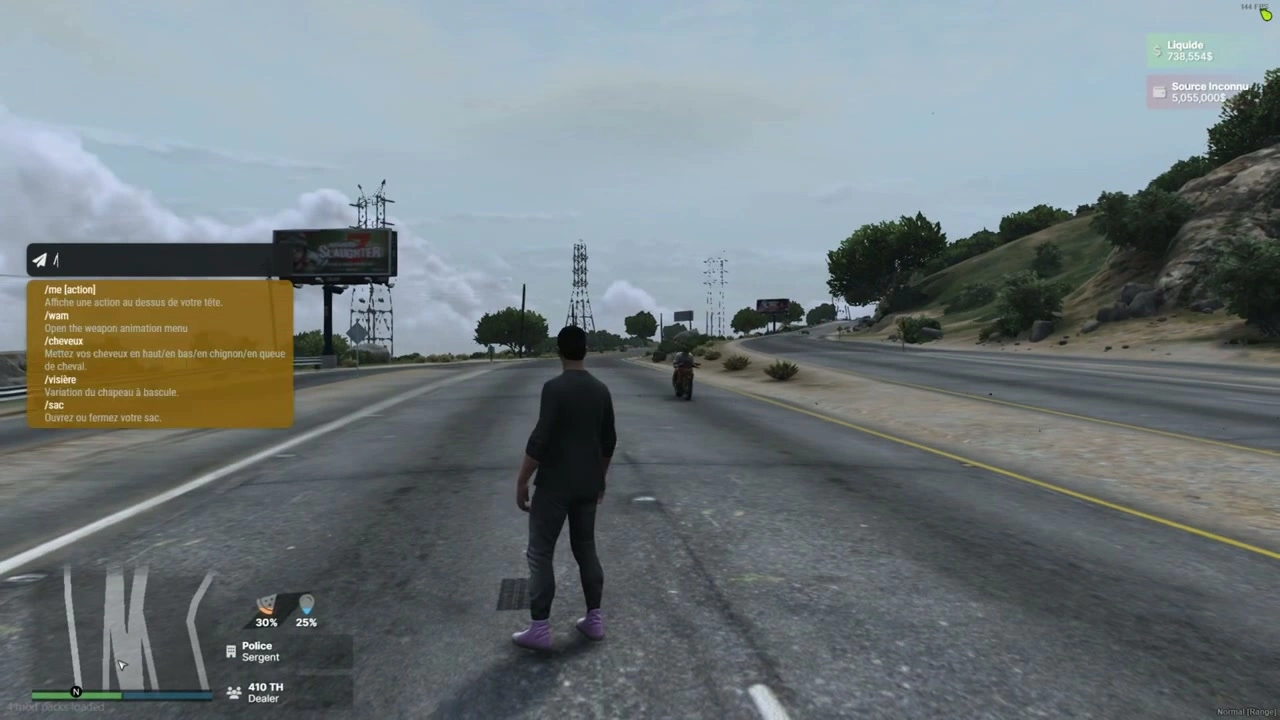
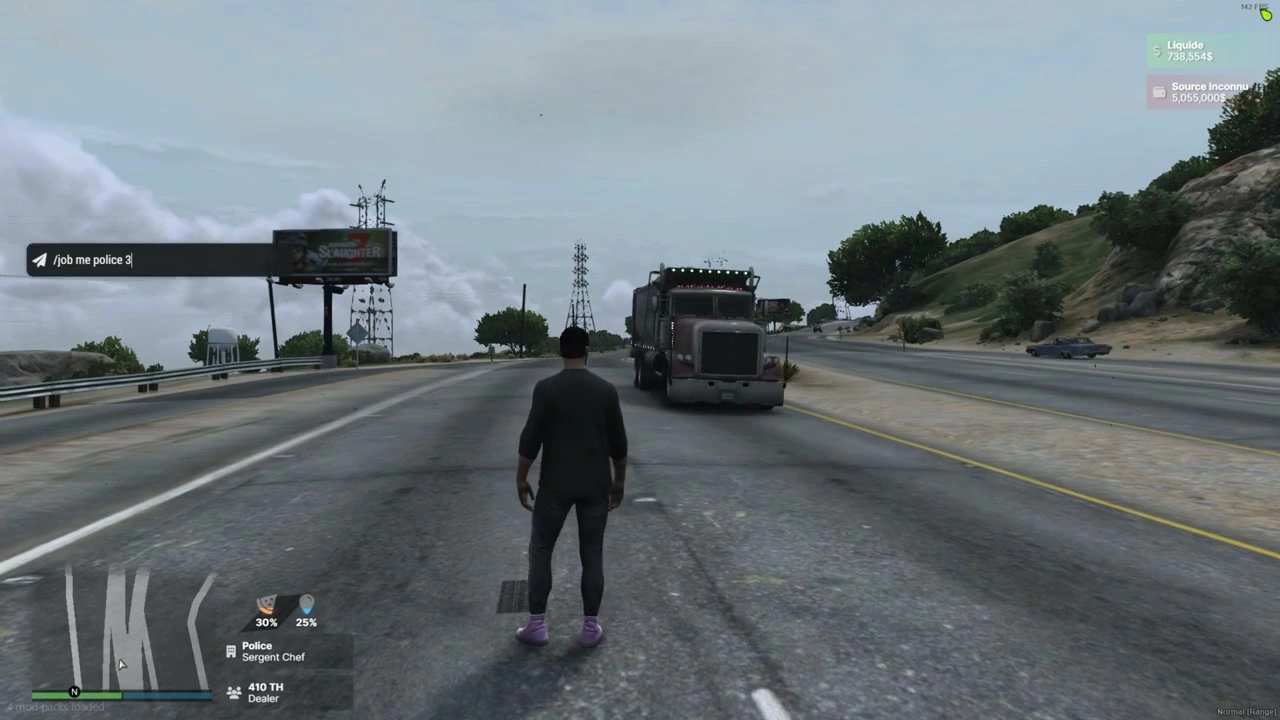
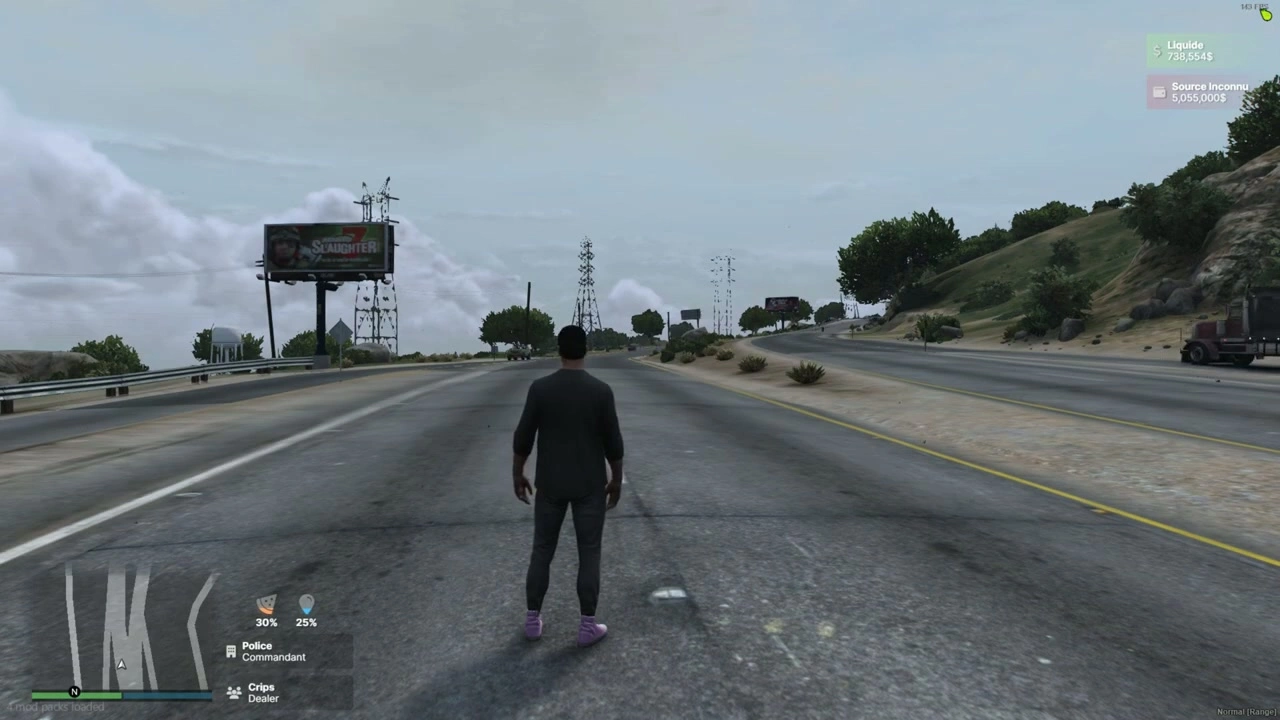
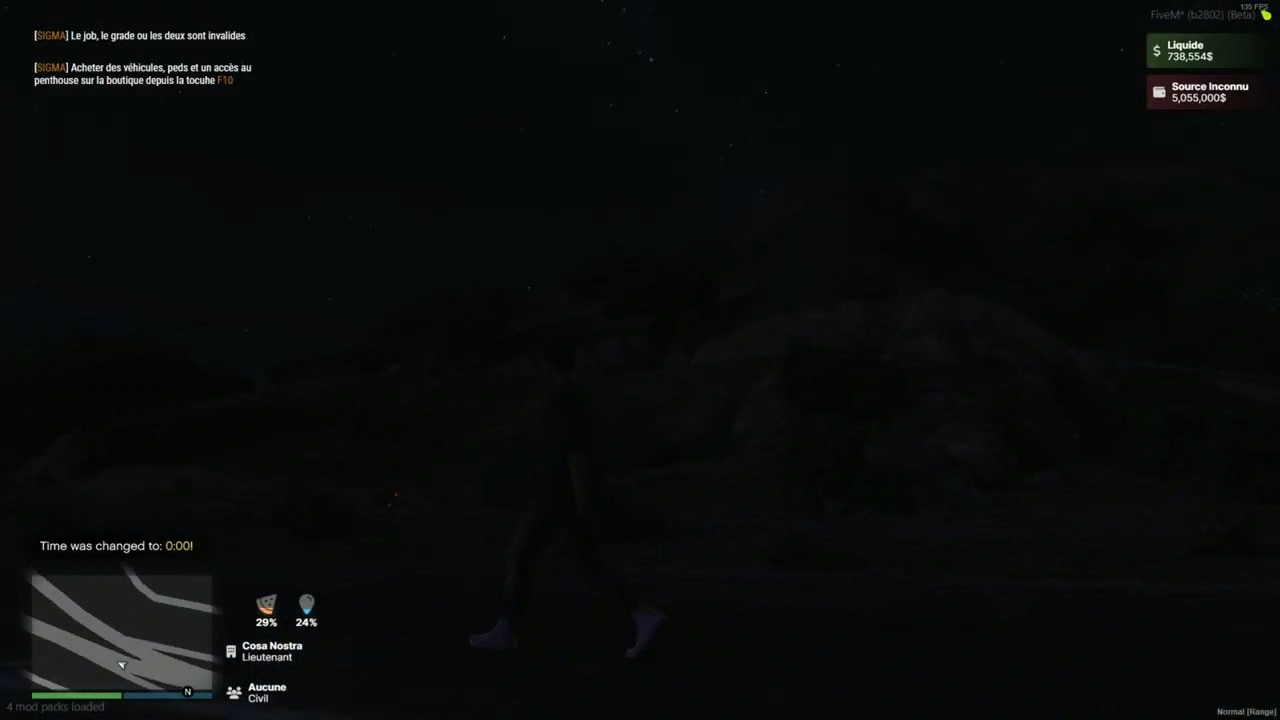











File e manifesto
fxmanifest.luaui_page "NUI/index.html"- Carica CSS/JS/assets da
NUI/src/* shared_script "config.lua"client_script "client/*.lua"
- Logica client principale:
client/main.lua - Configurazione:
config.lua - NUI:
NUI/index.html,NUI/src/css/*,NUI/src/js/{config.js,index.js,events.js},NUI/src/images/micro.png
Configurazione (config.lua)
Config = {
  DEBUG = false,

  -- How to get ESX:
  ESX_method   = "function",         -- "function" (export) or "event"
  eventNameESX = "esx:getSharedObject",
  extendedName = "extended",         -- e.g. "es_extended" / "extended"
  VERSION_ESX  = "final",            -- "legacy" or "final" (informational)

  -- Status source (list of {name, percent}):
  statusEventName = "esx_customui:updateStatus",

  ACTIVED = {
    JOB         = true,
    JOB2        = true,
    MONEY       = true,
    BLACK_MONEY = true,
    MICRO       = true
  }
}
Note
- Se utilizzi un tick di stato alternativo (es.
sigma_hud:onTick), il client ascolta suConfig.statusEventNameO ricade su"sigma_hud:onTick".
Eventi client e flusso di dati
- Inizializzazione
esx:playerLoaded→ HUD si inizializza con i dati del giocatore ESX.- All'inizializzazione viene mostrato HUD e NUI riceve:
SendNUIMessage({ type = "init", config = Config.ACTIVED })
- Aggiornamenti di stato (Fame/Sete)
- Ascolta
Config.statusEventName(predefinitoesx_customui:updateStatus) ed emettere un elenco come:TriggerEvent("esx_customui:updateStatus", { { name = "hunger", percent = 48.0 }, { name = "thirst", percent = 72.0 } }) - HUD li mappa alle due barre di stato.
- Ascolta
- Lavoro / Secondo lavoro
esx:setJobEesx:setJob2sono gestiti automaticamente. NUI riceve:SendNUIMessage({ type = "updateJob", jobs = { { label = job.label, grade = job.grade_label }, { label = job2.label, grade = job2.grade_label } }})
- Soldi
esx:setAccountMoneyaggiorna contanti e denaro sporco:SendNUIMessage({ type = "updateMoney", moneys = { { label = "Liquide", value = cash.money }, { label = black.label, value = black.money } }})
- Voce (indicatore di conversazione)
- Sondaggi
NetworkIsPlayerTalking(PlayerId()); mostra/nasconde l'icona del microfono con:SendNUIMessage({ type = "toogleMicro", show = true/false }) - Un helper per cambiare le classi di prossimità esiste in NUI (
type = "changeMicro"), in modo da poterlo collegare alla tua risorsa vocale, se lo desideri.
- Sondaggi
- Mostra/Nascondi HUD (personalizzato)
- Attiva da qualsiasi client-side:
TriggerEvent("iHud-V2::show", true)  -- show
TriggerEvent("iHud-V2::show", false) -- hide
- Attiva da qualsiasi client-side:
Installazione
- Trascina la cartella nella tua
resources(per esempioresources/[ui]/iHud-V2). - Assicurati che la risorsa:
ensure iHud-V2 - Configurare Metodo di accesso ESX, nome evento stato, e attiva le sezioni in
config.lua. - Conferma che il tuo script di stato emette
{ name = "hunger"/"thirst", percent = <0-100> }array aConfig.statusEventName.
Compatibilità e suggerimenti
- recupero ESX
functionla modalità prevede:ESX = exports[Config.extendedName]:getSharedObject()eventla modalità prevede:TriggerEvent(Config.eventNameESX, function(obj) ESX = obj end)
- Prossimità vocale
- Il HUD viene fornito con un indicatore di conversazione pronto all'uso. Per mostrare i livelli di prossimità (sussurro/normale/urlo), fai in modo che la tua risorsa vocale invii un messaggio NUI con
type="changeMicro"e la tua classe CSS scelta.
- Il HUD viene fornito con un indicatore di conversazione pronto all'uso. Per mostrare i livelli di prossimità (sussurro/normale/urlo), fai in modo che la tua risorsa vocale invii un messaggio NUI con
- Stile
- Font e icone caricati da CDN; UI è reattivo e mantenuto minimale per i server RP.
Se lo desideri, posso adattare il testo sopra alla denominazione esatta del tuo server e includere un breve blocco “Requisiti/Dipendenze del server” (ad esempio, i nomi delle tue risorse di stato/vocali) o aggiungere screenshot.