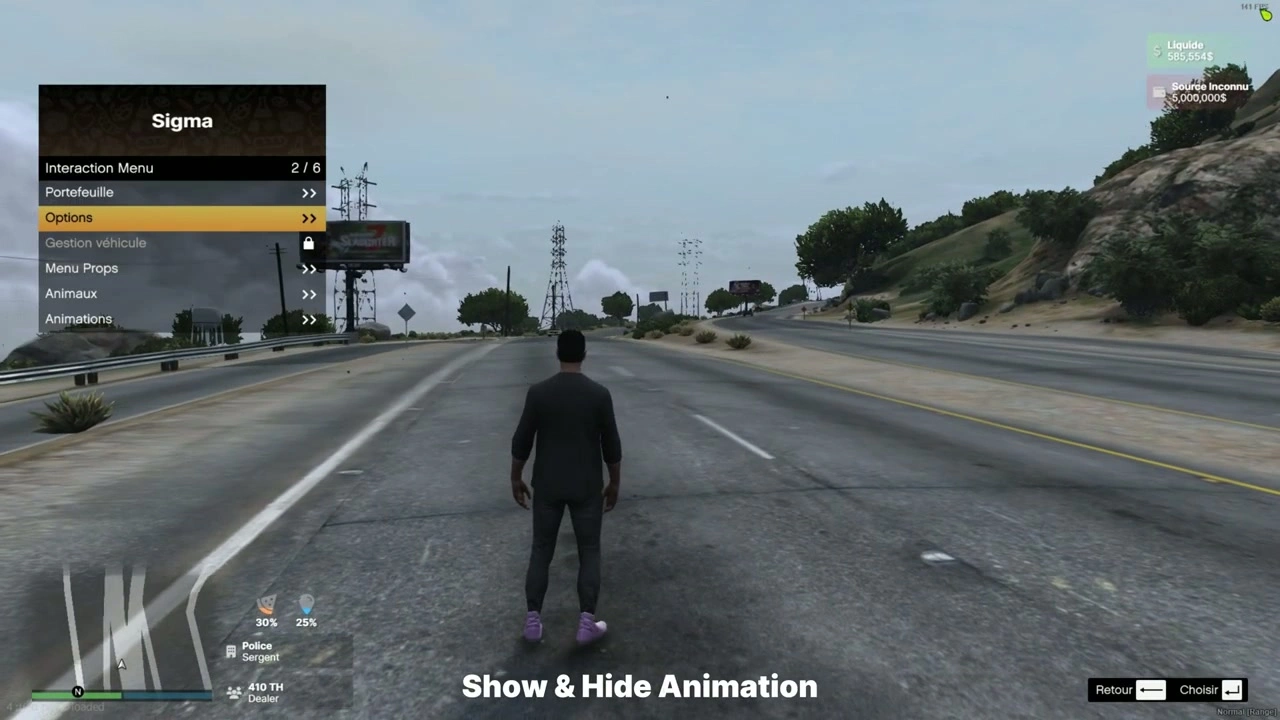
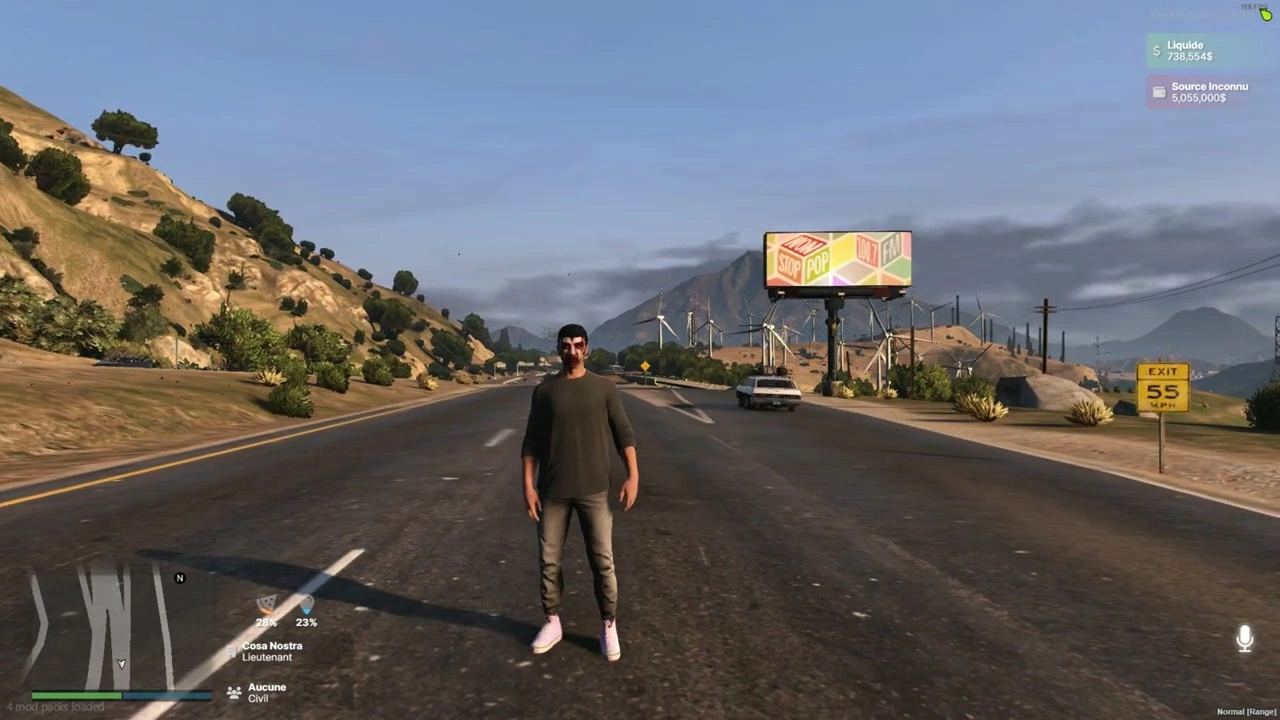
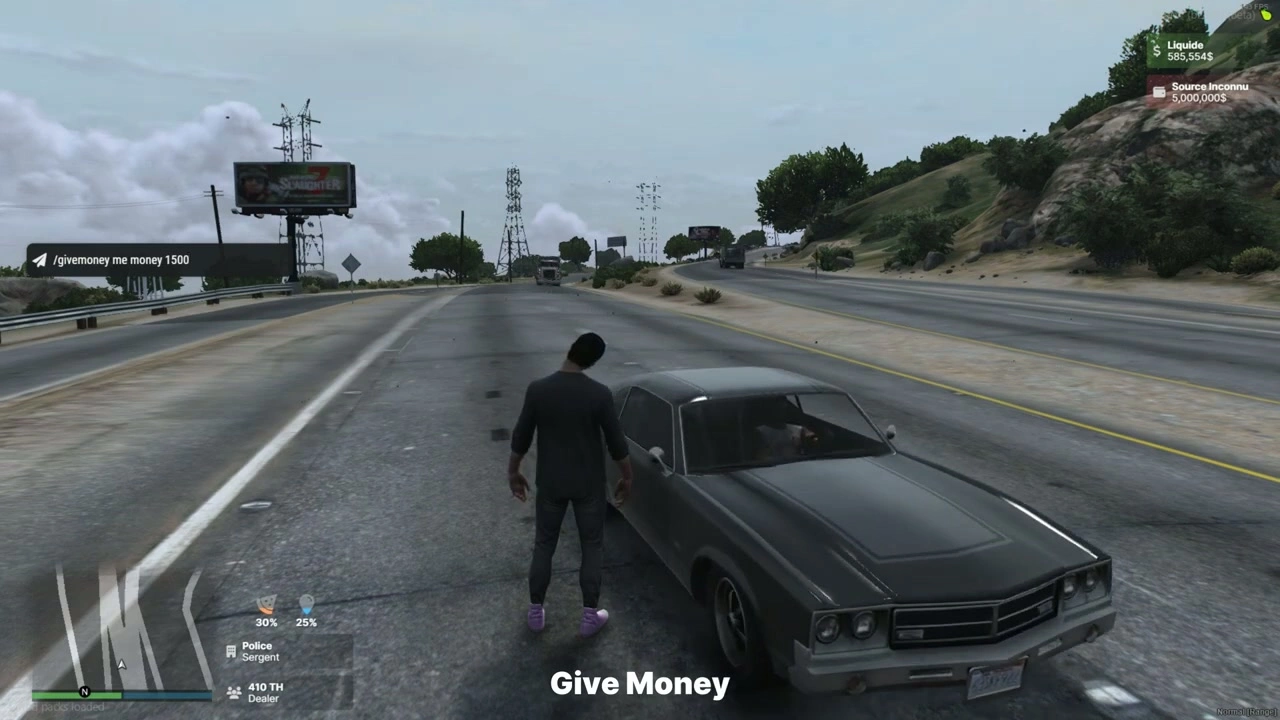
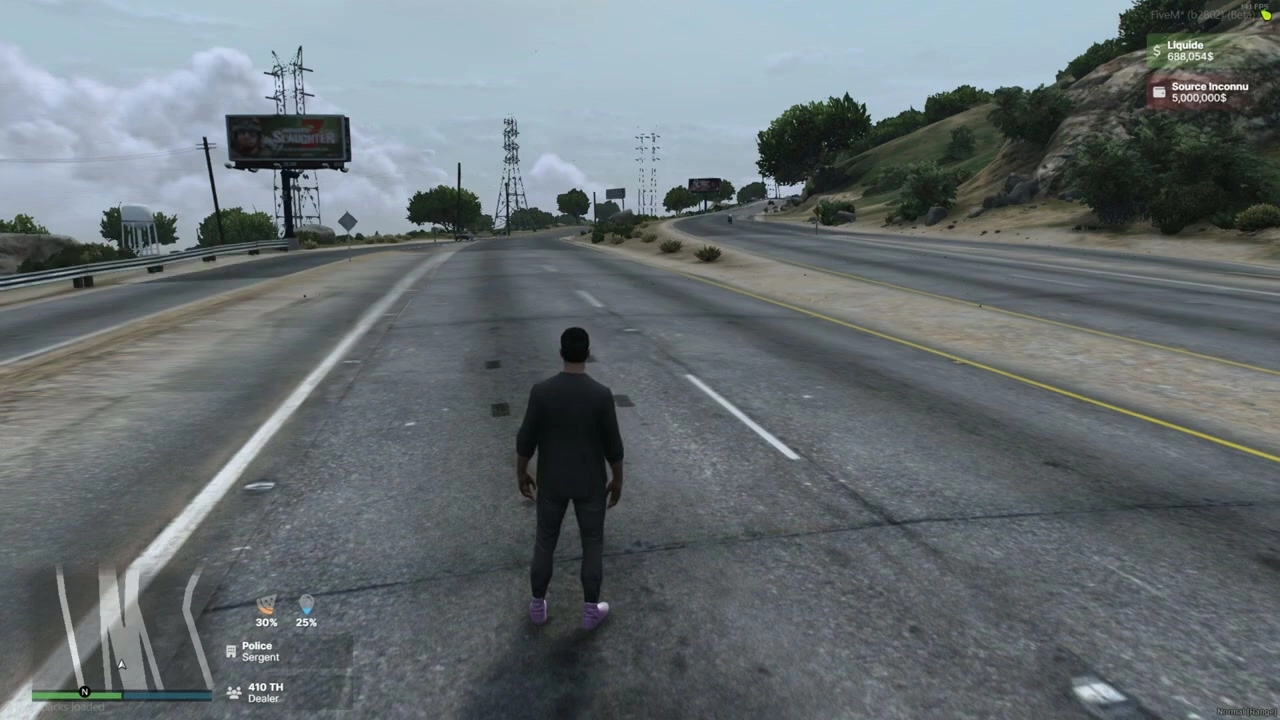











Bestanden & manifest
fxmanifest.luaui_page "NUI/index.html"- Laadt CSS/JS/assets van
NUI/src/* shared_script "config.lua"client_script "client/*.lua"
- Hoofdclientlogica:
client/main.lua - Configuratie:
config.lua - NUI:
NUI/index.html,NUI/src/css/*,NUI/src/js/{config.js,index.js,events.js},NUI/src/images/micro.png
Configuratie (config.lua)
Config = {
  DEBUG = false,

  -- How to get ESX:
  ESX_method   = "function",         -- "function" (export) or "event"
  eventNameESX = "esx:getSharedObject",
  extendedName = "extended",         -- e.g. "es_extended" / "extended"
  VERSION_ESX  = "final",            -- "legacy" or "final" (informational)

  -- Status source (list of {name, percent}):
  statusEventName = "esx_customui:updateStatus",

  ACTIVED = {
    JOB         = true,
    JOB2        = true,
    MONEY       = true,
    BLACK_MONEY = true,
    MICRO       = true
  }
}
Notities
- Als je een alternatieve status-tick gebruikt (bijv.
sigma_hud:onTick), luistert de client opConfig.statusEventNameof valt terug op"sigma_hud:onTick".
Clientgebeurtenissen & gegevensstroom
- Initialisatie
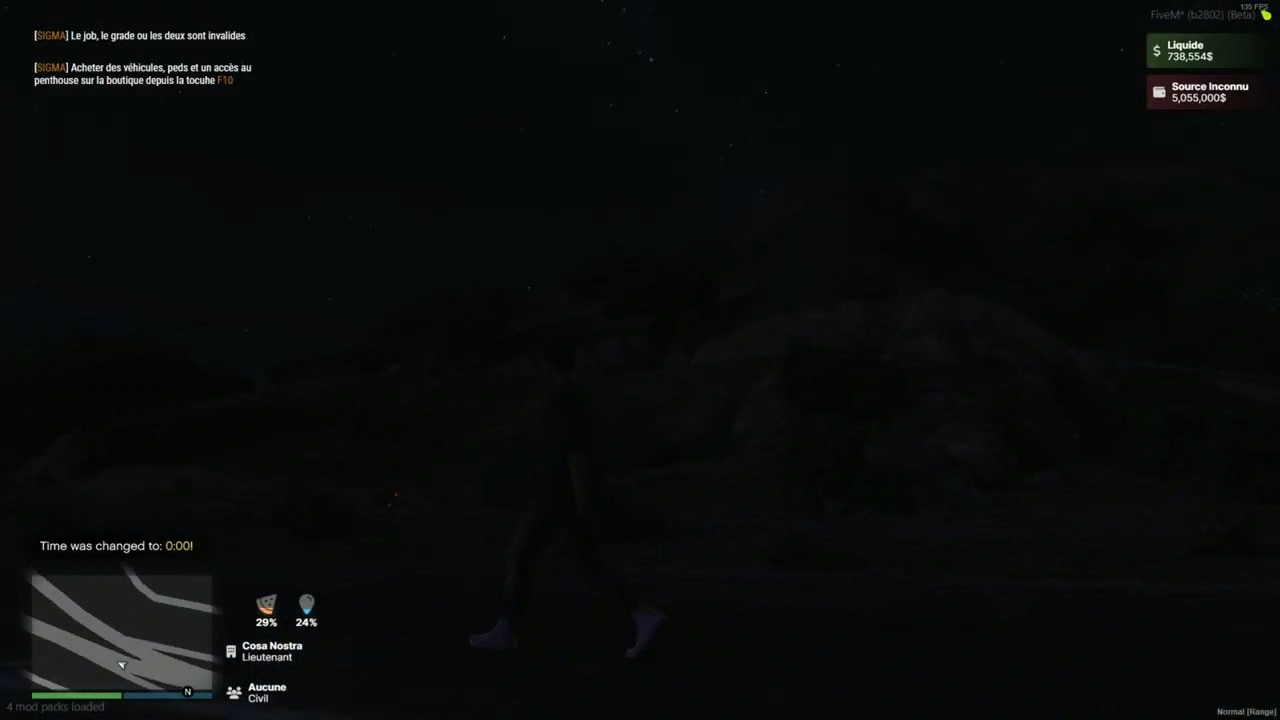
esx:playerLoaded→ HUD initialiseert met ESX spelergegevens.- Bij initialisatie wordt de HUD getoond en NUI ontvangt:
SendNUIMessage({ type = "init", config = Config.ACTIVED })
- Statusupdates (Honger/Dorst)
- Luister naar
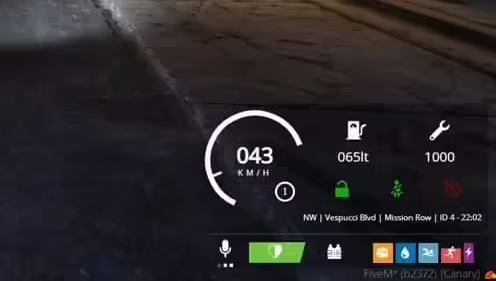
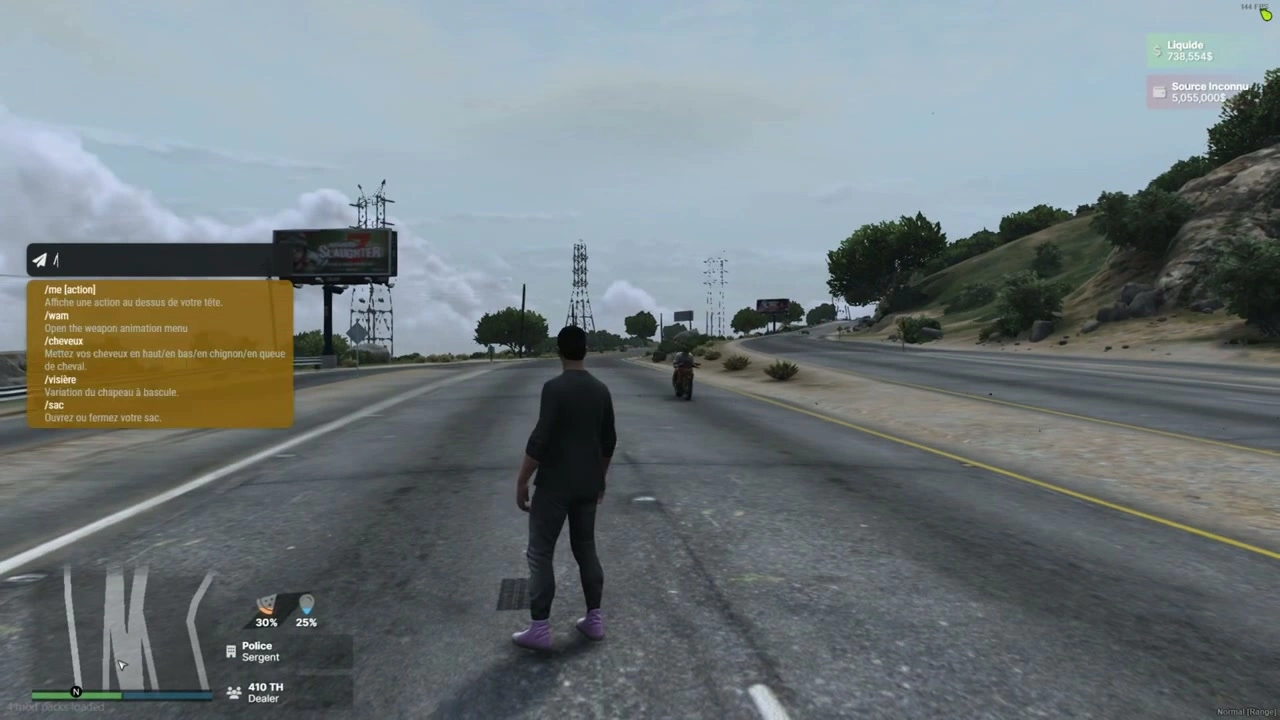
Config.statusEventName(standaardesx_customui:updateStatus) en een lijst uitzendt zoals:TriggerEvent("esx_customui:updateStatus", { { name = "hunger", percent = 48.0 }, { name = "thirst", percent = 72.0 } }) - HUD koppelt die aan de twee statusbalken.
- Luister naar
- Functie / Secondaire Functie
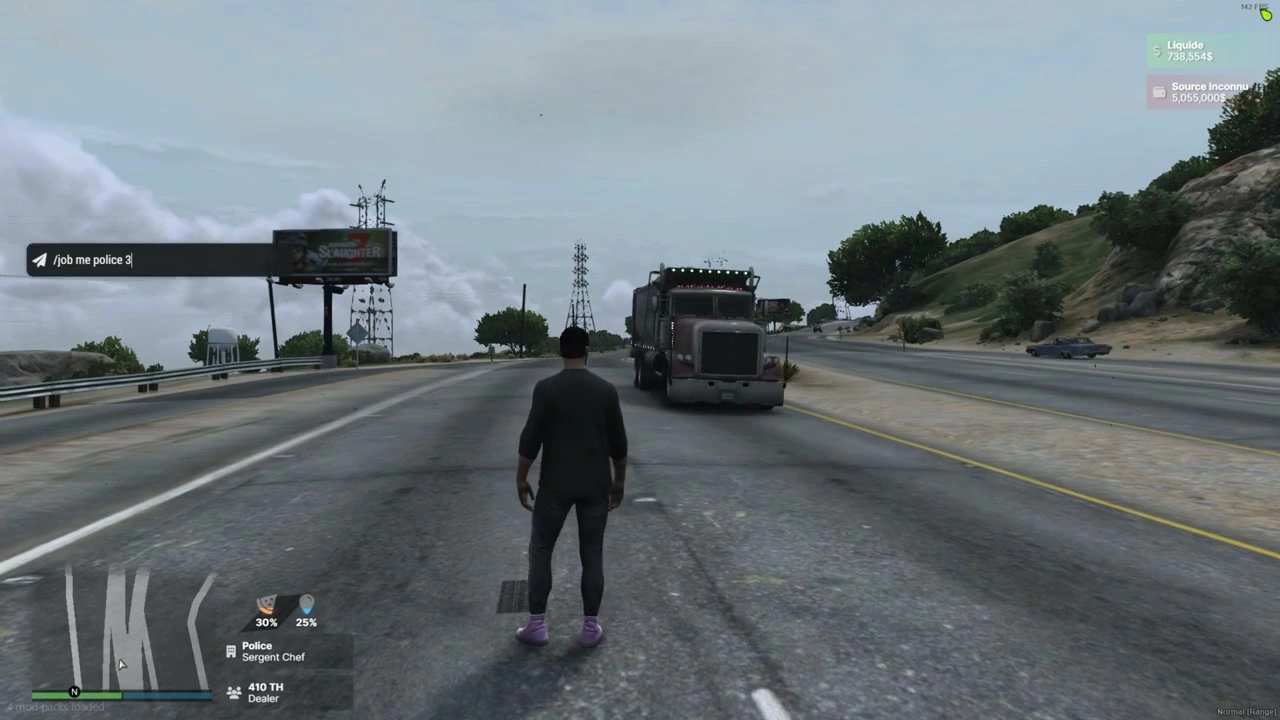
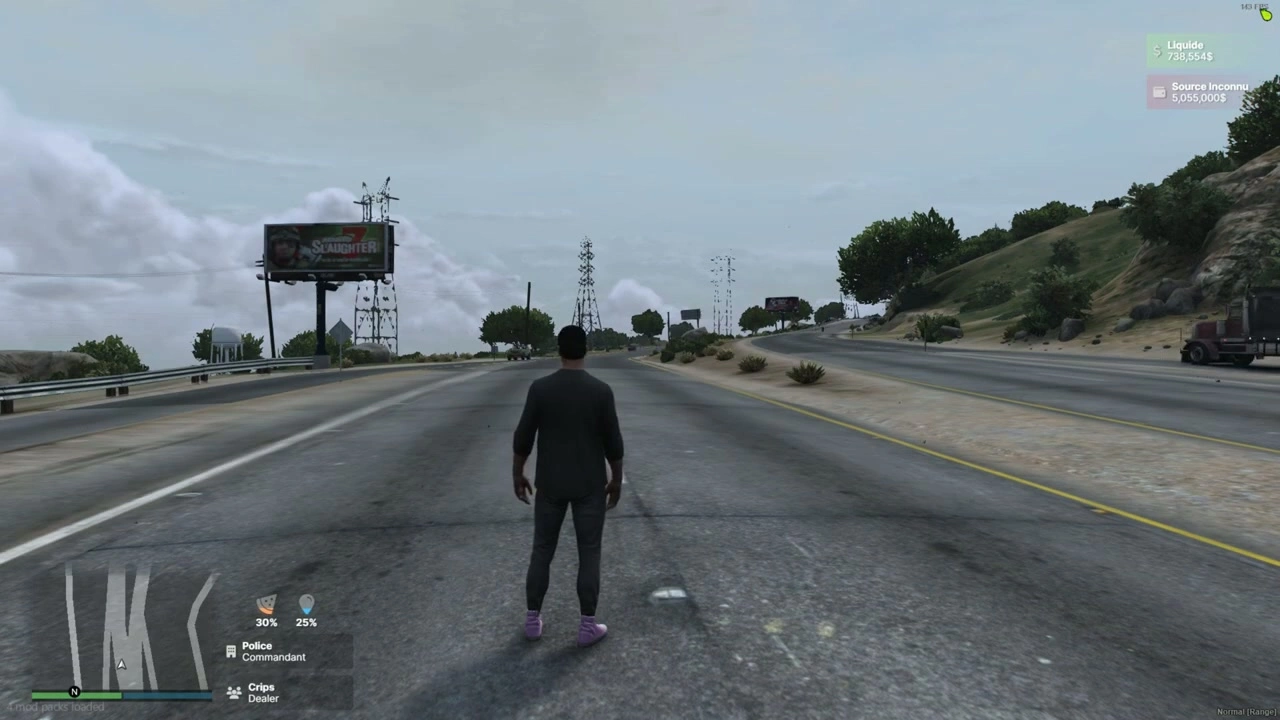
esx:setJobEnesx:setJob2worden automatisch afgehandeld. NUI ontvangt:SendNUIMessage({ type = "updateJob", jobs = { { label = job.label, grade = job.grade_label }, { label = job2.label, grade = job2.grade_label } }})
- Geld
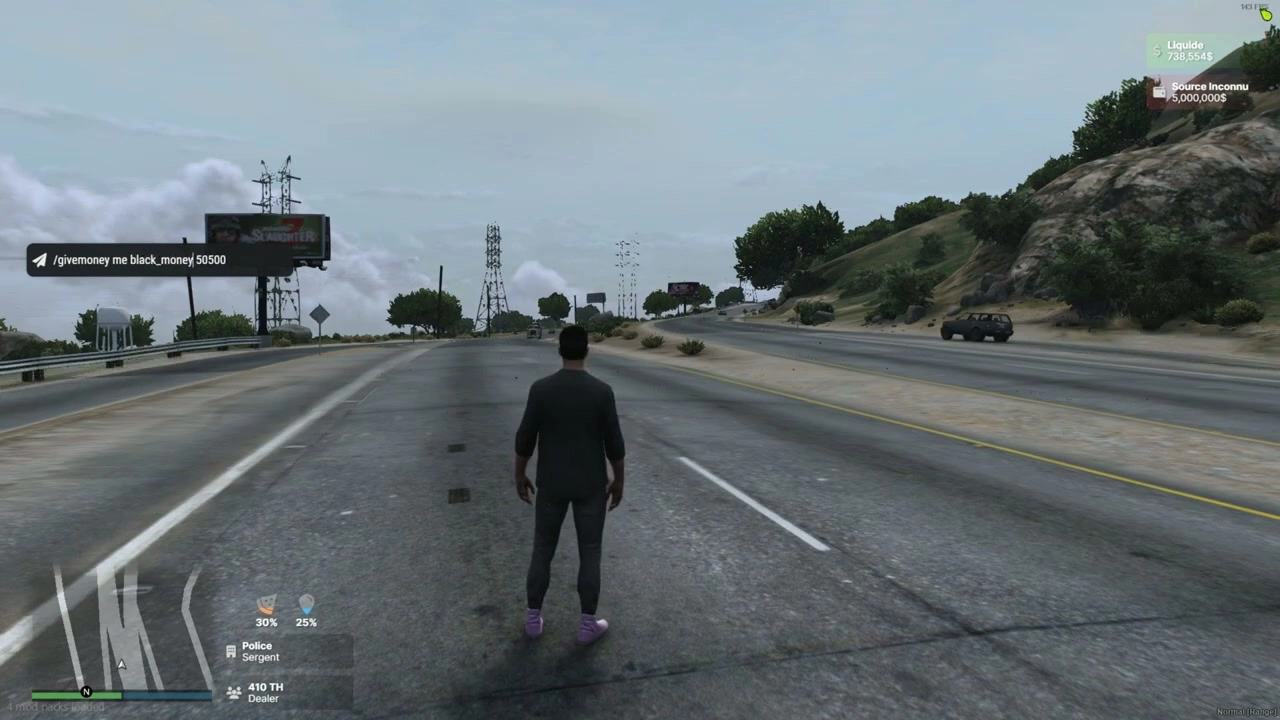
esx:setAccountMoneywerkt contant geld en zwart geld bij:SendNUIMessage({ type = "updateMoney", moneys = { { label = "Liquide", value = cash.money }, { label = black.label, value = black.money } }})
- Stem (Praatindicator)
- Polls
NetworkIsPlayerTalking(PlayerId()); toont/verbergt microfoonpictogram met:SendNUIMessage({ type = "toogleMicro", show = true/false }) - Een helper om proximity classes te wijzigen bestaat in NUI (
type = "changeMicro"), zodat je het naar wens kunt koppelen aan je voice-resource.
- Polls
- HUD tonen/verbergen (aangepast)
- Trigger vanaf elke client-side:
TriggerEvent("iHud-V2::show", true)  -- show
TriggerEvent("iHud-V2::show", false) -- hide
- Trigger vanaf elke client-side:
Installatie
- Drop de map in je
resources(bijv.resources/[ui]/iHud-V2). - Zorg voor de resource:
ensure iHud-V2 - Configureren ESX toegangsmethode, status event naam, en secties in
config.lua. - Bevestig dat je statusscript uitzendt
{ name = "hunger"/"thirst", percent = <0-100> }arrays naarConfig.statusEventName.
Compatibiliteit & tips
- ESX ophalen
functionmodus verwacht:ESX = exports[Config.extendedName]:getSharedObject()eventmodus verwacht:TriggerEvent(Config.eventNameESX, function(obj) ESX = obj end)
- Stem nabijheid
- De HUD wordt kant-en-klaar geleverd met een spraakindicator. Om proximity levels (fluisteren/normaal/schreeuwen) weer te geven, laat je voice resource een NUI bericht sturen met
type="changeMicro"en je gekozen CSS klasse.
- De HUD wordt kant-en-klaar geleverd met een spraakindicator. Om proximity levels (fluisteren/normaal/schreeuwen) weer te geven, laat je voice resource een NUI bericht sturen met
- Styling
- Lettertypen & pictogrammen geladen van CDN's; UI is responsief en minimaal gehouden voor RP servers.
Als je wilt, kan ik de bovenstaande tekst aanpassen aan de exacte naamgeving van je server en een kort blok “Serververeisten / Afhankelijkheden” toevoegen (bijv. de namen van je status-/voice-resources) of screenshots toevoegen.