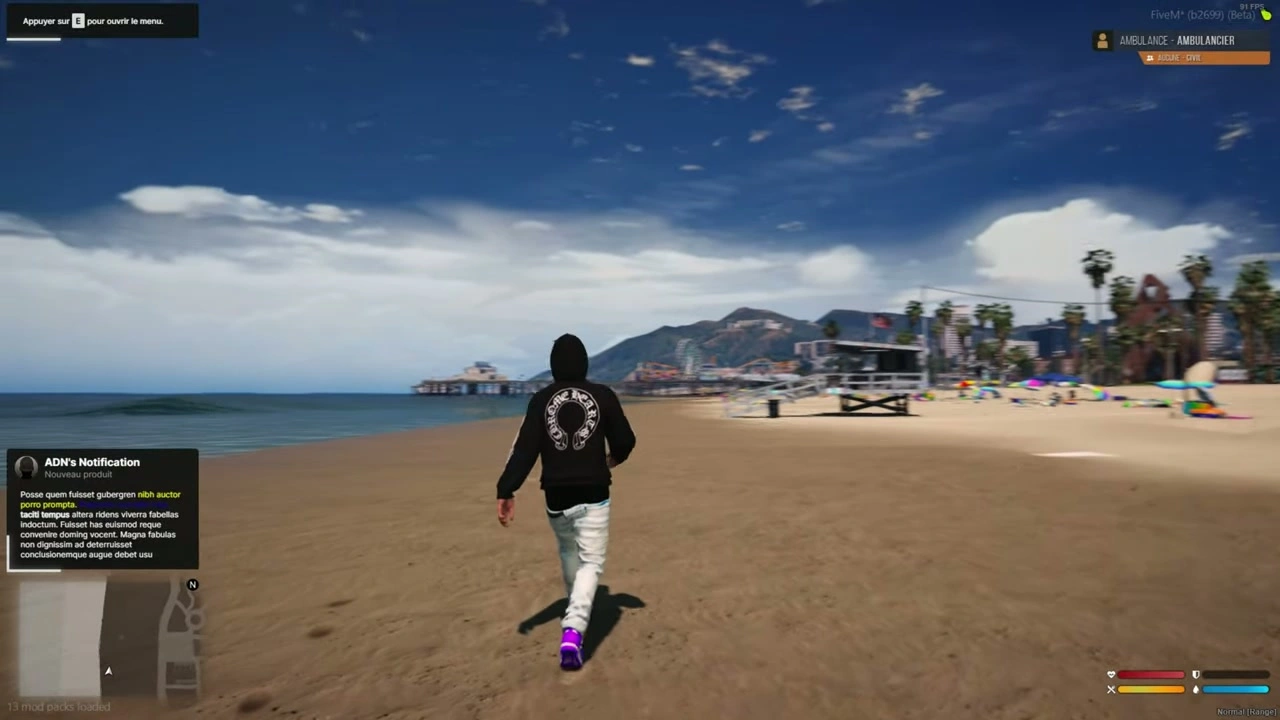
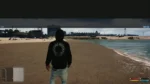

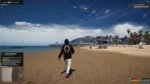


📦 Installation of Notifications
- Sleep de
iNotificationV3map in je resources. - Voeg de regel toe
ensure iNotificationV3naar uwserver.cfg.
📝 Text Options
- Als je meeneemt
~h~in tekst, het zal de tekst **bold** (voorbeeld:~h~Trying bold text~h~). - Als je meeneemt
~i~in tekst, het zal de tekst cursief (voorbeeld:~i~Trying italic text~i~). - Als je meeneemt
<br/>in tekst, zal het een creëren regeleinde (voorbeeld:line 1<br/>line 2).
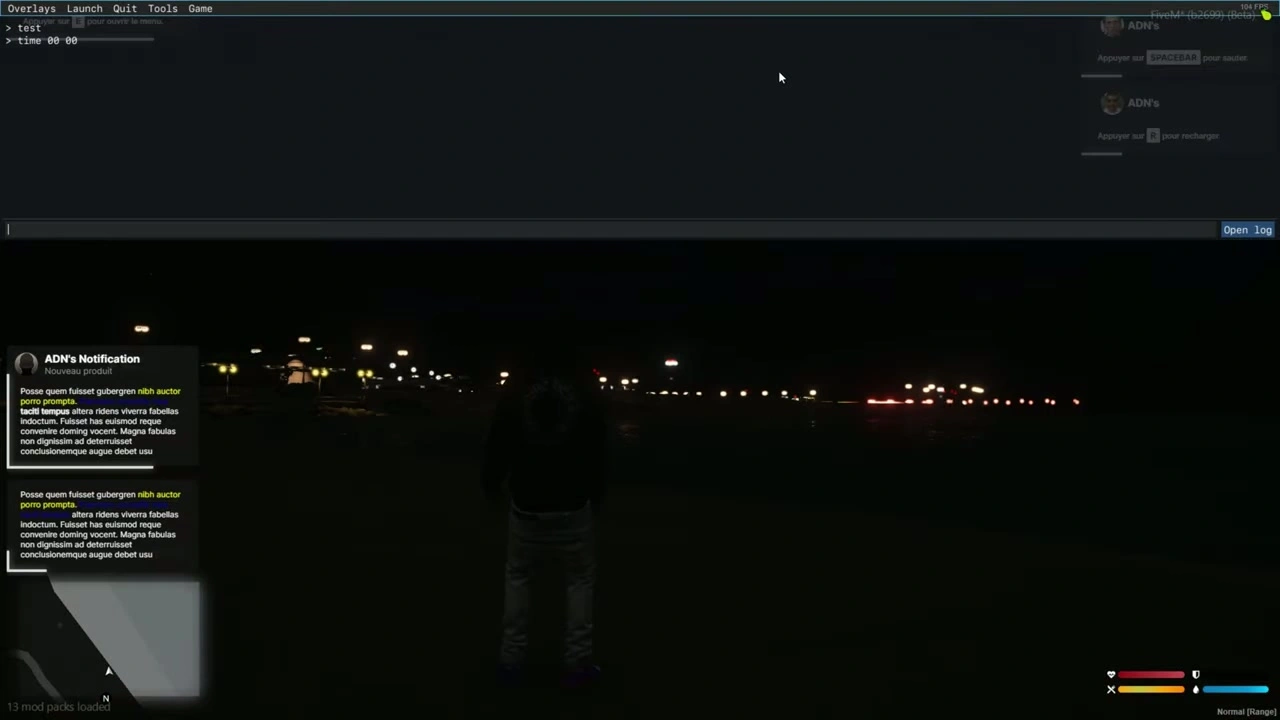
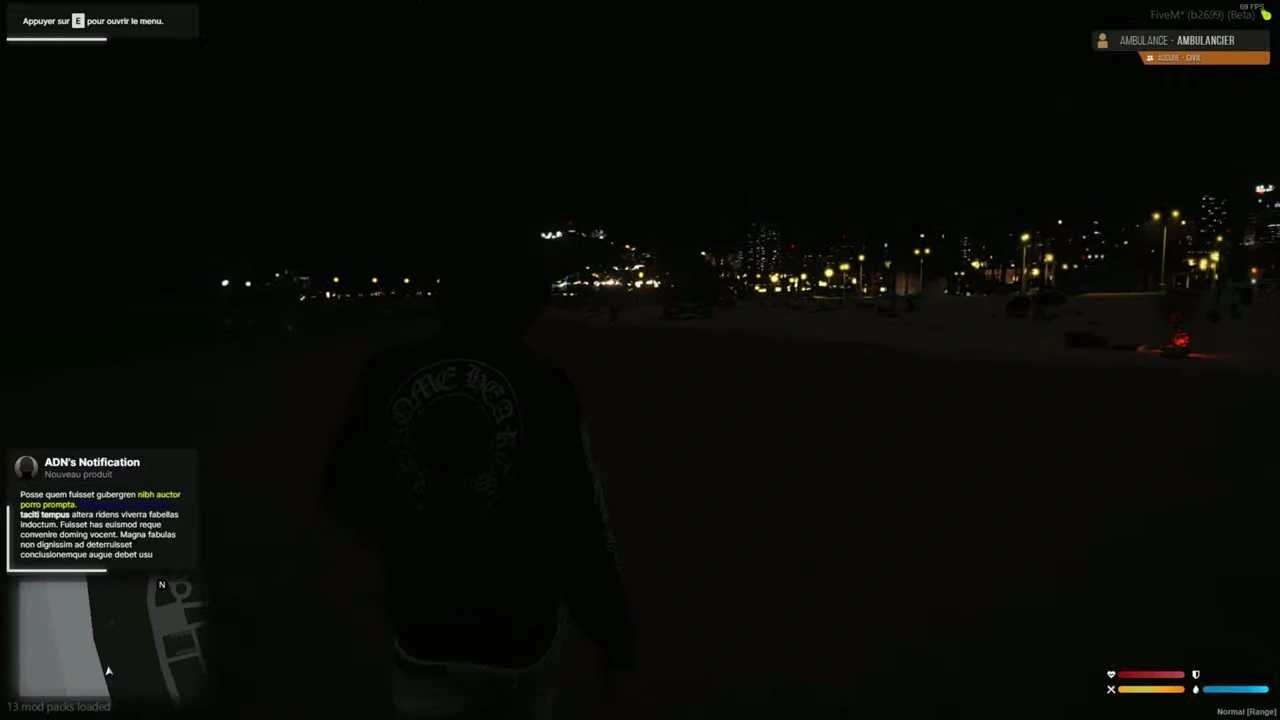
🔔 Example Notifications (Client/Server)
Client Side
-- showNotification
TriggerEvent("iNotificationV3:showNotification", "This is a message", 5, "left");

-- showAdvancedNotification
TriggerEvent("iNotificationV3:showAdvancedNotification", "Title", "Subtitle", "this is a message", "CHAR_MP_BIKER_BOSS", 7, "left");

-- showHelpNotification
TriggerEvent("iNotificationV3:showHelpNotification", "Press ~INPUT_PICKUP~ to ...", 10, "right");

-- showAdvancedHelpNotification
TriggerEvent("iNotificationV3:showAdvancedHelpNotification", "Interactions", "Press ~INPUT_PICKUP~ to trigger ...", "CHAR_MP_BRUCIE", 8, "left");
Server Side
-- showNotification
TriggerClientEvent("iNotificationV3:showNotification", source, "This is a message", 5, "left");

-- showAdvancedNotification
TriggerClientEvent("iNotificationV3:showAdvancedNotification", source, "Title", "Subtitle", "this is a message", "CHAR_MP_BIKER_BOSS", 7, "left");

-- showHelpNotification
TriggerClientEvent("iNotificationV3:showHelpNotification", source, "Press ~INPUT_PICKUP~ to ...", 10, "right");

-- showAdvancedHelpNotification
TriggerClientEvent("iNotificationV3:showAdvancedHelpNotification", source, "Interactions", "Press ~INPUT_PICKUP~ to trigger ...", "CHAR_MP_BRUCIE", 8, "left");
⚠️ Tip: We raden aan om niet al je meldingen via ESX aan te passen.
Pas ze in plaats daarvan individueel aan binnen elk script waar ze voorkomen voor betere controle (positie, duur, etc.).
🧩 Modify All Notifications in Your ESX Framework Easily
- Ga naar de map
ex_extended/client. - Open het bestand
functions.lua. - Volg de onderstaande aanpassingsstappen.
🔧 Modification
Vervang deze code:
ESX.ShowNotification = function(msg)
    SetNotificationTextEntry('STRING');
    AddTextComponentString(msg);
    DrawNotification(0, 1);
end

ESX.ShowAdvancedNotification = function(sender, subject, msg, textureDict, iconType, flash, saveToBrief, hudColorIndex)
    if saveToBrief == nil then saveToBrief = true end
    AddTextEntry('esxAdvancedNotification', msg)
    BeginTextCommandThefeedPost('esxAdvancedNotification')
    if hudColorIndex then ThefeedNextPostBackgroundColor(hudColorIndex) end
    EndTextCommandThefeedPostMessagetext(textureDict, textureDict, false, iconType, sender, subject)
    EndTextCommandThefeedPostTicker(flash or false, saveToBrief)
end

ESX.ShowHelpNotification = function(msg, thisFrame, beep, duration)
    AddTextEntry('esxHelpNotification', msg)

    if thisFrame then
        DisplayHelpTextThisFrame('esxHelpNotification', false)
    else
        if beep == nil then beep = true end
        BeginTextCommandDisplayHelp('esxHelpNotification')
        EndTextCommandDisplayHelp(0, false, beep, duration or -1)
    end
end
Met deze code:
ESX.ShowNotification = function(msg, time, position)
    TriggerEvent("iNotificationV3:showNotification", msg, time or 12, position or "left");
end

ESX.ShowAdvancedNotification = function(sender, subject, msg, textureDict, iconType, flash, saveToBrief, hudColorIndex)
    TriggerEvent("iNotificationV3:showAdvancedNotification", sender, subject, msg, textureDict, 12, "left")
end

ESX.ShowHelpNotification = function(msg, thisFrame, beep, duration)
    TriggerEvent("iNotificationV3:showHelpNotification", msg, 12, "left");
end
➕ Voeg eenvoudig meldingen toe
showNotification
Client
-- message: string (message content) (⚠️ Required)
-- duration: number (seconds the notification stays visible) (❌ Optional)
-- location: string["left", "middle", "right"] (screen position) (❌ Optional)
exports["iNotificationV3"]:showNotification(message, duration, location);
-- or:
TriggerEvent("iNotificationV3:showNotification", message, duration, location);
Server
TriggerClientEvent("iNotificationV3:showNotification", playerId or source, message, duration, location)
showAdvancedNotification
Client
-- title: string (title of notification) (❌ Optional)
-- subtitle: string (subtitle) (❌ Optional)
-- message: string (message content) (⚠️ Required)
-- duration: number (display duration) (❌ Optional)
-- location: string["left", "middle", "right"] (screen position) (❌ Optional)
-- icon: string (GTA 5 notification image or custom image name from "assets/images/") (❌ Optional)

exports["iNotificationV3"]:showAdvancedNotification(title, subtitle, message, icon, duration, location);
-- or:
TriggerEvent("iNotificationV3:showAdvancedNotification", title, subtitle, message, icon, duration, location);
Server
local inotif = "iNotificationV3:showAdvancedNotification";
TriggerClientEvent(inotif, playerId or source, title, subtitle, message, icon, duration, location)
showHelpNotification
Client
exports["iNotificationV3"]:showHelpNotification(message, duration, location);
-- or:
TriggerEvent("iNotificationV3:showHelpNotification", message, duration, location);
Server
local inotif = "iNotificationV3:showHelpNotification";
TriggerClientEvent(inotif, playerId or source, message, duration, location)
showAdvancedHelpNotification (Voorbeeld)
Client
exports["iNotificationV3"]:showAdvancedHelpNotification(title, message, icon, duration, location);
-- or:
TriggerEvent("iNotificationV3:showAdvancedHelpNotification", title, message, icon, duration, location);
Server
local inotif = "iNotificationV3:showAdvancedHelpNotification";
TriggerClientEvent(inotif, playerId or source, title, message, icon, duration, location)
✅ Klaar!
Uw bestand is nu volledig vertaald naar het Nederlands met behoud van codeblokken en opmaak.
Wilt u dat ik een Nederlandse-markdownversie van dit bestand (readme_en.md) dat je kunt downloaden?