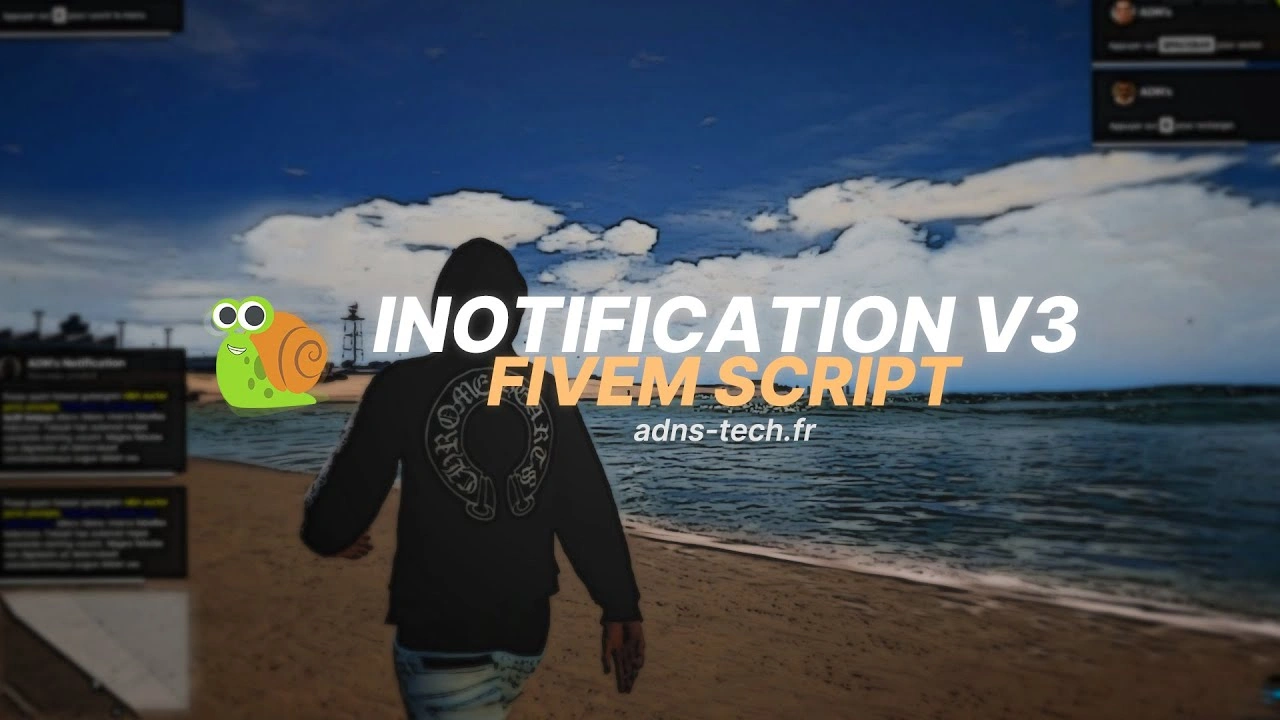
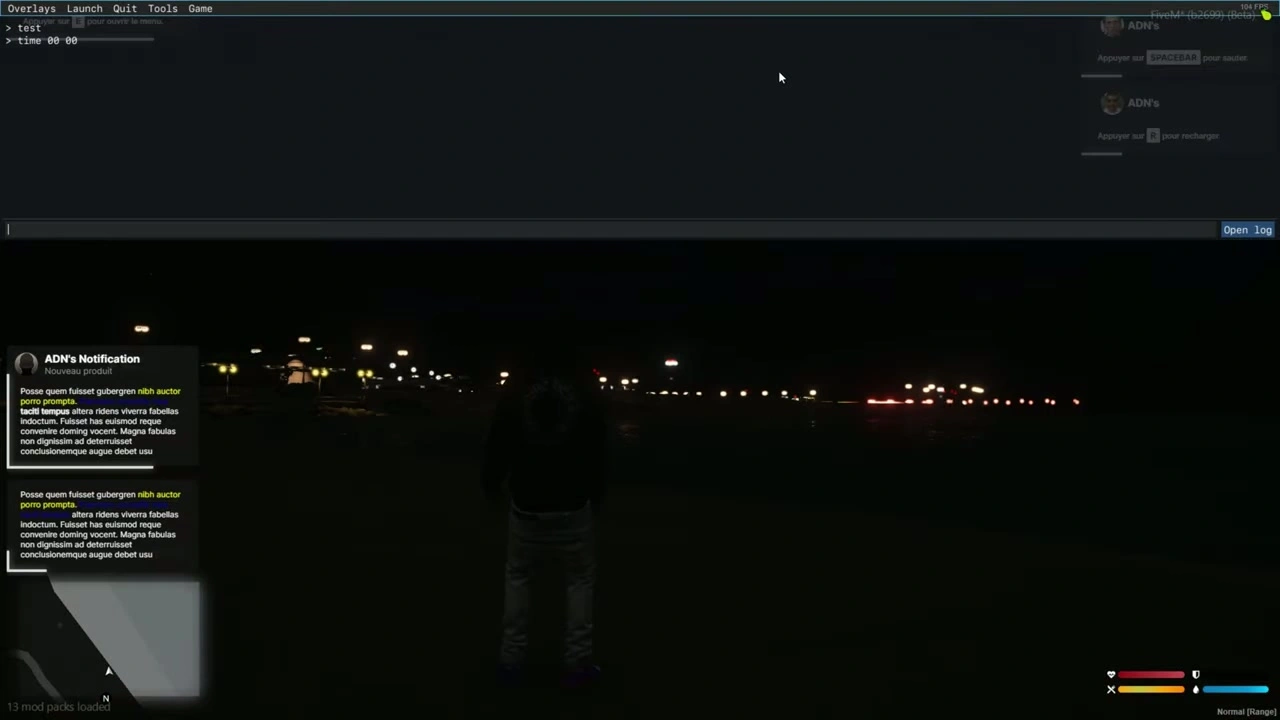


📦 Installation of Notifications
- Arrastre el
iNotificationV3carpeta en tus recursos. - Añade la línea
ensure iNotificationV3A tuserver.cfg.
📝 Text Options
- Si incluye
~h~en el texto, hará que el texto negrita (ejemplo:~h~Trying bold text~h~). - Si incluye
~i~en el texto, hará que el texto itálica (ejemplo:~i~Trying italic text~i~). - Si incluye
<br/>en el texto, creará una salto de línea (ejemplo:line 1<br/>line 2).
🔔 Example Notifications (Client/Server)
Lado del cliente
-- showNotification
TriggerEvent("iNotificationV3:showNotification", "This is a message", 5, "left");

-- showAdvancedNotification
TriggerEvent("iNotificationV3:showAdvancedNotification", "Title", "Subtitle", "this is a message", "CHAR_MP_BIKER_BOSS", 7, "left");

-- showHelpNotification
TriggerEvent("iNotificationV3:showHelpNotification", "Press ~INPUT_PICKUP~ to ...", 10, "right");

-- showAdvancedHelpNotification
TriggerEvent("iNotificationV3:showAdvancedHelpNotification", "Interactions", "Press ~INPUT_PICKUP~ to trigger ...", "CHAR_MP_BRUCIE", 8, "left");
Lado del servidor
-- showNotification
TriggerClientEvent("iNotificationV3:showNotification", source, "This is a message", 5, "left");

-- showAdvancedNotification
TriggerClientEvent("iNotificationV3:showAdvancedNotification", source, "Title", "Subtitle", "this is a message", "CHAR_MP_BIKER_BOSS", 7, "left");

-- showHelpNotification
TriggerClientEvent("iNotificationV3:showHelpNotification", source, "Press ~INPUT_PICKUP~ to ...", 10, "right");

-- showAdvancedHelpNotification
TriggerClientEvent("iNotificationV3:showAdvancedHelpNotification", source, "Interactions", "Press ~INPUT_PICKUP~ to trigger ...", "CHAR_MP_BRUCIE", 8, "left");
⚠️ Consejo: Recomendamos no modificar todas sus notificaciones a través de ESX.
En su lugar, modifíquelos individualmente dentro de cada script donde aparezcan para un mejor control (posición, duración, etc.).
🧩 Modify All Notifications in Your ESX Framework Easily
- Ir a la carpeta
ex_extended/client. - Abrir el archivo
functions.lua. - Siga los pasos de modificación a continuación.
🔧 Modification
Reemplazar este código:
ESX.ShowNotification = function(msg)
    SetNotificationTextEntry('STRING');
    AddTextComponentString(msg);
    DrawNotification(0, 1);
end

ESX.ShowAdvancedNotification = function(sender, subject, msg, textureDict, iconType, flash, saveToBrief, hudColorIndex)
    if saveToBrief == nil then saveToBrief = true end
    AddTextEntry('esxAdvancedNotification', msg)
    BeginTextCommandThefeedPost('esxAdvancedNotification')
    if hudColorIndex then ThefeedNextPostBackgroundColor(hudColorIndex) end
    EndTextCommandThefeedPostMessagetext(textureDict, textureDict, false, iconType, sender, subject)
    EndTextCommandThefeedPostTicker(flash or false, saveToBrief)
end

ESX.ShowHelpNotification = function(msg, thisFrame, beep, duration)
    AddTextEntry('esxHelpNotification', msg)

    if thisFrame then
        DisplayHelpTextThisFrame('esxHelpNotification', false)
    else
        if beep == nil then beep = true end
        BeginTextCommandDisplayHelp('esxHelpNotification')
        EndTextCommandDisplayHelp(0, false, beep, duration or -1)
    end
end
Con este código:
ESX.ShowNotification = function(msg, time, position)
    TriggerEvent("iNotificationV3:showNotification", msg, time or 12, position or "left");
end

ESX.ShowAdvancedNotification = function(sender, subject, msg, textureDict, iconType, flash, saveToBrief, hudColorIndex)
    TriggerEvent("iNotificationV3:showAdvancedNotification", sender, subject, msg, textureDict, 12, "left")
end

ESX.ShowHelpNotification = function(msg, thisFrame, beep, duration)
    TriggerEvent("iNotificationV3:showHelpNotification", msg, 12, "left");
end
➕ Agregar Notificaciones Fácilmente
showNotification
Cliente
-- message: string (message content) (⚠️ Required)
-- duration: number (seconds the notification stays visible) (❌ Optional)
-- location: string["left", "middle", "right"] (screen position) (❌ Optional)
exports["iNotificationV3"]:showNotification(message, duration, location);
-- or:
TriggerEvent("iNotificationV3:showNotification", message, duration, location);
Servidor
TriggerClientEvent("iNotificationV3:showNotification", playerId or source, message, duration, location)
showAdvancedNotification
Cliente
-- title: string (title of notification) (❌ Optional)
-- subtitle: string (subtitle) (❌ Optional)
-- message: string (message content) (⚠️ Required)
-- duration: number (display duration) (❌ Optional)
-- location: string["left", "middle", "right"] (screen position) (❌ Optional)
-- icon: string (GTA 5 notification image or custom image name from "assets/images/") (❌ Optional)

exports["iNotificationV3"]:showAdvancedNotification(title, subtitle, message, icon, duration, location);
-- or:
TriggerEvent("iNotificationV3:showAdvancedNotification", title, subtitle, message, icon, duration, location);
Servidor
local inotif = "iNotificationV3:showAdvancedNotification";
TriggerClientEvent(inotif, playerId or source, title, subtitle, message, icon, duration, location)
showHelpNotification
Cliente
exports["iNotificationV3"]:showHelpNotification(message, duration, location);
-- or:
TriggerEvent("iNotificationV3:showHelpNotification", message, duration, location);
Servidor
local inotif = "iNotificationV3:showHelpNotification";
TriggerClientEvent(inotif, playerId or source, message, duration, location)
showAdvancedHelpNotification (Avance)
Cliente
exports["iNotificationV3"]:showAdvancedHelpNotification(title, message, icon, duration, location);
-- or:
TriggerEvent("iNotificationV3:showAdvancedHelpNotification", title, message, icon, duration, location);
Servidor
local inotif = "iNotificationV3:showAdvancedHelpNotification";
TriggerClientEvent(inotif, playerId or source, title, message, icon, duration, location)
✅ ¡Listo!
Su archivo ha sido traducido completamente al inglés, preservando los bloques de código y el formato.
¿Te gustaría que generara un Versión en inglés-markdown de este archivo (readme_en.md) ¿que puedes descargar?