

$ USD
Sichern Sie sich noch heute 20%: Verwenden Sie beim Bezahlvorgang den Code WELCOME. WILLKOMMEN
Gültig einmalig pro Kunde für Bestellungen ab $10.
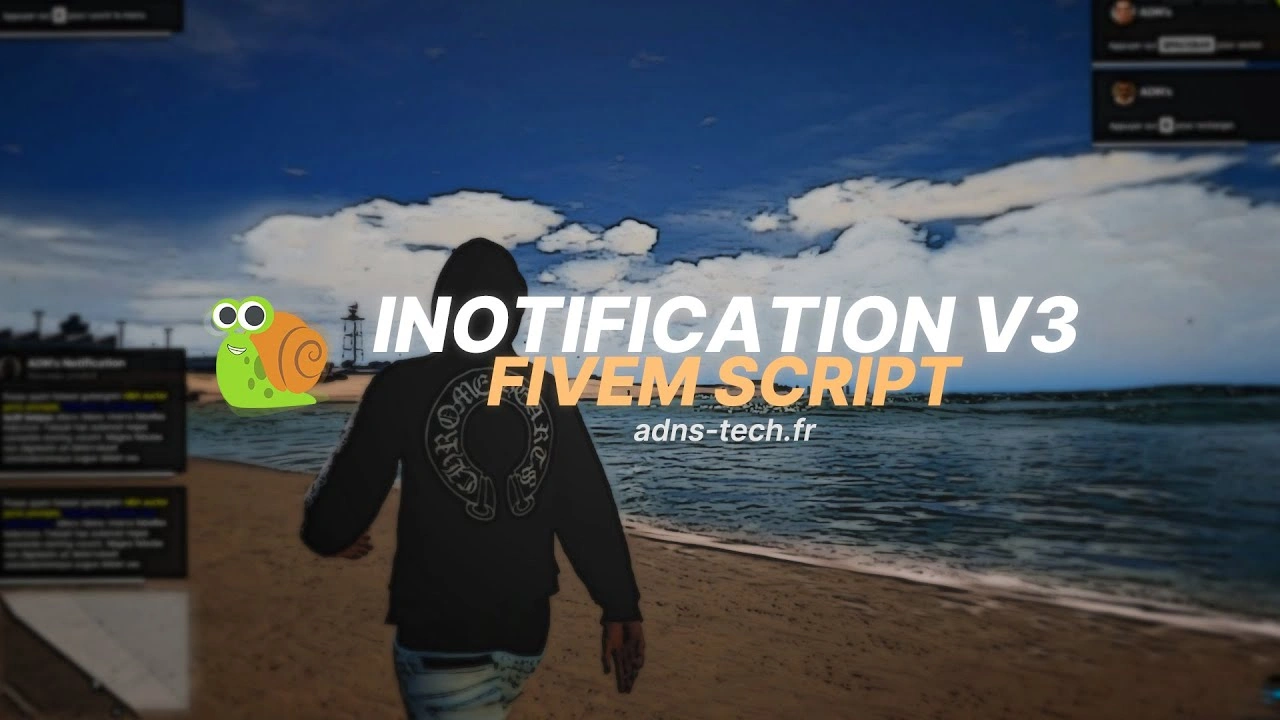
iNotificationV3
Ursprünglicher Preis war: $30.00$19.00Aktueller Preis ist: $19.00.
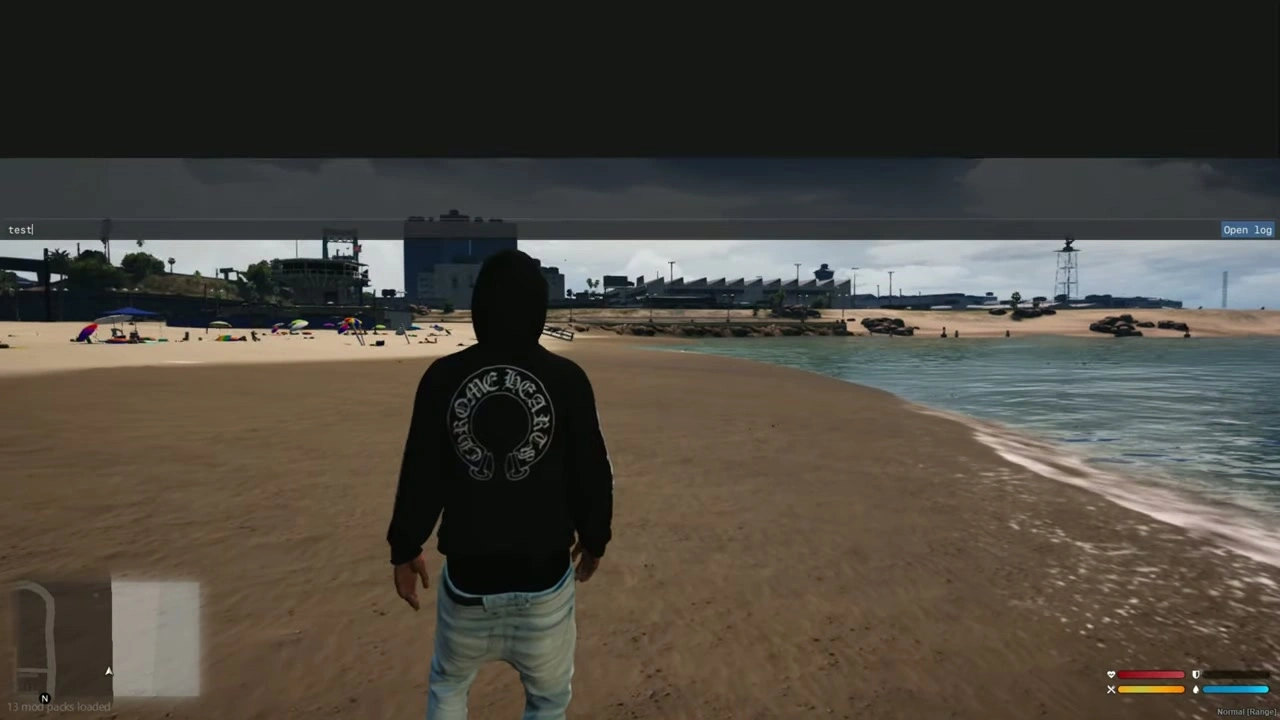
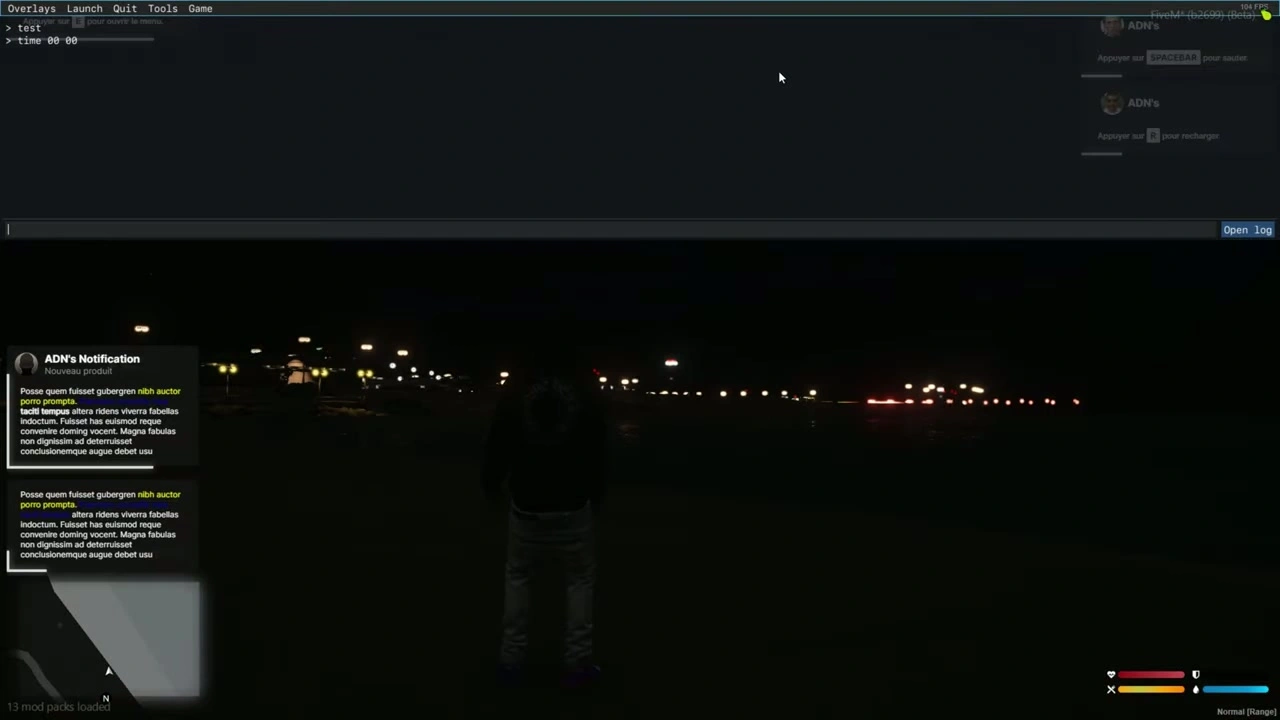
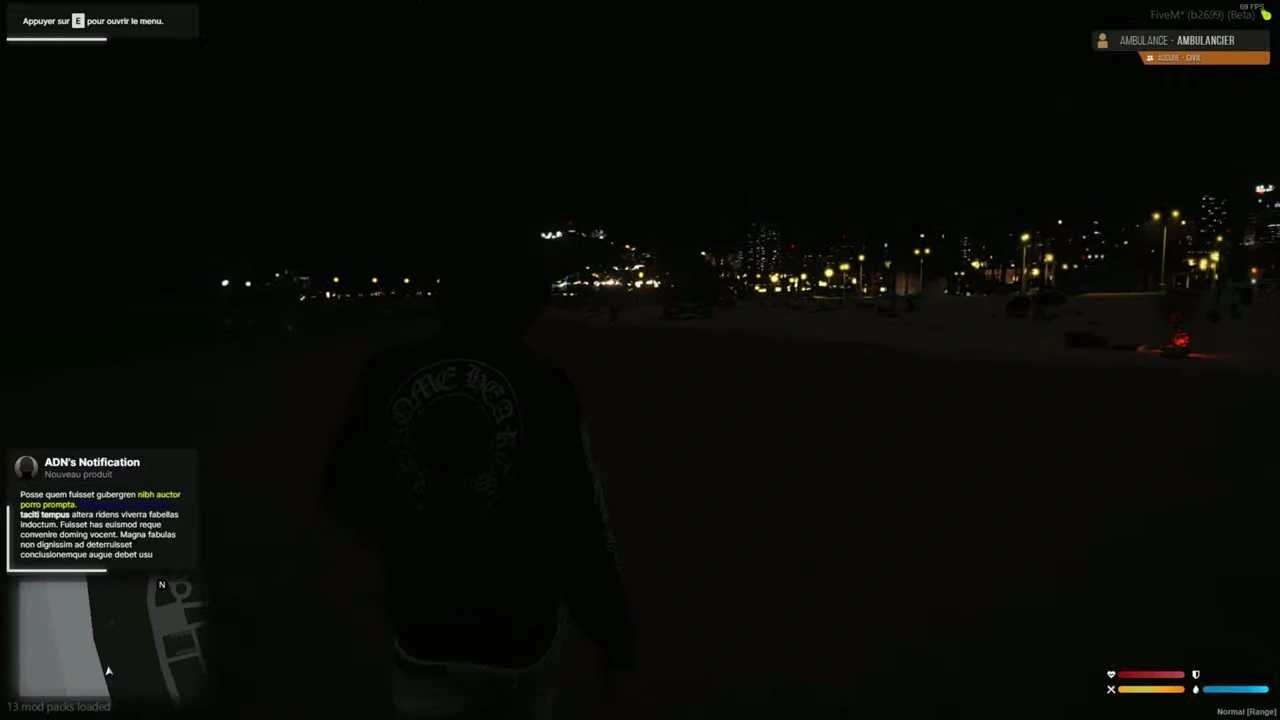
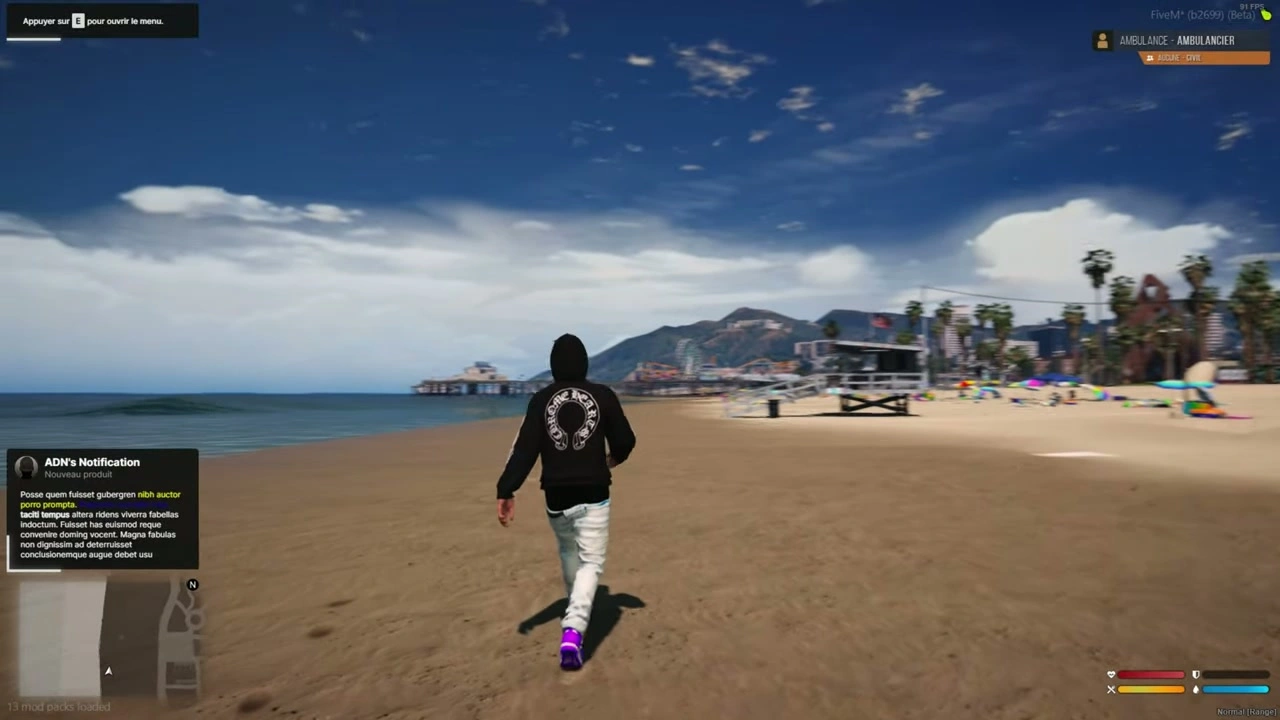
iNotificationV3 – Erweiterte NUI-Benachrichtigung
Sichern Sie sich 20% nur für kurze Zeit.
- Premium Qualität
- Vollständig Open Source
- Sichere Zahlungen
- Zufriedenheitsgarantie
- 30 Tage Geld-zurück-Garantie
Beschreibung
📦 Installation von Benachrichtigungen
- Ziehen Sie den
iNotificationV3Ordner in Ihre Ressourcen. - Fügen Sie die Zeile hinzu
iNotificationV3 sicherstellenzu Ihremserver.cfg.
📝 Textoptionen
- Wenn Sie einbeziehen
~h~Im Text wird es den Text deutlich (Beispiel:~h~Versuche, Text fett zu formatieren~h~). - Wenn Sie einbeziehen
~i~Im Text wird es den Text kursiv (Beispiel:~i~Kursivschriftversuch~i~). - Wenn Sie einbeziehen
<br/>Im Text wird dadurch ein Zeilenumbruch (Beispiel:Zeile 1<br/>Zeile 2).
🔔 Beispielbenachrichtigungen (Client/Server)
Clientseite
-- showNotification TriggerEvent("iNotificationV3:showNotification", "Dies ist eine Nachricht", 5, "left"); -- showAdvancedNotification TriggerEvent("iNotificationV3:showAdvancedNotification", "Titel", "Untertitel", "Dies ist eine Nachricht", "CHAR_MP_BIKER_BOSS", 7, "left"); -- showHelpNotification TriggerEvent("iNotificationV3:showHelpNotification", "Drücken Sie ~INPUT_PICKUP~, um ...", 10, "right"); -- showAdvancedHelpNotification TriggerEvent("iNotificationV3:showAdvancedHelpNotification", "Interaktionen", "Drücken Sie ~INPUT_PICKUP~, um ... auszulösen", "CHAR_MP_BRUCIE", 8, "left");
Serverseitig
-- showNotification TriggerClientEvent("iNotificationV3:showNotification", source, "Dies ist eine Nachricht", 5, "left"); -- showAdvancedNotification TriggerClientEvent("iNotificationV3:showAdvancedNotification", source, "Titel", "Untertitel", "Dies ist eine Nachricht", "CHAR_MP_BIKER_BOSS", 7, "left"); -- showHelpNotification TriggerClientEvent("iNotificationV3:showHelpNotification", source, "Drücken Sie ~INPUT_PICKUP~, um ...", 10, "right"); -- showAdvancedHelpNotification TriggerClientEvent("iNotificationV3:showAdvancedHelpNotification", source, "Interaktionen", "Drücken Sie ~INPUT_PICKUP~, um ... auszulösen", "CHAR_MP_BRUCIE", 8, "left");
⚠️ Tipp: Wir empfehlen, nicht alle Benachrichtigungen über ESX zu ändern.
Stattdessen sollten Sie sie einzeln in jedem Skript, in dem sie vorkommen, bearbeiten, um eine bessere Kontrolle zu haben (Position, Dauer usw.).
🧩 Alle Benachrichtigungen in Ihrem ESX-Framework ganz einfach anpassen
- Gehe zum Ordner
ex_extended/client. - Öffnen Sie die Datei
functions.lua. - Folgen Sie den unten aufgeführten Modifikationsschritten.
🔧 Modifikation
Ersetzen Sie diesen Code:
ESX.ShowNotification = function(msg) SetNotificationTextEntry('STRING'); AddTextComponentString(msg); DrawNotification(0, 1); ESX.ShowAdvancedNotification = function(sender, subject, msg, textureDict, iconType, flash, saveToBrief, hudColorIndex) if saveToBrief == nil then saveToBrief = true end AddTextEntry('esxAdvancedNotification', msg) BeginTextCommandThefeedPost('esxAdvancedNotification') if hudColorIndex then ThefeedNextPostBackgroundColor(hudColorIndex) end EndTextCommandThefeedPostMessagetext(textureDict, textureDict, false, iconType, sender, subject) EndTextCommandThefeedPostTicker(flash or false, saveToBrief) end ESX.ShowHelpNotification = function(msg, thisFrame, beep, duration) AddTextEntry('esxHelpNotification', msg) if thisFrame then DisplayHelpTextThisFrame('esxHelpNotification', false) else if beep == nil then beep = true end BeginTextCommandDisplayHelp('esxHelpNotification') EndTextCommandDisplayHelp(0, false, beep, duration or -1) end end
Mit diesem Code:
ESX.ShowNotification = function(msg, time, position) TriggerEvent("iNotificationV3:showNotification", msg, time or 12, position or "left"); end ESX.ShowAdvancedNotification = function(sender, subject, msg, textureDict, iconType, flash, saveToBrief, hudColorIndex) TriggerEvent("iNotificationV3:showAdvancedNotification", sender, subject, msg, textureDict, 12, "left") end ESX.ShowHelpNotification = function(msg, thisFrame, beep, duration) TriggerEvent("iNotificationV3:showHelpNotification", msg, 12, "left"); end
➕ Benachrichtigungen einfach hinzufügen
Benachrichtigung anzeigen
Kunde
-- Nachricht: Zeichenkette (Nachrichteninhalt) (⚠️ Erforderlich) -- Dauer: Zahl (Sekunden, in denen die Benachrichtigung sichtbar bleibt) (❌ Optional) -- Position: Zeichenkette["links", "Mitte", "rechts"] (Bildschirmposition) (❌ Optional) exports["iNotificationV3"]:showNotification(Nachricht, Dauer, Position); -- oder: TriggerEvent("iNotificationV3:showNotification", Nachricht, Dauer, Position);
Server
TriggerClientEvent("iNotificationV3:showNotification", playerId or source, message, duration, location)
Erweiterte Benachrichtigung anzeigen
Kunde
-- title: string (Titel der Benachrichtigung) (❌ Optional) -- subtitle: string (Untertitel) (❌ Optional) -- message: string (Nachrichteninhalt) (⚠️ Erforderlich) -- duration: number (Anzeigedauer) (❌ Optional) -- location: string["links", "Mitte", "rechts"] (Bildschirmposition) (❌ Optional) -- icon: string (GTA 5-Benachrichtigungsbild oder benutzerdefinierter Bildname aus "assets/images/") (❌ Optional) exports["iNotificationV3"]:showAdvancedNotification(title, subtitle, message, icon, duration, location); -- oder: TriggerEvent("iNotificationV3:showAdvancedNotification", title, subtitle, message, icon, duration, location);
Server
local inotif = "iNotificationV3:showAdvancedNotification"; TriggerClientEvent(inotif, playerId or source, title, subtitle, message, icon, duration, location)
Hilfebenachrichtigung anzeigen
Kunde
exports["iNotificationV3"]:showHelpNotification(message, duration, location); -- oder: TriggerEvent("iNotificationV3:showHelpNotification", message, duration, location);
Server
local inotif = "iNotificationV3:showHelpNotification"; TriggerClientEvent(inotif, playerId or source, message, duration, location)
Anzeige der erweiterten Hilfe (Vorschau)
Kunde
exports["iNotificationV3"]:showAdvancedHelpNotification(title, message, icon, duration, location); -- oder: TriggerEvent("iNotificationV3:showAdvancedHelpNotification", title, message, icon, duration, location);
Server
local inotif = "iNotificationV3:showAdvancedHelpNotification"; TriggerClientEvent(inotif, playerId or source, title, message, icon, duration, location)
✅ Erledigt!
Ihre Datei wurde nun vollständig ins Englische übersetzt, wobei Codeblöcke und Formatierung erhalten blieben.
Soll ich ein Englische Markdown-Version dieser Datei (readme_en.md) das man herunterladen kann?