







Diagnose FiveM launch, entitlement, cache, graphics, connection and server-resource errors with a safe symptom-first workflow.

FiveM Crasht? Jouw ultieme probleemoplossingschecklist
Diagnose FiveM launch, entitlement, cache, graphics, connection and server-resource errors with a safe symptom-first workflow.
![[citizen-server-impl] U mist de vereiste entitlement t…](https://cdn.fivemx.com/wp-content/uploads/2025/07/fivem-error.webp "[citizen-server-impl] You lack the required entitlement t... 2")
What the error actually says TL;DR FiveM refused to load the resource because the **server-license key that is running the server is not entitled to that resource in Cfx.re’s Asset Escrow system. In almost every case this means the resource was bought (or transferred) under a different Cfx.re/Keymaster account than the one that generated your […]

FiveM connection failures occur at TCP handshake (30120), UDP stream initialization (30110-30125), or authentication timeout with nucleus servers. Error presents as Failed to connect to server: Connection timed out after 15-second threshold. Diagnostic Framework If you are server-owner, make sure to host your server on a good host. 1. Port Accessibility Test Expected: TcpTestSucceeded: True […]
FiveM launcher fails to locate GTA V executable when registry keys point to incorrect paths, game files moved post-installation, or platform-specific DRM wrappers interfere with detection. Error manifests as popup: Could not find game executable at %s. Prerequisites 1. Registry Key Verification Expected output: If missing or incorrect, proceed to platform-specific fixes. 2. File Structure […]
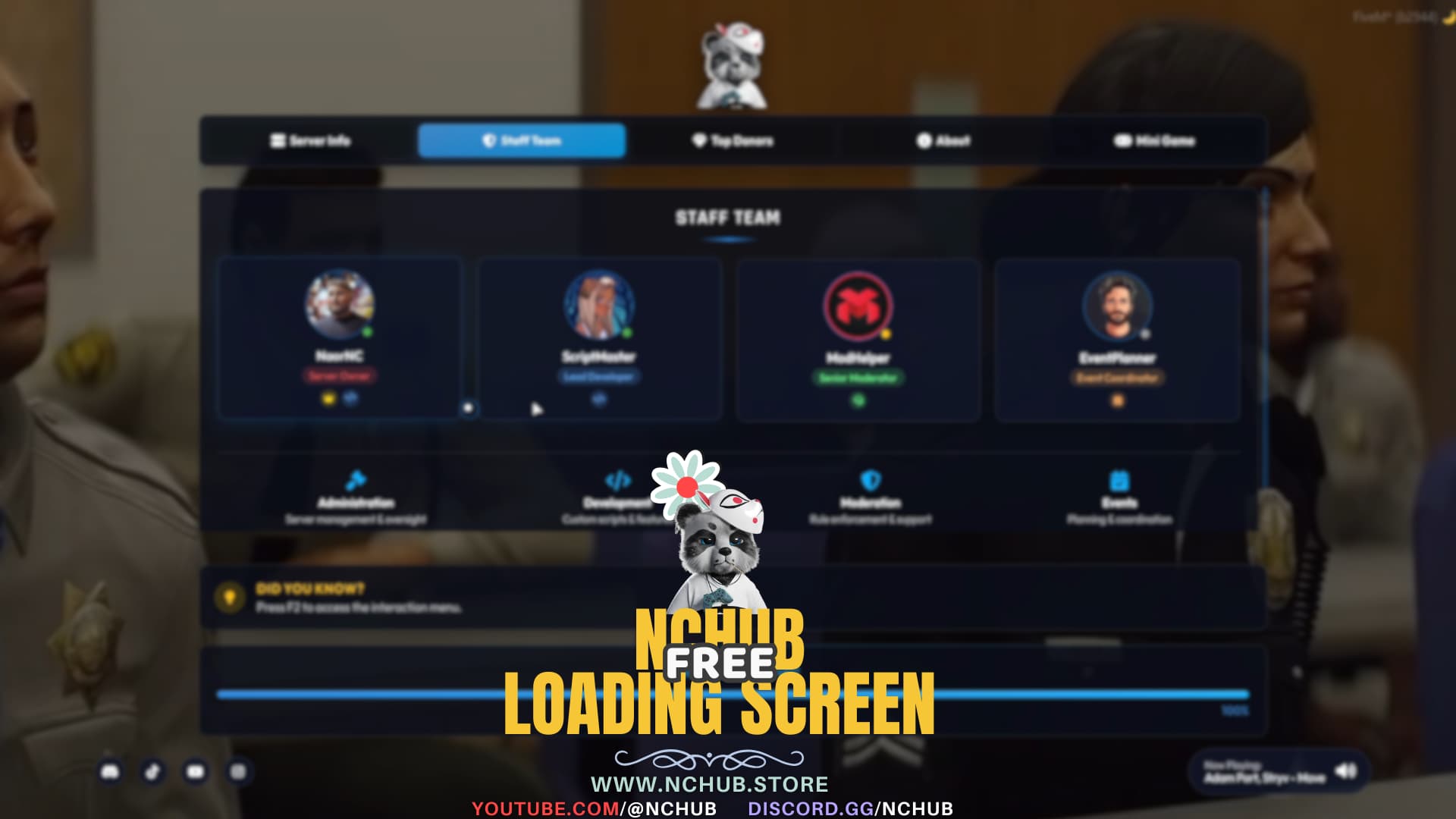
Diagnose a FiveM infinite loading screen by separating one-client, one-server and one-resource failures, preserving logs and changing one reversible cause at a time.
Quick‑Start FiveM Crash Fix Guide > Got a “no‑launch” error? Follow these simple steps and you’ll have your FiveM client up and running in minutes. Prerequisites 1. Check Crash Logs Navigate to FiveM installation directory and locate crash dumps: Open the most recent .dmp file timestamp to identify specific error codes. Grand Theft Auto V […]
When your FXServer shows “not responding” errors, you’re typically dealing with one of five core issues. This guide provides systematic troubleshooting steps for FiveM server administrators experiencing connectivity failures between txAdmin and FXServer. Primary Cause: Port Configuration Mismatch Issue: txAdmin cannot connect to FXServer due to incorrect port configuration in server.cfg Fix: Verify your server.cfg […]
txAdmin maintains three types of persistent log files in the txData/<profile>/logs/ directory: admin logs for administrative actions, fxserver logs for console output, and server logs for in-game events. These logs are essential for diagnosing server issues, tracking player activities, and monitoring system performance. Target Audience: FiveM server administrators using txAdmin v4.6.0 or newer with log […]
What is VDM? Vehicle Deathmatch (VDM) refers to the act of using a vehicle as a weapon to intentionally ram, kill, or injure other players without proper roleplay justification. In FiveM roleplay servers, VDM violates fundamental server rules and disrupts the roleplay experience players seek. Why VDM Matters Roleplay servers operate on the principle of […]
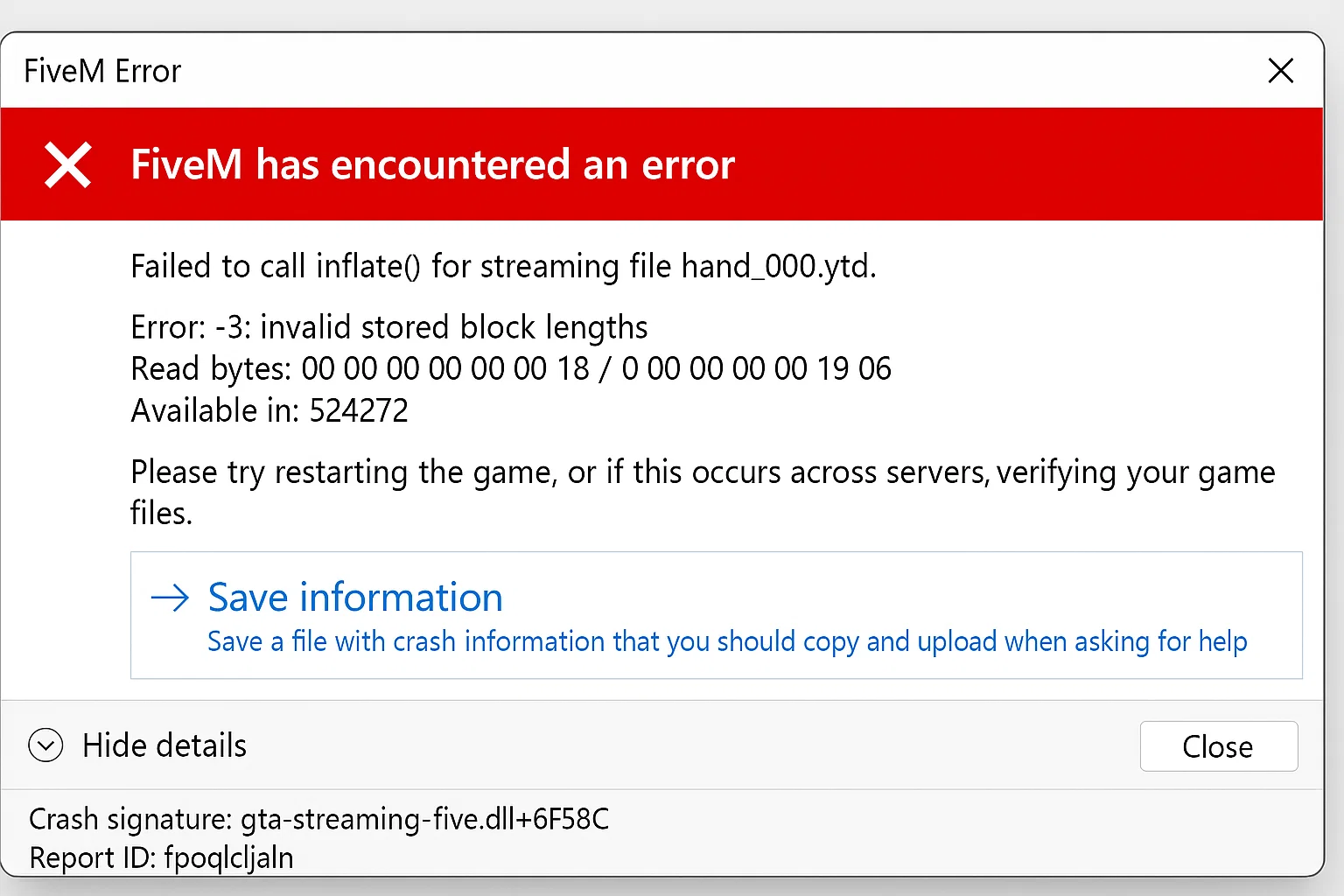
Fast answer: sv_disableClientReplays is the FiveM server convar used when players hit a “Failed to Inflate” decompression error tied to client replay data. Add set sv_disableClientReplays true to server.cfg, restart FXServer, and retest with a cleared FiveM cache. If the error names a specific resource instead, isolate that resource first; the replay setting alone will […]

If you’re running a GTA server on FiveM, you may notice some slow issues with MySQL/database or server hitch troubles… Introduction In the dynamic world of Grand Theft Auto V roleplay, FiveM servers have emerged as the backbone of an ever-growing community. These servers provide a platform for players to immerse themselves in diverse virtual […]
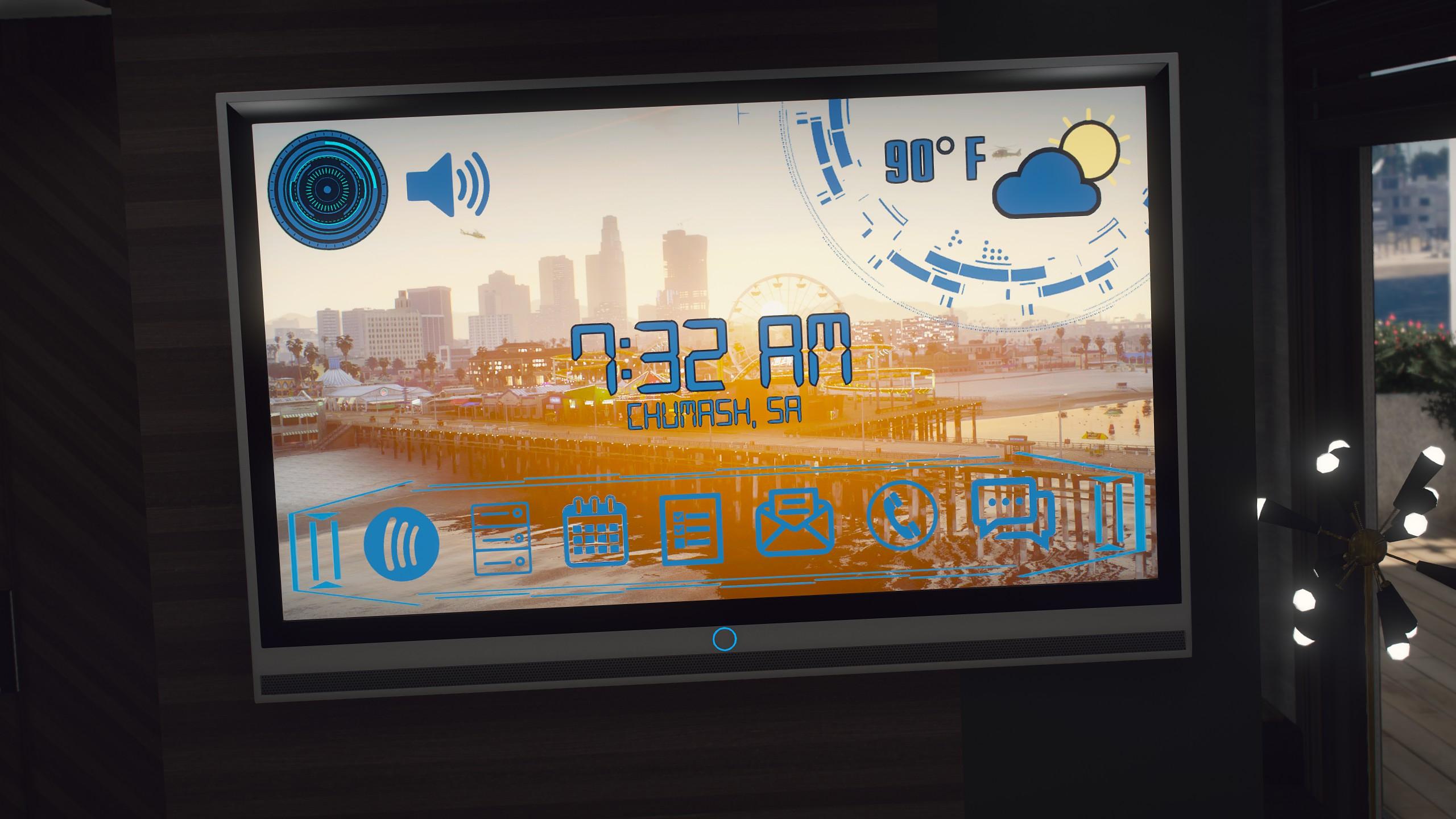
Texture loss in FiveM can ruin the roleplay experience for players, making the game feel choppy and unpolished. This guide will walk you through actionable steps to identify and fix texture loss issues in FiveM, ensuring smooth gameplay. Why Does Texture Loss Happen in FiveM? Texture loss occurs when your system cannot load game textures […]
Running a FiveM server allows you to create a customized multiplayer experience for Grand Theft Auto V. However, like any server software, you may encounter issues that require debugging. This comprehensive guide will walk you through the steps to effectively debug your FiveM server, helping you identify and resolve problems to keep your server running […]

Fast answer: Resmon is FiveM’s client-side resource monitor. Open the F8 console and run resmon true to inspect resource cost on the client. Use it to find expensive scripts, maps, HUDs, and UI resources before guessing what causes low FPS. Last updated: June 25, 2026 Open Resmon Join your server. Press F8. Run: resmon true […]

Quick answer: DDoS protection for a FiveM server starts upstream. Use a host or network service that explicitly mitigates the TCP and UDP game endpoint, put every public connect path behind it, restrict the origin to the mitigation network, expose only required ports, enable alerts, and maintain a provider escalation runbook. Document the public connect […]

Leer hoe u de laadtijden van de FiveM-server kunt optimaliseren door resources te beheren, efficiënte mods te gebruiken en de juiste serverhost te kiezen om vervelende vertragingen te elimineren.

A current risk guide for real-world vehicle brands, trademarks, third-party rights and compliant fictional alternatives on FiveM servers.

Heb je een FiveM-script, MLO of serverpakket gekocht via Tebex en denk je dat je bent opgelicht? Lees welk bewijs je moet verzamelen, hoe je contact kunt opnemen met Tebex, wanneer je je betalingsprovider moet inschakelen en hoe je risicovolle verkopers kunt vermijden.