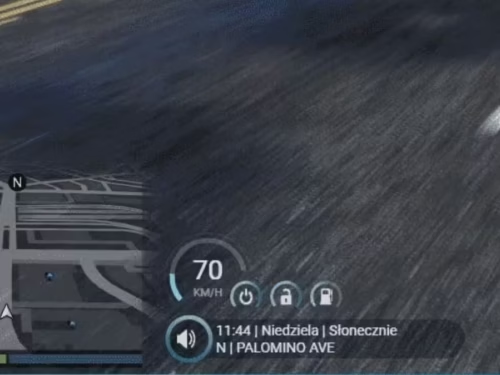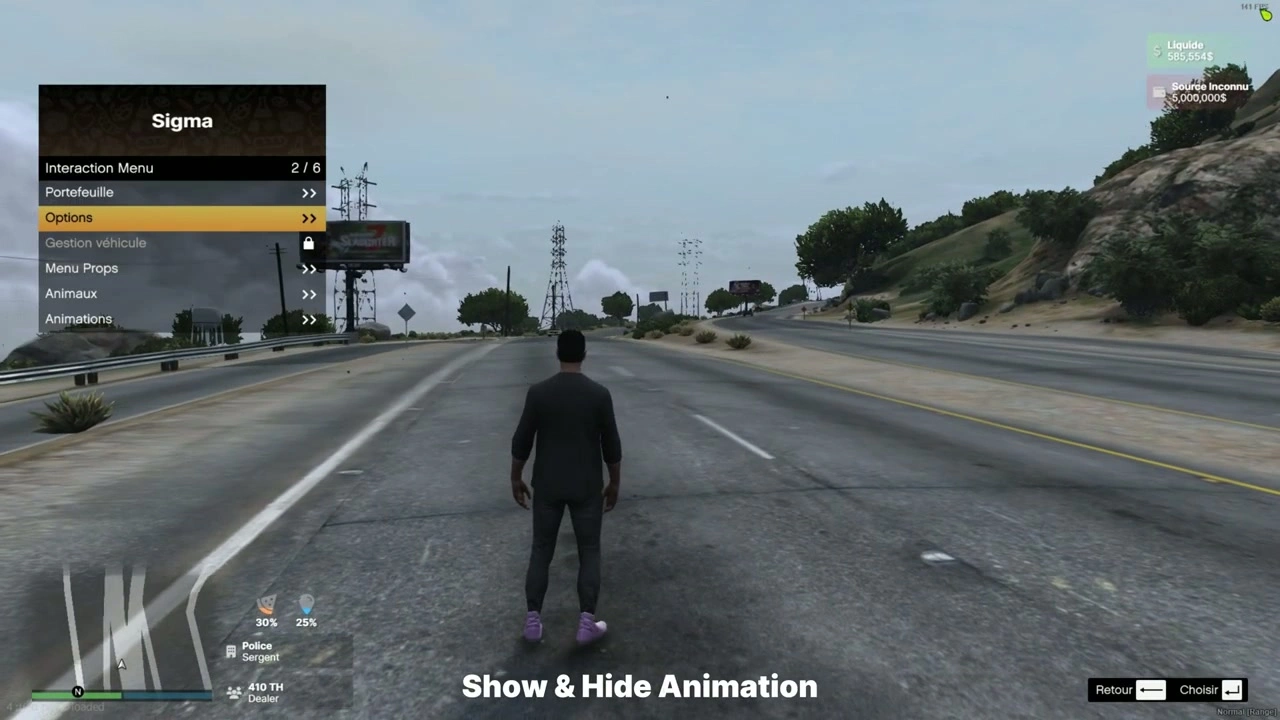
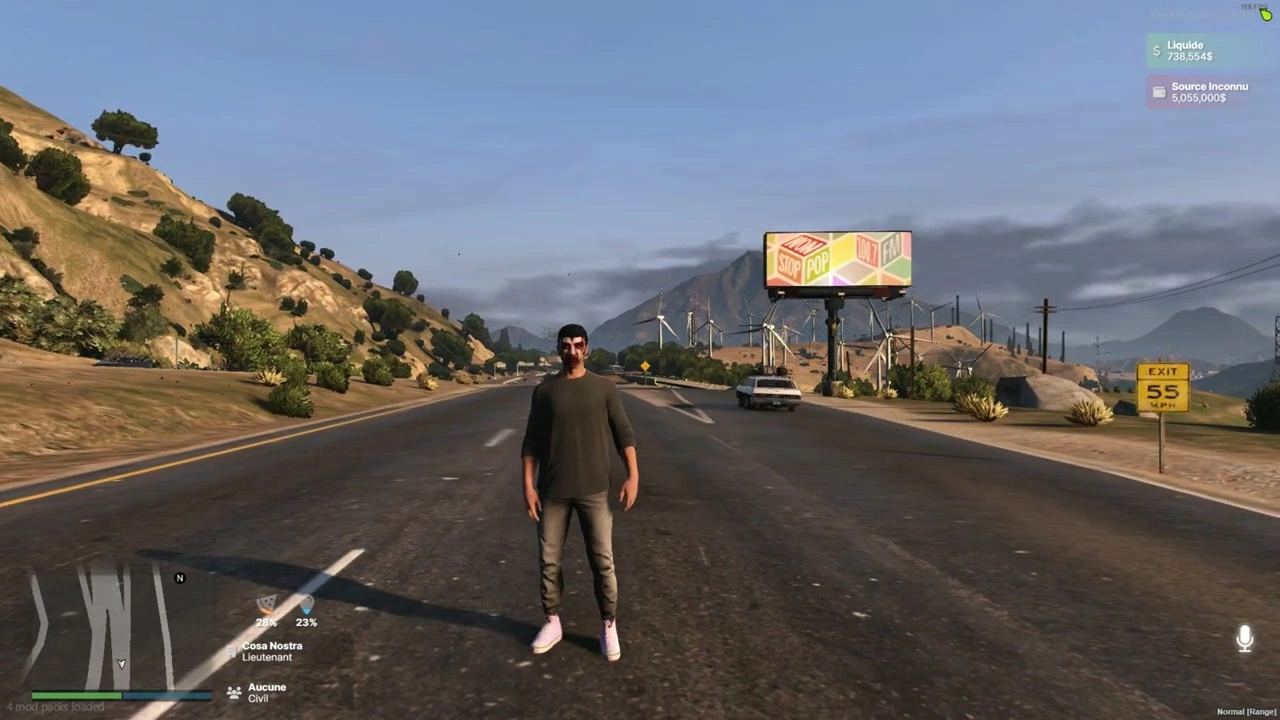
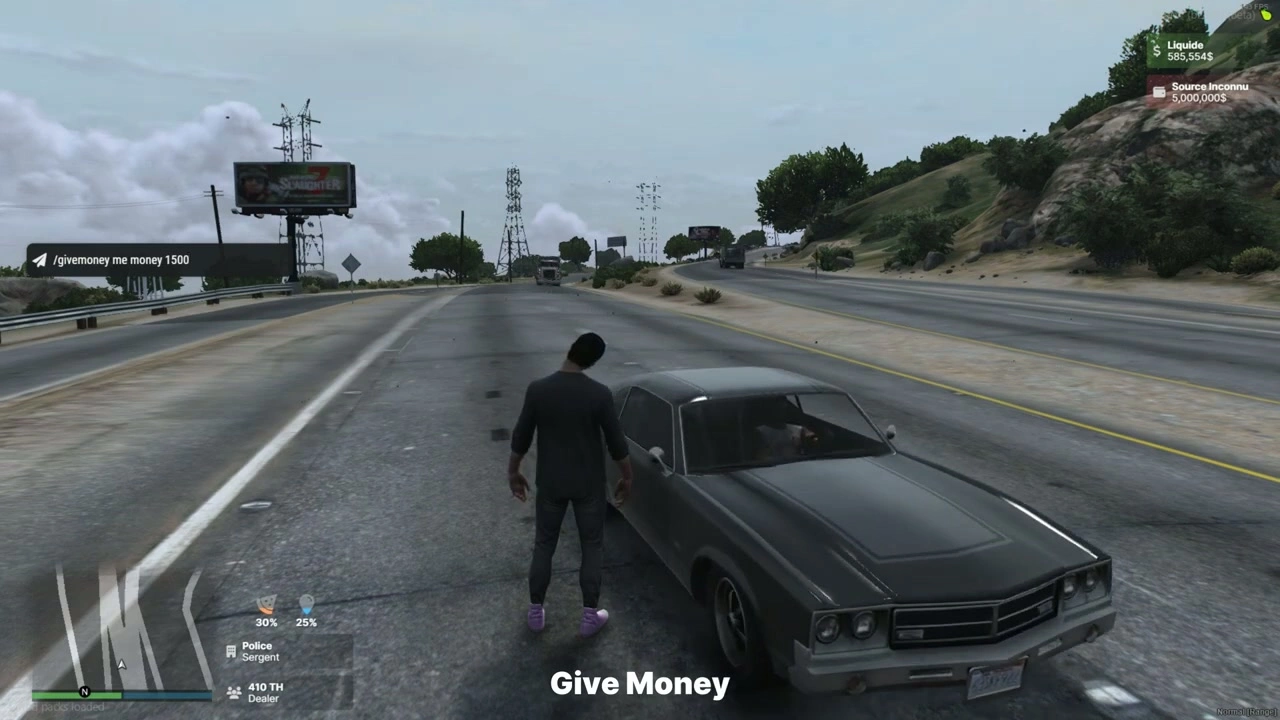
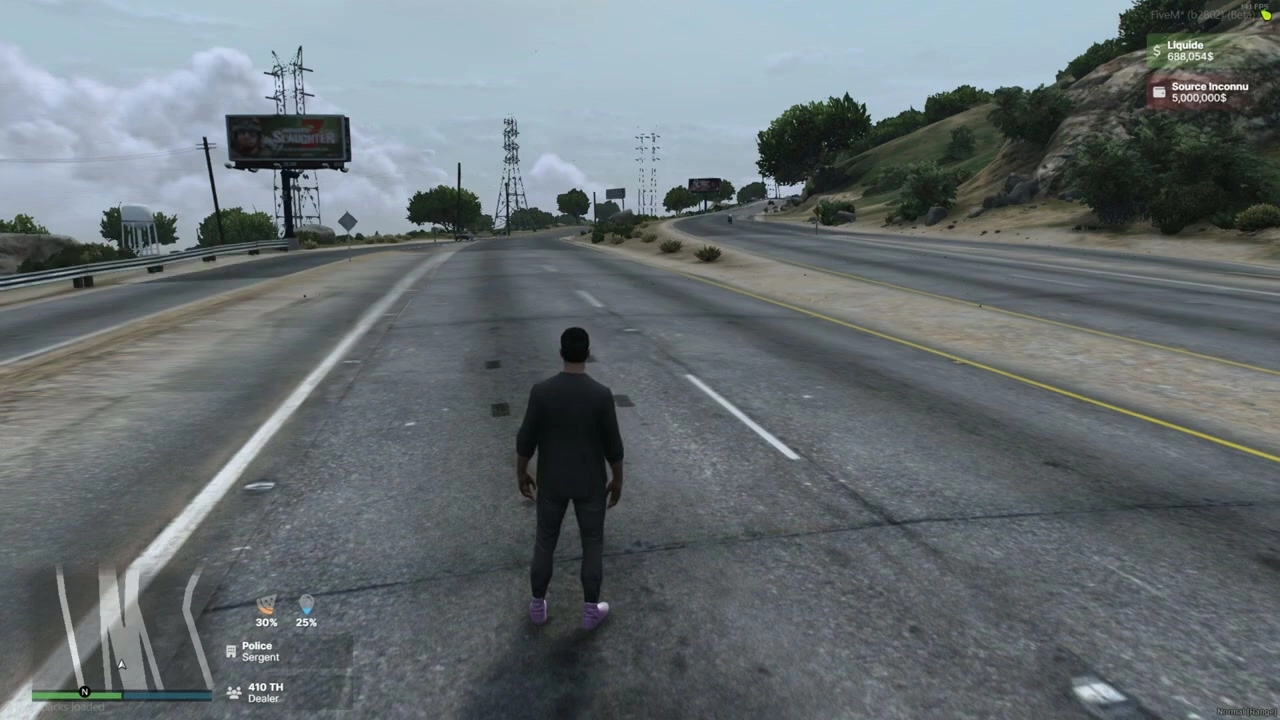
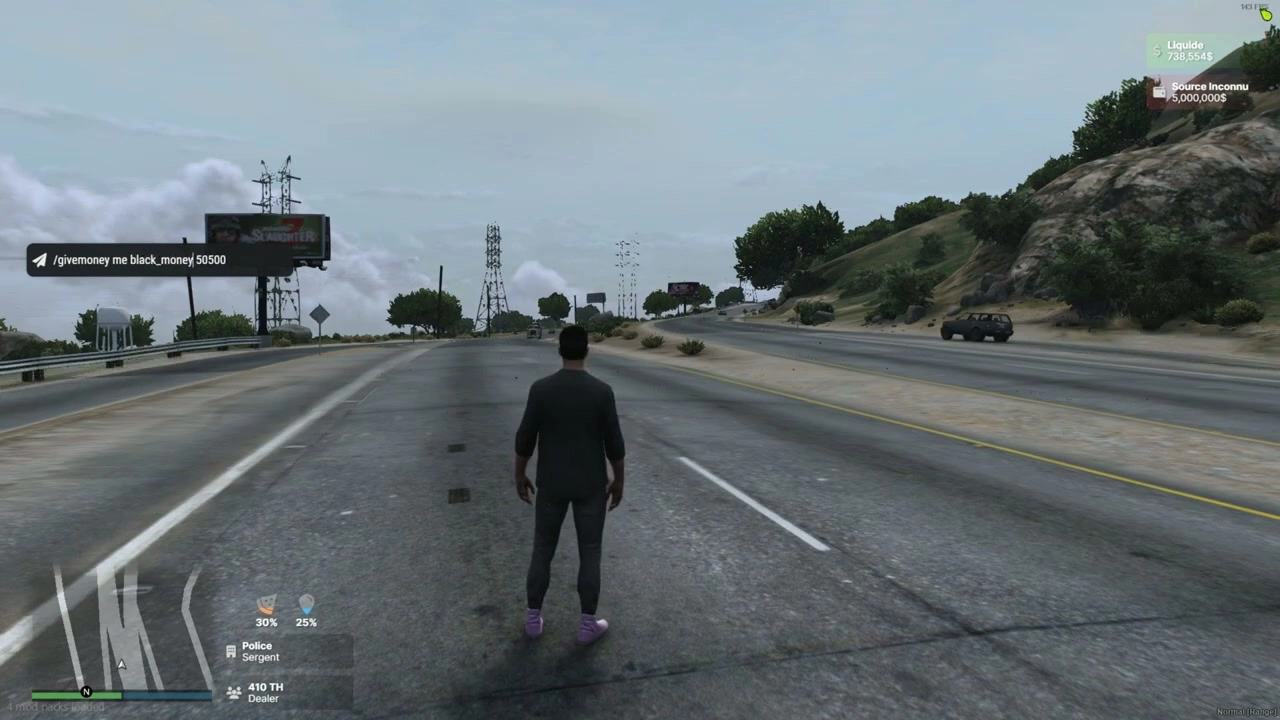
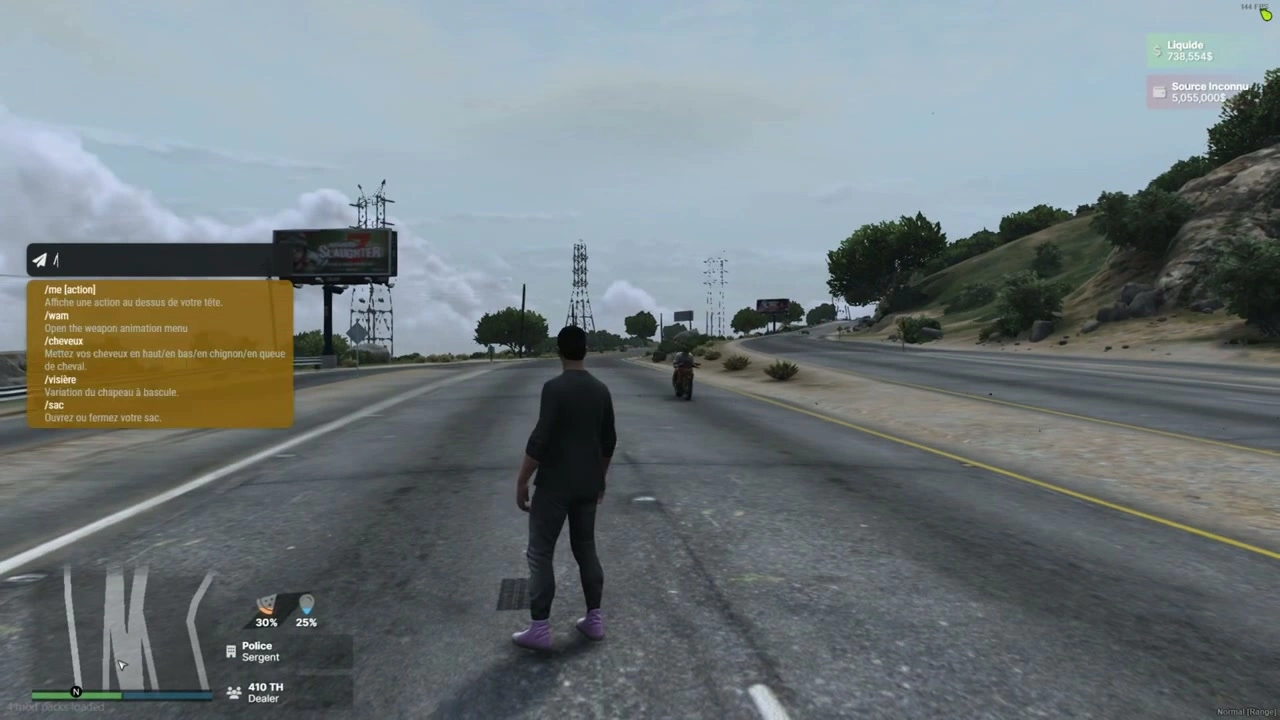
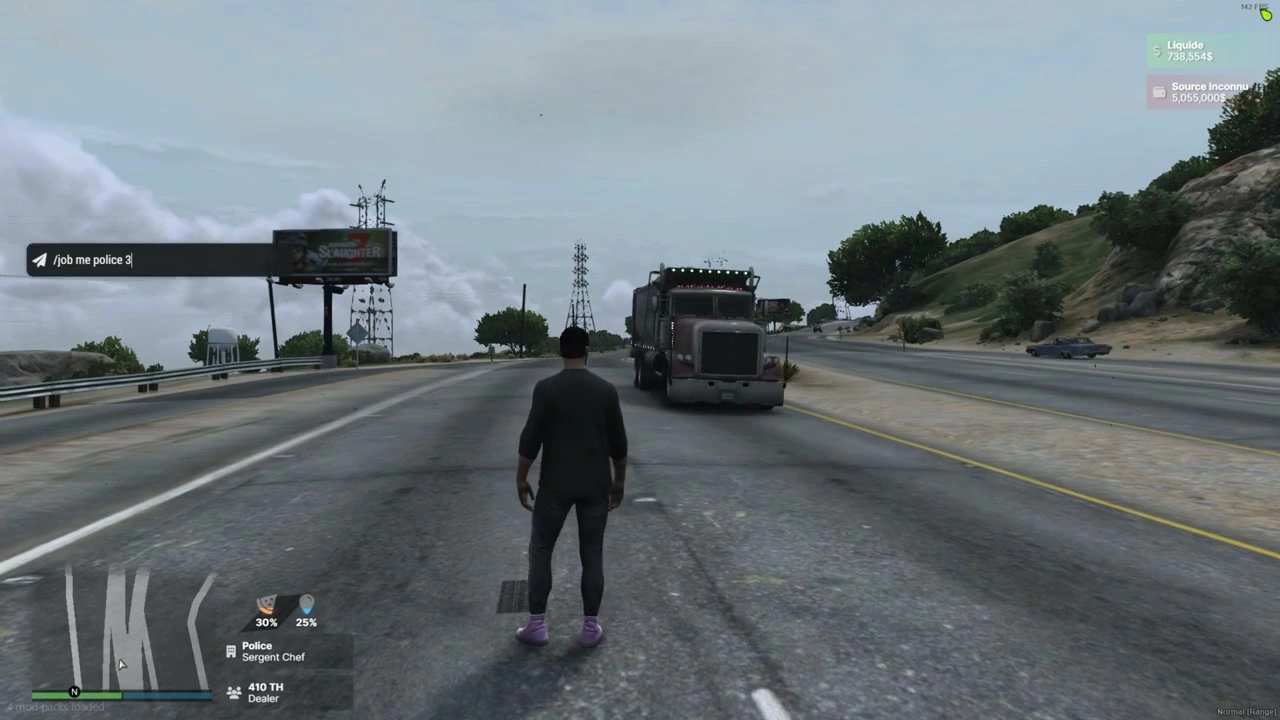










Pliki i manifest
fxmanifest.luaui_page "NUI/index.html"- Ładuje CSS/JS/zasoby z
NUI/src/* shared_script "config.lua"client_script "client/*.lua"
- Główna logika klienta:
client/main.lua - Konfiguracja:
config.lua - NUI:
NUI/index.html,NUI/src/css/*,NUI/src/js/{config.js,index.js,events.js},NUI/src/images/micro.png
Konfiguracja (config.lua)
Config = {
  DEBUG = false,

  -- How to get ESX:
  ESX_method   = "function",         -- "function" (export) or "event"
  eventNameESX = "esx:getSharedObject",
  extendedName = "extended",         -- e.g. "es_extended" / "extended"
  VERSION_ESX  = "final",            -- "legacy" or "final" (informational)

  -- Status source (list of {name, percent}):
  statusEventName = "esx_customui:updateStatus",

  ACTIVED = {
    JOB         = true,
    JOB2        = true,
    MONEY       = true,
    BLACK_MONEY = true,
    MICRO       = true
  }
}
Uwagi
- Jeśli używasz alternatywnego znacznika statusu (np.
sigma_hud:onTick), klient nasłuchujeConfig.statusEventNameLub powraca do"sigma_hud:onTick".
Client events & data flow
- Inicjalizacja
esx:playerLoaded→ HUD inicjalizuje się z danymi gracza ESX.- Po inicjalizacji HUD jest wyświetlany, a NUI otrzymuje:
SendNUIMessage({ type = "init", config = Config.ACTIVED })
- Aktualizacje statusu (Głód/Pragnienie)
- Nasłuchuj
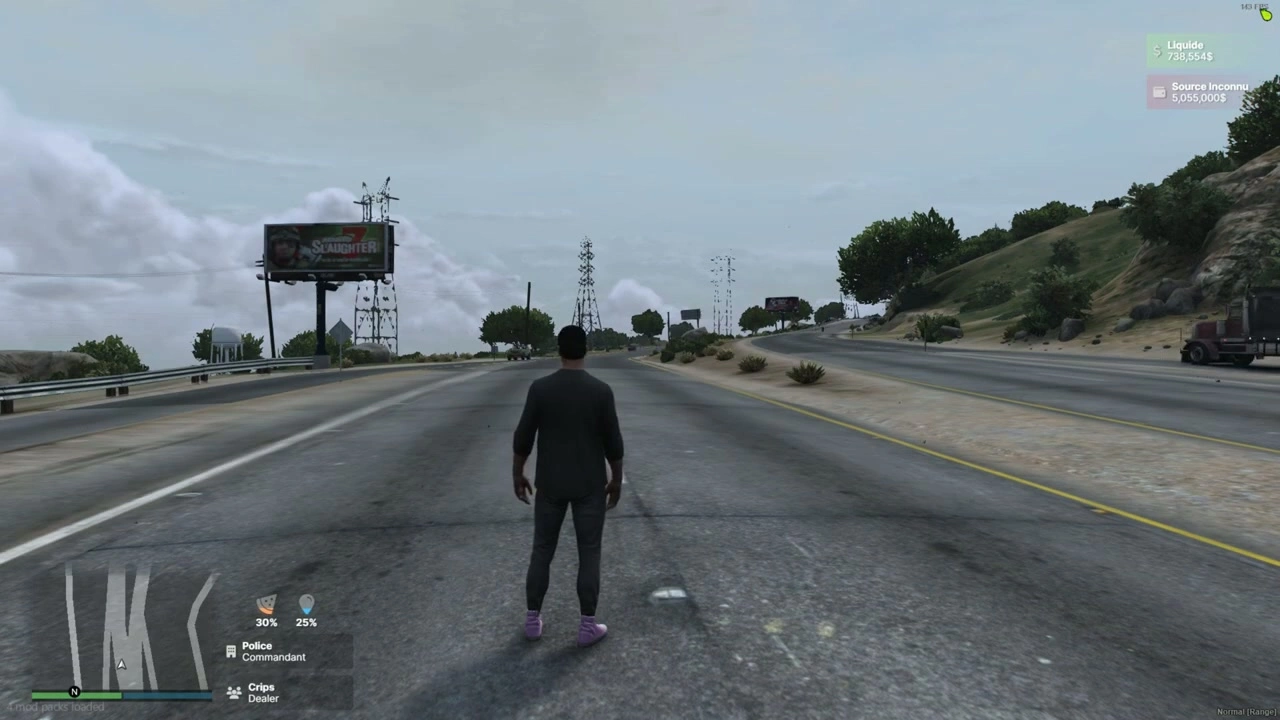
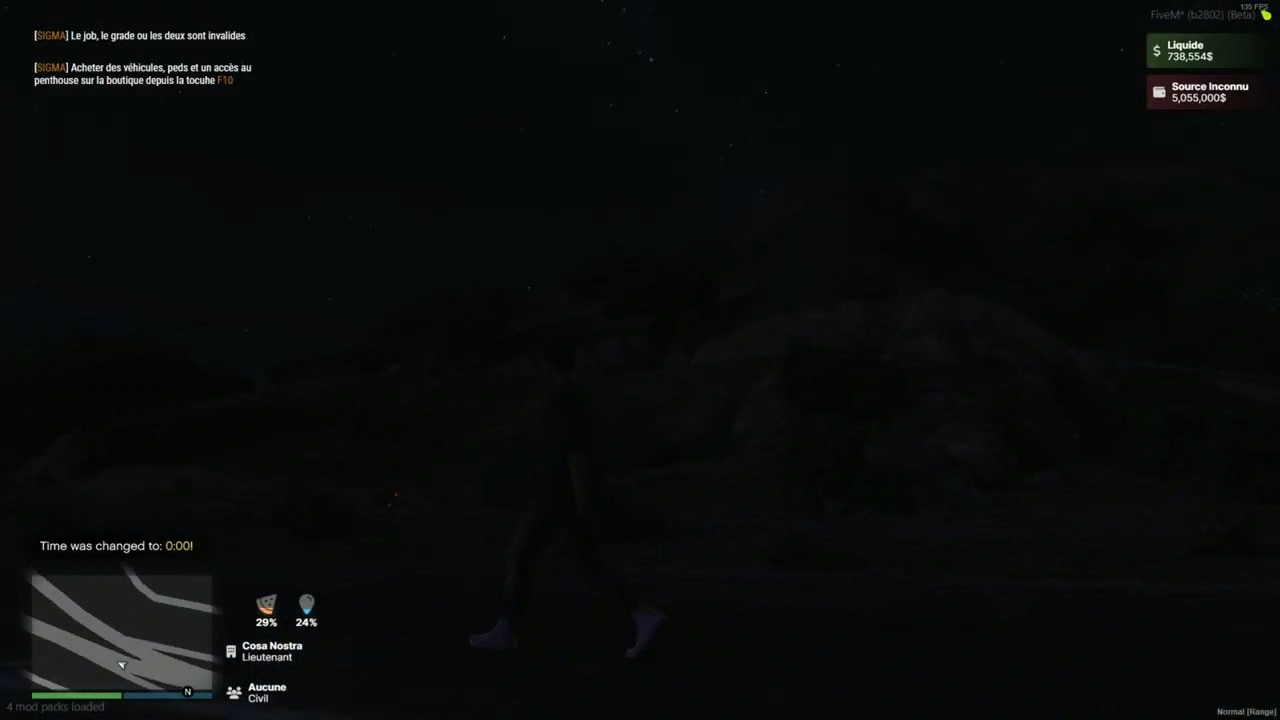
Config.statusEventName(domyślnieesx_customui:updateStatus) i wyemituj listę taką jak:TriggerEvent("esx_customui:updateStatus", { { name = "hunger", percent = 48.0 }, { name = "thirst", percent = 72.0 } }) - HUD mapuje je na dwa paski statusu.
- Nasłuchuj
- Praca / Druga praca
esx:setJobIesx:setJob2są obsługiwane automatycznie. NUI otrzymuje:SendNUIMessage({ type = "updateJob", jobs = { { label = job.label, grade = job.grade_label }, { label = job2.label, grade = job2.grade_label } }})
- Pieniądze
esx:setAccountMoneyaktualizuje gotówkę i czarne pieniądze:SendNUIMessage({ type = "updateMoney", moneys = { { label = "Liquide", value = cash.money }, { label = black.label, value = black.money } }})
- Głos (wskaźnik rozmowy)
- Ankiety
NetworkIsPlayerTalking(PlayerId()); pokazuje/ukrywa ikonę mikrofonu za pomocą:SendNUIMessage({ type = "toogleMicro", show = true/false }) - Pomocnik do zmiany klas zbliżeniowych znajduje się w NUI (
type = "changeMicro"), dzięki czemu możesz go połączyć ze swoim zasobem głosowym, jeśli chcesz.
- Ankiety
- Pokaż/Ukryj HUD (niestandardowe)
- Wyzwalanie z dowolnego miejsca po stronie klienta:
TriggerEvent("iHud-V2::show", true)  -- show
TriggerEvent("iHud-V2::show", false) -- hide
- Wyzwalanie z dowolnego miejsca po stronie klienta:
Instalacja
- Upuść folder do swojego
resources(e.g.resources/[ui]/iHud-V2). - Upewnij się, że zasób:
ensure iHud-V2 - Skonfiguruj Metoda dostępu ESX, nazwa zdarzenia statusu, i przełączać sekcje w
config.lua. - Skrypt potwierdzający Twój status emituje
{ name = "hunger"/"thirst", percent = <0-100> }tablice doConfig.statusEventName.
Kompatybilność i wskazówki
- Pobieranie ESX
functiontryb oczekuje:ESX = exports[Config.extendedName]:getSharedObject()eventtryb oczekuje:TriggerEvent(Config.eventNameESX, function(obj) ESX = obj end)
- Voice proximity
- HUD jest wyposażony w mówiący wskaźnik od razu po wyjęciu z pudełka. Aby wyświetlić poziomy bliskości (szept/normalny/krzyk), niech Twój zasób głosowy wyśle wiadomość NUI z
type="changeMicro"i twoja wybrana klasa CSS.
- HUD jest wyposażony w mówiący wskaźnik od razu po wyjęciu z pudełka. Aby wyświetlić poziomy bliskości (szept/normalny/krzyk), niech Twój zasób głosowy wyśle wiadomość NUI z
- Stylizacja
- Czcionki i ikony ładowane z CDN; UI jest responsywny i utrzymywany w minimalnym rozmiarze dla serwerów RP.
Jeśli chcesz, mogę dostosować powyższy tekst do dokładnych nazw Twojego serwera i dołączyć krótki blok “Wymagania serwera / Zależności” (np. nazwy zasobów statusu/głosu) lub dodać zrzuty ekranu.