Yapılandırma dosyası
Config = {}
Config.IssueHelper = false -- [DEF. false] [BOOLEAN] Use that if you need help on discord. Gathers config data and non-sensitive data.
Config.Characters = {}
Config.Characters.Free = 1
Config.Characters.IdentifierType = "license"
Config.Debug = false
Config.DebugTimers = false
Config.CheckIntegration = true

Config.CameraFOV = 20.0
Config.CameraOffsets = {
    coords = {      -- Actual camera coordinates where camera is being spawned at. Relative to the player offsets. Native ref: https://docs.fivem.net/natives/?_0x1899F328B0E12848
        x = -.65,
        y = 5.0,
        z = 0.0,
    },
    rot = {         -- Focus coordinates that camera "is facing".                                                  Native ref: https://docs.fivem.net/natives/?_0x1899F328B0E12848
        x = -.65,
        y = 0.0,
        z = 0.3
    }
}

Config.Music = {
    default = 'https://www.youtube.com/watch?v=sA80HAfJPR8',
    volume = .3,
}

Config.Commands = {
    ['logout'] = {
        use = true,
        commandName = 'logout',
    },
    ['setcharacterslots'] = {
        use = true,
        commandName = 'setcharacterslots'
    }, ['addcharacterslots'] = {
        use = true,
        commandName = 'addcharacterslots'
    },
}

Config.ForceAppereance = false -- [DEF. false] [IF NOT FALSE PLEASE USE STRING INSTAED OF TRUE] Check client/framework/framework_functions.lua Framework.SetSkin function for the compatible appearances.

Config.Prefix = 'char' -- [DEF. 'char'] [STRING] What prefix should we use to gather user identifiers. (ESX Only since qbcore have implemented citizensIDs)

Config.UI = {
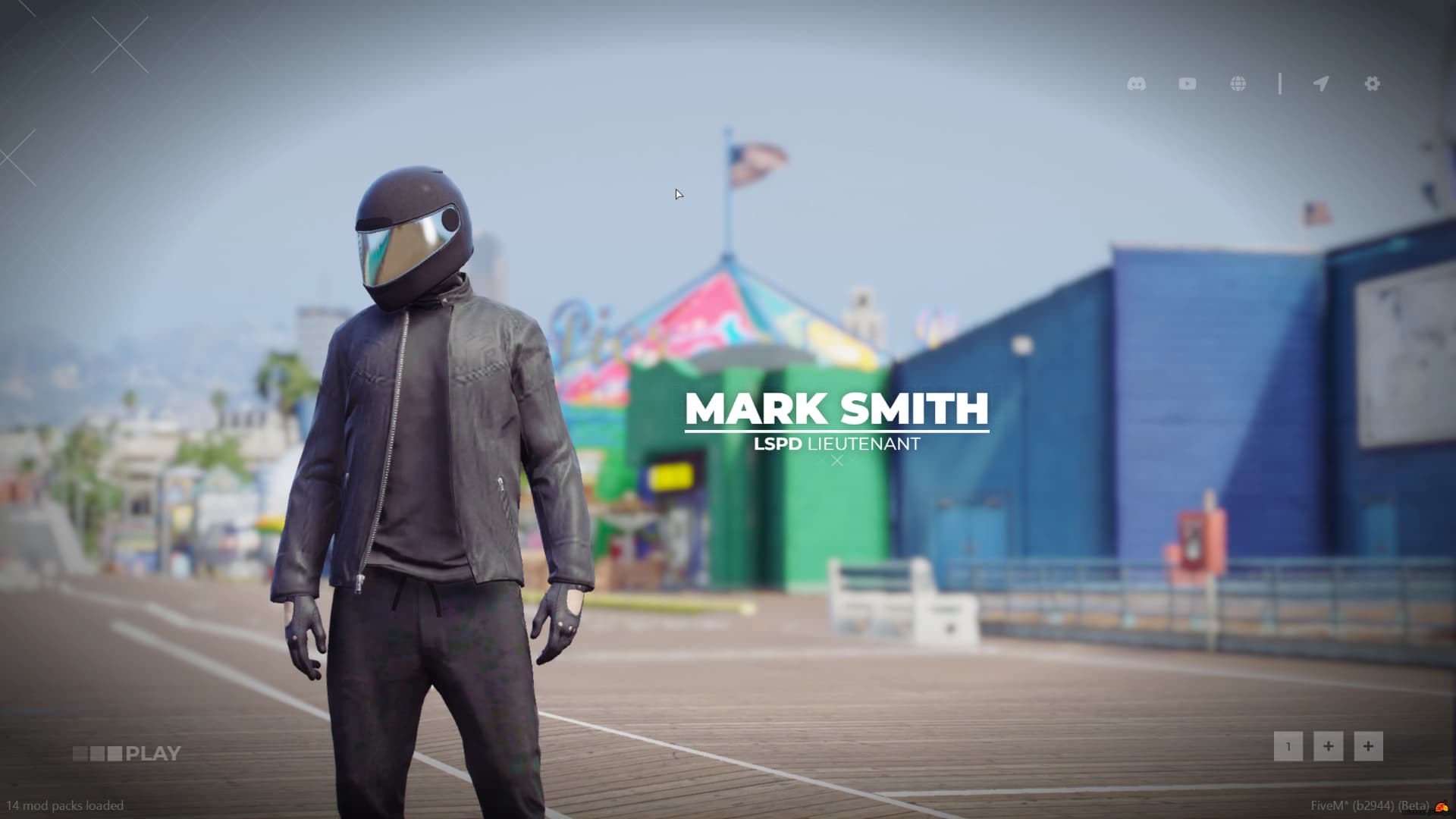
    ['settings'] = true,
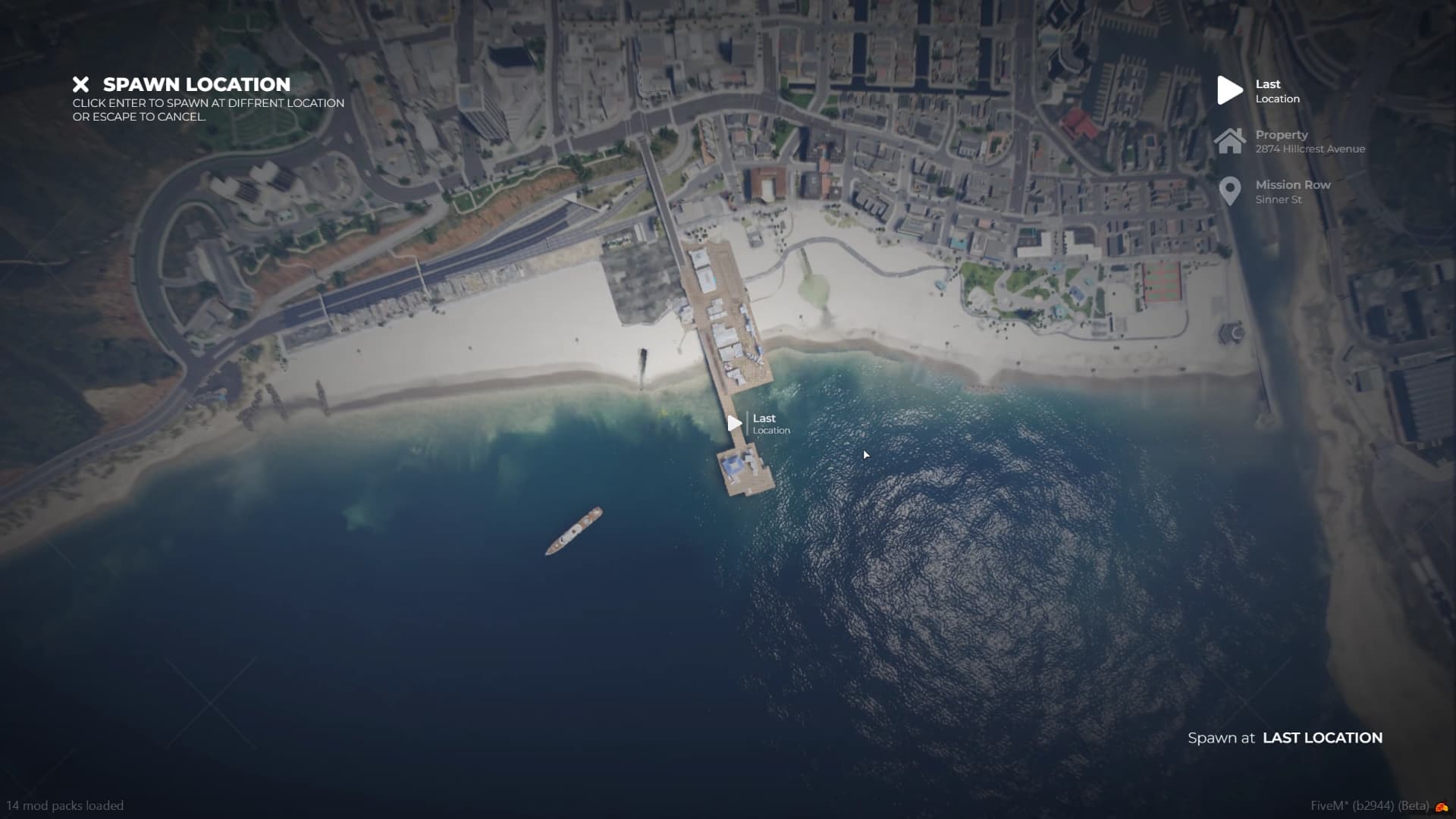
    ['spawn_selector'] = true,
    ['discord'] = 'https://discord.gg/', -- [STRING] Set your Discord URL to show that content or set it to false to disable discord icon.
    ['youtube'] = 'https://youtu.be/', -- [STRING] Set your Youtube URL to show that content or set it to false to disable youtube icon.
    ['website'] = 'https://mywebsite.rp/', -- [STRING] Set your Website URL to show that content or set it to false to disable website icon.
    ['delete_character'] = false,
}

Config.ServerLogo = 'https://i.postimg.cc/J4JcGmCQ/new.png'

Config.CanSwapLocationOnLogout = true -- [DEF. true] [BOOLEAN] Will user have access to swapping locations when using logout command.

Config.Buckets = {}
Config.Buckets.MulticharacterID = 1000 -- [DEF. 1000] [INT] What bucket identifier should be set while inside multicharacter.
Config.Buckets.PopulationEnabled = false -- [DEF. false] [BOOLEAN] Should population be enabled inside multicharacter?
Config.Buckets.DefaultId = 0 --[DEF. 0] [INT] What bucket identifier should be set when user will select character.

Config.Effects = {
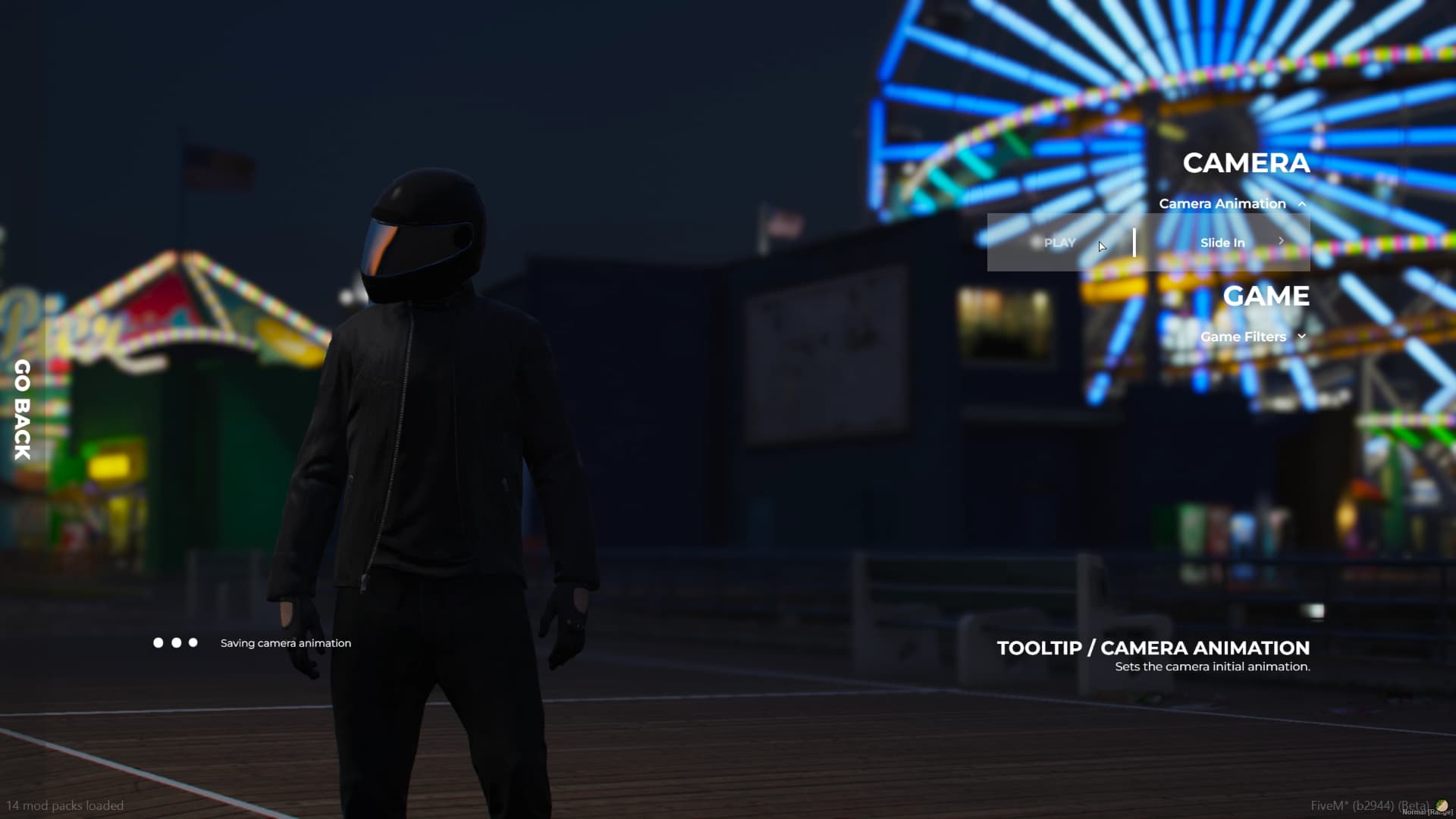
    useEffects = true, -- [DEF. TRUE] [BOOLEAN] Set if you want the camera animation with the sound to be played when user selects his character
    useBucketSphere = true, -- [DEF. TRUE] [BOOLEAN] Set that if you want use animation with the white sphere
}

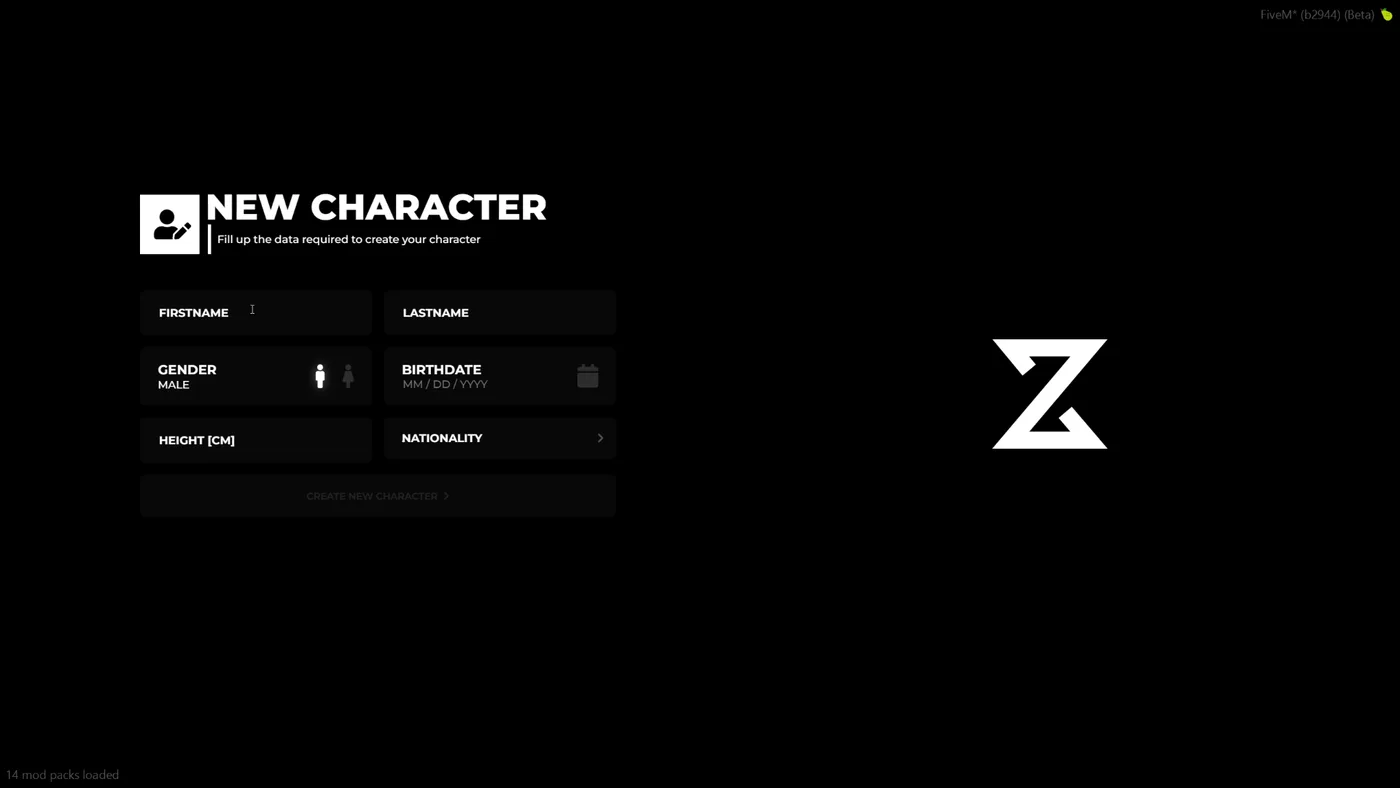
Config.SpawnCoords = {
    coords = vector3(-1249.1780, -163.0153, 40.4084), -- [COORDS] Set your desired coords for the users that will create their characters
    heading = 237.3200 -- [INT] Heading of the given coords
}

Config.DefaultSettings = {}
Config.DefaultSettings['Filters'] = 'NG_filmic25' -- [STRING] Default values for filters
Config.DefaultSettings['Cameras'] = 'from_back' -- [STRING] Default values for camera

Config.UserInterface = 'START_BEFORE'   -- [STRING] More information on docs:

Config.Identity = {}
Config.Identity.UseCameraAnimation = true        -- [BOOL] Use identity camera animation
Config.Identity.UseClothingTimer = true          -- [BOOL] Use clothing timer
Config.Identity.SpawnPlayerAtSpawnCoords = true  -- [BOOL] Spawn player at the specified coordinates as in Config.SpawnCoords | Warning otherwise, you will have to set player coords manually!
Config.Identity.ClothingTimer = 15000            -- [INT] How much time does user have to wait to open skin menu after creating new character
Config.Identity.SwitchPlayerBucketOnLoad = true  -- [BOOL] Set player in default bucket right after identity animation
Config.Identity.SetInBucketOnAppearance = false  -- [BOOL] Set player in Multicharacter bucket while in appearance | Warning! It will only work for the appearances that has appearance callback when it's finished.
                                                 --[[                                                                Currently available appaearances
                                                                                                                        - illenium-appearance
                                                                                                                        - fivem-appearance
                                                                                                                        - crm-appearance
                                                                                                                        - bl_appearance
                                                                                                                        - dx_clothing
                                                                                                                        - rcore-clothing
                                                 ]]

Config.StarterItems = {
    {
        item = 'bread',
        amount = 3
    }, {
        item = 'water',
        amount = 3
    },
}

Config.CommandGroupAllowed = 'admin'

Config.SphereColor = {255, 255, 255}
Config.SphereIntensity = .95

Config.AutoHandleUIV2 = true                -- [DEF. true] [BOOL] Automaticaly checks for UIV2 in order to prepare the integration.

Config.DateFormat = 1                     --[[ [DEF. 1] [INT] Available formats:
                                            Config.DateFormat = 1 -- DD/MM/YYYY
                                            Config.DateFormat = 2 -- MM/DD/YYYY
                                            Config.DateFormat = 3 -- YYYY/DD/MM
                                            Config.DateFormat = 4 -- YYYY/MM/DD
                                          ]]

Config.IdentityDuplicateCheck = false -- [DEF. false] [BOOL] Duplicate Name Check - Example: If user enters 'John Doe' and another one exist's, user cant create character

--- A easy way to allow specified player's a different slot limit than the rest, without using a command.
--- Please use a player identifier, with the character slot amount you want a user to have.
Config.CustomSlots = {
    ["license:xxxxxxxxxxxxxxxxxxxxxxxxxxxxxxxx"] = 5,
}

--Algorithm Handlers

Config.AirCheckerDuration = 5000
Config.MaxAmountOfCoordsChecks = 5          -- [DEF. 5] [INT] Increasing that value may help with proper allocation of the player. Amount with max 0 may spawn your ped (if he's on some custom big interior) at wrong coords or even under the map.
Config.MaxAmountOfHeadingChecks = 5         -- [DEF. 5] [INT] Increasing the amount will create better background of the player
Config.MaxAmountOfDistanceChecks = 5        -- [DEF. 5] [INT] Increasing the amount will help the algorithm to prevent the camera to spawn inside the wall
Config.InteriorCheckerDurationMax = 10000   -- [DEF. 10000] [INT] Maximal amount of time for the preload of the interior
Config.UseInteriorCheck = false             -- [DEF. false] [BOOL] Use interior checker

--End

Config.AwaitShutdownLoadingScreen = false   -- [DEF. false] [BOOL] Allow to await loading screen to be manually shutdown.
Config.CustomInitialization = false         -- [DEF. false] [BOOL] If you will set that value to true you will have to manually handle opening up Multicharacter content. You can check out our documentation page for export/event

Config.UseFastTransition = false            -- [DEF. false] [BOOL] Required UIV2, makes the loading faster without the server logo on the startup to maintain functionality.

Config.DB_TablesToRemove = { -- Example of table
    -- {
    --     table = 'owned_vehicles',
    --     identifierColumn = 'owner',
    -- }
}

--[[
    DOCS: https://zsx-development.gitbook.io/docs/multicharacter/faq
]]