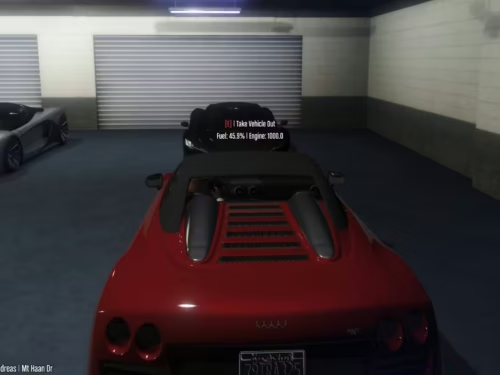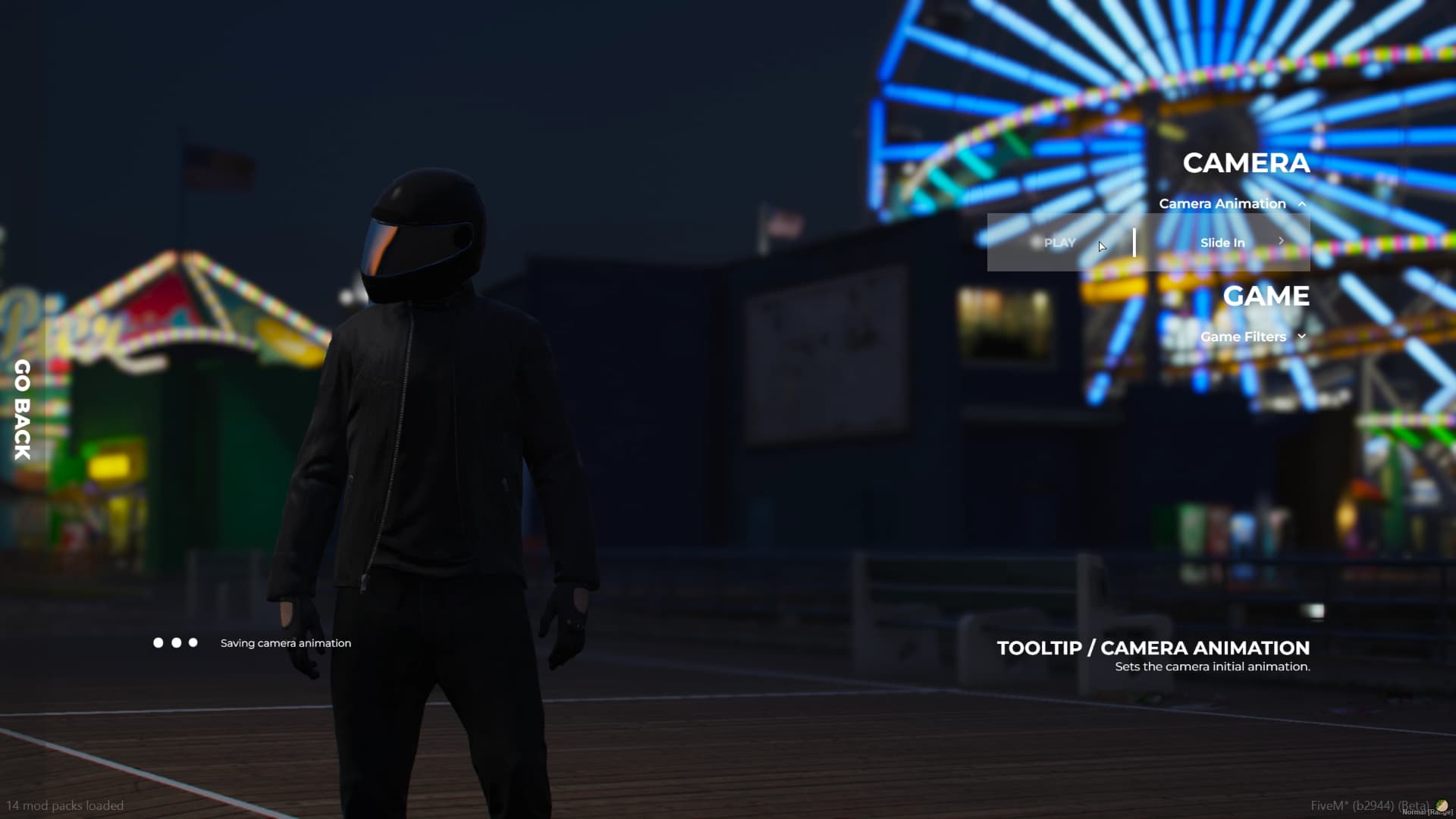



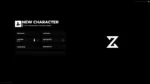

4 product images available.
ZSX Multicharacter
ZSX Multicharacter - professional ESX script with custom features and optimized performance for FiveM servers. Compatible with ESX framework.
4 product images available.
ZSX Multicharacter - professional ESX script with custom features and optimized performance for FiveM servers. Compatible with ESX framework.
Use the published facts on this page to confirm whether ZSX Multicharacter matches your server before checkout.
Only the facts published on this page should be treated as confirmed. If you need more detail, review the description, requirements, changelog, reviews, and product Q&A before checkout.
esx, qbcore, qbox, standalone
Published on this page
Available
Card, Klarna and supported wallets via Stripe. More local methods may appear when available for your region.
Support expectation
Support covers download access, missing delivered files, and questions based on the published setup notes.
Custom installation, framework conversion, live server setup, and custom feature work are not included unless stated on the product page.
Ask before buying if your server uses heavily modified framework, inventory, or database resources.
Use this checklist to decide quickly whether the resource fits your current server build, framework, and support expectations.
Server-owner payoff
ZSX Multicharacter is positioned to reduce Character & Appearance instead of making you rebuild the same system from scratch.
Compatibility
Works with esx, qbcore, qbox, standalone. Check the requirements block before adding it to a live stack.
Purchase confidence
Instant download, Stripe checkout, support access, and refund policy context are shown before payment.
Decision assets
Requirements, installation details, Preview video, Product Q&A
Config = {}
Config.IssueHelper = false -- [DEF. false] [BOOLEAN] Use that if you need help on discord. Gathers config data and non-sensitive data.
Config.Characters = {}
Config.Characters.Free = 1
Config.Characters.IdentifierType = license
Config.Debug = false
Config.DebugTimers = false
Config.CheckIntegration = true
Config.CameraFOV = 20.0
Config.CameraOffsets = {
coords = { -- Actual camera coordinates where camera is being spawned at. Relative to the player offsets. Native ref: https://docs.fivem.net/natives/?_0x1899F328B0E12848
x = -.65,
y = 5.0,
z = 0.0,
},
rot = { -- Focus coordinates that camera is facing. Native ref: https://docs.fivem.net/natives/?_0x1899F328B0E12848
x = -.65,
y = 0.0,
z = 0.3
}
}
Config.Music = {
default = 'https://www.youtube.com/watch?v=sA80HAfJPR8',
volume = .3,
}
Config.Commands = {
['logout'] = {
use = true,
commandName = 'logout',
},
['setcharacterslots'] = {
use = true,
commandName = 'setcharacterslots'
}, ['addcharacterslots'] = {
use = true,
commandName = 'addcharacterslots'
},
}
Config.ForceAppereance = false -- [DEF. false] [IF NOT FALSE PLEASE USE STRING INSTAED OF TRUE] Check client/framework/framework_functions.lua Framework.SetSkin function for the compatible appearances.
Config.Prefix = 'char' -- [DEF. 'char'] [STRING] What prefix should we use to gather user identifiers. (ESX Only since qbcore have implemented citizensIDs)
Config.UI = {
['settings'] = true,
['spawn_selector'] = true,
['discord'] = 'https://discord.gg/', -- [STRING] Set your Discord URL to show that content or set it to false to disable discord icon.
['youtube'] = 'https://youtu.be/', -- [STRING] Set your Youtube URL to show that content or set it to false to disable youtube icon.
['website'] = 'https://mywebsite.rp/', -- [STRING] Set your Website URL to show that content or set it to false to disable website icon.
['delete_character'] = false,
}
Config.ServerLogo = 'https://i.postimg.cc/J4JcGmCQ/new.png'
Config.CanSwapLocationOnLogout = true -- [DEF. true] [BOOLEAN] Will user have access to swapping locations when using logout command.
Config.Buckets = {}
Config.Buckets.MulticharacterID = 1000 -- [DEF. 1000] [INT] What bucket identifier should be set while inside multicharacter.
Config.Buckets.PopulationEnabled = false -- [DEF. false] [BOOLEAN] Should population be enabled inside multicharacter?
Config.Buckets.DefaultId = 0 --[DEF. 0] [INT] What bucket identifier should be set when user will select character.
Config.Effects = {
useEffects = true, -- [DEF. TRUE] [BOOLEAN] Set if you want the camera animation with the sound to be played when user selects his character
useBucketSphere = true, -- [DEF. TRUE] [BOOLEAN] Set that if you want use animation with the white sphere
}
Config.SpawnCoords = {
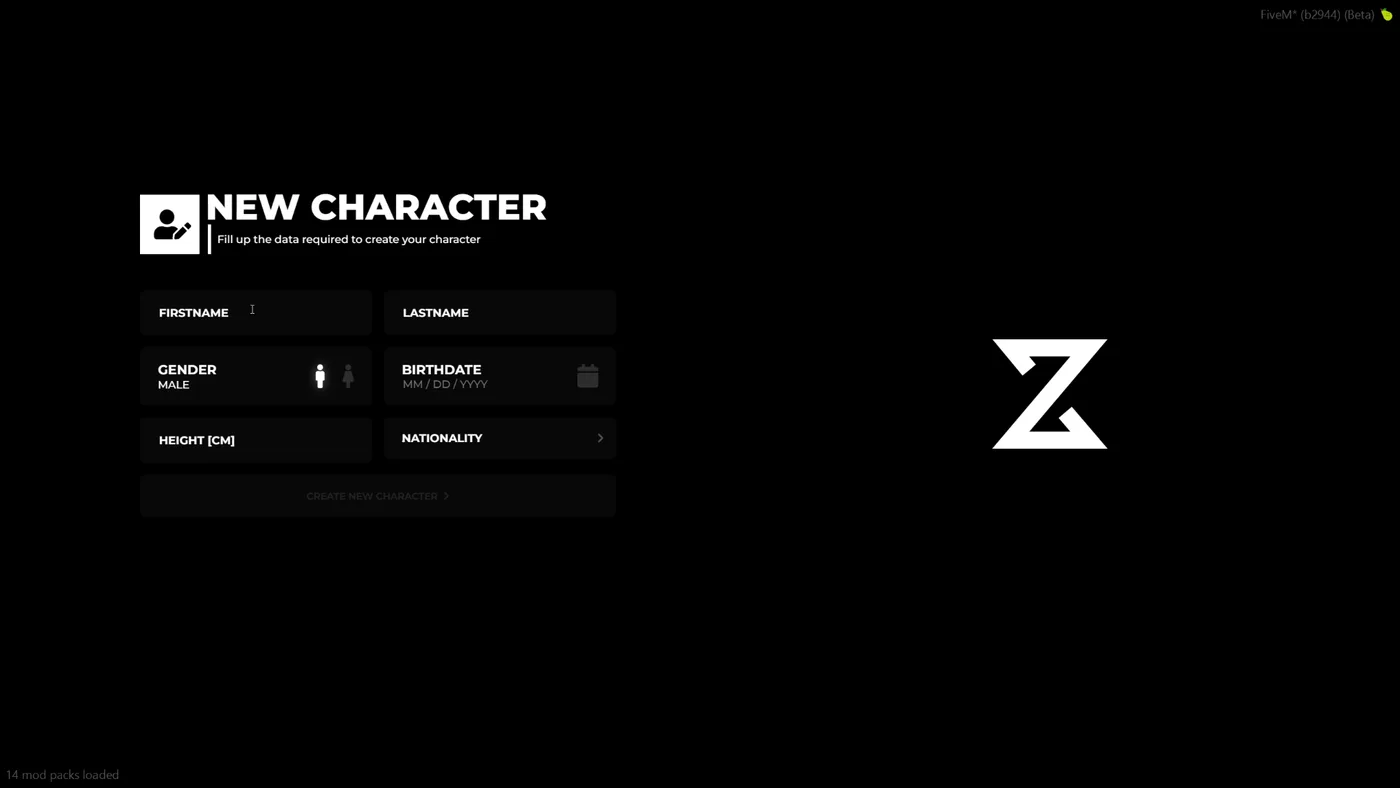
coords = vector3(-1249.1780, -163.0153, 40.4084), -- [COORDS] Set your desired coords for the users that will create their characters
heading = 237.3200 -- [INT] Heading of the given coords
}
Config.DefaultSettings = {}
Config.DefaultSettings['Filters'] = 'NG_filmic25' -- [STRING] Default values for filters
Config.DefaultSettings['Cameras'] = 'from_back' -- [STRING] Default values for camera
Config.UserInterface = 'START_BEFORE' -- [STRING] More information on docs:
Config.Identity = {}
Config.Identity.UseCameraAnimation = true -- [BOOL] Use identity camera animation
Config.Identity.UseClothingTimer = true -- [BOOL] Use clothing timer
Config.Identity.SpawnPlayerAtSpawnCoords = true -- [BOOL] Spawn player at the specified coordinates as in Config.SpawnCoords | Warning otherwise, you will have to set player coords manually!
Config.Identity.ClothingTimer = 15000 -- [INT] How much time does user have to wait to open skin menu after creating new character
Config.Identity.SwitchPlayerBucketOnLoad = true -- [BOOL] Set player in default bucket right after identity animation
Config.Identity.SetInBucketOnAppearance = false -- [BOOL] Set player in Multicharacter bucket while in appearance | Warning! It will only work for the appearances that has appearance callback when it's finished.
--[[ Currently available appaearances
- illenium-appearance
- fivem-appearance
- crm-appearance
- bl_appearance
- dx_clothing
- rcore-clothing
]]
Config.StarterItems = {
{
item = 'bread',
amount = 3
}, {
item = 'water',
amount = 3
},
}
Config.CommandGroupAllowed = 'admin'
Config.SphereColor = {255, 255, 255}
Config.SphereIntensity = .95
Config.AutoHandleUIV2 = true -- [DEF. true] [BOOL] Automaticaly checks for UIV2 in order to prepare the integration.
Config.DateFormat = 1 --[[ [DEF. 1] [INT] Available formats:
Config.DateFormat = 1 -- DD/MM/YYYY
Config.DateFormat = 2 -- MM/DD/YYYY
Config.DateFormat = 3 -- YYYY/DD/MM
Config.DateFormat = 4 -- YYYY/MM/DD
]]
Config.IdentityDuplicateCheck = false -- [DEF. false] [BOOL] Duplicate Name Check - Example: If user enters 'John Doe' and another one exist's, user cant create character
--- A easy way to allow specified player's a different slot limit than the rest, without using a command.
--- Please use a player identifier, with the character slot amount you want a user to have.
Config.CustomSlots = {
[license:xxxxxxxxxxxxxxxxxxxxxxxxxxxxxxxx] = 5,
}
--Algorithm Handlers
Config.AirCheckerDuration = 5000
Config.MaxAmountOfCoordsChecks = 5 -- [DEF. 5] [INT] Increasing that value may help with proper allocation of the player. Amount with max 0 may spawn your ped (if he's on some custom big interior) at wrong coords or even under the map.
Config.MaxAmountOfHeadingChecks = 5 -- [DEF. 5] [INT] Increasing the amount will create better background of the player
Config.MaxAmountOfDistanceChecks = 5 -- [DEF. 5] [INT] Increasing the amount will help the algorithm to prevent the camera to spawn inside the wall
Config.InteriorCheckerDurationMax = 10000 -- [DEF. 10000] [INT] Maximal amount of time for the preload of the interior
Config.UseInteriorCheck = false -- [DEF. false] [BOOL] Use interior checker
--End
Config.AwaitShutdownLoadingScreen = false -- [DEF. false] [BOOL] Allow to await loading screen to be manually shutdown.
Config.CustomInitialization = false -- [DEF. false] [BOOL] If you will set that value to true you will have to manually handle opening up Multicharacter content. You can check out our documentation page for export/event
Config.UseFastTransition = false -- [DEF. false] [BOOL] Required UIV2, makes the loading faster without the server logo on the startup to maintain functionality.
Config.DB_TablesToRemove = { -- Example of table
-- {
-- table = 'owned_vehicles',
-- identifierColumn = 'owner',
-- }
}
--[[
DOCS: https://zsx-development.gitbook.io/docs/multicharacter/faq
]]
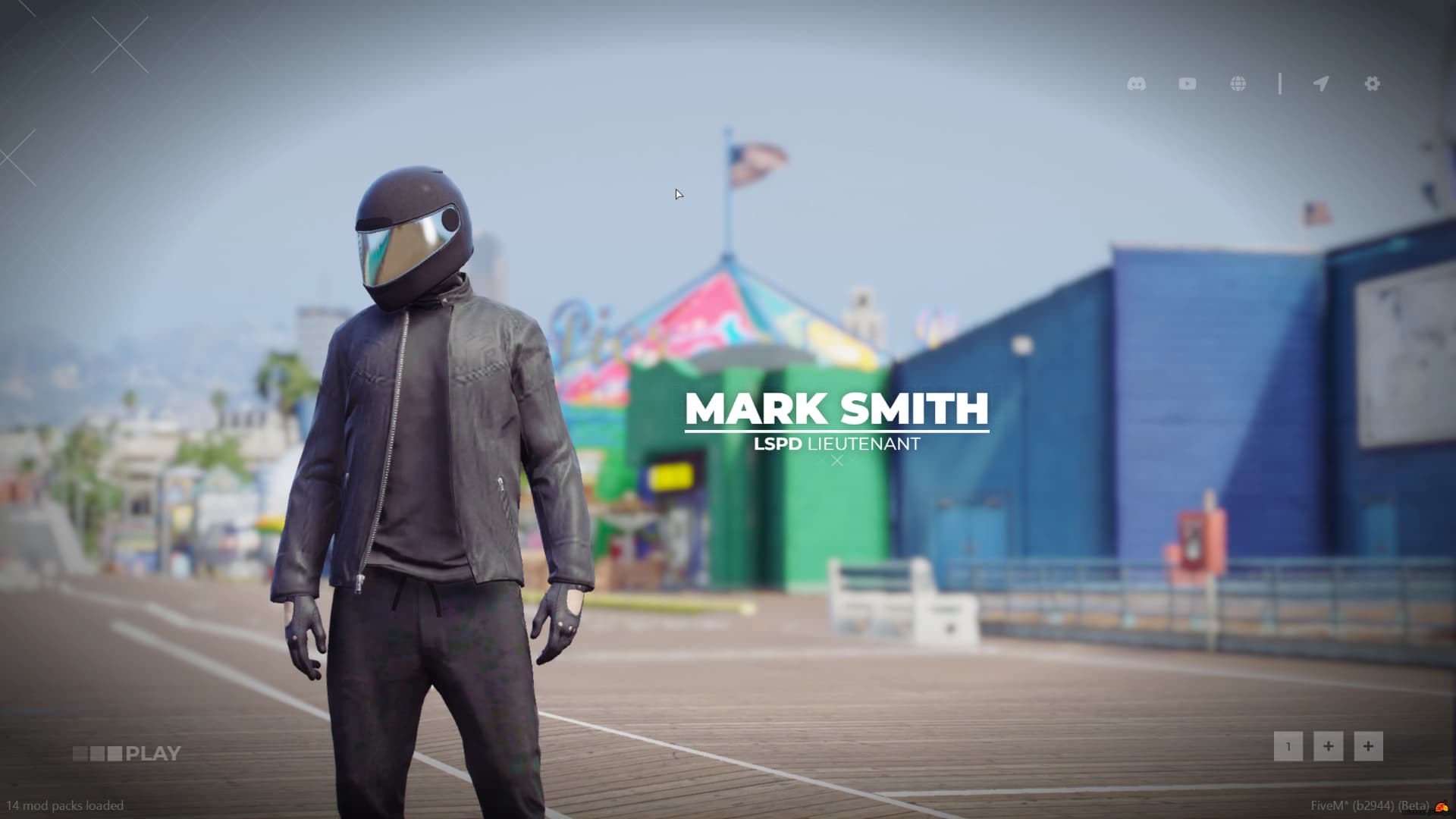
Free character slot with configurable character slot management through setcharacterslots and addcharacterslots commands
Adjustable camera field of view (FOV) set to 20.0 with configurable coordinate offsets and rotation focus for character preview
Default background music with configurable volume levels during character selection
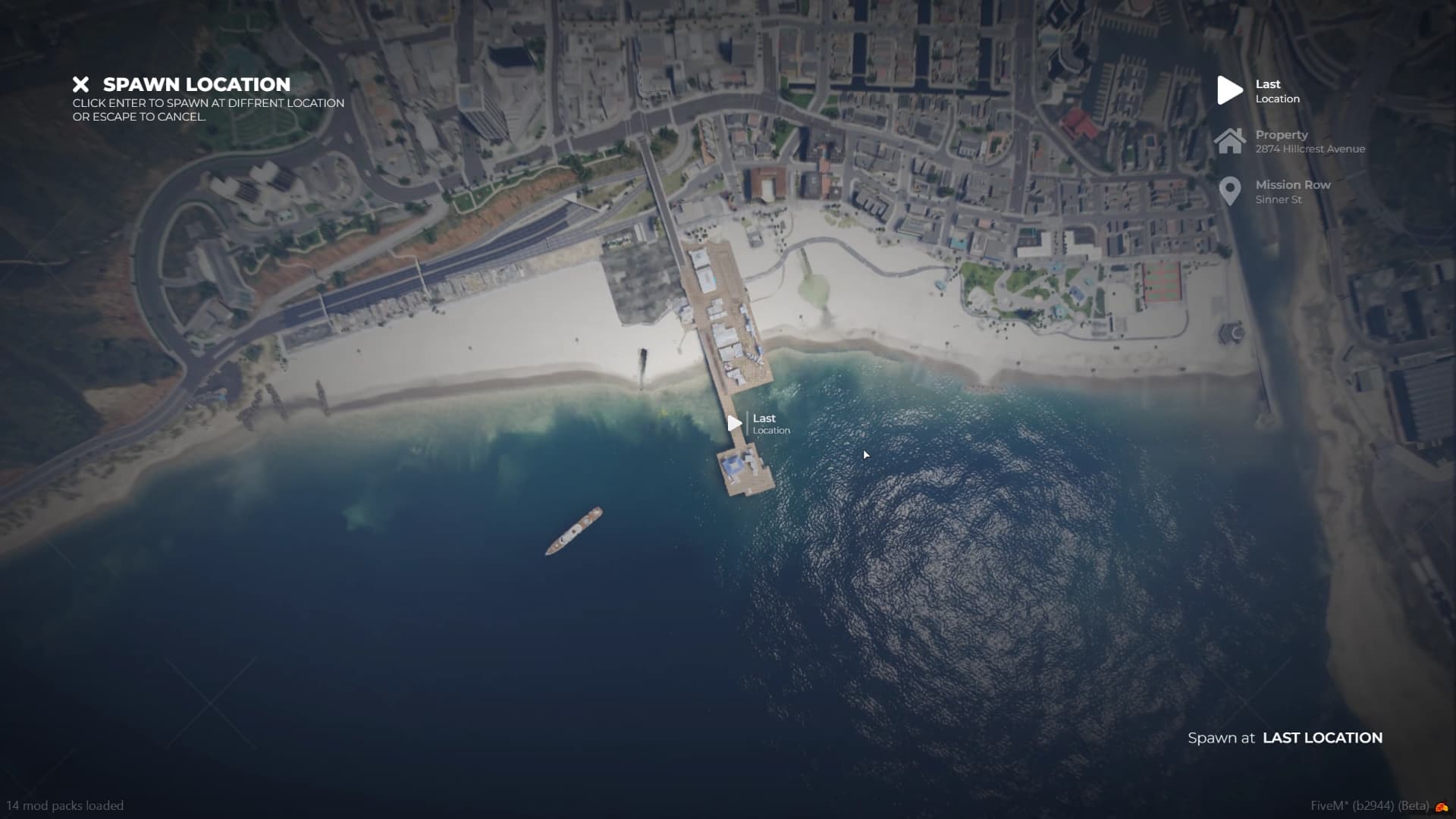
Ability to swap spawn locations on logout with configurable spawn coordinates and heading orientation
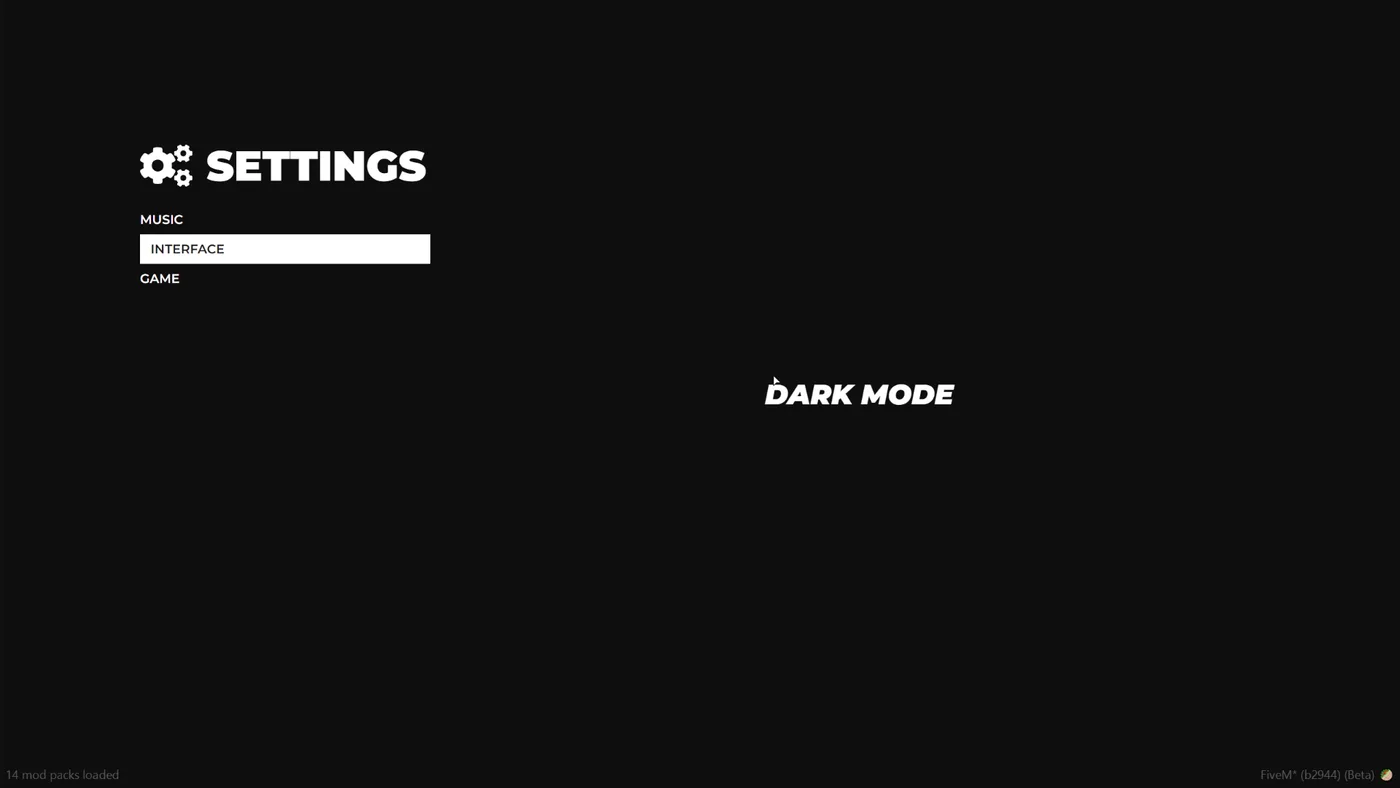
Configurable user interface with toggleable settings, spawn selector, and links to Discord, YouTube, and website
0 questions
No Questions
Be the first to ask a question!
Learn more about setting up, configuring, and using this type of resource.

Choosing a framework is the single most consequential decision when building a FiveM server. It determines which scripts you can use, how your developers write code, the…

FiveM frameworks form the backbone of roleplay servers. They're not just code libraries—they're complete systems that manage player identity, jobs, inventory, permissions,…

QBox has firmly established itself as the natural successor to QBCore in the FiveM roleplay ecosystem.
Use this product as part of a larger setup. Explore related categories, alternative frameworks, premium bundles, and free companion downloads.