
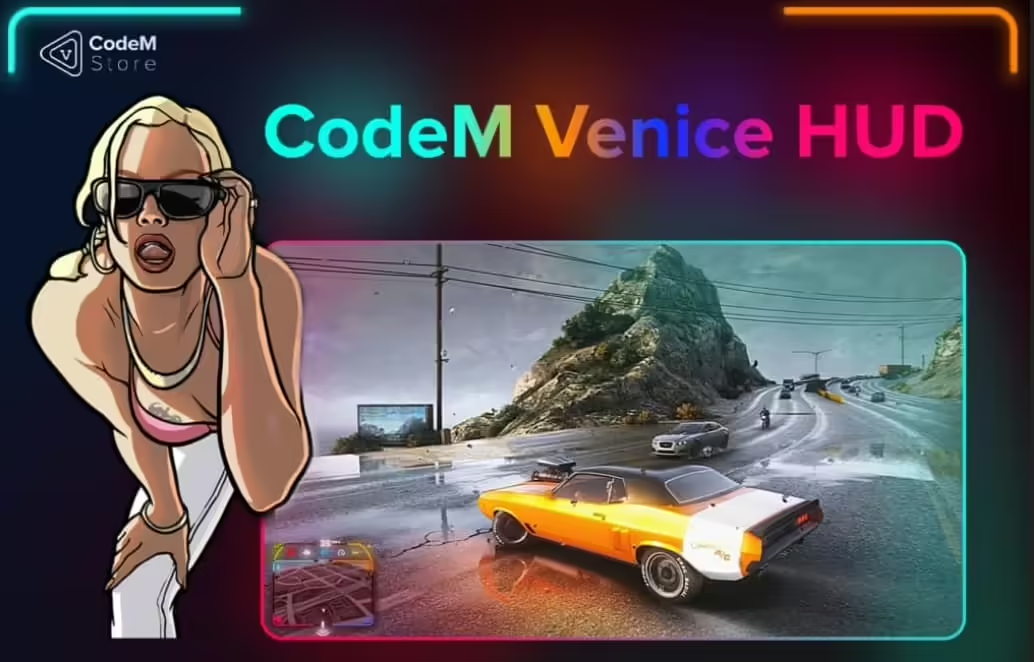

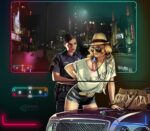

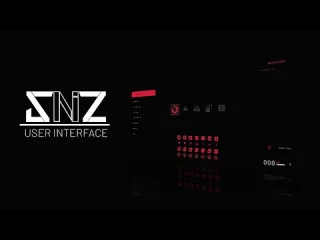
Venice HUD – Modern Minimalist Interface for FiveM
Venice HUD brings sleek, Italian-inspired design aesthetics to your FiveM server with a clean, unobtrusive interface that puts critical information at your fingertips without cluttering your screen. Drawing inspiration from luxury automotive instrumentation, this HUD system combines elegant typography with smooth animations to create a premium visual experience. Perfect for servers that want to elevate their presentation while maintaining excellent performance, Venice HUD has become a favorite among community owners who value both form and function.
What’s Included
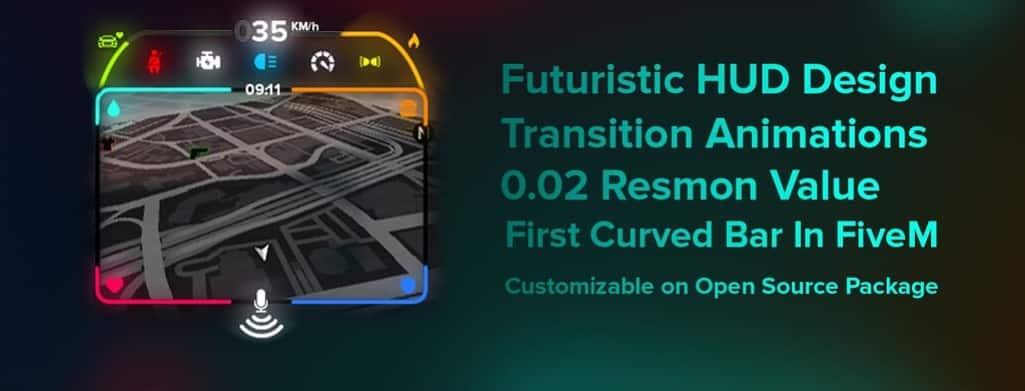
This comprehensive HUD package includes everything needed for a complete player interface overhaul. The speedometer features analog-style needle movement with digital readouts, the status indicators use subtle gradient fills and icon sets, and the minimap integration provides a cohesive visual language across all UI elements. Every component is crafted with attention to detail, from the micro-animations when values change to the color-coded warning states that grab attention without being distracting.
Core Features
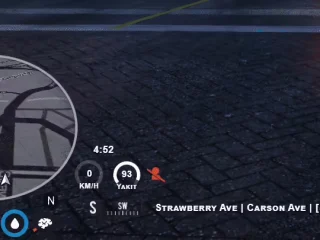
- Speedometer & Vehicle Display – Analog-digital hybrid speedometer with MPH/KPH toggle, fuel gauge, engine temperature, gear indicator, and damage warnings. The needle smoothly sweeps across the arc while digital readout provides exact speed for precision driving.
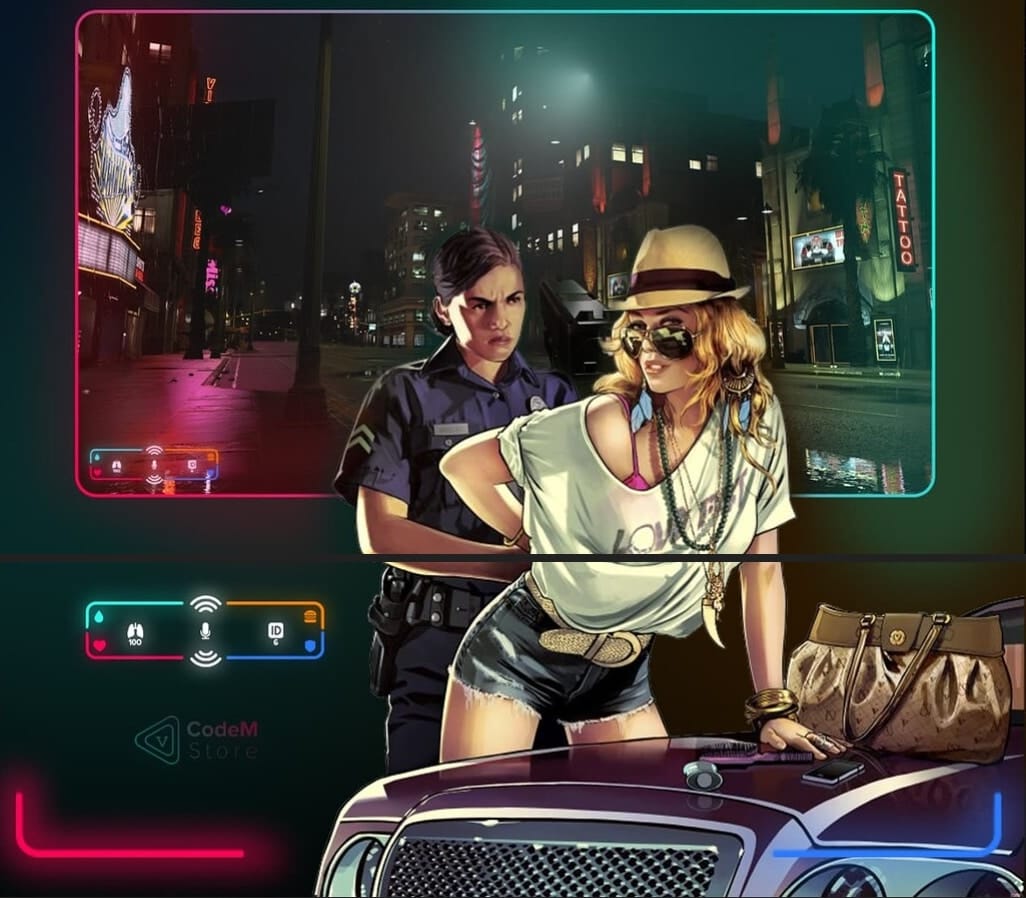
- Health & Armor System – Circular progress rings display health and armor status with gradient color transitions. When health drops below 25%, the ring pulses red to indicate critical condition, giving players immediate visual feedback during combat.
- Status Indicators – Hunger, thirst, stress, and stamina bars arranged vertically along the screen edge. Each status uses distinct iconography and color coding, making it easy to monitor needs at a glance without reading labels.
- Minimap Integration – Custom minimap border and compass design that complements the HUD’s aesthetic. Shows player heading, street names, and can integrate with GPS systems for navigation waypoints.
- Customizable Color Schemes – Choose from 8 pre-built color themes (Classic, Ocean, Sunset, Forest, Violet, Rose Gold, Stealth, Electric) or create custom color palettes to match your server branding.
- Animation Options – Toggle slide-in animations, fade effects, and transition speeds. Set whether elements auto-hide when not in vehicles or keep them always visible for constant stat monitoring.
- Voice Indicator – Shows when players are speaking in proximity, radio, or phone calls with animated sound waves and color-coded channels (local=white, radio=blue, phone=green).
Perfect For
- Roleplay servers wanting a professional, modern aesthetic
- Racing communities needing precise vehicle information display
- Casual servers looking to upgrade from default ESX/QB HUDs
- Servers with custom branding requiring color-matched interfaces
- Communities transitioning from outdated HUD systems
Technical Details
- Performance: 0.02-0.03ms resmon (extremely lightweight, tested on 200+ player servers)
- Resolution Support: Optimized for 1920×1080, scales automatically for 2K/4K and 16:9/21:9 aspect ratios
- Framework Required: Compatible with ESX Legacy, QBCore, QBOX, and Standalone setups
- File Size: 3.2 MB (includes all icon sets and font files)
- Dependencies: Works with esx_status, qb-hud, or standalone status systems
Installation
- Extract venice-hud folder to your server resources directory
- Open config.lua and select your framework (ESX/QBCore/QBOX/Standalone)
- Choose your preferred color theme and animation settings
- Add ‘ensure venice-hud’ to server.cfg (place after framework)
- If replacing existing HUD, comment out old HUD in server.cfg first
- Restart server and test visibility, then adjust position/scale in config if needed
Framework Compatibility
- ✅ ESX Legacy – Full integration with esx_status, esx_basicneeds, and society systems. Shows job, bank balance, and cash on configurable toggle.
- ✅ QBCore – Native qb-hud replacement with stress system support, vehicle keys indicator, and harness detection for racing servers.
- ✅ QBOX – Compatible with QBOX framework status management and inventory weight display.
- ✅ Standalone – Works independently with custom status scripts. Exports provided for developers to feed data from any source.
Customization Options
Venice HUD includes extensive configuration options accessible through the config.lua file. Adjust element positions using X/Y coordinates and scale percentages. Toggle individual components on/off (don’t need voice indicator? disable it). Set auto-hide timers for vehicle elements when on foot. The color system uses hex codes, making it easy to match your server’s Discord, loading screen, and website branding. For developers, the clean code structure and detailed exports make it simple to add custom elements or integrate with proprietary systems.
What Makes It Stand Out
Venice HUD distinguishes itself through exceptional attention to visual polish. Where many HUDs use static icons and instant value changes, Venice employs smooth interpolation and spring animations that feel responsive and alive. The speedometer needle doesn’t jump – it sweeps naturally like a real gauge. Health bars don’t snap – they flow with easing curves. This level of refinement creates a more immersive experience that players notice immediately. The HUD has been optimized through hundreds of hours of testing to find the perfect balance between information density and screen real estate, ensuring you see what you need without blocking gameplay.



Osborne (verified owner) –
Our community has responded positively since we added this resource.
Eleonore (verified owner) –
Installed it today and everything worked immediately. Very satisfied with the purchase.
Granville (verified owner) –
Works as advertised and looks even better in game.
Abdul (verified owner) –
Performance is excellent. We have not noticed any significant increase in resource usage since installing it.
Cathy (verified owner) –
The support alone makes this worth purchasing. Fast answers and practical solutions.
Arvel (verified owner) –
The developer was patient and answered all my questions clearly. Highly recommended.
Dariana (verified owner) –
An awesome product with great flexibility. The customer support is superb. I recommend this without any doubt.