• Instant digital delivery
  • Lifetime updates on selected products
  • Trusted by server owners
FiveMX
Shop
Full ServersBundlesNew releases
FiveMX

Start building your server today.

Curated FiveM resources, instant delivery, free starter mods, and practical guides in one calm marketplace.

Browse the shopsupport@fivemx.com

Shop

  • Shop
  • FiveM Mods
  • All Products
  • Free Mods
  • Best Scripts & Mods
  • FiveM Scripts

Frameworks

  • QBCore Scripts
  • ESX Scripts
  • QBox
  • Standalone

Community

  • Blog
  • Support
  • Creators
  • Affiliate

Legal

  • Privacy Policy
  • Terms of Service
  • Refund Policy
  • Digital Delivery
  • Cookie Policy
  • GDPR Compliance
  • DMCA
  • Imprint
  • Editorial Policy

Server Templates

  • QBCore Server Template
  • ESX Server Template
  • NoPixel Server Template
  • Server Packs
  • Free Server Templates
  • Tebex Alternative
© 2026 FiveMX. All rights reserved.·FiveMX is not affiliated with Rockstar Games, Take-Two Interactive, or CFX.re. All trademarks are property of their respective owners.
DiscordDocs
  1. Home
  2. Blog
  3. Vehicles & MLOs
Table of Contents
Custom Clothing Best Must‑Have Guide for FiveM ServersWhy Streaming Custom Clothing Matters1\. Prerequisites Checklist2\. Understanding Custom Clothing2.1 What Is Custom Clothing?2.2 Why It Matters2.3 Legal & Licensing Basics3\. Preparing Your Server Environment3.1 Minimum Hardware Requirements3.2 FiveM Version Compatibility3.3 Adding a Patreon Key3.4 Organizing the File System4\. Sourcing Clothing Packs4.1 Paid Resources4.2 Free Resources4.3 Quality Assessment Checklist4.4 Managing Multiple Packs5\. Installing and Configuring Clothing Packs5.1 Folder Structure & Naming5.2 Resource Manifest Basics

How to Stream Custom Clothing in FiveM: Folder Setup, YMT Limits & Optimization

Published on August 18, 2025·by Lars Miller(Founder & Lead Editor)·Credentials·4 min read·Updated on June 19, 2026

Set up custom FiveM clothing correctly with stream folders, fxmanifest entries, YTD/YDD/YMT files, addon vs replacement logic, optimization, and common fixes.

Share
How to Stream Custom Clothing in FiveM: Folder Setup, YMT Limits & Optimization

Custom Clothing Best Must‑Have Guide for FiveM Servers
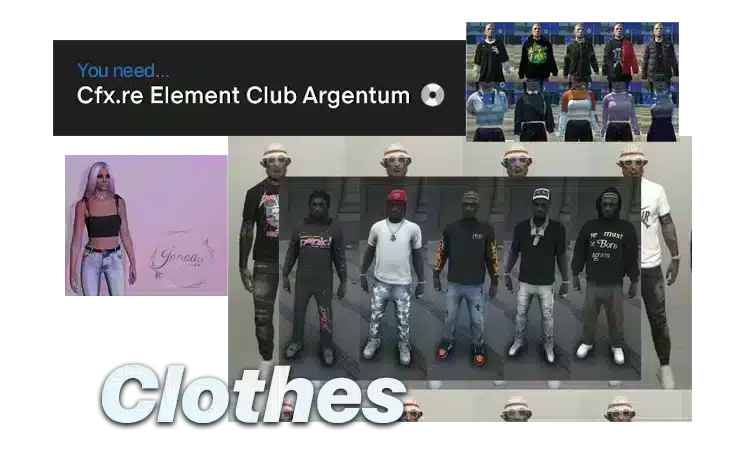
FiveM Custom Clothing and Outfit Streaming

Custom clothing is more than a visual upgrade. It defines police uniforms, gang identities, EMS gear, business outfits, and the everyday style players associate with your server.

This guide explains how to stream clothing files correctly in FiveM: where to place .ydd, .ytd, .ymt, and .ymf files, how to structure the resource, when to use addon clothing instead of replacement clothing, and how to avoid texture loss or long join times. If you want ready-made assets instead of building every pack yourself, compare after the setup section.

This guide is part of our , covering everything from MLO design to scripting, vehicle modding, and building your creator brand.

Why Streaming Custom Clothing Matters

– Player Engagement: Fresh looks give users a reason to return each day.
– Role‑Play Depth: Uniforms and themed attire create authentic scenarios and lore.
– Monetization: Premium packs can be sold through subscriptions or in‑game stores.
– Server Identity: A unique wardrobe reinforces your server’s branding.

In 2026, over 30 000 FiveM servers are active and collectively serve more than 3 million players each month. Custom clothing remains the most popular mod category, with a staggering 68 % of servers adding new outfits seeing measurable lifts in daily active users.

—

1. Prerequisites Checklist

Frequently Asked Questions

2.1 What Is Custom Clothing?

Custom clothing packs in FiveM consist of \.ytd (texture) and \.ytyp (model) files that replace or extend the vanilla GTA V wardrobe. Unlike the limited default options, these packs can introduce thousands of outfits, dynamic textures, and brand‑new clothing lines.

How do I optimize Stream Custom Clothing in FiveM?

– Streaming – Assets load when a player is within a 200‑meter radius. – Preloading – All assets load at server start, raising RAM usage. Recent packs use streaming; include the streaming flag in your xmanifest.lua if not present:
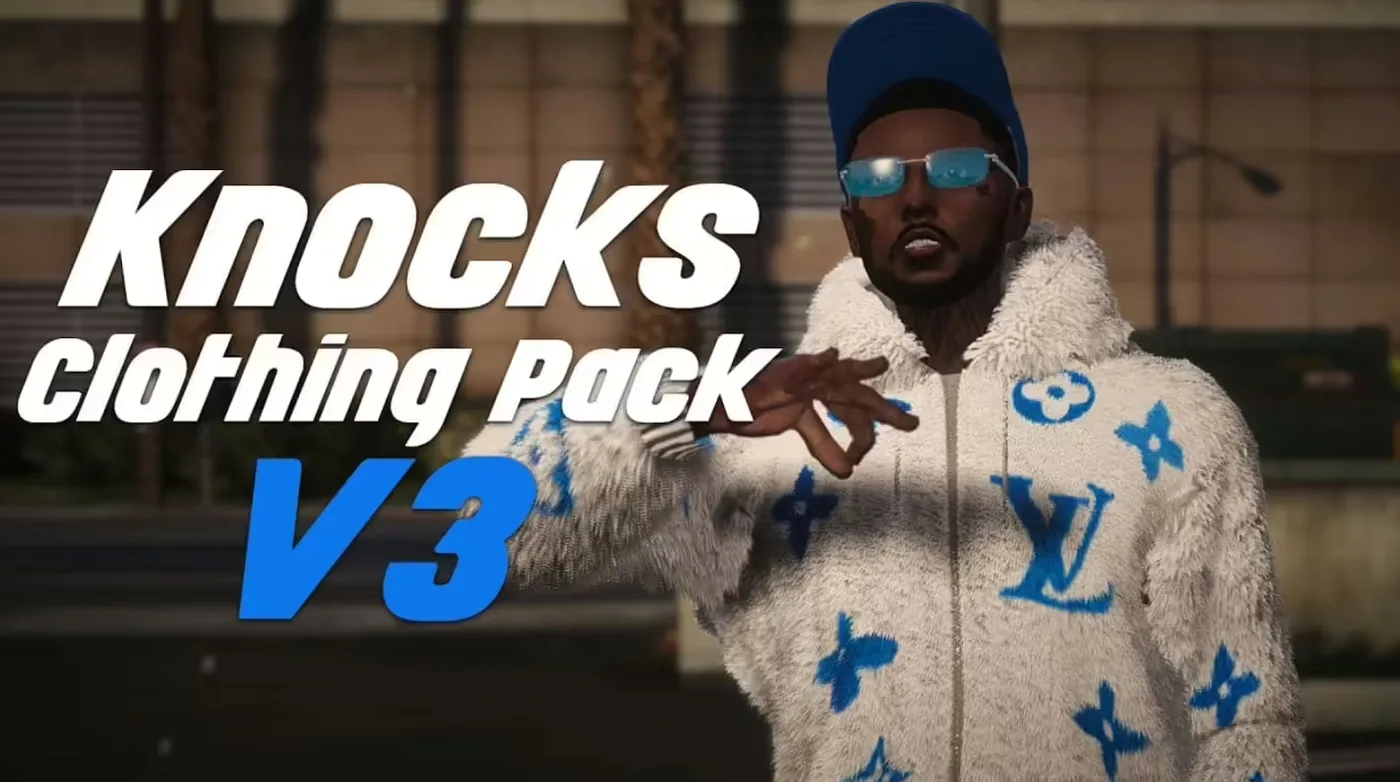

Table of Contents

Custom Clothing Best Must‑Have Guide for FiveM ServersWhy Streaming Custom Clothing Matters1\. Prerequisites Checklist2\. Understanding Custom Clothing2.1 What Is Custom Clothing?2.2 Why It Matters2.3 Legal & Licensing Basics3\. Preparing Your Server Environment3.1 Minimum Hardware Requirements3.2 FiveM Version Compatibility3.3 Adding a Patreon Key3.4 Organizing the File System4\. Sourcing Clothing Packs4.1 Paid Resources4.2 Free Resources4.3 Quality Assessment Checklist4.4 Managing Multiple Packs5\. Installing and Configuring Clothing Packs5.1 Folder Structure & Naming5.2 Resource Manifest Basics

More on This Topic

Turn framework research into a launch-ready script stack

Use this guide to narrow the framework decision, then move into the core commercial hubs for verified scripts, curated bundles, and a faster server launch path.

Framework hub

Move into the QBCore landing page to compare verified scripts, framework fit, and install-ready products built for modern FiveM servers.

Open QBCore hub

Framework hub

Use the ESX landing page to compare framework-specific resources, launch guidance, and premium products that fit ESX-first servers.

Open ESX hub

Premium catalog

Move from research into the main shop to compare real products, framework labels, screenshots, and production-ready quality signals.

Open premium shop

Disclosure: Some links below are affiliate links to FiveMX products. We may earn a commission at no extra cost to you.

Premium Scripts You Might Like

Free Scripts You Might Like

Related Articles

Learn how to optimize FiveM server loading times by managing resources, using efficient mods, and choosing the right server host to eliminate annoying delays.

September 3, 2024

Performance Summary: Linux delivers 23% better CPU efficiency and 40% lower memory overhead compared to Windows Server 2022 in controlled FiveM hosting...

October 11, 2024

Use FiveM resmon to find slow resources, read CPU and memory usage, compare scripts, and optimize your server without guessing.

October 9, 2024

| Item | Description |
|——|————-|
| FiveM Server | Latest stable build (1.3.0+ recommended). |
| Patreon Licence | Argentum tier or higher; know how to add a key. |
| File Management Skills | Ability to unzip archives, edit text files, and navigate Windows or Linux. |
| Text Editor | VS Code, Notepad++, or Sublime Text. |
| Optional – Git | For version control of custom packs. |

—

2. Understanding Custom Clothing

2.1 What Is Custom Clothing?

Custom clothing packs in FiveM consist of `.ytd` (texture) and `.ytyp` (model) files that replace or extend the vanilla GTA V wardrobe. Unlike the limited default options, these packs can introduce thousands of outfits, dynamic textures, and brand‑new clothing lines.

2.2 Why It Matters

| Benefit | How It Helps |
|———|————–|
| Player Retention | Fresh outfits keep players logged in daily. |
| Role‑Play Depth | Uniforms and themed apparel create believable worlds. |
| Monetization | Premium packs can be sold via subscriptions or stores. |
| Community Identity | Unique clothing reinforces server lore and branding. |

2.3 Legal & Licensing Basics

FiveM’s Patreon licence requires a valid key stored in `server.cfg` or as an environment variable, strict adherence to the FiveM Terms of Service (no unlicensed copyrighted content), and a documented ledger of paid packs. Non‑compliance can lead to bans or legal action.

—

3. Preparing Your Server Environment

3.1 Minimum Hardware Requirements

– RAM: 4 GB (8 GB recommended for servers >200 players).
– CPU: Dual‑core 2.5 GHz or better.
– Storage: SSD for fast asset streaming.
– Network: 10 Mbps upload for 200 players (~1 Mbps per 20 players).

3.2 FiveM Version Compatibility

Always use the latest stable release unless you have a very specific downgrade requirement. Older builds may lack new streaming APIs and can trigger load errors.

3.3 Adding a Patreon Key

1. Create a CFX portal account and purchase your desired tier.
2. Open `server.cfg` and add:
“\lua
# Patreon key

set sv_patreon YOUR_PATREON_KEY  

“\
3. Save and restart the server.

3.4 Organizing the File System

Keep a clean `resources` directory. Each pack should live in its own clearly named folder.

“\
server/
├─ resources/
│ ├─ admin_staff_vests/
│ ├─ backpack_collection/
│ └─ be_eazy_clothing_pack_v5/
├─ server.cfg
“\

—

4. Sourcing Clothing Packs

4.1 Paid Resources

| Pack | Price | Link |
|——|——-|——|
| Admin Staff Vests | $9.99 | View clothing packs | | Backpack Collection | $9.99 | View clothing packs | | Be Eazy Clothing Pack V5 | $24.00 | View clothing packs |

Paid packs usually offer full documentation, support, and higher quality textures.

4.2 Free Resources

– Cyberpunk Glasses – 3‑pack set
– Benny’s Workwear Set – 2‑pack set
– Bandana with Physic – 1‑pack set

Always verify the license; some free packs require attribution.

4.3 Quality Assessment Checklist

1. Texture size < 2 MB each.
2. Consistent naming (e.g., `helmet_01.ytd`).
3. Complete `.ytyp` files with model IDs.
4. Documentation of `.meta` files if needed.
5. Clear license statement.

4.4 Managing Multiple Packs

Track each pack in a spreadsheet: name, source, license type, release date, expiry. Use Git for version control.

—

5. Installing and Configuring Clothing Packs

5.1 Folder Structure & Naming

1. Unzip the pack into a temporary folder.
2. Rename the folder to a lowercase, underscore‑separated name (e.g., `admin_staff_vests`).
3. Copy the entire folder into `resources/`.

5.2 Resource Manifest Basics

| If the pack lacks a manifest, create a new `fxmanifest.lua`: | “\lua
fx_version ‘cerulean’ | |

Launch faster

Compare curated bundles

Bundles shorten the path from planning to launch by grouping the highest-leverage scripts into a cleaner commercial starting point.

View bundles
Vehicles & MLOs
how to stream custom clothing
FiveM clothing and appearance resources
complete FiveM content creation guide
Previous Article

Inventory & Weight Tuning: From items.lua to Metadata

Next Article

Record FiveM (OBS/Shadowplay): Stutter-Free Settings

How to Make Custom Clothing for FiveM
How to Install NVE for FiveM & GTA 5: Files, Mods Folder, ReShade and Fixes
How to Install ReShade on FiveM: Ultimate 2026 Graphics Guide
How to Reduce NPC Density in FiveM: Complete Guide
FiveM: How To Play (Full Guide)
Browse QBCore-ready scripts
Review the ESX script path
Browse premium FiveM scripts
Knocks Clothing Pack V3 (10 GB)

Knocks Clothing Pack V3 (10 GB)

$28.99
Huge VIP Clothing Package

Huge VIP Clothing Package

$17.99
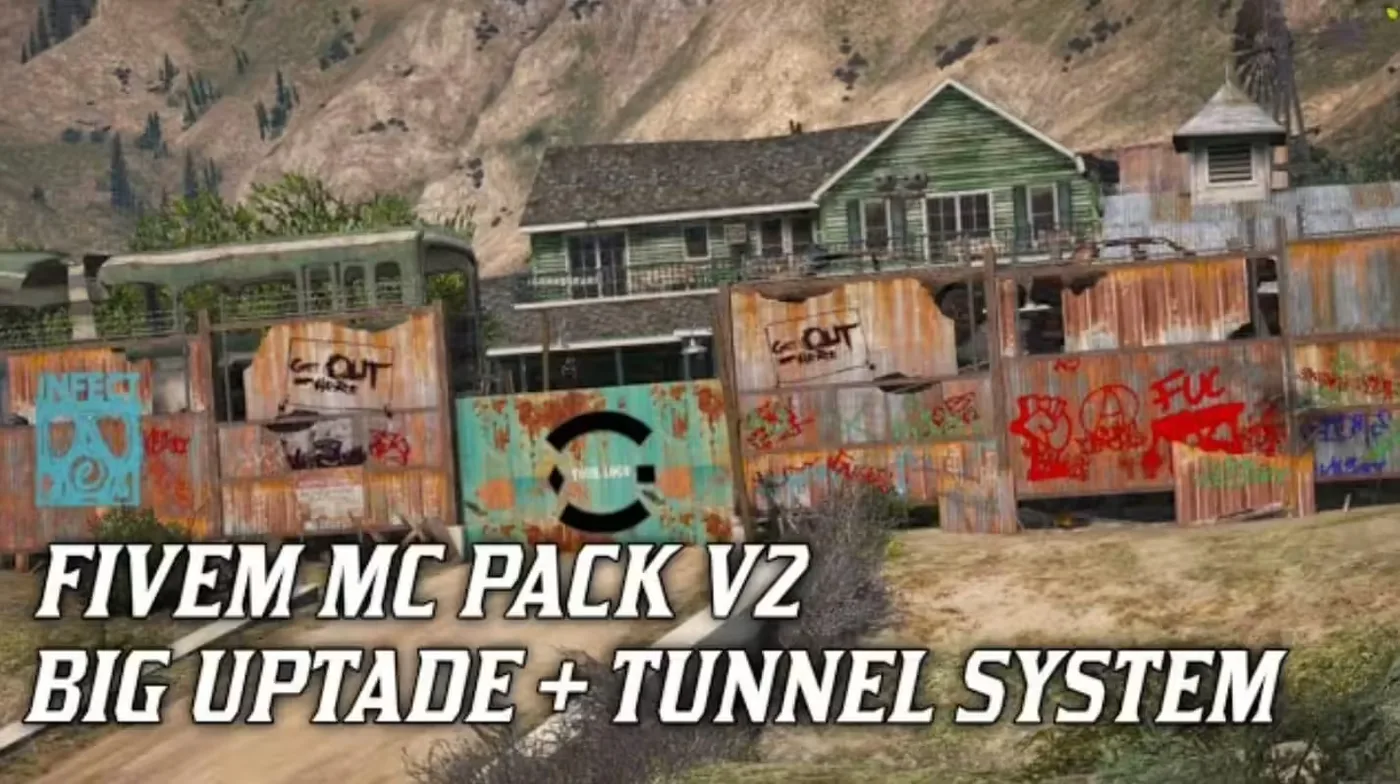
MC Pack V2 | Big Update | +Tunnel System

MC Pack V2 | Big Update | +Tunnel System

$19.99
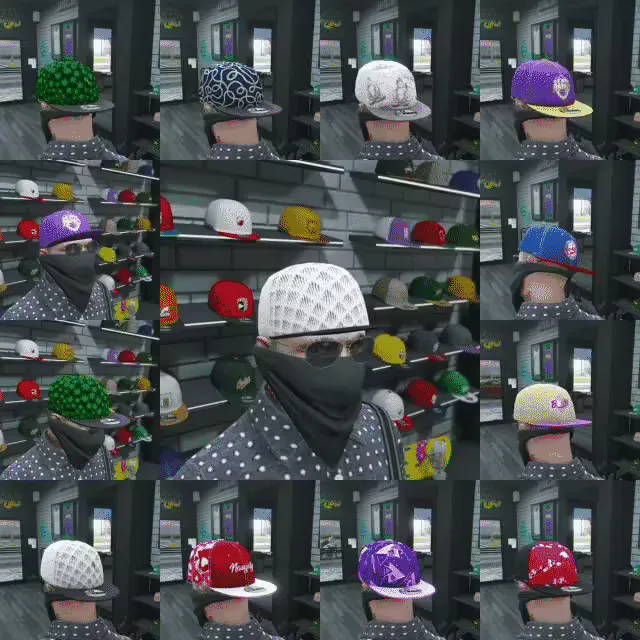
Cap Pack

Cap Pack

$9.99
Gameconfig for Legacy & Enhanced

Gameconfig for Legacy & Enhanced

8,243,364 downloads
PC Trainer V

PC Trainer V

1,272,946 downloads
LemonUI: Open Source UI Library

LemonUI: Open Source UI Library

1,138,096 downloads
NFS gauge - RPM Gear Speedometer & Timer

NFS gauge - RPM Gear Speedometer & Timer

1,058,515 downloads
Eliminate Annoying Delays: Optimize FiveM Server Loading ...
FiveM Server Performance: Linux vs Windows Complete Techn...
How to Use Resmon in FiveM (To Optimize Resources)

No time to configure everything yourself?

Start with a pre-built, tested FiveM server pack. Framework-optimized, all scripts pre-installed.

Super ESX Server
esxstandalone

Super ESX Server

The Super ESX Server is one of the best FiveM server templates - over 1.000 purchases! Want to know why we call it our Super Server? Check out our video to find out some of the basics details of the world. Update 10 is included, make sure to install v7 first and then use content of v10 yo

$228.32
ESX Server Base (by RibSosay)
esxstandalone

ESX Server Base (by RibSosay)

Prebuilt FiveM server with ESX framework GUARANTEE : We offer a guarantee ensuring compatibility with your setup.

$53.99
View all server packs