







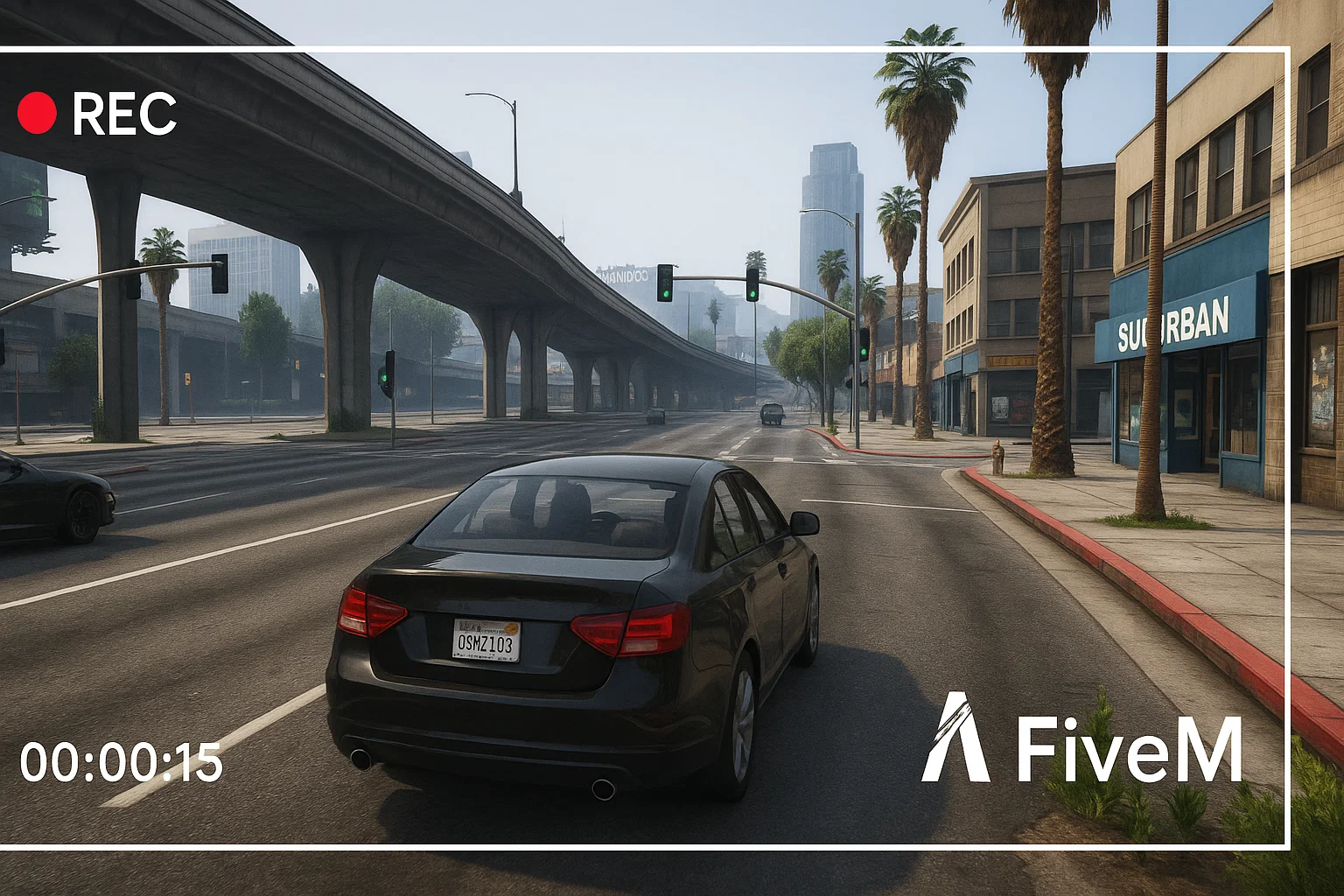
Registrare il gameplay di FiveM è utile per ticket di supporto, rapporti dello staff, candidature per server, creazione di contenuti e salvataggio di momenti salienti del roleplay. La configurazione migliore dipende dal tuo PC, ma il flusso di lavoro è solitamente lo stesso: cattura la finestra di FiveM, testa l'audio del gioco e del microfono, registra un breve campione, poi tieni i file organizzati per poter trovare le prove in seguito.
Opzioni di registrazione
- Studio OBS: ideale quando vuoi il controllo su scene, tracce microfono, overlay, bitrate e formato di output.
- NVIDIA ShadowPlay: utile per momenti salienti rapidi su GPU NVIDIA supportate.
- Barra di gioco di Windows: semplice per brevi clip quando non vuoi configurare un setup di registrazione completo.
- Clip lato server: utile per i sistemi dello staff, ma non sostituiscono l'audio locale e la prospettiva del giocatore.
Miglior setup OBS per FiveM
Per la maggior parte dei giocatori e dei team dello staff, OBS è l'opzione più affidabile. Usa la cattura del gioco se si aggancia correttamente. Se mostra uno schermo nero, prova la cattura della finestra o del display. Tieni una scena per il gameplay normale e una per la registrazione di prove senza overlay decorativi. Una registrazione pulita è più facile da esaminare per lo staff rispetto a un clip con avvisi, musica e una minimappa coperta.
Controlli audio prima di sessioni lunghe
- Registra 20 secondi in un'area silenziosa.
- Parla nel microfono e attiva la voce in gioco.
- Riproduci il clip e conferma che i livelli di gioco, voce e microfono siano bilanciati.
- Controlla che Discord, l'audio del browser o la musica non filtrino nei clip di prova se le regole del server lo vietano.
- Conferma che la cartella di registrazione abbia abbastanza spazio su disco.
Registrazione per rapporti dello staff
Se il clip è per moderazione, mantienilo noioso e completo. Mostra l'antefatto, l'incidente e le conseguenze. Non tagliare via il contesto che cambia il significato del rapporto. Salva l'ora, il nome del server, gli ID dei giocatori se visibili e qualsiasi riferimento a chat o ticket correlati.
Consigli sulle prestazioni
La registrazione può far balbettare un PC debole. Se FiveM diventa instabile durante la registrazione, abbassa prima la risoluzione o il frame rate, poi riduci le impostazioni grafiche. Se il server è già pesante, confronta il tuo FPS con la registrazione attiva e disattiva. Per il debug delle prestazioni, abbina questa guida a la guida FPS di FiveM E la guida Resmon.
Se sei nuovo al client stesso, inizia con come giocare a FiveM prima di configurare un flusso di lavoro di registrazione.
Denominazione e archiviazione dei file
Utilizza nomi di file semplici che includano il server, la data e il motivo della clip. Una cartella piena di file chiamati “registrazione 1” è difficile da rivedere in seguito. Per i team di staff, tieni separate le clip dei report da quelle di marketing ed elimina i vecchi filmati quando non sono più necessari per un ticket o un appello.
Regole sulla privacy e del server
Alcune community limitano dove possono essere pubblicate le clip, specialmente quando includono chat vocale, audio Discord privato o informazioni riservate allo staff. Prima di caricare un montaggio pubblico o un video di report, controlla le regole del server. Per le prove dello staff, condividi la clip più piccola e utile con il team giusto invece di pubblicare registrazioni grezze pubblicamente.
Risoluzione dei problemi di schermate nere
Se OBS cattura una schermata nera, prova la cattura del gioco, la cattura della finestra e la cattura dello schermo in quest'ordine. Esegui OBS prima con autorizzazioni normali, poi controlla overlay, selezione GPU e modalità a schermo intero/finestra. Non modificare tutte le impostazioni in una volta; apporta una modifica, registra un breve campione e riproducilo.
Impostazioni di base semplici
Inizia con una base stabile prima di cercare la qualità perfetta. Registra alla risoluzione a cui giochi effettivamente, utilizza un frame rate che il tuo PC possa sostenere ed evita overlay pesanti durante i test. Se la tua clip è per prove dello staff, la chiarezza è più importante del colore cinematografico. Se la tua clip è per YouTube o TikTok, crea una scena separata per quello scopo.
Cosa includere nelle clip di prova
Le prove utili di solito mostrano il nome o l'ID del giocatore, la posizione, l'evento prima dell'incidente e il risultato dopo. Una clip di cinque secondi potrebbe perdere il contesto. Una registrazione grezza di dieci minuti potrebbe essere troppo lenta da rivedere. Taglia solo quanto basta per rendere comprensibile il problema e conserva il file originale fino a quando il report non viene risolto.
Per i contenuti dei creator, crea un profilo di registrazione separato con musica, overlay e qualità visiva superiore. Per il lavoro dello staff, mantieni il profilo semplice. Mescolare entrambi gli obiettivi in una scena di solito produce clip peggiori per entrambi i pubblici.
Etichetta chiaramente quei profili.