RC2 – CFW RP Server
RC2 – CFW RP Server

Original price was: $399.00.Current price is: $299.00.

Add to cart

RC2 – CFW RP Server

Original price was: $399.00.Current price is: $299.00.

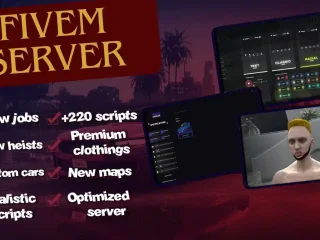
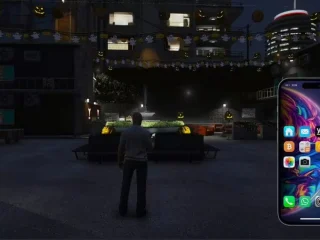
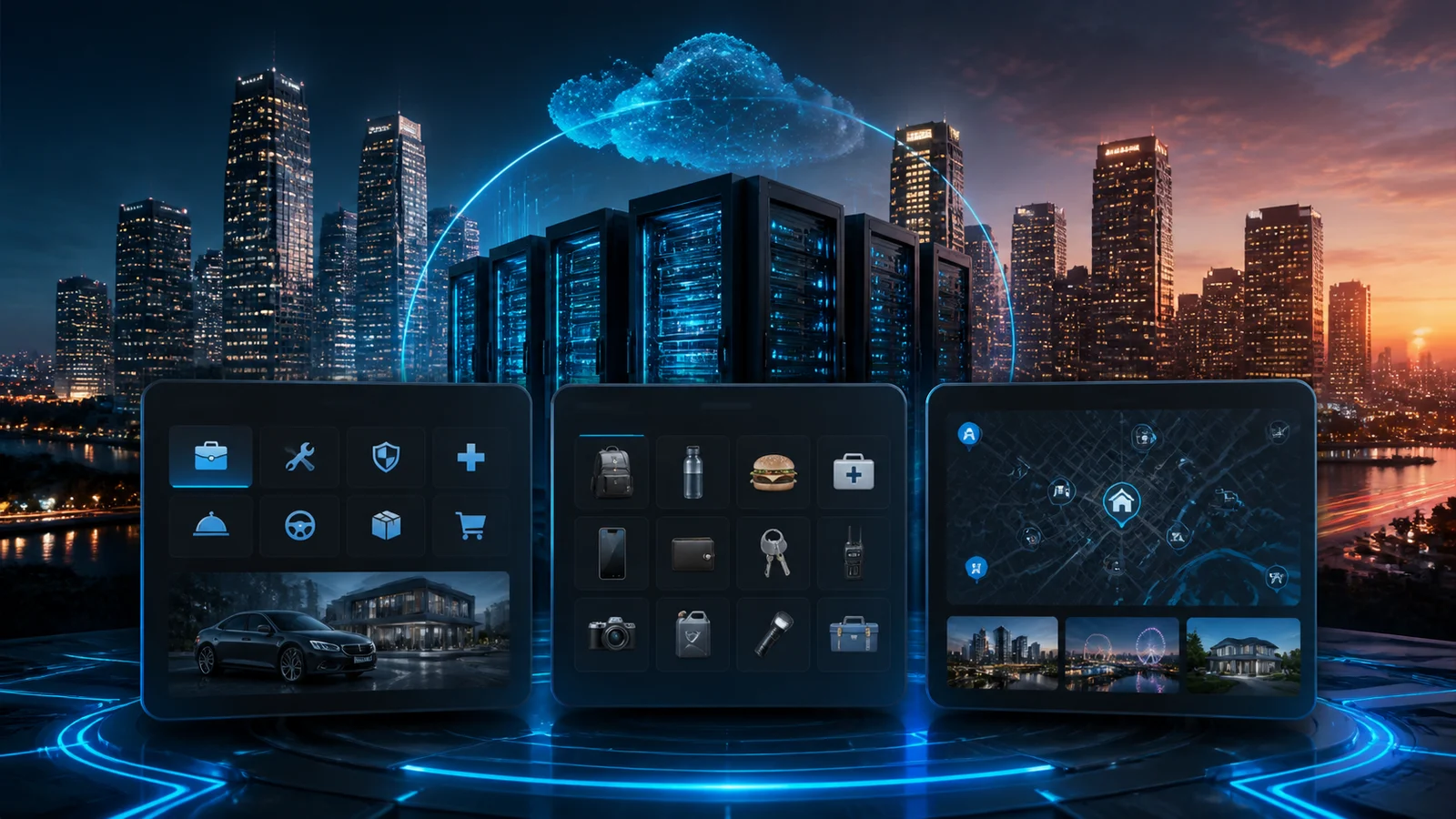
Build a living, breathing RP world in minutes with this all-in-one server template.
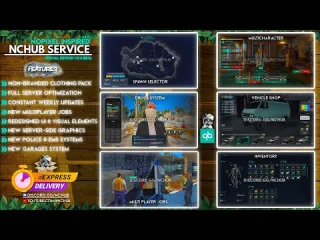
Featuring a deep housing & rental system, vehicle rentals & impound, fully reworked police, EMS and prison systems, and a rich gang & mafia spray territory system tied into a criminal sewer hub with crafting, heists and missions.

Dynamic business & restaurant framework, advanced evidence, bodycam, dashcam, printer & HUD customization, plus dozens of QoL tools (animations, phone, lawyer requests, hospital check-in, crime ranking) make this template ready for serious long-term RP right out of the box.

QBCORE

Save 20% for a limited time.
Guaranteed Safe Checkout
  • Premium Quality
  • Fully Open Source
  • Secure Payments
  • Satisfaction Guarantee
  • 30 Days Money-Back-Guarantee

Features of the server

1. Character & Housing System

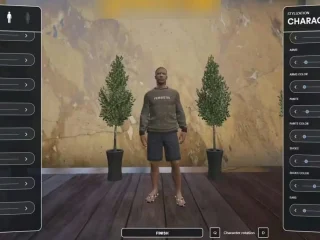
  • Character creation
    • Up to 5 characters (currently capped to 2).
    • Each character has: name, gender, nationality, job, profile picture.
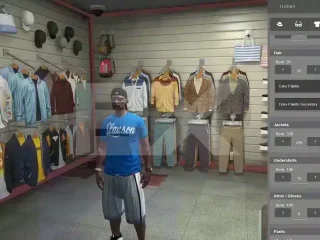
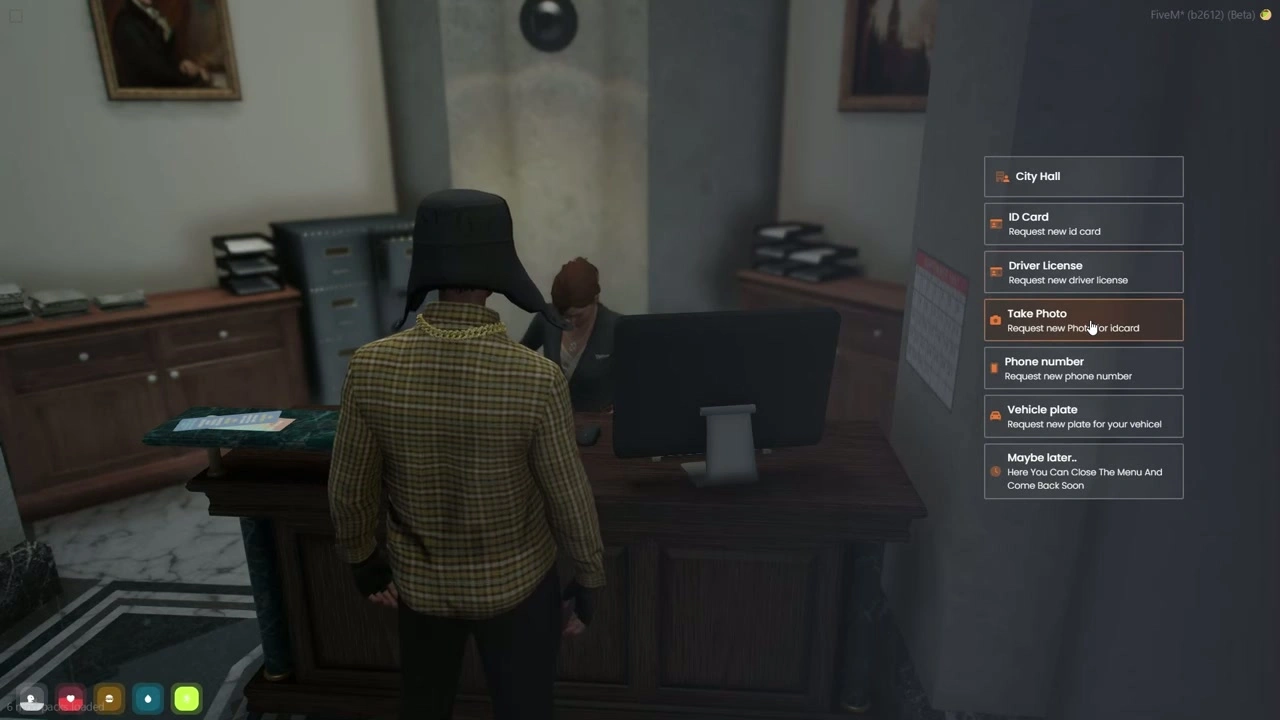
    • Clothing/appearance selection in a wardrobe room, then spawn in the apartment.
  • Apartments (rental system)
    • Each apartment has a card info UI:
      • Apartment owner name
      • Room number
      • Floor number
      • Room features (safe access, wardrobe, etc.)
    • Room features:
      • Safe (stash) with “hack stash” mechanic: if you forget to lock your apartment, other players can hack and loot it.
      • Wardrobe: create, save, delete outfits.
      • Room actions: view rent time left, due date, payment status.
        • If you don’t pay rent → room is automatically cancelled.
      • Room card can be given to others so they can:
        • Open the door
        • Open the safe
        • Use room slots/storage
      • You can buy extra room space and slots.
      • Full check-out option so another person can rent the apartment.
  • Basic interactions in the apartment
    • Bathroom “wash face / wash hands” interaction.
    • Quality-of-life stuff themed around immersion.

2. Vehicle Rental & Impound

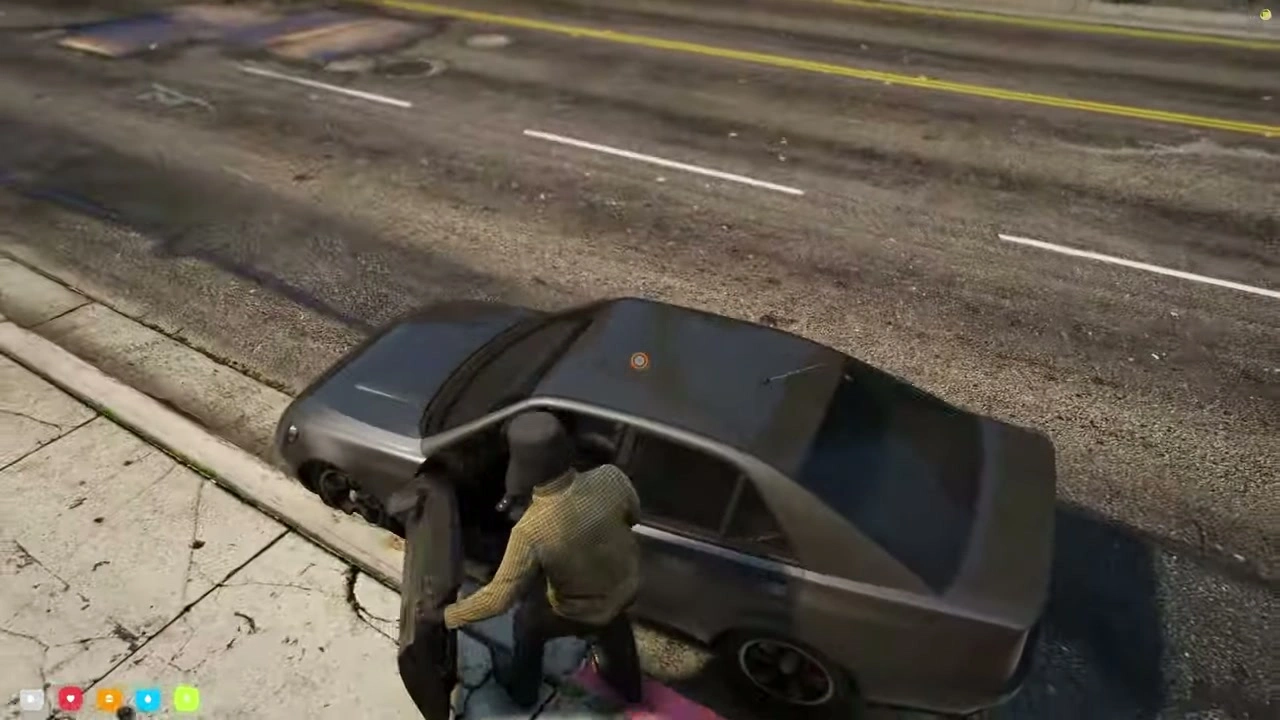
  • Car rental (for civilians)
    • Rental point is right outside the apartments.
    • Choose car type (small, supercar, etc.), rental duration (e.g., 2 days), and payment method (cash or bank).
    • After pickup, the car is yours for the duration; when time is over, it auto-despawns / is taken back.
  • Police impound systems
    • Multiple impound types:
      1. Depot (no fine, no timer) – simple seizure.
      2. Depot + fine – pay a set amount to recover vehicle.
      3. Impound with fine + time – pay + wait until the timer expires.
    • Impound menu shows:
      • Vehicle info (fuel, engine, etc.)
      • Fines due and time remaining.
    • Vehicles can be recovered from a specific impound NPC.
  • EMS impound
    • EMS can also depot/impound abandoned vehicles near hospitals in a simpler way.

3. Phone, Animations & Utility Menu

  • Universal phone/menu
    • Available to all players; extra options for jobs (police, EMS, etc.).
    • Animation menu:
      • Favorite walk styles, dances, sit emotes, etc.
      • Thousands of animations (mentioned 4485+).
      • “Best emote” system and positional sitting where the character walks to a specific point and uses the selected animation.
  • Location helpers without heavy blips
    • “Nearest X” (e.g., nearest gas station) marker.
    • No permanent map blips to reduce client load and visual clutter.
  • Basic interactions
    • Put player in vehicle / take them out.
    • Change walking style.
    • Various QoL options tied to the phone/menu.

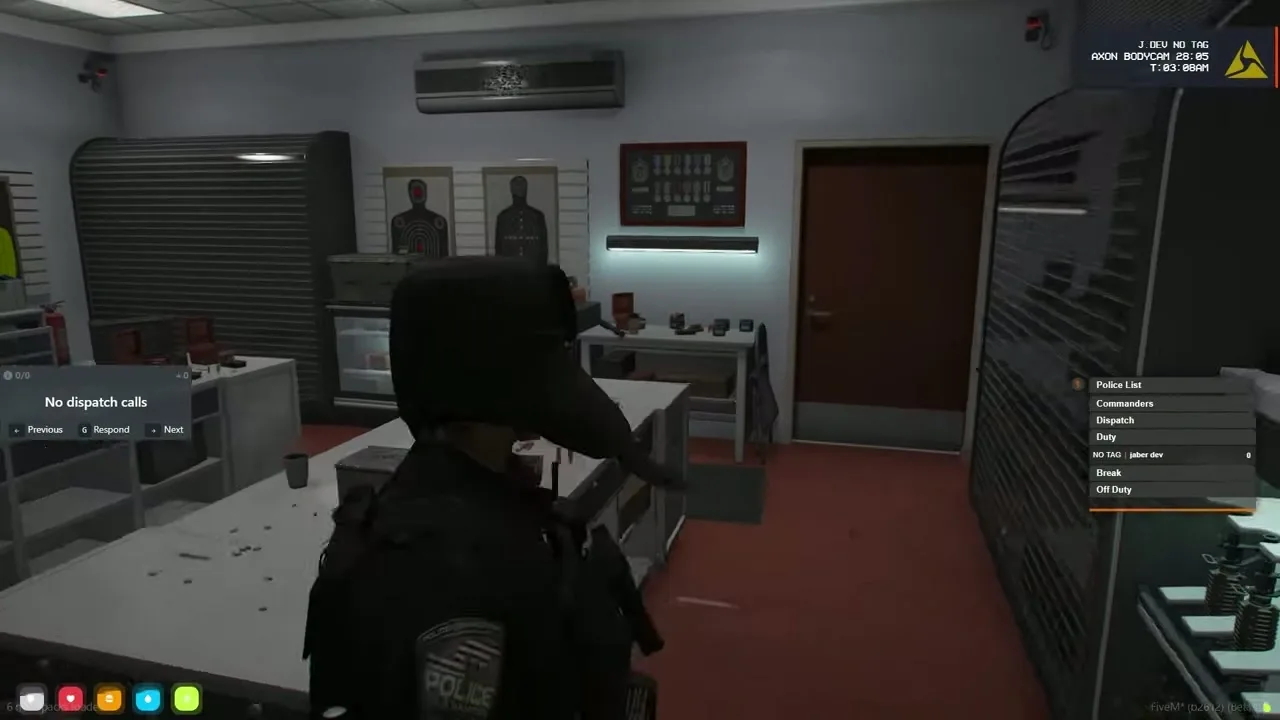
4. Police System (LEO)

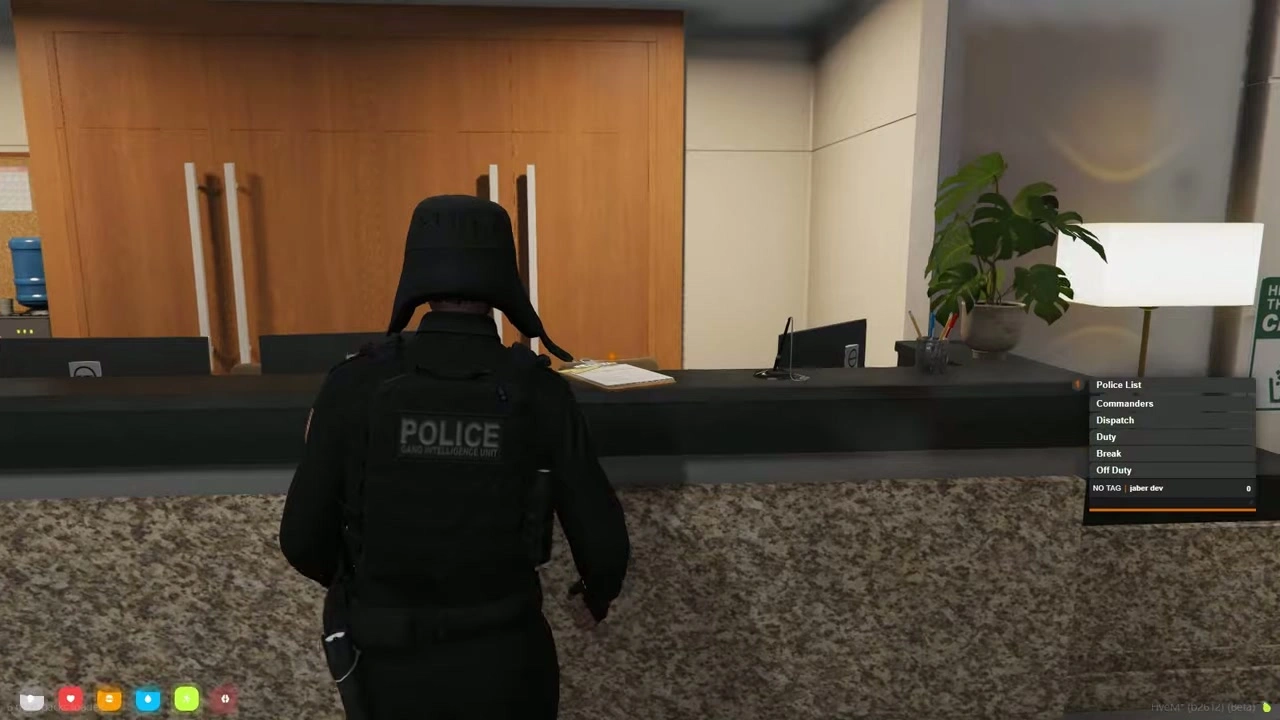
4.1 Duty, Hub & Roles

  • Police hub UI
    • Lists officers:
      • Off duty
      • On duty
      • On break
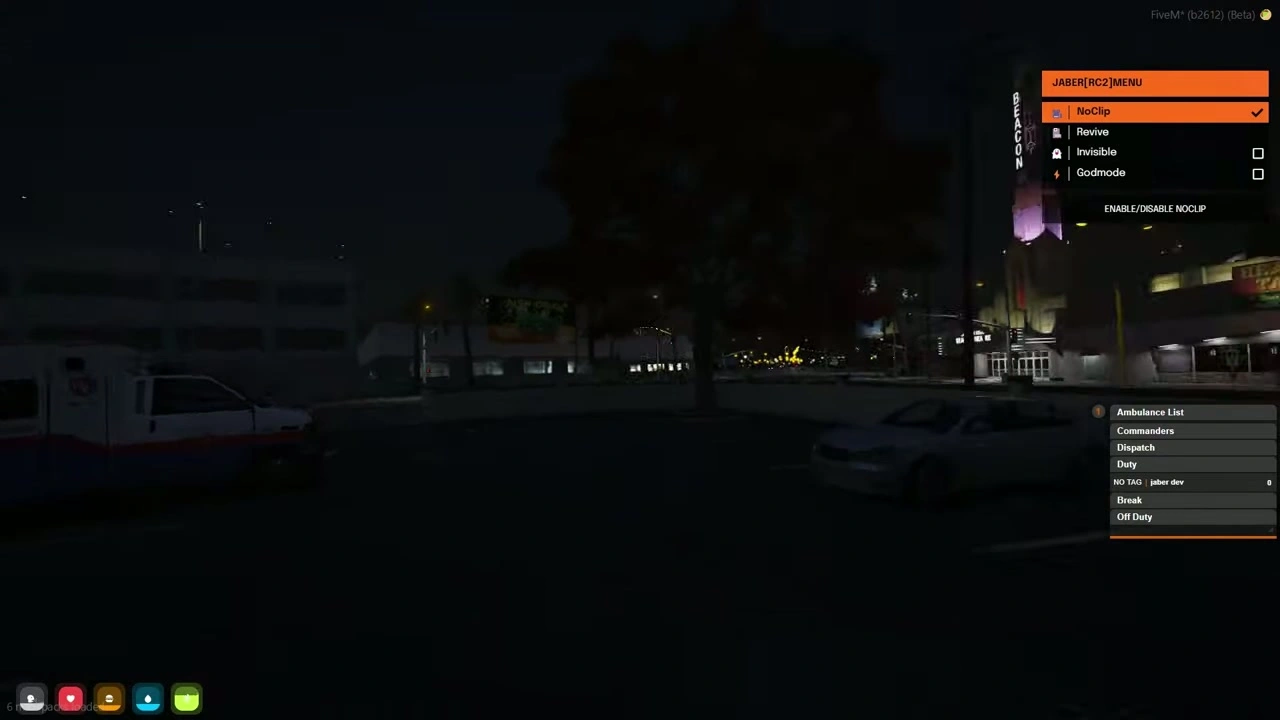
      • Dispatch
      • Commanders
    • You can switch between:
      • Normal duty
      • Dispatch mode
      • Commander role (if conditions are met)
    • Break mode locks you from some roles until you remove the break status.
  • Police duty registration
    • Use a specific interaction (e.g., keybind) to clock in/out.
    • When on duty, your status appears in the police hub.

4.2 Police Phone Menu

  • Special police phone section:
    • Police tab
    • Sub settings
    • Radio (multiple channels)
    • Backup request (10-99) – officers receive notifications in the dispatch panel.
  • Dispatch system
    • Two modes:
      • Normal dispatch panel
      • Large map-based dispatch
    • Features:
      • Resize/move the dispatch UI.
      • See calls/notifications (e.g., 10-99) with caller info.
      • Click officers and units to manage them.

4.3 Police Tools & Actions

  • Police actions
    • Place/remove world objects (cones, barriers, etc.).
    • Fine players.
    • Search players.
    • Vehicle wash (flag/clean vehicle).
    • Fingerprint system:
      • Capture a player’s fingerprint and track them.
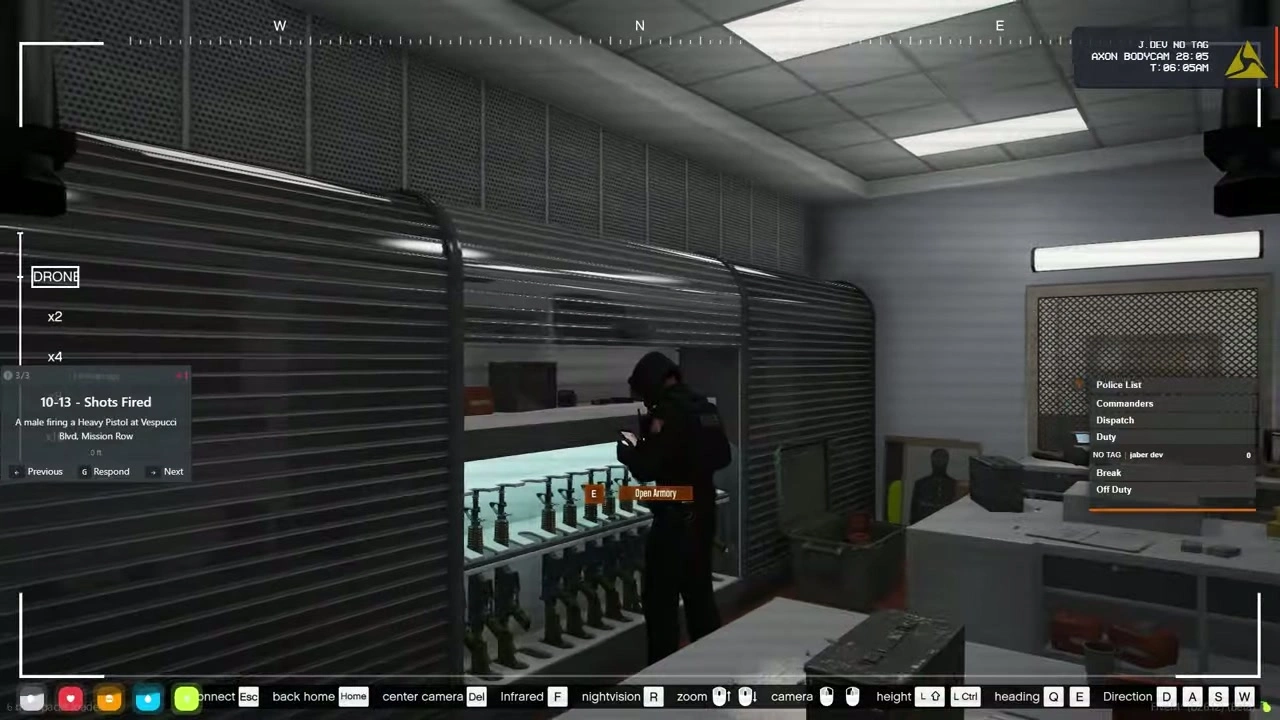
    • Drone system.
    • Spike strips (“spike” tires).
    • Phone tracker: track a player using their phone number.
  • Evidence & advanced evidence box
    • “Advanced box” system:
      • Use flashlight to scan bullet impacts and collect evidence.
      • Evidence box stores:
        • Weapon serial, steam ID, etc.
      • Each box gets an ID; can be stored in police evidence stash.
      • Used for building long-term criminal cases (multiple evidence items per suspect).
  • Bodycam & dashcam
    • Bodycam:
      • Shows officer name, etc., when toggled.
    • Dashcam:
      • Activated in vehicles from driver/passenger.
  • Police lockers & inventory
    • Personal stash (officer locker).
    • Wardrobes for both male/female uniforms.
    • Vehicle garage:
      • Police vehicles list, spawn/despawn, and modifications.

4.4 Prison & Administration Systems

  • Prison / jail controls
    • Sirens and alarm system for the entire prison.
    • Jail status panel:
      • Number of officers online.
      • Monitor players.
    • Service control:
      • Start/stop services for specific “service IDs”.
    • XP system:
      • Give/take XP for officers.
    • Waypoint management for patrol points, etc.
  • Management tablet (boss menu)
    • Because the map lacks a physical “chief’s office”, management is done via tablet:
      • Promote/demote officers.
      • Assign air unit (air division).
      • Set working hours / duty hours.
      • Fire officers.
      • Manage department storage and budget (add funds to departmental safe).
  • Police laptop & cameras
    • Separate laptop for CCTV:
      • Bank cams, stores, etc.
      • List of all available cameras.
    • Some bodycam integration.
  • Meetings & conference room
    • Special meeting room:
      • Sit/stand interactions on chairs.
      • Microphone system that affects voice radius:
        • When enabled: microphone mode.
        • When disabled or you move away: normal voice.
  • UI & HUD customization
    • Fully movable HUD:
      • Speedometer, HUD elements can be dragged to desired positions.
      • Change HUD colors.
      • Hide HUD, enable cinematic mode.
      • FPS/speed modes.
      • Save presets.
  • Printer system
    • Printer object in various locations:
      • Print documents (wanted posters, surveys, etc.) with image URL, file name, and count.
      • Consumes special “sheet” items.
      • Prints a physical object in world visible to nearby players.
  • Lawyer request system
    • Police can request a lawyer for a suspect.
    • Lawyer list UI:
      • Choose a lawyer.
      • Write case description.
      • Lawyer gets a notification and can accept/decline.
      • Both sides get confirmation.

5. EMS & Hospital System

  • EMS duty & dispatch
    • Similar structure to police:
      • EMS dispatch panel.
      • EMS radio channels.
      • Staff area, staff room, meeting/exam room.
      • Lockers and uniforms.
  • EMS tools
    • Heal and revive:
      • “Heal” and “revive” functions for medics.
    • Depot vehicle:
      • EMS can remove abandoned vehicles, which players later recover from normal impound.
  • Hospital check-in
    • Self-service hospital bed:
      • Use check-in → auto teleport to bed.
      • UI countdown/timer; press key when done.
      • After the process you recover health and can continue.
  • EMS garages & helicopter
    • EMS vehicle spawner (ground units).
    • EMS helicopter spawn with rank/permission requirements.
    • Return vehicle to NPC after use.

6. Gangs, Mafia & Spray System

  • Mafia as root faction
    • There is one main faction: Mafia.
    • Mafia can create any gang:
      • Set gang name.
      • Set gang label.
      • Assign gang owner/ID.
      • Set gang image/logo.
    • Mafia privileges:
      • Create fake IDs.
      • Call gangs via broadcast.
      • View all gang locations.
      • Open personal stash.
      • Give spray cans (with chosen color).
      • Give gang laptops.
      • Start/stop gangs.
      • Manage gang points and levels.
  • Gang laptop
    • Gang info tab:
      • Gang level.
      • Total sprays placed/removed.
      • Basic gang stats.
    • Members info:
      • Each member’s:
        • Level.
        • Sprays placed.
        • Sprays removed.
        • Rank.
    • Other gangs tab:
      • View other gangs (e.g., mafia gang).
      • See their level and spray stats.
      • See logo, color, etc.
    • Notifications tab:
      • When someone sprays over your territory or removes your spray, you get notified.
    • Spray design options:
      • Choose spray shape (logo image).
      • Choose spray color.
      • All configurable via config: you can add more designs by adding images.
  • Spray mechanic
    • Each gang has its own:
      • Spray texture.
      • Spray color.
    • Only certain colors match certain spray IDs.
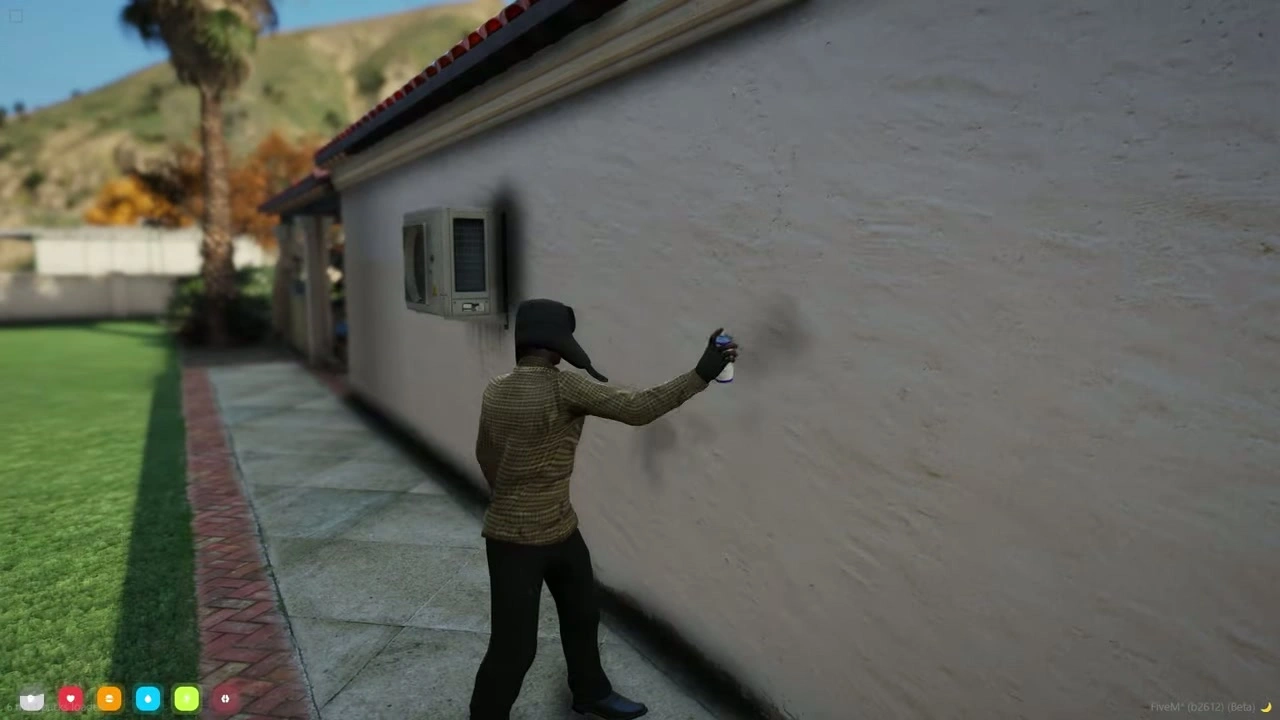
    • Spraying:
      • Use spray at a wall → progress bar fills as wall gets painted.
      • Gang stats update:
        • Sprays placed++
      • Removing rival sprays also counts and increases level.
    • Leveling system:
      • Gang level increases by:
        • Placing sprays.
        • Removing enemy sprays.
      • Higher level = stronger gang reputation.

7. Sewer Hub, Crafting & Crime Missions

7.1 Crowbar Mission & Sewer Access

  • Crowbar mission (key to sewers)
    • Start from an NPC with a job:
      • You get a 10-minute timer.
      • Go to a target house, hack the door (letter-based minigame).
      • Inside, find a target NPC, rob them (keycard/ID).
      • Deliver the file to Chris.
    • Reward:
      • Crowbar item, which opens the sewer entrance.
    • Once mission starts, no one else can start it for a fixed time.
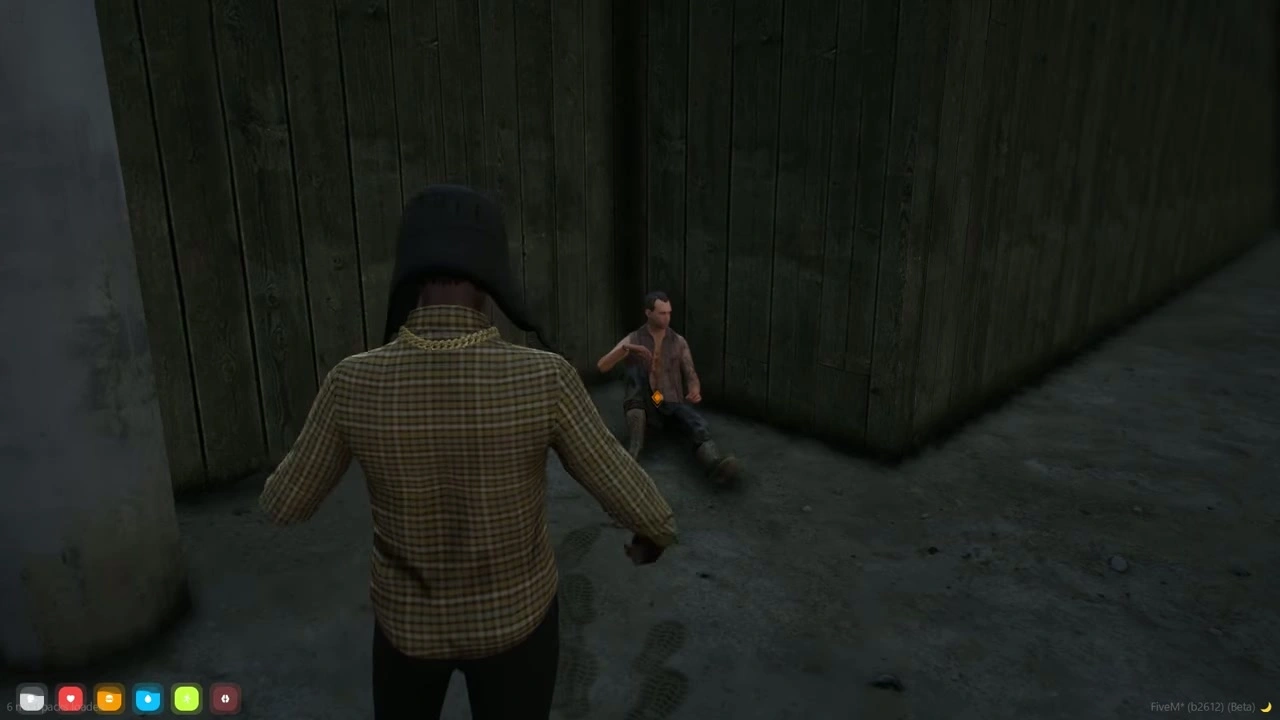
  • Sewer hub
    • Sewers are the main criminal hub:
      • Crafting for:
        • Robbery tools.
        • Weapons.
        • Components.
      • Shops with “Cash Rolls” currency:
        • Buy robbery tools and task items.
      • Weapon part system for heavy guns.

7.2 Big Boss Tasks

  • Big Boss NPC (sewers)
    • Gives random missions (8+ variants).
    • Each mission has its own level requirement and cooldown.
    • Example mission:
      • Tail a target inside a zone for 3 minutes without getting too close.
      • A side bar fills as you track them; if you get too close, they get suspicious.
      • After completion, return to boss, claim reward (cash rolls, level up).
  • Max Boss / Heist Boss
    • Requires higher level (e.g., level 10) to access.
    • Menu includes:
      • Fleeca heists.
      • Other big robberies (art gallery, jewelry, etc.).
      • Blueprints for weapons:
        • Buy or find distributed blueprints.
        • Use them to craft high-tier weapons.

7.3 Ranking / Ram Fika Mission

  • Crime leaderboard mission
    • Another NPC that gives a “hit mission”:
      • Kill a target and return.
    • After success:
      • Shows your criminal level and ranking.
      • Displays your gang, your level, and others’ if they also did missions.

8. Store Robberies (24/7)

  • Cashier robbery
    • Requires Breaker tool (crafted in sewers or bought for cash rolls).
    • Breaker has limited uses (e.g., 10 attempts).
    • If you succeed:
      • Get cash rolls.
      • Chance to get keycard for house robberies.
  • Safe hacking
    • Requires Hacking Device (also from sewers).
    • Hacking minigame; on success:
      • Get cash rolls and Mafia coins.
      • Reward amounts configurable.

9. Business & Restaurant System

  • Global business system
    • Central management menu:
      • View all businesses.
      • Transfer business ownership.
    • Businesses are separate from jobs:
      • You can have a government job and also be in a private company (restaurant, workshop, dealership, etc.).
  • Restaurant framework (example: “Atom” diner)
    • Each restaurant:
      • Appears on map with name and status.
      • Closed (red) when no staff / switched off.
      • Open when manager/employee activates it at the control point.
    • This prevents players from wasting time going to closed venues: they simply see from the map if it’s open.
  • Restaurant workflow
    • Switch on/off:
      • Employee/owner uses terminal to open or close the business.
    • Cashier menu:
      • Send menu to customer:
        • Enter customer ID → customer sees full menu with prices.
      • Create order:
        • Select items (burgers, drinks, fries, etc.).
        • System calculates total price automatically.
        • Enter total amount and customer ID → charge the customer.
      • Order list:
        • Orders show up for kitchen staff with an ID.
        • Staff accepts the order, craft/cook food, then deliver.
      • After delivery, mark order as finished.
    • All items, menus and prices are controlled via config.

10. Misc / Other

  • Gang chef / special NPCs
    • Mafia base includes a “chef” NPC:
      • Add/remove items via config (gang-exclusive items).
  • Multiple garages and helipads
    • Police, EMS, gangs have their own garages.
    • Helicopters restricted by rank/unit.
  • Config-heavy, highly customizable
    • Most NPC locations, missions, prices, items, levels, and visuals are controlled by config (so the server owner can move/change almost everything).

If you want, I can now turn this into a clean feature list for a Discord post / Tebex page or a short trailer script that highlights the most unique systems.