







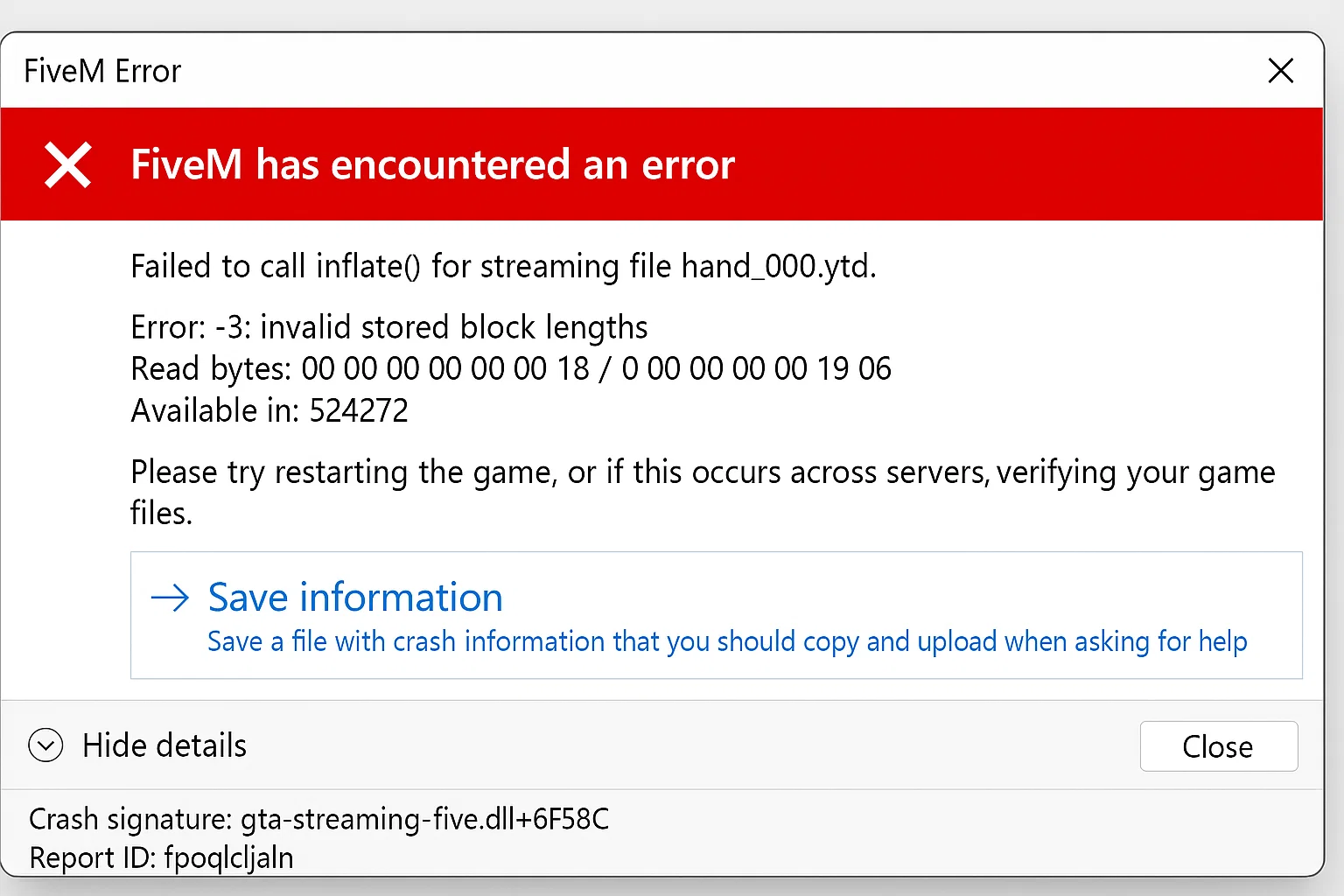
FXServer'ınız "yanıt vermiyor" hatası veriyorsa, genellikle beş temel sorundan biriyle karşı karşıyasınız demektir. Bu kılavuz, txAdmin ve FXServer arasında bağlantı sorunları yaşayan FiveM sunucu yöneticileri için sistematik sorun giderme adımları sunmaktadır.
Birincil Neden: Bağlantı Noktası Yapılandırma Uyuşmazlığı
Sorun: txAdmin, server.cfg dosyasındaki yanlış port yapılandırması nedeniyle FXServer'a bağlanamıyor
Düzeltmek: Server.cfg dosyanızın eşleşen TCP/UDP uç noktalarını içerdiğini doğrulayın:
endpoint_add_tcp "0.0.0.0:30120"
endpoint_add_udp "0.0.0.0:30121"
Port numaralarını tahsis ettiğiniz portlarla değiştirin. Port numaraları birincil tahsis ettiğiniz portla eşleşmezse bağlantı hataları oluşur.
Doğrulama adımları:
- Yapılandırılmış portlar için txAdmin Ayarlarını → FXServer'ı kontrol edin
- server.cfg uç nokta bildirimleriyle karşılaştırın
- Düzeltmelerden sonra sunucuyu konsol üzerinden yeniden başlatın
İkincil Neden: txAdmin Monitör Bağlantısı
Sorun: txAdmin: Monitör FXServer'a bağlanamıyor ve "FXServer yanıt vermiyor!" mesajlarına neden oluyor
Kök nedenler:
- FXServer TCP uç noktasına yanıt vermiyor (kaynak takılı kaldı)
- FXServer ve txAdmin aynı TCP portunu paylaşıyor
- FXServer yerel arayüzü dinlemiyor
Düzeltmek: FXServer'ı izleme modunda başlatın:
# Windows
./FXServer.exe

# Linux
./run.sh
Kritik: TxAdmin'i başlatırken +exec argümanlarını kullanmayın. txAdmin, FXServer'ın izleme modunda çalışmasını gerektirir.
Antivirüs Girişimi (Windows)
Sorun: Microsoft Defender Antivirus'un FXServer dizinini taraması yavaş başlatmalara ve bağlantı zaman aşımına neden oluyor
Düzeltmek: FXServer dizinini hariç tutma listesine ekle:
# Run as Administrator
Add-MpPreference -ExclusionPath "C:FXServer"
Yolu gerçek FXServer dizin konumunuzla değiştirin.
Ağ Yapılandırma Sorunları
Sorun: NAT/ağ geçidi maskeleme UDP kaynak portları veya uygunsuz port yönlendirmesi
Düzeltme kontrol listesi:
- Yönlendirici/güvenlik duvarındaki TCP ve UDP portlarını yönlendir
- Windows Güvenlik Duvarının FXServer.exe'ye izin verdiğini doğrulayın
- UDP portunun korunması için NAT yapılandırmasını kontrol edin
- Yerel bağlantıyı test edin:
telnet localhost 30120
Kaynak Engelleme Başlatma
Sorun: Sıkışan kaynaklar FXServer'ın sağlık kontrollerine yanıt vermesini engelliyor
Tanısal yaklaşım:
- Sunucuyu minimum kaynakla başlatın
- Suçluyu belirlemek için kaynakları kademeli olarak ekleyin
- Kaynak hatası mesajları için konsolu kontrol edin
- Sorunlu kaynakları kaldırın veya düzeltin
Server.cfg test yapılandırması:
# Minimal startup for testing
ensure mapmanager
ensure chat
ensure spawnmanager
# Add other resources one by one
Gelişmiş Sorun Giderme
Sağlık kontrolü başarısızlıkları: Monitör, bağlantının tamamen kaybolduğunu belirten “HealthCheck istek hatası: ECONNREFUSED bağlan” mesajını gösteriyor.
Doğrulama adımları:
- FXServer işleminin çalıştığını doğrulayın:
tasklist | findstr FXServer - Port bağlamayı kontrol edin:
netstat -an | findstr :30120 - txAdmin günlüklerini inceleyin belirli hata kalıpları için
- Yeni server.cfg'yi kullanarak test edin varsayılan FiveM yapılandırması
Belirsizlik notu:Bazı bağlantı sorunları, sunucu kayıtlarından hemen anlaşılamayan barındırma sağlayıcı ağ yapılandırmalarından veya bölgesel güvenlik duvarı politikalarından kaynaklanıyor olabilir.
Yapılandırma Doğrulaması
Gerekli server.cfg öğeleri:
# Essential for server listing
sets sv_projectName "Your Server Name"
sets sv_projectDesc "Your Server Description"

# Correct endpoint configuration
endpoint_add_tcp "0.0.0.0:30120"
endpoint_add_udp "0.0.0.0:30121"

# Enable txAdmin integration
start txAdmin
sv_projectName ve sv_projectDesc ayarlanmadığında sunucular hata görüntüler.
Çözüm Önceliği
- Birinci: server.cfg dosyasındaki port yapılandırmasını doğrulayın
- Saniye: FXServer'ı +exec argümanları olmadan başlat
- Üçüncü: Antivirüs hariç tutmaları ekle
- Dördüncü: Ağ/güvenlik duvarı ayarlarını kontrol edin
- Beşinci: Sorunlu kaynakları izole edin
“FXServer yanıt vermiyor” hatalarının çoğu, server.cfg uç noktaları ile txAdmin yapılandırması arasındaki bağlantı noktası uyumsuzluklarının düzeltilmesi ve ardından uygun izleme modu başlatma prosedürlerinin sağlanmasıyla çözülür.
İlgili kaynaklar
Resmi referanslar ve sonraki adımlar
Canlı bir FiveM sunucusunu değiştirmeden önce teknik adımları doğrulamak için bu resmi referansları kullanın.
İlgili FiveMX kılavuzları: