



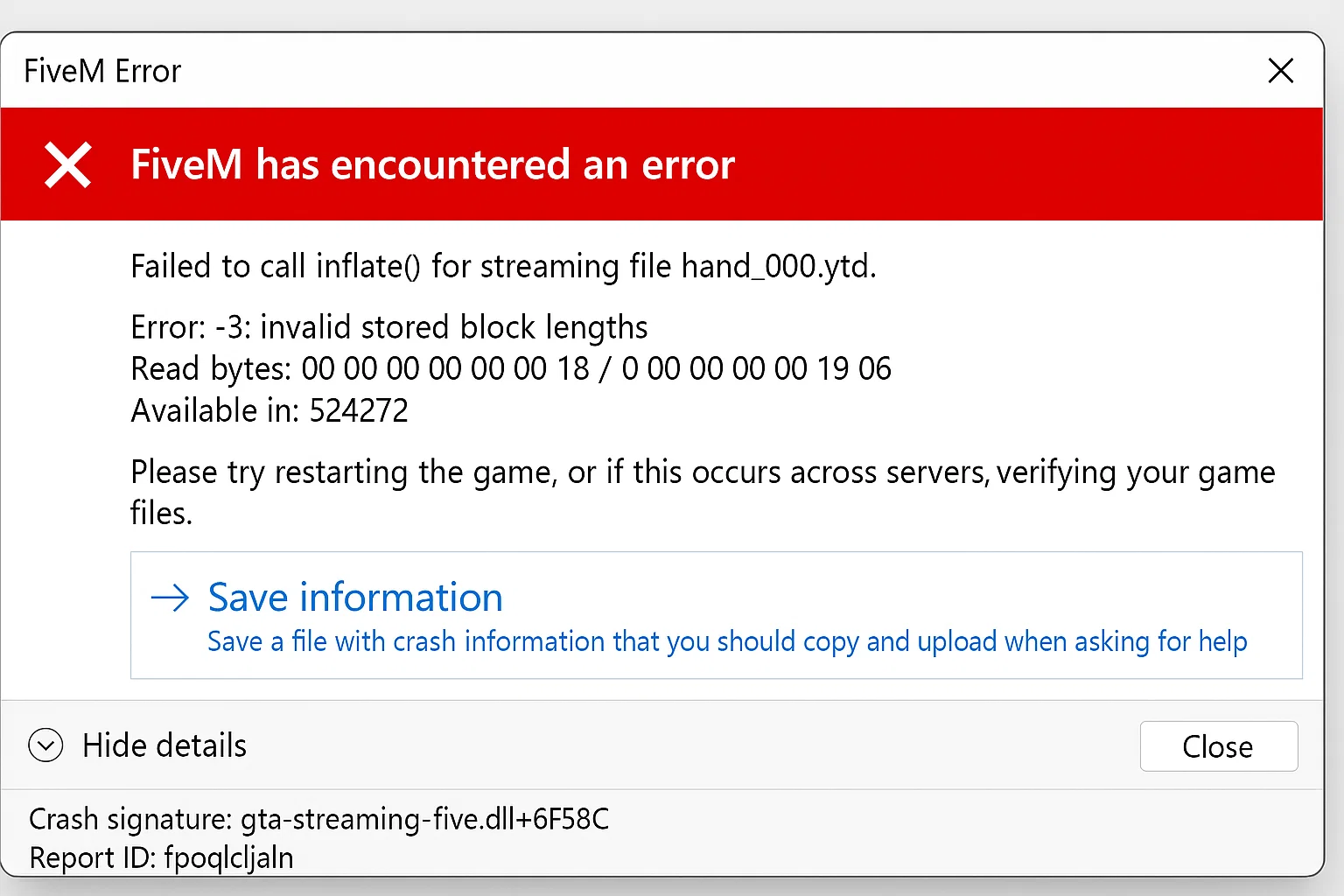
Respuesta rápida: sv_disableClientReplays es el convar del servidor FiveM utilizado cuando los jugadores encuentran un error de descompresión “Failed to Inflate” relacionado con los datos de reproducción del cliente. Agrega set sv_disableClientReplays true a server.cfg, reinicia FXServer y vuelve a probar con una caché de FiveM borrada. Si el error menciona un recurso específico en su lugar, aísla ese recurso primero; la configuración de reproducción sola no arreglará un mapa, paquete de ropa o paquete de vehículos roto.
Última actualización: 25 de junio de 2026
Lista de verificación de solución rápida
- Detén el servidor o programa una ventana de reinicio.
- Abre tu
server.cfg. - Si las repeticiones son parte del error o el servidor utiliza activos transmitidos grandes, agrega esta línea:
set sv_disableClientReplays true- Ahorrar
server.cfgy reinicia FXServer. - Limpia la caché FiveM del jugador afectado y luego reconéctate.
- Si el mismo recurso sigue fallando, detén temporalmente ese recurso y pruébalo de nuevo.
Esta configuración no es una solución mágica para todos los errores de inflado. Úsala cuando el error, el informe de fallo o el hilo de soporte apunten a datos de repetición del cliente, datos empaquetados corruptos o fallos repetidos de descompresión después de unirse al mismo servidor.
Qué significa el error
“Failed to Inflate” se refiere a la descompresión. FiveM recibe datos empaquetados para recursos, mapas, ropa, vehículos u otros archivos transmitidos. Si los datos empaquetados no se pueden descomprimir, el cliente puede fallar al unirse, bloquearse durante la carga o mostrar un error en la consola F8.
Las causas comunes son:
- descargas de recursos corruptas en la caché del cliente
- archivos transmitidos rotos o de tamaño excesivo en un recurso
- datos de repetición del lado del servidor que causan fallos repetidos del lado del cliente
- activos subidos parcialmente después de una implementación FTP/SFTP fallida
- un archivo de recurso o activo protegido que no se carga correctamente
Paso 1: Verifica la línea exacta del registro
No empieces reinstalando cada recurso. Pide al jugador afectado el mensaje de la consola F8 o revisa la consola del servidor alrededor del intento de conexión. Busca un nombre de recurso, ruta de archivo o palabra clave repetida.
| Registro de pista | Qué verificar primero |
|---|---|
sv_disableClientReplays o repetir texto |
Agregar set sv_disableClientReplays true, reiniciar y volver a probar. |
| Se repite un nombre de recurso | Detén ese recurso, limpia el caché y reconéctate. |
| Solo un jugador afectado | Limpia el caché local FiveM de ese jugador primero. |
| Muchos jugadores afectados después de una subida | Vuelve a subir el último recurso modificado y verifica los tamaños de archivo. |
Paso 2: Limpiar el caché FiveM correctamente
Para una prueba del lado del jugador, cierra FiveM completamente, limpia las carpetas de caché de FiveM y luego vuelve a unirte. No elimines capturas de pantalla, configuraciones ni archivos GTA V no relacionados. Si necesitas la guía completa, usa nuestra Guía de limpieza de caché FiveM.
Si limpiar el caché soluciona el problema para un usuario, el recurso del servidor probablemente sea válido. Si cada nuevo jugador encuentra el mismo error después de limpiar el caché, pasa al aislamiento del recurso.
Paso 3: Aislar el recurso dañado
Desactiva el recurso modificado más recientemente y reinicia. Si el error desaparece, inspecciona ese recurso antes de reactivar todo.
- Verifica subidas interrumpidas y archivos de cero bytes.
- Verifica que los archivos del mapa y de vestimenta estén en la
streamcarpeta. - Comprueba que el recurso tenga un fxmanifest.lua.
- Revisa activos de transmisión muy grandes y divide paquetes sobredimensionados cuando sea necesario.
Paso 4: Reconstruir la lista de recursos
Después de arreglar un recurso, realiza un reinicio limpio en lugar de reiniciar en caliente docenas de dependencias. En txAdmin, reinicia el servidor durante una ventana de bajo tráfico. En un flujo de consola manual, detén el recurso, actualiza los recursos, inícialo de nuevo y luego reconéctate con el caché limpiado.
Cuándo usar sv_disableClientReplays
Usar set sv_disableClientReplays true cuando aparecen datos de reproducción en el contexto del error o cuando fallos repetidos de inflado del lado del cliente continúan después de la limpieza del caché. Colócalo en server.cfg, no dentro de un archivo de recurso aleatorio.
# server.cfg
set sv_disableClientReplays true
setr sv_disableClientReplays en server.cfg
Algunos ejemplos de server.cfg usan setr sv_disableClientReplays true en lugar de set sv_disableClientReplays true. Si la documentación de tu host o framework menciona setr, mantén la configuración en server.cfg, reinicia FXServer, luego vuelve a probar el mismo fallo de conexión con una caché de FiveM borrada.
# server.cfg
setr sv_disableClientReplays true
No agregues ambas formas repetidamente en los archivos de recursos. Usa una configuración de reproducción a nivel de servidor, luego vuelve a la aislamiento de recursos si el error "Failed to Inflate" sigue mencionando un mapa, paquete de ropa, paquete de vehículos u otro recurso transmitido.
Después de agregarlo, reinicia el servidor y pide que al menos dos jugadores afectados se reconecten. Si el problema persiste, vuelve al aislamiento de recursos en lugar de apilar convars no relacionadas.
Verificaciones relacionadas del servidor
- Guía de server.cfg de FiveM
- Cómo revisar los registros de txAdmin
- Cómo usar Resmon en FiveM
- Configuración de fxmanifest.lua
Preguntas frecuentes
¿sv_disableClientReplays soluciona todos los errores de Failed to Inflate?
No. Ayuda cuando los datos de reproducción son parte del patrón de fallo. Si el error nombra un recurso, arregla ese recurso primero.
¿Deberían los jugadores reinstalar FiveM?
Solo después de que la limpieza de caché y las verificaciones del lado del servidor fallen. Reinstalar es más lento que aislar el recurso o establecer el valor correcto en server.cfg.
¿Puede un solo MLO defectuoso causar esto?
Sí. Un activo transmitido roto puede provocar fallos de descompresión. Detén el paquete de mapa, ropa o vehículos más nuevo primero cuando el error comience después de una carga de contenido.
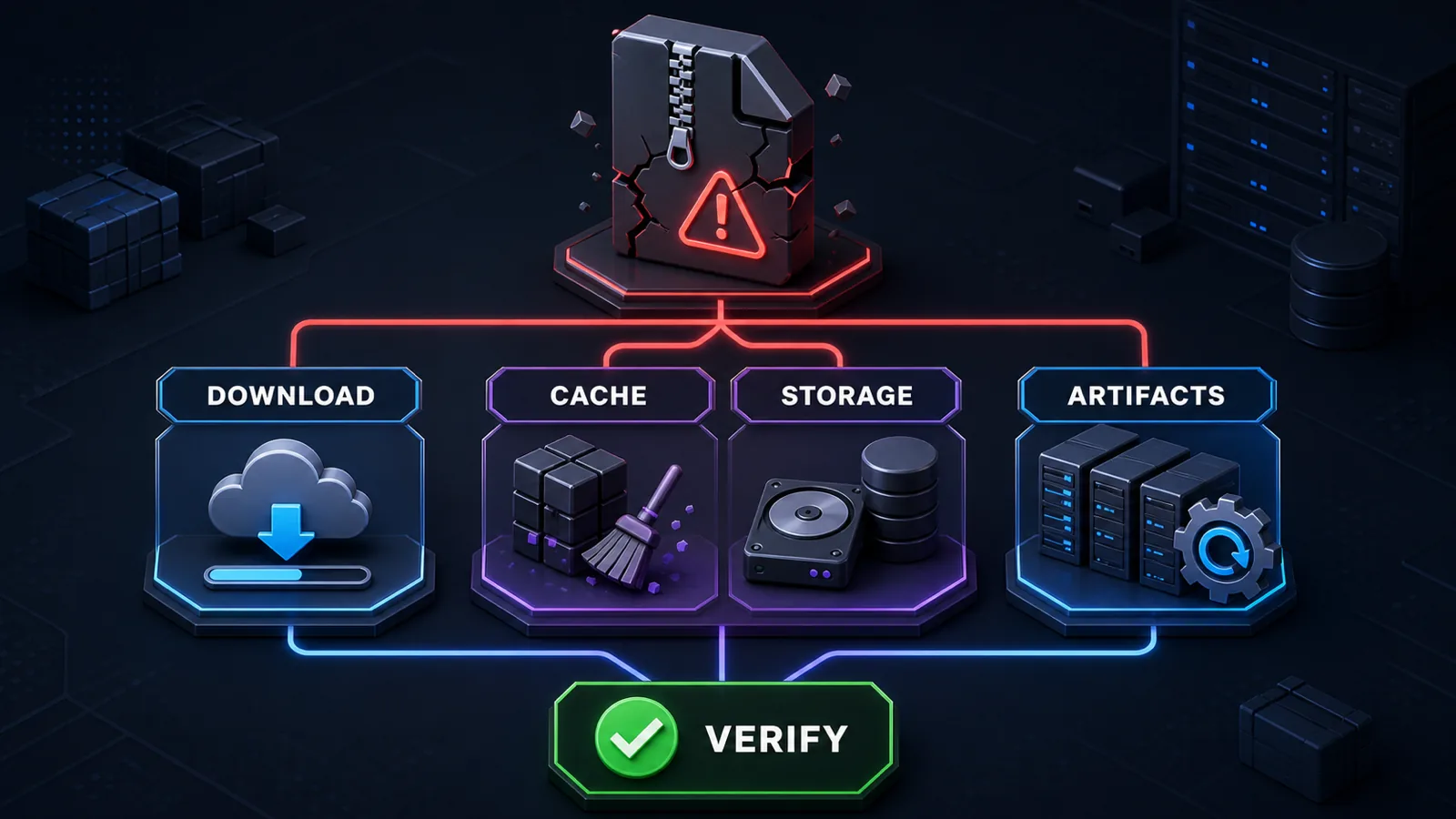
Ruta de decisión rápida para dueños de servidores
- Un recurso falla: obtén un archivo nuevo de la fuente legítima y compara su checksum o tamaño de archivo antes de extraerlo nuevamente.
- Varias descargas fallan: verifica el espacio libre en el disco, la salud del sistema de archivos, el comportamiento del proxy o CDN y que el archivo descargado no sea una respuesta de error HTML.
- Solo un jugador falla: cierra FiveM, preserva los diagnósticos útiles, borra la caché del cliente afectado y vuelve a intentar el mismo servidor.
- El servidor está desactualizado: haz una copia de seguridad de la instalación y actualiza a un artefacto de servidor Cfx.re soportado antes de escalar el problema.
No elimines datos del servidor sin relación o reemplaces archivos repetidamente sin verificar el resultado. Una repetición controlada con registros y checksums produce mejor evidencia que una reinstalación general.
Cfx.re: artefactos de servidor soportados y guía de actualización
Mantén la configuración de reproducción en server.cfg
Si el contexto del error menciona datos de reproducción, coloca set sv_disableClientReplays true en server.cfg, reinicia FXServer y vuelve a probar con una caché de cliente limpia. Algunos hosts o configuraciones existentes usan setr sv_disableClientReplays true; mantener el formulario requerido por ese entorno en lugar de agregar ambas líneas de manera ciega. Un recurso roto con nombre aún necesita ser aislado y reparado en lugar de ocultarse detrás de una configuración global.
Después de que el servidor se cargue nuevamente
Antes de agregar más recursos, revise Guía de server.cfg de FiveM, compara herramientas de administración del servidor, o use un paquete de servidor FiveM documentado como una fundación separada en etapas. No reemplace un servidor en vivo hasta que su base de datos, descargas y configuración estén respaldadas.