


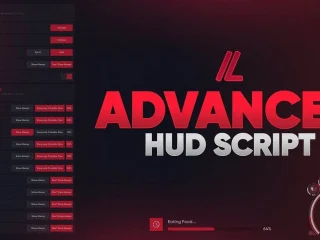

CodeM mWeaponshop – Système de boutique d'armes professionnelle pour FiveM
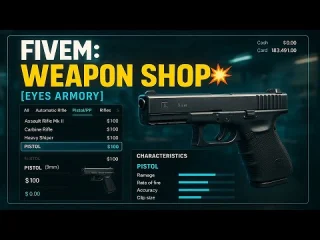
CodeM mWeaponshop transforme l'expérience d'achat d'armes sur votre serveur FiveM grâce à une interface moderne et entièrement personnalisable qui apporte une expérience de vente d'armes à feu réaliste à votre communauté de jeu de rôle. Conçu pour ESX, QB-Core, et Standalone Grâce à ses frameworks, ce script de boutique d'armes offre une vitrine professionnelle qui gère tout, des exigences en matière de licences à la gestion dynamique des stocks, créant ainsi une expérience authentique de magasin d'armes qui améliore l'économie de votre serveur et le jeu de rôle des forces de l'ordre.
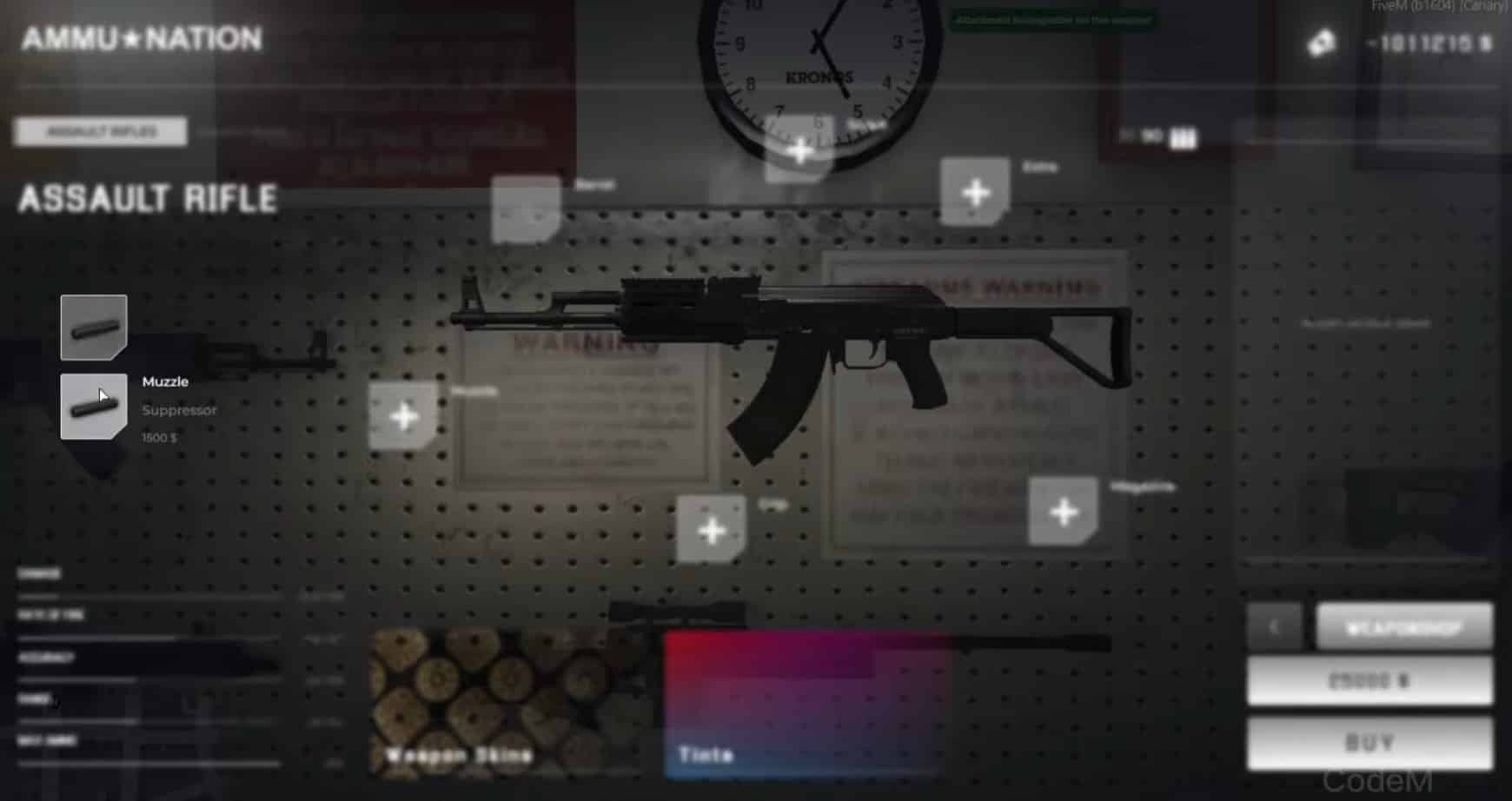
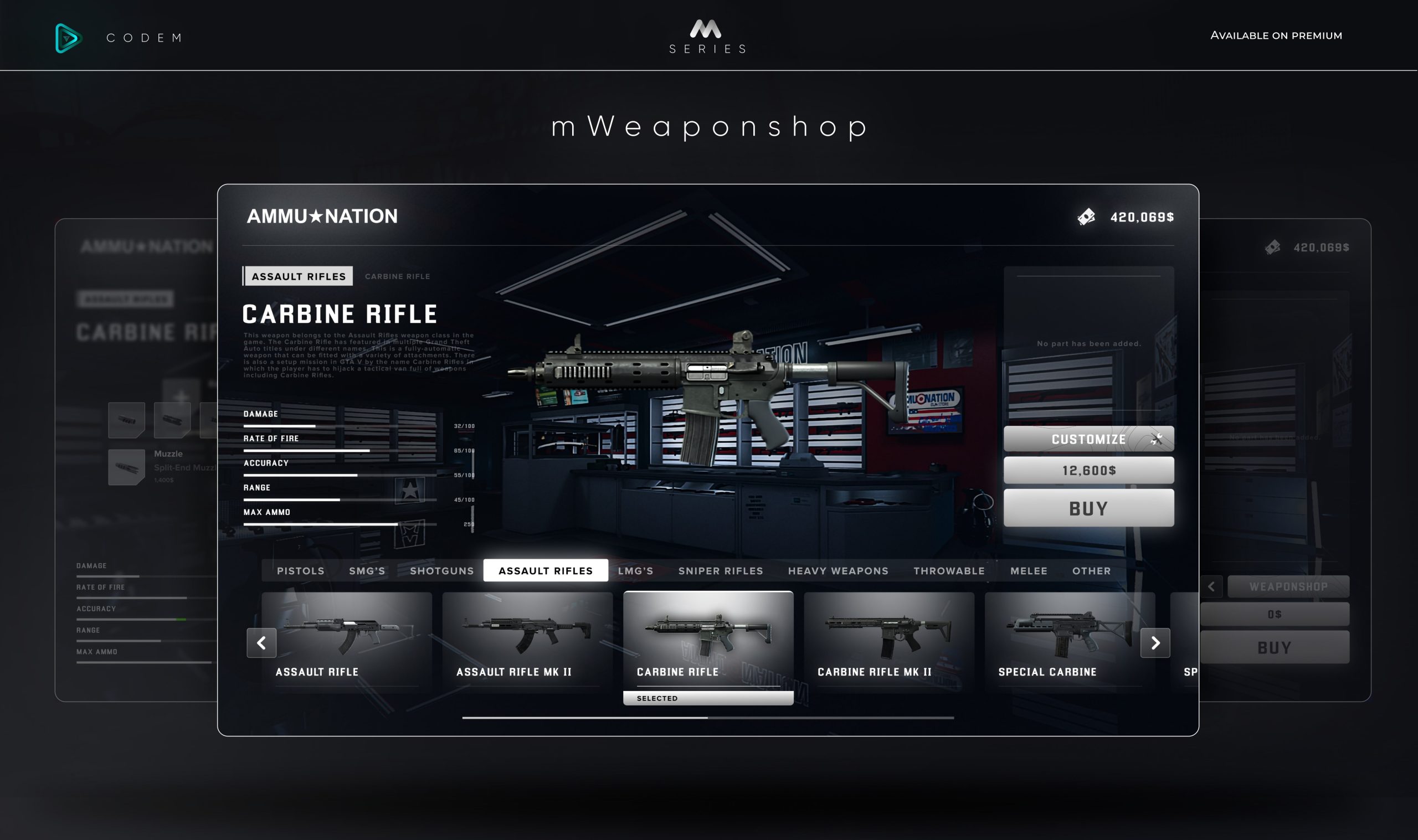
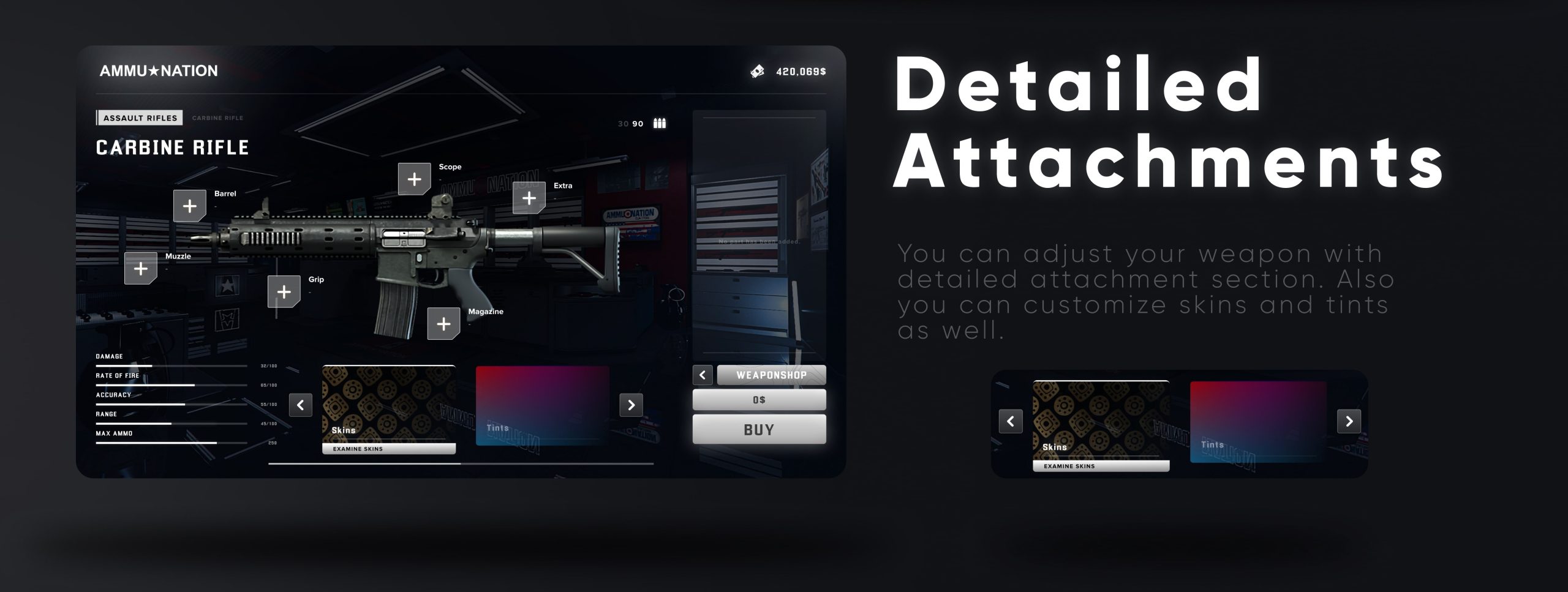
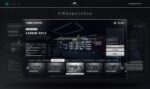
Ce qui distingue CodeM mWeaponshop, c'est son souci du détail dans la reproduction fidèle du commerce d'armes. Les joueurs interagissent avec une interface élégante et intuitive qui affiche en temps réel les statistiques, les prix et la disponibilité des armes. Le système prend en charge plusieurs emplacements de boutiques, des horaires d'ouverture personnalisables et des modes de paiement flexibles, ce qui le rend idéal pour les serveurs souhaitant créer différents types d'armureries sur leur carte : des armureries légales nécessitant un permis aux trafiquants clandestins opérant selon des règles spécifiques.
Ce qui est inclus
Le pack CodeM mWeaponshop offre une solution complète de vente d'armes, prête à être déployée sur votre serveur FiveM. Vous bénéficiez d'un script développé par des professionnels, d'une interface utilisateur moderne, d'options de configuration complètes et d'une intégration totale au framework, le tout fonctionnel immédiatement. Le système inclut des catégories d'armes préconfigurées, des structures tarifaires personnalisables et des fonctionnalités de sécurité intégrées pour prévenir les exploits et maintenir l'équilibre économique du serveur.
L'installation est simple : le script s'intègre parfaitement à votre système d'inventaire existant (que vous utilisiez ESX, QBCore ou ox_inventory) et inclut des fichiers de configuration détaillés permettant de personnaliser chaque aspect sans modifier le code source. Le package contient également des exemples de configuration pour différents types de boutiques, des armuriers légaux aux opérateurs du marché noir, vous offrant ainsi une grande flexibilité dans la distribution des armes sur votre serveur.
Caractéristiques principales
- Prise en charge multi-framework – Compatible avec ESX, QBCore et les configurations autonomes grâce à la détection automatique du framework, éliminant ainsi la configuration manuelle et garantissant la compatibilité avec votre infrastructure serveur existante.
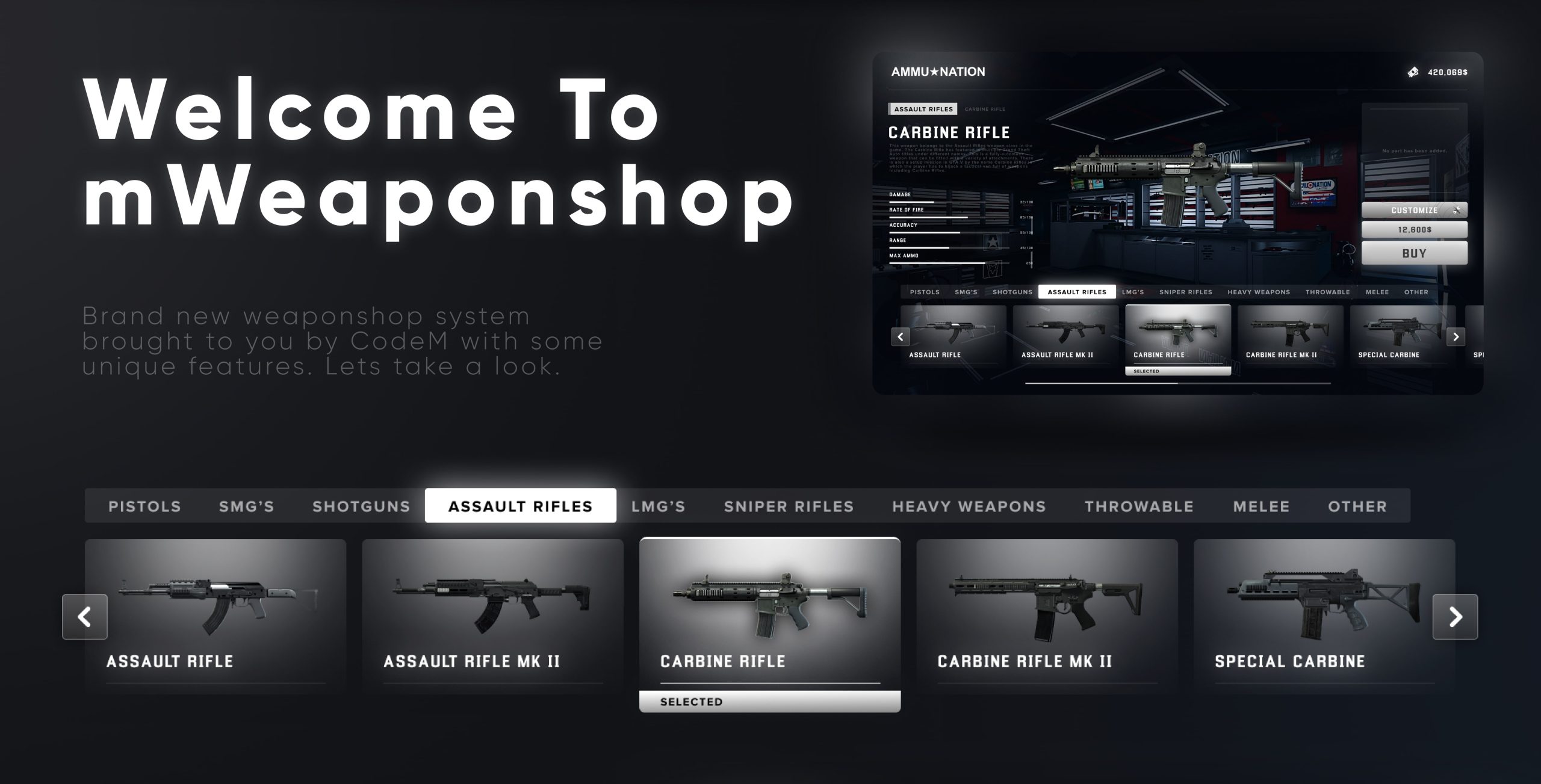
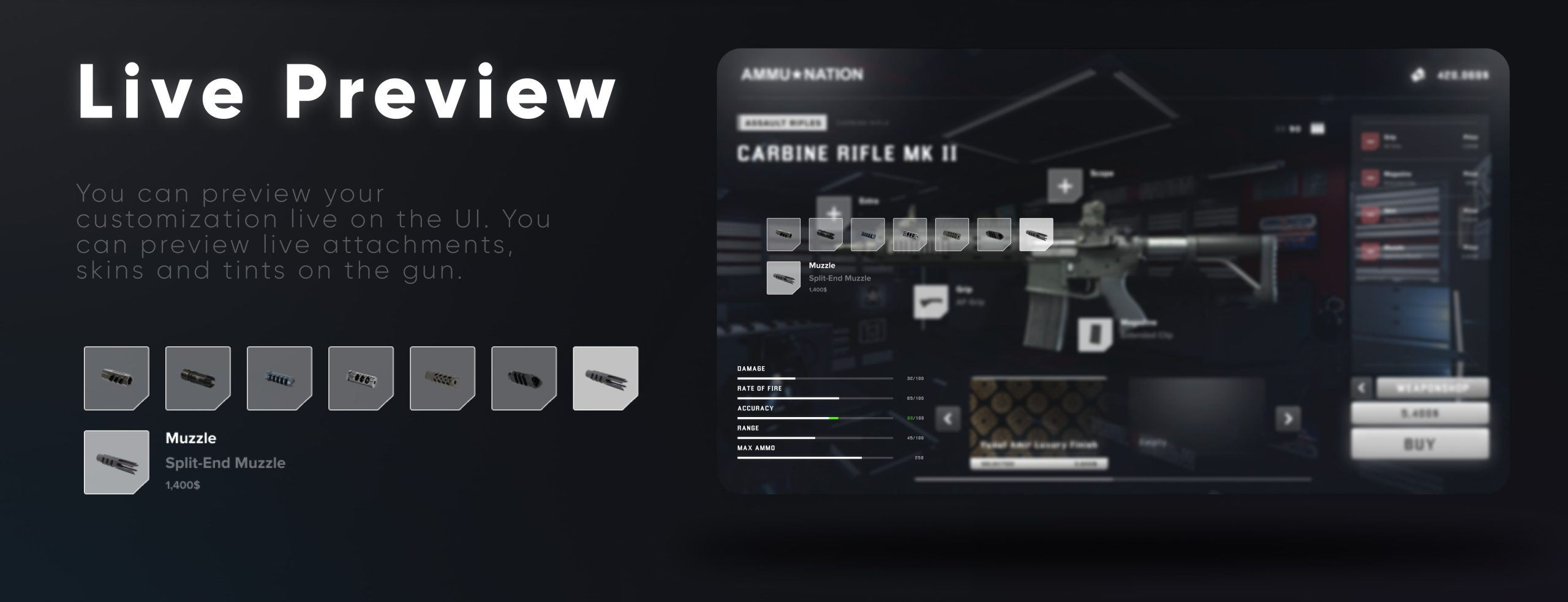
- Conception d'interface utilisateur moderne – Une interface épurée et réactive, avec des animations fluides et des aperçus d'armes qui améliorent l'expérience de jeu sans impacter les performances.
- Intégration du système de licences – Possibilité d'exiger un permis d'achat d'armes, intégration avec le système de licences de votre serveur pour garantir la légalité des ventes d'armes et création d'opportunités de jeu de rôle pour les forces de l'ordre
- Tarification dynamique – Configurez des plages de prix minimum/maximum qui tiennent compte des fluctuations économiques, des marges des concessionnaires et des promotions spéciales, tout en maintenant l'équilibre.
- Plusieurs points de vente – Créez un nombre illimité d'armureries sur votre carte, chacune avec des stocks, des prix et des restrictions uniques afin de diversifier les marchés des armes.
- Système d'horaires d'ouverture – Définissez des horaires d'ouverture personnalisés pour chaque magasin, avec des notifications automatiques lorsque les joueurs tentent d'accéder à des magasins fermés.
- Emploi Restrictions – Interdire l’achat d’armes à certaines professions ou créer des boutiques réservées à certaines professions (comme police armureries ou caches d'armes de gangs)
- Flexibilité des paiements – Prise en charge des paiements en espèces et par carte bancaire avec journalisation intégrée des transactions pour le suivi économique et la vérification anti-fraude
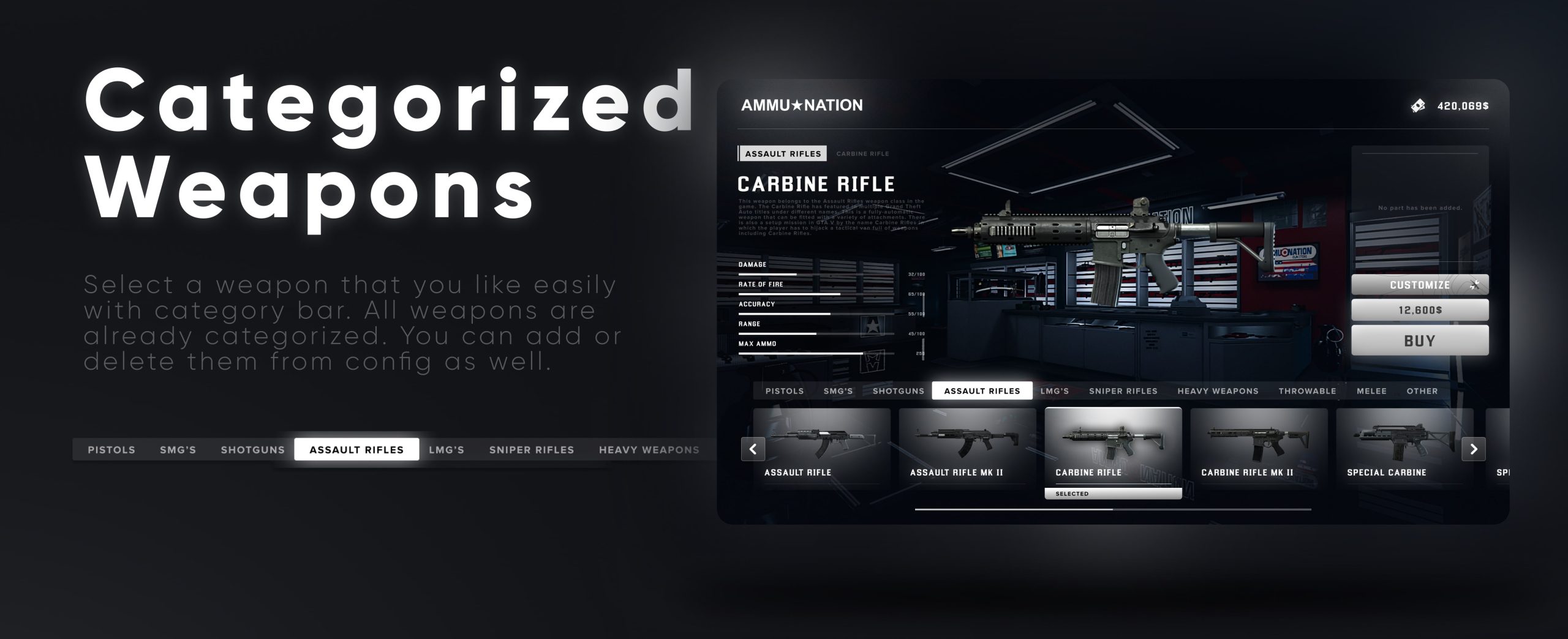
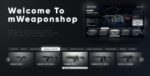
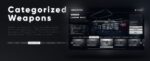
- Catégories d'armes – Organisez les armes en catégories logiques (pistolets, fusils, fusils de chasse, armes de mêlée) pour faciliter la navigation et la gestion de l'inventaire.
- Gestion des stocks – Les limites de stock optionnelles créent une rareté et des délais de réapprovisionnement qui ajoutent du réalisme à la disponibilité des armes
- Blips et marqueurs personnalisés – Marqueurs de carte et points d'interaction entièrement personnalisables, avec prise en charge de différents types et couleurs de marqueurs par emplacement
- Protection contre l'exploitation – Des dispositifs de sécurité intégrés empêchent les achats en double, la manipulation des prix et les tentatives d'accès non autorisés.
Parfait pour
- Serveurs de jeu de rôle sérieux – Créez des expériences authentiques en armurerie grâce à des exigences de permis, des vérifications d'antécédents et une vente d'armes réglementée.
- Communautés axées sur l'économie – Contrôler la distribution et le prix des armes afin de maintenir l'équilibre économique des serveurs et de créer des opportunités commerciales rentables
- Jeu de rôle des forces de l'ordre – Mettre en œuvre des systèmes de suivi légal des armes et de vérification des permis, et élaborer des scénarios relatifs au trafic illégal d'armes
- Serveurs de gangs/criminels – Mettez en place un réseau de trafiquants d'armes clandestins proposant des stocks différents, des prix plus élevés et des lieux de transaction plus risqués.
- Serveurs militaires/tactiques – Créer des arsenaux spécialisés avec des restrictions d'emploi pour les factions militaires ou de sociétés militaires privées ayant un accès exclusif aux armes
Détails techniques
- Compatibilité du framework : ESX (Legacy/1.9.x), QBCore, Autonome
- Systèmes d'inventaire : Inventaire ESX, inventaire QBCore, ox_inventory, inventaires personnalisés
- Performance: Code optimisé avec une utilisation minimale des ressources (<0,02 ms en veille, <0,15 ms en activité)
- Dépendances: Spécifique au framework (es_extended OU qb-core), optionnel : ox_lib pour les améliorations de l’interface utilisateur
- Base de données: Utilise la structure de base de données existante du framework, aucune table supplémentaire n'est requise.
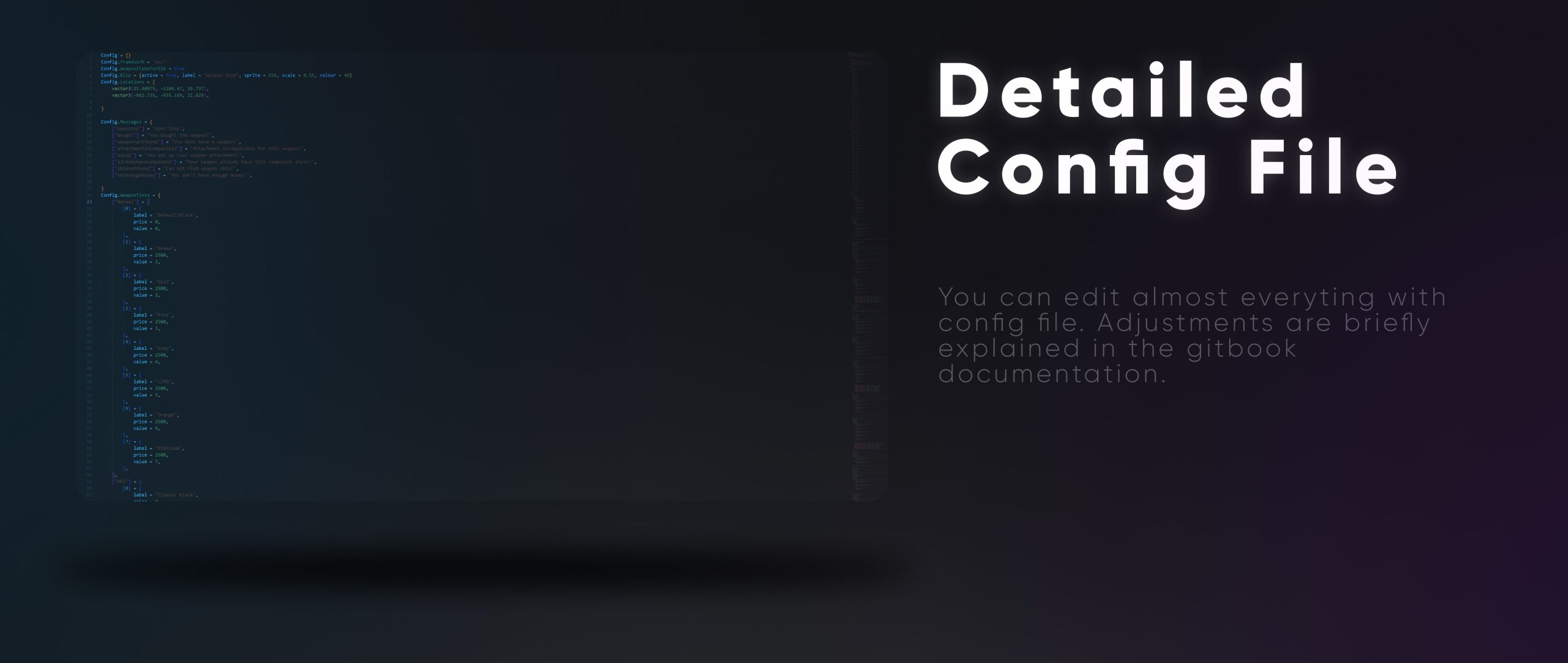
- Personnalisation : Fichier config.lua complet avec plus de 100 options, aucune modification de code requise pour la personnalisation de base.
Installation
- Télécharger et extraire – Extrayez la ressource CodeM mWeaponshop dans le dossier des ressources de votre serveur.
- Configurer le framework – Ouvrez le fichier config.lua et vérifiez les paramètres du framework (la détection automatique fonctionne généralement, mais une modification manuelle est possible).
- Définir l'emplacement des boutiques – Définissez les coordonnées, les stocks et les paramètres de l'armurerie dans le tableau de configuration des emplacements
- Configurer les armes – Personnalisez les prix, les catégories et la disponibilité des armes dans la section de configuration des armes.
- Ajouter à Server.cfg – Ajoutez ensure codem-mweaponshop à votre fichier server.cfg
- Redémarrer le serveur – Redémarrez votre serveur et vérifiez que les boutiques s'affichent correctement (icônes et inventaire).
- Achats tests – Effectuez des achats tests pour vérifier que le traitement des paiements, la livraison des stocks et la vérification des licences fonctionnent correctement.
Compatibilité du framework
- ✅ Héritage ESX – Prise en charge complète avec détection automatique, compatible avec tous les systèmes d'inventaire ESX
- ✅ ESX 1.9.x – Compatible avec les anciennes versions d'ESX, y compris les modifications d'inventaire personnalisées
- ✅ QB-Core – Intégration complète de QBCore avec prise en charge de qb-inventory et ox_inventory
- ✅ Standalone – Peut fonctionner de manière autonome avec des systèmes d'inventaire personnalisés via des fonctions d'exportation
Ce qui le distingue
CodeM mWeaponshop excelle par sa flexibilité et sa présentation. Alors que de nombreux scripts d'armurerie offrent des fonctionnalités basiques, CodeM propose une expérience soignée et professionnelle, digne d'une véritable entreprise. Son interface utilisateur est spécialement conçue pour mettre en valeur les armes : statistiques, descriptions et conditions d'achat sont affichées clairement, sans noyer les joueurs sous un flot d'informations. Le système multi-lieux permet de créer différents marchés d'armes : armureries légales en ville exigeant permis et pièce d'identité, magasins d'articles de sport en zone rurale proposant fusils et carabines de chasse, et trafiquants clandestins dans des lieux louches, vendant sans poser de questions à prix d'or.
Le système de configuration du script est véritablement complet sans être complexe. Vous pouvez définir des sélections d'armes différentes selon le lieu, créer une disponibilité horaire (certaines armes disponibles uniquement à certaines heures), appliquer des réductions ou des restrictions liées à la profession, et même créer des niveaux d'armes réservés aux VIP. Le système de paiement est particulièrement bien conçu, prenant en charge les espèces et les cartes avec des frais de transaction configurables, des options de paiement au noir pour les trafiquants illégaux, et un journal complet pour le suivi de l'économie. Pour les administrateurs de serveurs soucieux du roleplay et de l'équilibre économique liés aux armes, CodeM mWeaponshop fournit les outils nécessaires pour créer un marché des armes réaliste et captivant qui enrichit l'expérience de jeu sans complexifier l'interface pour les joueurs.
Points saillants de la configuration
- Paramètres par emplacement Chaque magasin peut avoir des horaires d'ouverture, une sélection d'armes, des coefficients multiplicateurs de prix et des restrictions d'emploi qui lui sont propres.
- Intégration des licences – Fonctionne avec les licences ESX, les licences QBCore ou les systèmes de licences personnalisés via une configuration simple
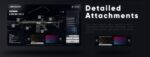
- Affichage des statistiques de l'arme – Afficher ou masquer les statistiques de dégâts, de précision et de portée des armes dans l'interface utilisateur afin d'aider le joueur à prendre ses décisions.
- Limites d'achat – Fixer des limites d'achat quotidiennes/hebdomadaires par joueur afin d'empêcher l'accumulation d'armes et de maintenir leur rareté.
- Système de notification – Notifications personnalisables pour les achats, les fonds insuffisants, les boutiques fermées et les exigences de licence
Assistance et mises à jour
CodeM assure un support actif de mWeaponshop grâce à des mises à jour régulières garantissant la compatibilité avec les mises à jour de FiveM et les évolutions majeures du framework. Le script bénéficie d'une maintenance continue : corrections de bugs, ajout de fonctionnalités basées sur les retours de la communauté et optimisations pour les nouvelles versions de FiveM. La documentation est exhaustive et couvre l'installation, la configuration, le dépannage et les options de personnalisation avancées.



Taurean (client confirmé) –
Parfait ajout à notre serveur de rôle.
WizardLuke43 (client confirmé) –
Exactement ce dont notre serveur avait besoin. Simple à installer, facile à utiliser et fiable.
FelixHunter231 (client confirmé) –
La qualité est nettement supérieure à de nombreuses alternatives que j'ai essayées.
Mara en colère (client confirmé) –
Excellente qualité dans l'ensemble. Les animations, l'interface et les fonctionnalités sont toutes soignées.
Hailie (client confirmé) –
J'utilise beaucoup d'articles, celui-ci est clairement le meilleur
Marguerite (client confirmé) –
Facile à installer et facile à personnaliser.
Christelle (client confirmé) –
Très satisfait de cet achat.